 Current location:
Home
> Solution > Advertising Machine Digital Signage Solution
 Release date: 2026-10-10
 Clicks:0
Centrally manage all of the world's digital signage hardware through a browser: upload media, edit shows, schedule playlists, schedule releases, and remotely control every device in real time. No local installation is required, content publishing is as simple as sending an email, and it is suitable for multi-location, multi-screen, multi-language global operations.
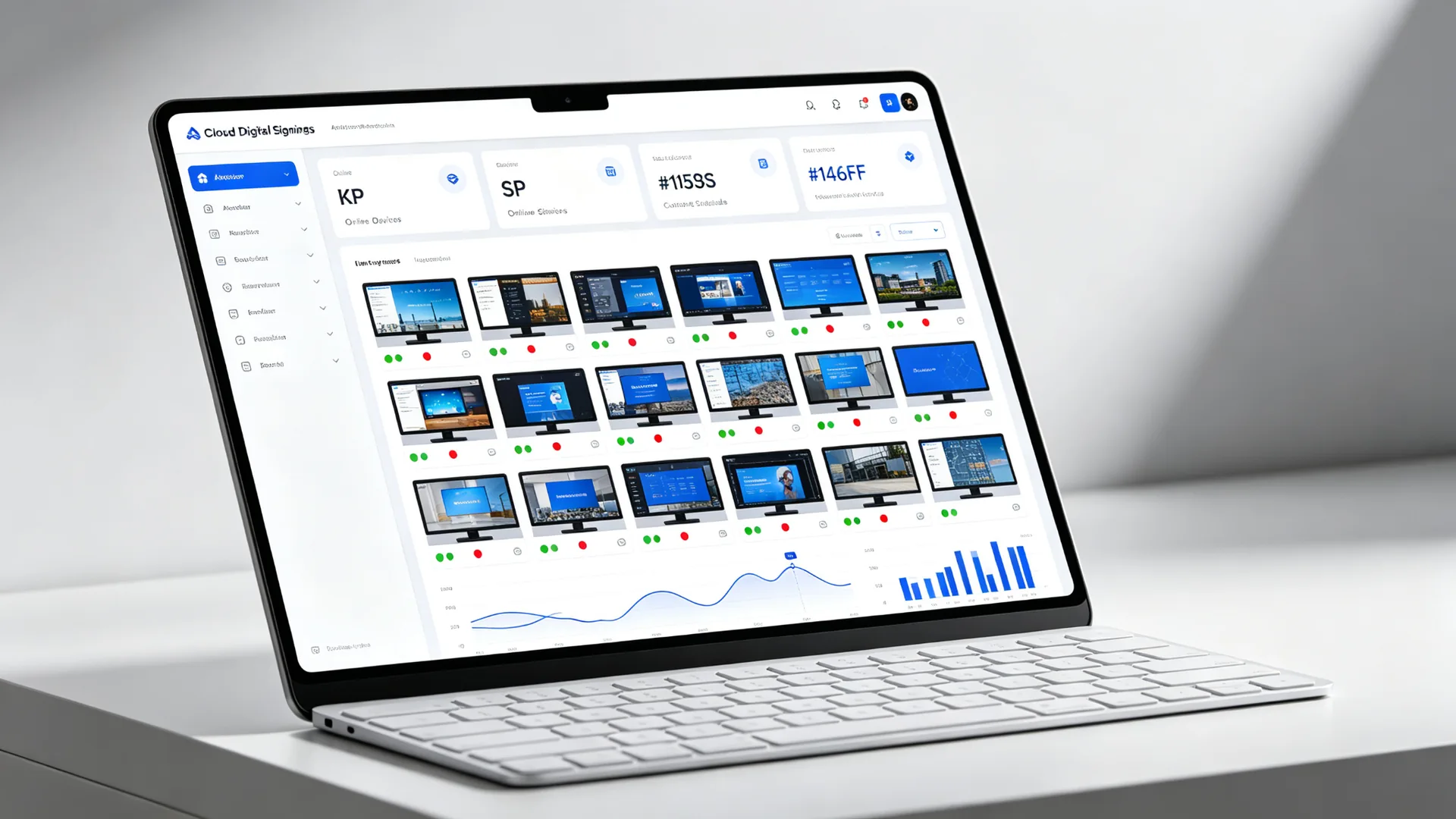
The more screens and stores are scattered, the more out of control content updates, equipment operation and maintenance, and fault response will be. Are the following 6 questions consuming your team and budget?
Each screen has to be maintained one by one, and the cost of manpower and time remains high when changing the active materials to all stores.
Relying on the network to play in real time, the screen is black when the network is broken. Multi-screen content is not synchronized, which directly affects customer experience and brand image.
Without a professional designer, a decent picture cannot be made, the operation demand is scheduled for a long time, and the marketing activities always miss the best window.
Device Status Not Visible; Faults Are Only Detected via Customer Complaints. On-Site Inspections & Service Calls Incur High Costs with Slow Response.
Promotion price adjustment, suspension notice and emergency announcement cannot be inserted into all screens with one click. Missing the time limit is a loss.
Multinational chains need to manage multilingual content, cross-timezone content scheduling, and role-based access authorization for different departments. Spreadsheet-based workflows have long become unmanageable.
| Management phase | Traditional Manual Solutions | Qtenboard CMS Cloud Management |
|---|---|---|
| Content updated | Store-by-store U disk copy/mail distribution, which takes several days. | One-click synchronization of all terminals in the cloud is completed in minutes. |
| Equipment maintenance | On-site inspection, on-site maintenance, high cost and slow response | Remote restart, volume adjustment, upgrade system, online processing |
| network dependency | When the network is broken, the screen is black, and the playback is interrupted. | Content local cache, offline play as usual |
| Play schedule | Manual timing, manual version change, error-prone | Automatic scheduling by time/date/cycle, real-time insertion of emergency content |
| Permissions and Collaboration | No permission system, management confusion | Sub-account level authorization, multi-department security collaboration |
Qtenboard CMS uses cloud centralized management, visual editing, local playback and remote control to solve the above problems in one stop.
Qtenboard CMS is a highly integrated, enterprise-class digital signage content management and streaming media platform, which is used to plan, create, organize and execute your digital content strategy: remotely manage, distribute and control all digital signage hardware-promotion screen, information inquiry machine, advertising machine, digital wall, LCD display screen, interactive whiteboard, etc. through cloud CMS, and manage to the end from a single-screen shop to a thousand-screen chain platform.
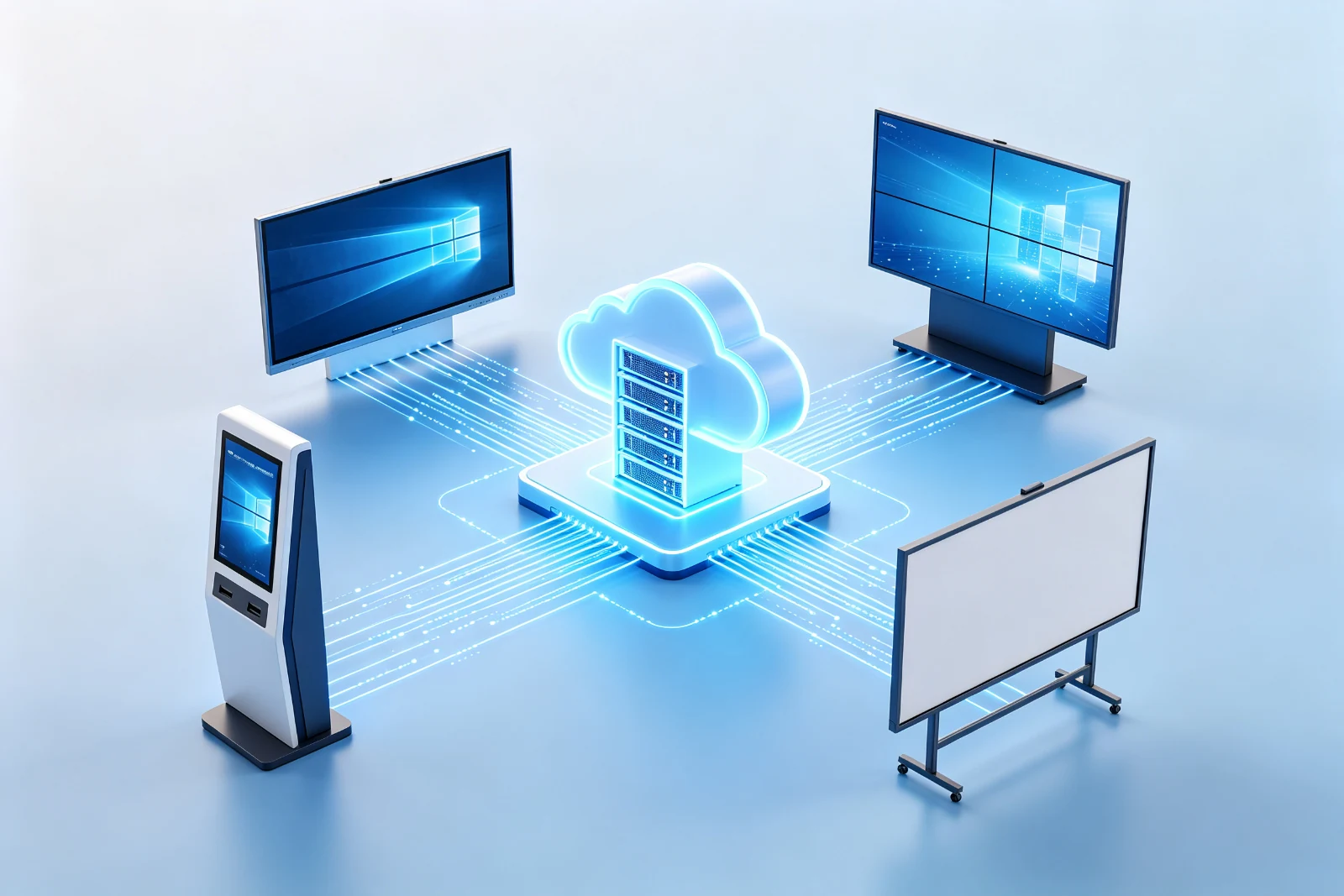
Hardware Ecology:Advertising machine · Interactive Whiteboard · Information query all-in-one machine · LCD display screen
From content storage, creative production to terminal playback, the three-tier architecture is interlocked to form a complete cloud digital signage software closed loop.
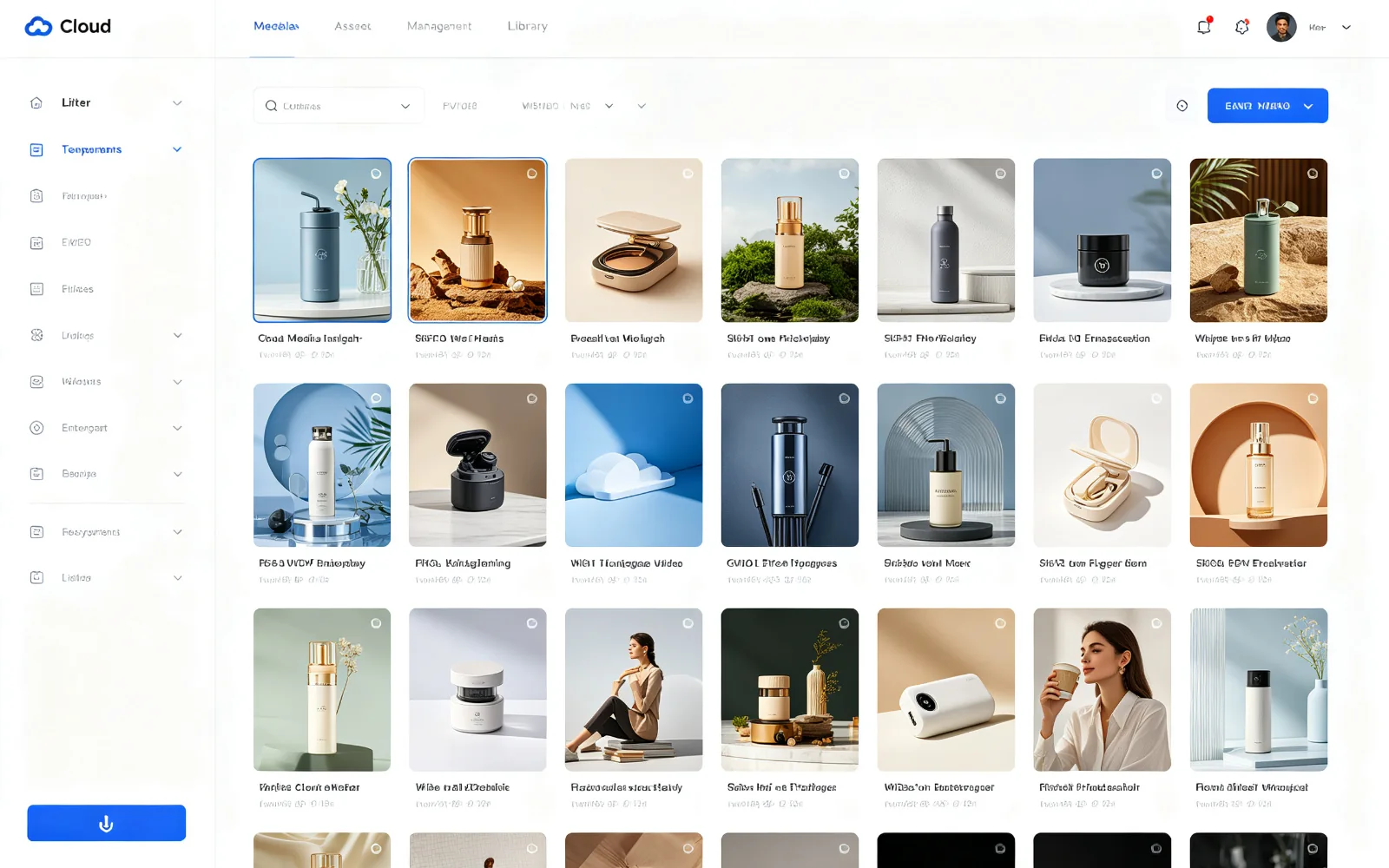
Secure storage, classification, and centralized management of all digital media assets, support multiple formats such as pictures, videos, audio, documents, web materials, and live streams, and share and reuse multiple terminals to prevent version confusion.
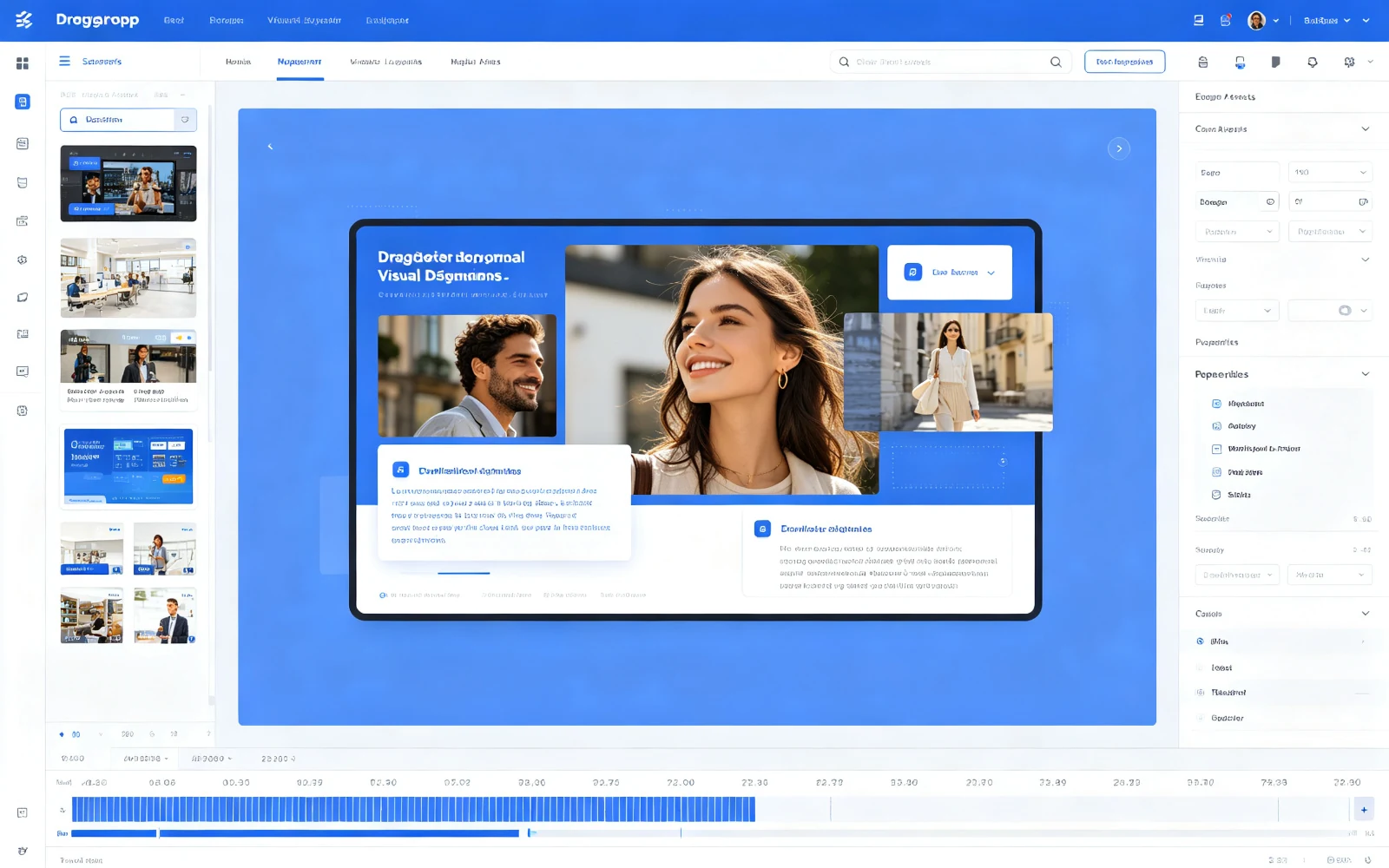
Visual drag and drop editing without complicated design process; Professional template library accelerates content creation; Instant preview of verification effect before release, so that marketing activities can be quickly launched.
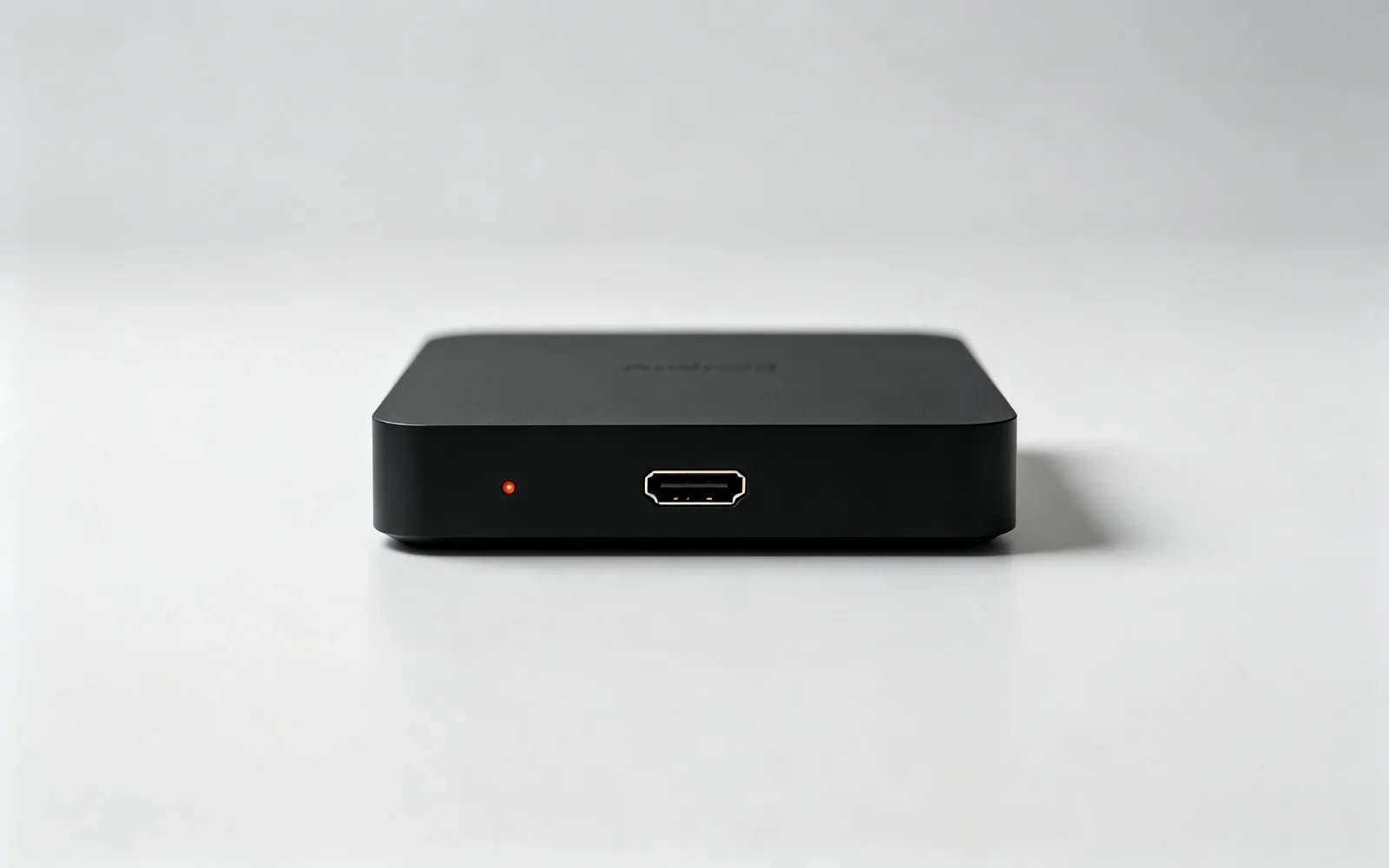
The terminal automatically downloads the content to the local storage, and can play stably and synchronize multiple screens when the network is disconnected. It is deeply adapted to the Qtenboard hardware, and has both playback performance and equipment reliability.
Media upload, program editing, playlist, device management, playback scheduling, download monitoring-from content to terminal, every step is controllable and traceable.
Value:Material centralized management to avoid version confusion, higher reuse rate.
Value:Operators can produce content and respond quickly to marketing campaigns without the need for expertise.
Value:Different content is played in different time periods and different areas, and the arrangement efficiency is higher.
Value:Unified management of multi-location equipment, significantly reducing the cost of on-site inspection.
Value:Timed, directed, automated release, rapid response to emergencies.
Value:Ensure zero content latency and higher publishing reliability.
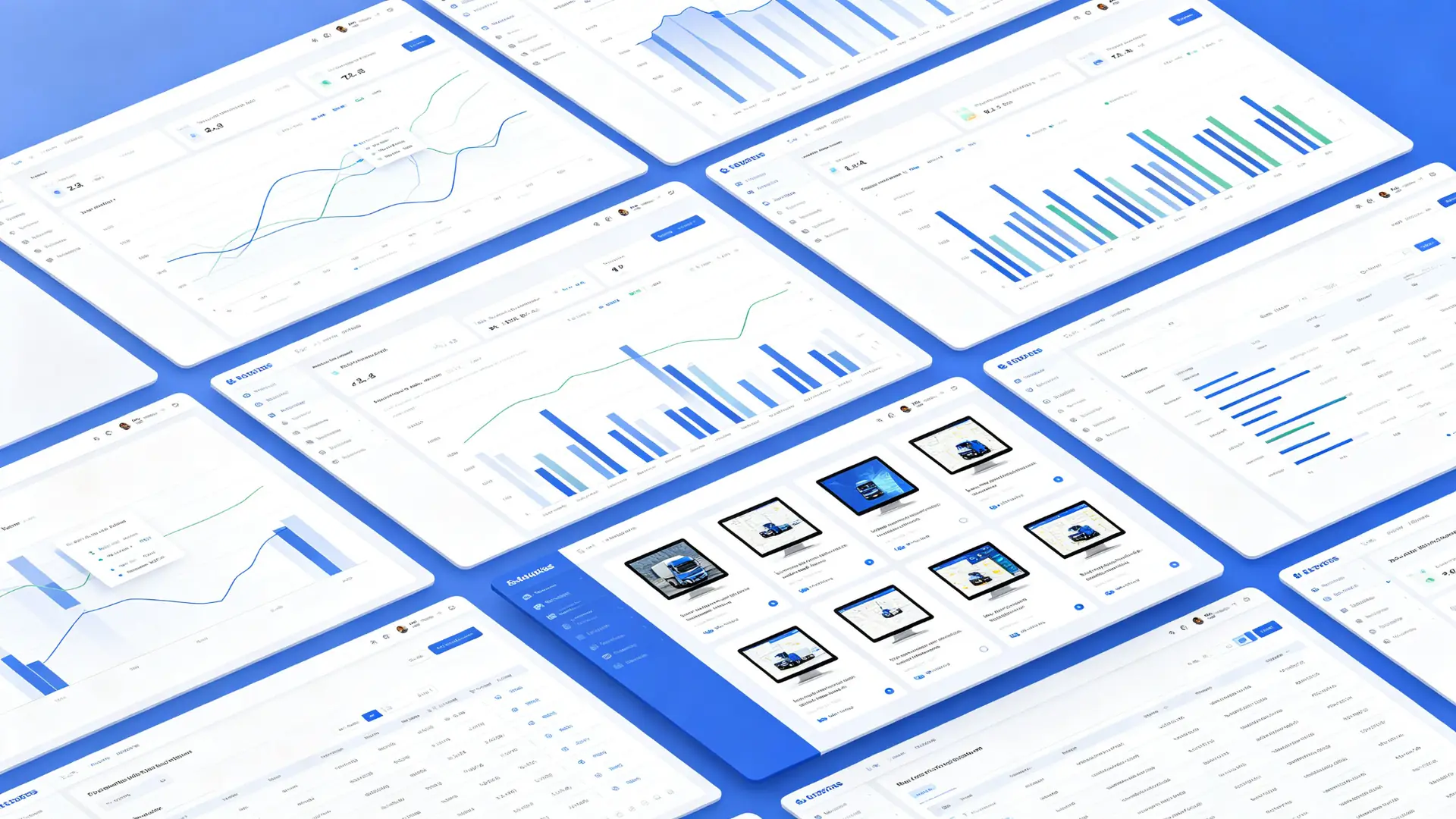
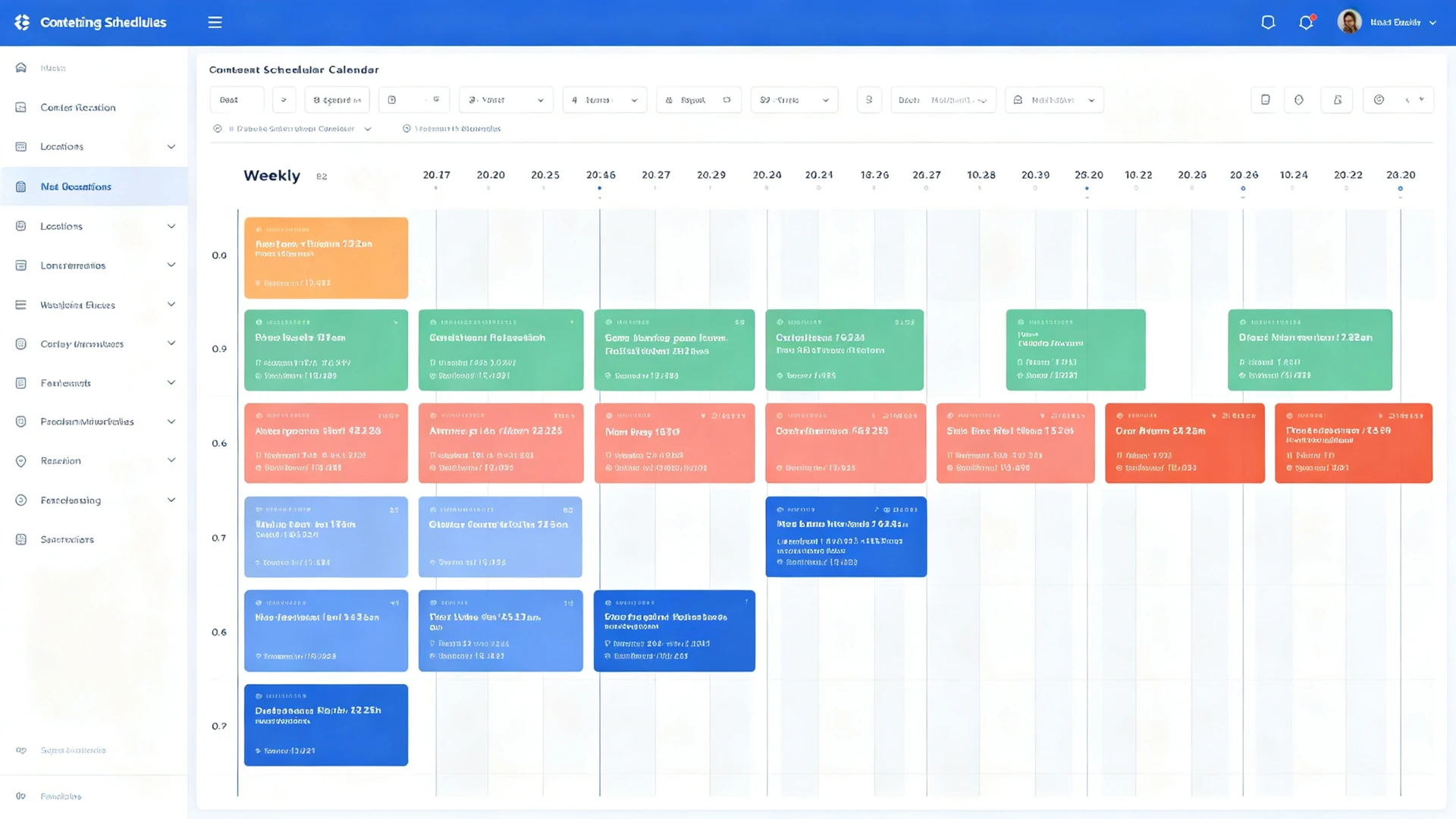
When your screen network expands from dozens to thousands, permissions, operation and maintenance, and integration capabilities determine everything.
Create and assign sub-accounts to customize permissions such as content editing, device management, and hierarchical management, which is suitable for team collaboration and multi-department hierarchical management.
Remote restart, volume adjustment, system upgrade, switch screen scheduling, online processing of common faults, reduce on-site maintenance costs.
Single-screen multi-area split screen, while displaying video, pictures, text and real-time data; Support digital wall, video wall, exhibition hall, control room scene.
Support docking POS, ERP, CRM, HIS and other business systems with third-party data sources, real-time data on the screen, so that signs become part of digital operations.
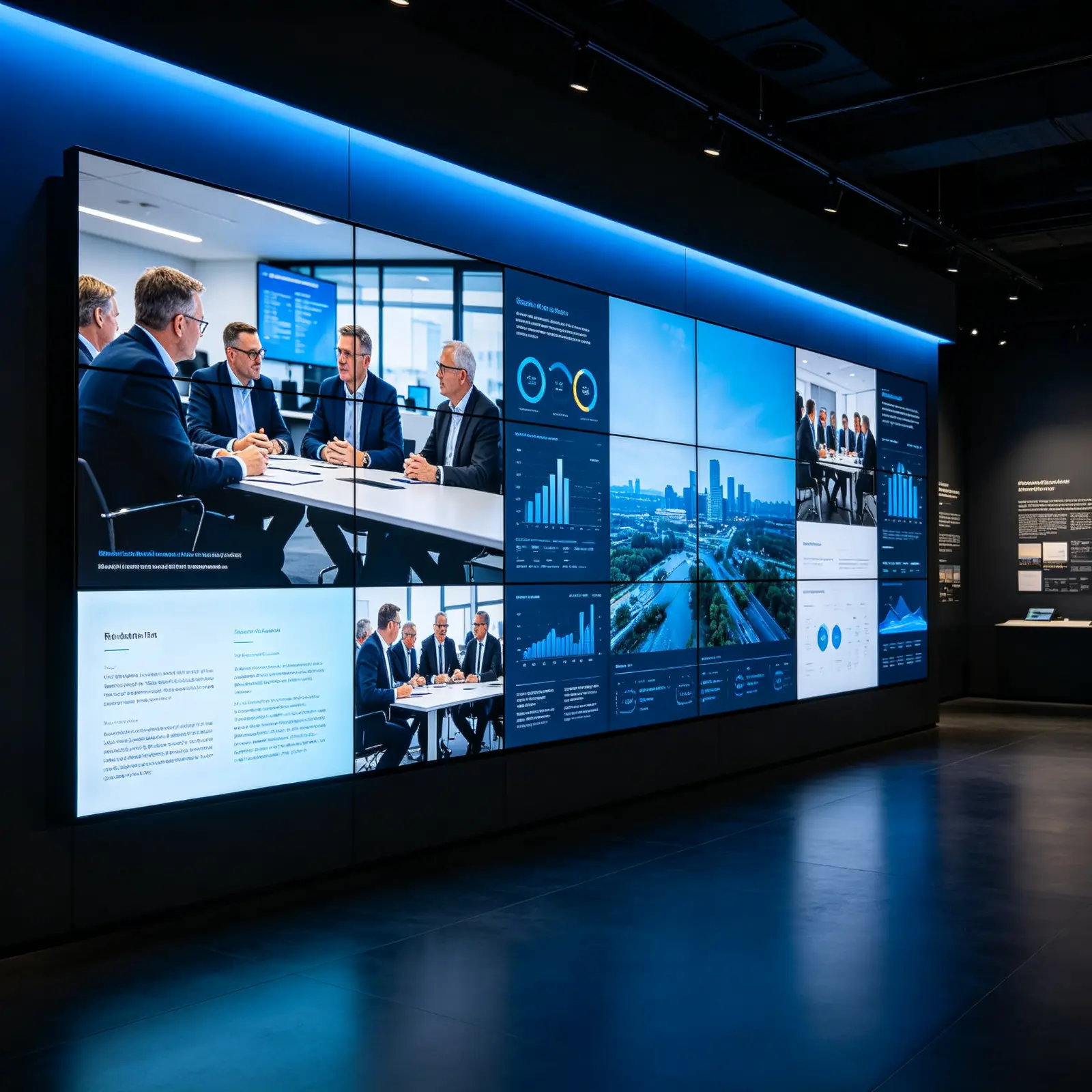
Each benefit directly corresponds to a quantifiable cost savings or efficiency gain-that's why businesses choose cloud-based digital signage software.
Fully cloud-hosted, no local installation required; PCs, notebooks, any networked device open a browser to manage the entire screen.
No need for professional technical background, visual interface drag-and-drop editing one-click release, content creation and update more efficient.
The terminal automatically downloads the content to the local, and the network is unstable and does not affect the playback; the cloud is centrally controlled and the content of multiple devices is consistent.
Real-time monitoring of terminal playback content and equipment status, remote execution of control commands, reduce downtime and maintenance costs.
Native support for English, Spanish, Japanese, Chinese, Russian, Thai, Vietnamese 7 languages, suitable for global business and cross-border content management.
Whether a single store or a global chain, Qtenboard CMS can flexibly expand according to your business rhythm-from 1 screen to 1000 screens.
Promotion screen and new product display
Digital menu board and marketing screen
Front office image and internal information release
Campus Information Release and Smart Classroom
Waiting Information and Health Education
Guidance screen and exhibition information release
Train information and advertising
Public Information Release and Emergency Notification

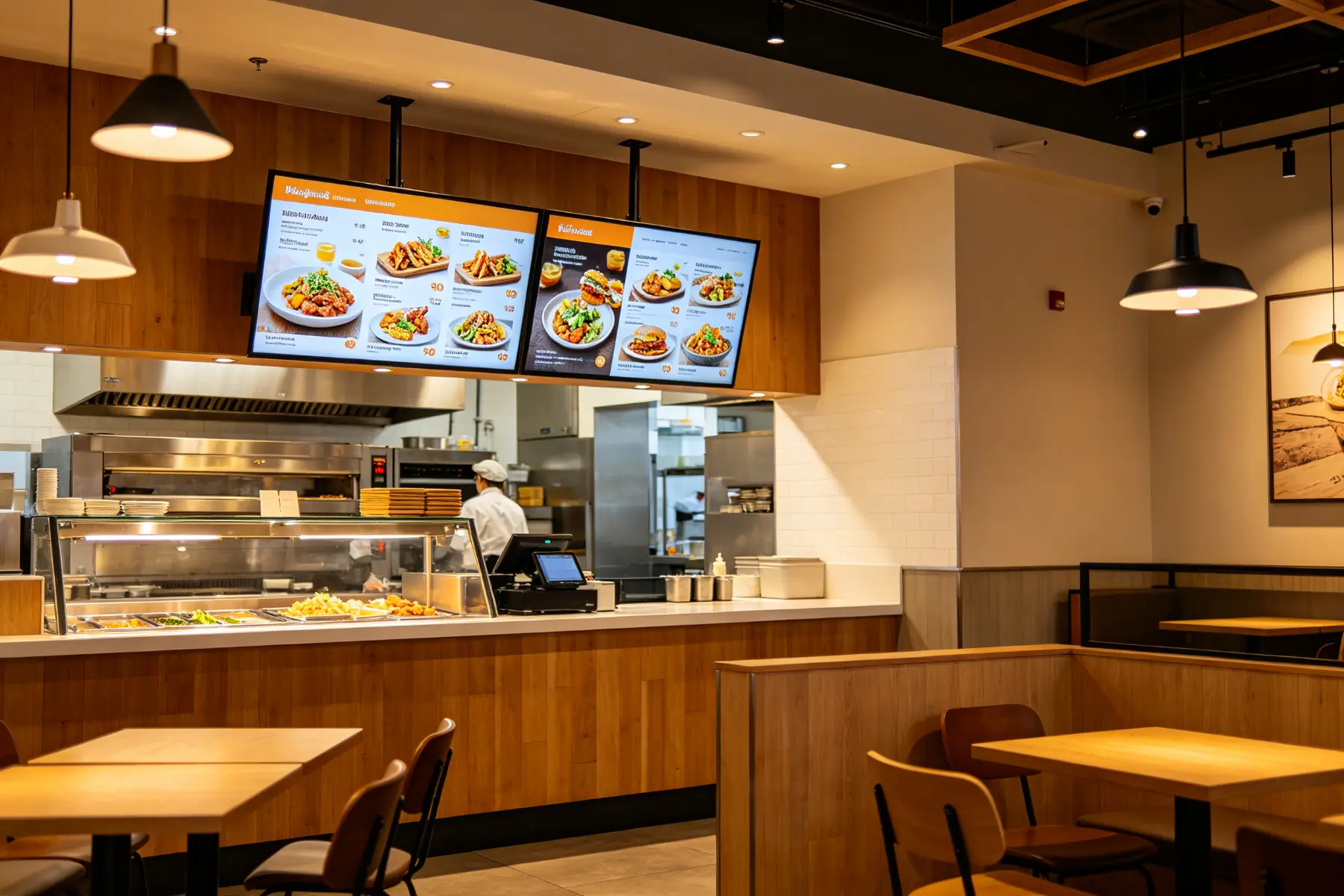
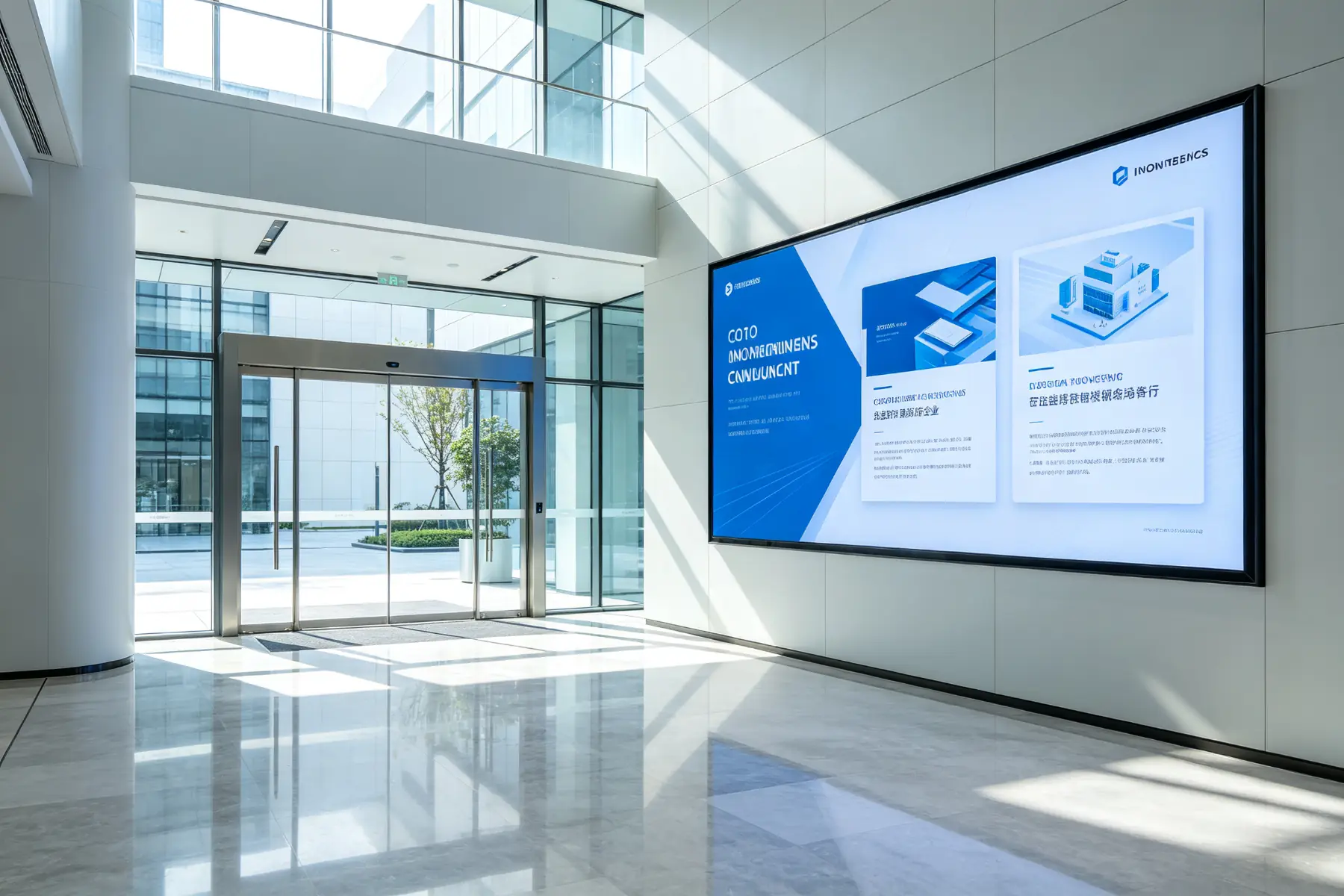
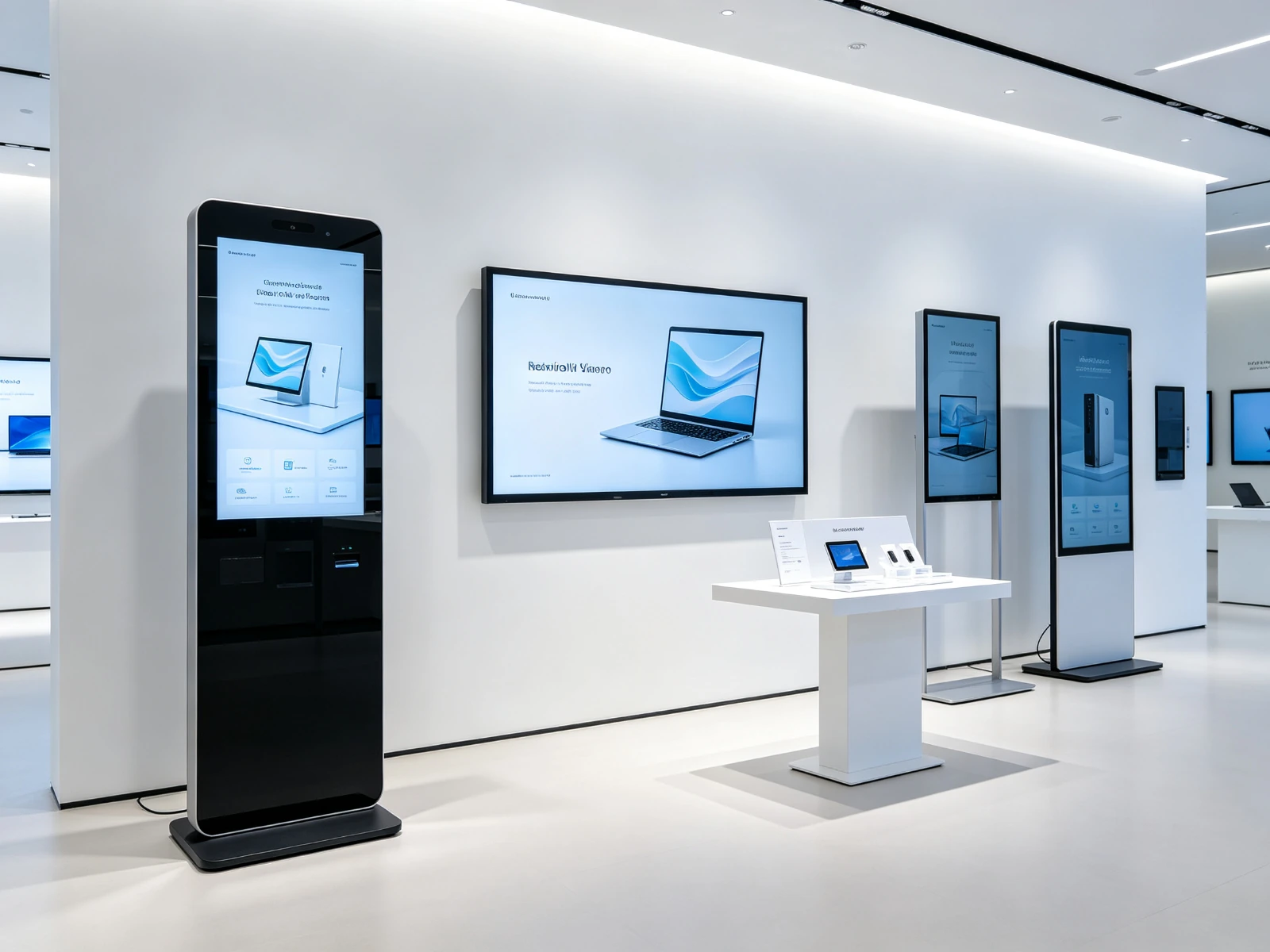
7-110 inch full product line, Android / Windows dual system, pre-adaptation of software and hardware integration-selection, binding and broadcasting in one go.
| Hardware type | Typical Dimensions | Recommended scenarios | Product page |
|---|---|---|---|
| Advertising screen/advertising machine | 21.5″ – 65″ | Store promotion, brand advertising, public space placement | Advertising machine |
| Information inquiry machine (vertical/wall-mounted) | 32″ – 55″ | Lobby tour, self-service inquiry, exhibition hall interaction | Information query all-in-one machine |
| Digital Wall/Video Wall | 46 ″ - 55 ″ splice | Control room, showroom, brand main vision wall | Video wall |
| LCD display screen | 32″ – 86″ | General information screens for retail, office and education | LCD display screen |
| Interactive Whiteboard | 55″ – 86″ | Meeting room, classroom, training center | Interactive Whiteboard |
| Android Media Player | Box/Onboard | Stock screen upgrade, multi-terminal unified access | Android Media Player |
| Digital Signage Player | Onboard/External | Content distribution, local cache playback | Digital Signage Player |
| Strip/Strip Menu Board | 28 ″ - 56 ″ extra wide | Bar menu, shelf bar screen advertising | Digital Menu Panel |
From login to online content on the first screen, it only takes three steps. The public page does not display the password of the test account. Please apply for a demonstration account through the entrance below.

Standard capabilities for multinational enterprises, cross-border chains and multi-time zone operations: a set of account management global screens, automatic distribution of the same content according to regional languages, unified control by headquarters and hierarchical collaboration among regions.
Cloud hosting localization deployment dual-mode, content can be played offline in the local cache, global unified control, stable presentation.
The larger the screen network, the more it needs to be "visible and managed". Qtenboard CMS moves operations from the field to the cloud.
Online/offline, play content, operating parameters at a glance, the first time the fault location, no need to wait for customer complaints.
Remote restart, volume adjustment, system upgrade, switch screen scheduling, online processing of common problems, reduce on-site maintenance.
The published content tracks the progress one by one, and abnormal terminals resend it in time to ensure zero delay and uninterrupted playback of the content.
Look back at the playback records and advertising exposure to provide data for content optimization and advertising operations.
Notice of closure, emergency announcement, temporary promotion, one-click insertion to all or designated screens, to seize the time limit.
Authorization by department and region, traceability of operation marks, safer team cooperation.
Further understanding:Device Monitoring · Enterprise Digital Signage
Cloud hosting is out of the box, and localized deployment meets data sovereignty and compliance requirements-sensitive data in finance, government, medical and other industries does not go out of the intranet.
| Comparison dimension | 云 CMS(SaaS) | Localized deployment (privatization) |
|---|---|---|
| Deployment method | No server, networking, browser remote management | Data is stored in the enterprise local server, intranet closed-loop control |
| Cost structure | Subscription (monthly/annual payment), no incremental hardware investment | One-time licensing of servers and IT maintenance costs |
| Data security | Encrypted cloud storage and backup with global security standards | The data is completely controlled by the enterprise and is suitable for strict compliance scenarios. |
| network dependency | Support content local cache, offline play as usual | Direct LAN connection, no external network dependence |
| Applicable audience | Multi-location chain, small and medium-sized enterprises, no full-time IT team | Large enterprises, government, finance, medical and other compliance sensitive industries |
Not sure which mode to choose?Contact UsThe solution consultant will give advice based on your screen count, network environment and compliance requirements, and can book a live demonstration.
The following are typical deployment scenarios and revenue calibers for selection reference; the specific effects are subject to actual project evaluation.
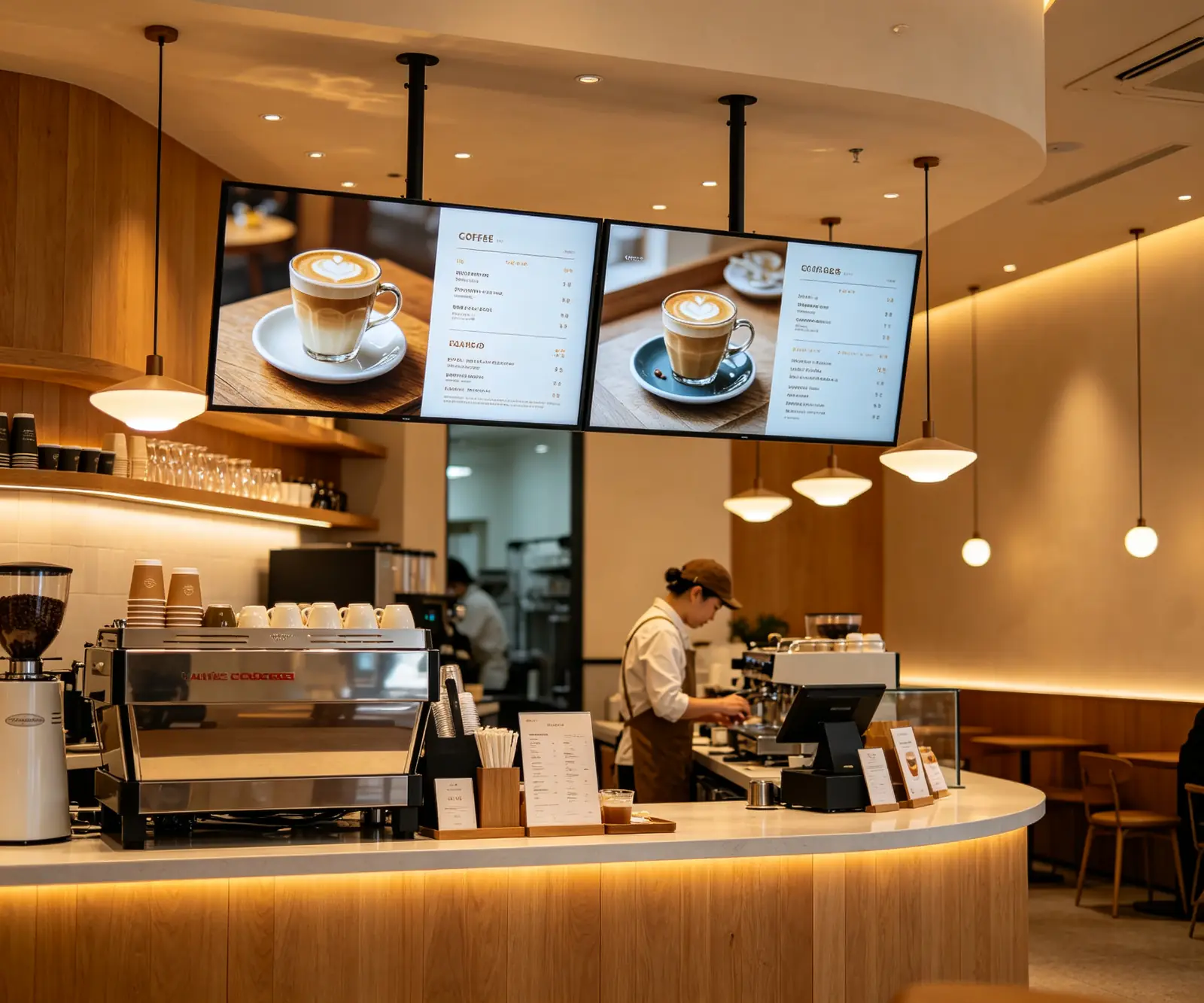
Scenario problem: menu, price and promotional materials update need to be handled store by store, response to new and price adjustment is slow, and the content between stores is not uniform.
Scene problem: dozens of stores have their own promotion screens, the activities are slow to go online, and equipment failures are difficult to find in time.
Scenario problem: notifications are posted by mail and paper, with low reach rate; Front desk screen content updates rely on IT screen-by-screen operations.
Want to get detailed plans and input-output estimates for your industry? → Appointment Scheme AssessmentOne-on-one communication by Qtenboard industry consultants.
The most important issues before purchasing decisions are clarified here.
Qtenboard CMS is an enterprise-class cloud digital signage content management and streaming media platform independently developed by Qtenboard, which is used for media upload, program editing, playlist, scheduled release, remote control and real-time monitoring of equipment. Suitable for retail, catering, corporate office, education, medical care, hotels, transportation, public institutions, etc., from single-screen shops to thousands of screen chains can be used.
No need. Qtenboard CMS is a cloud hosting platform. You can manage all screens by visiting cms.qtenboard.com with a browser without installing any software on your computer. The terminal equipment has a built-in receiver program and is automatically connected to the network platform.
It supports 7-110 inch mainstream commercial display hardware such as advertising machine, LCD display screen, information inquiry all-in-one machine, digital wall/video wall, interactive whiteboard, Android media player, digital signage player, strip screen menu board, etc. It Android and Windows dual systems, Qtenboard its own hardware to be pre-adapted from the factory, and third-party compatible equipment can be evaluated and accessed.
Sure. The terminal will automatically download and cache the content to the local, and play it as usual in a disconnected or weak network environment without black screen or Caton. After the network is restored, the latest content will be automatically synchronized.
Through the CMS background, remote restart, volume adjustment, system upgrade, switch screen scheduling and other operations can be performed on any terminal, and the online/offline status and playback content of the equipment can be viewed in real time to reduce on-site maintenance.
Support. CMS native support English, Spanish, Japanese, Chinese, Russian, Thai, Vietnamese 7 languages, suitable for multinational enterprises, cross-border chain and multi-time zone operation.
The Qtenboard adopts a pre-delivery authorization mechanism: the official team completes the authorization of the equipment motherboard and creates a special account before leaving the factory; When the terminal is deployed, enter the server address and customer code to complete the network connection and binding, and the whole process does not require complicated debugging.
Support. A single screen can be divided into multiple regions and display videos, images, text, and real-time data at the same time. It also supports unified scheduling of splicing scenes such as digital walls and video walls.
Click the "Appointment Demo" button on the page to fill in the demand form, or submit it through the contact us portal, and the Qtenboard solution consultant will open a demo account for you and arrange an online demo; the public page does not display the test account password.
Support. You can create multiple sub-accounts and customize permissions (content editing, device management, hierarchical management, etc.), and authorize them at different levels by department and region, leaving traces for operations, which is suitable for team collaboration.
Sure. Qtenboard CMS provides an open API, which can interface with third-party business systems such as POS, ERP, CRM, HIS, etc. to realize real-time data display. The technical team provides complete docking support.
 Previous: Not yet.
 Return to list
Next article:Shopping Mall Wayfinding System Software and Hard Integration Scheme Qunmao Display 
 Partner Links:

 en
 中文

