 Current location:
Home
> Product > Indoor digital signage
 Model:QM-BP156
 Release time:2026-10-09
 Nature:Manufacturer
 Visits:0
 Service Hotline
+8615920011166

15.6 / 18.5 / 21.5 / 23.6 / 32 "166.67cm" optional | timetable real-time synchronization | card swiping/code scanning/face attendance | notification grading release | educational administration/smart card/access control system docking | multi-campus centralized management
Before purchasing the electronic class card, first see what problems it has solved-information transmission, attendance statistics, equipment maintenance, system data, item by item comparison.
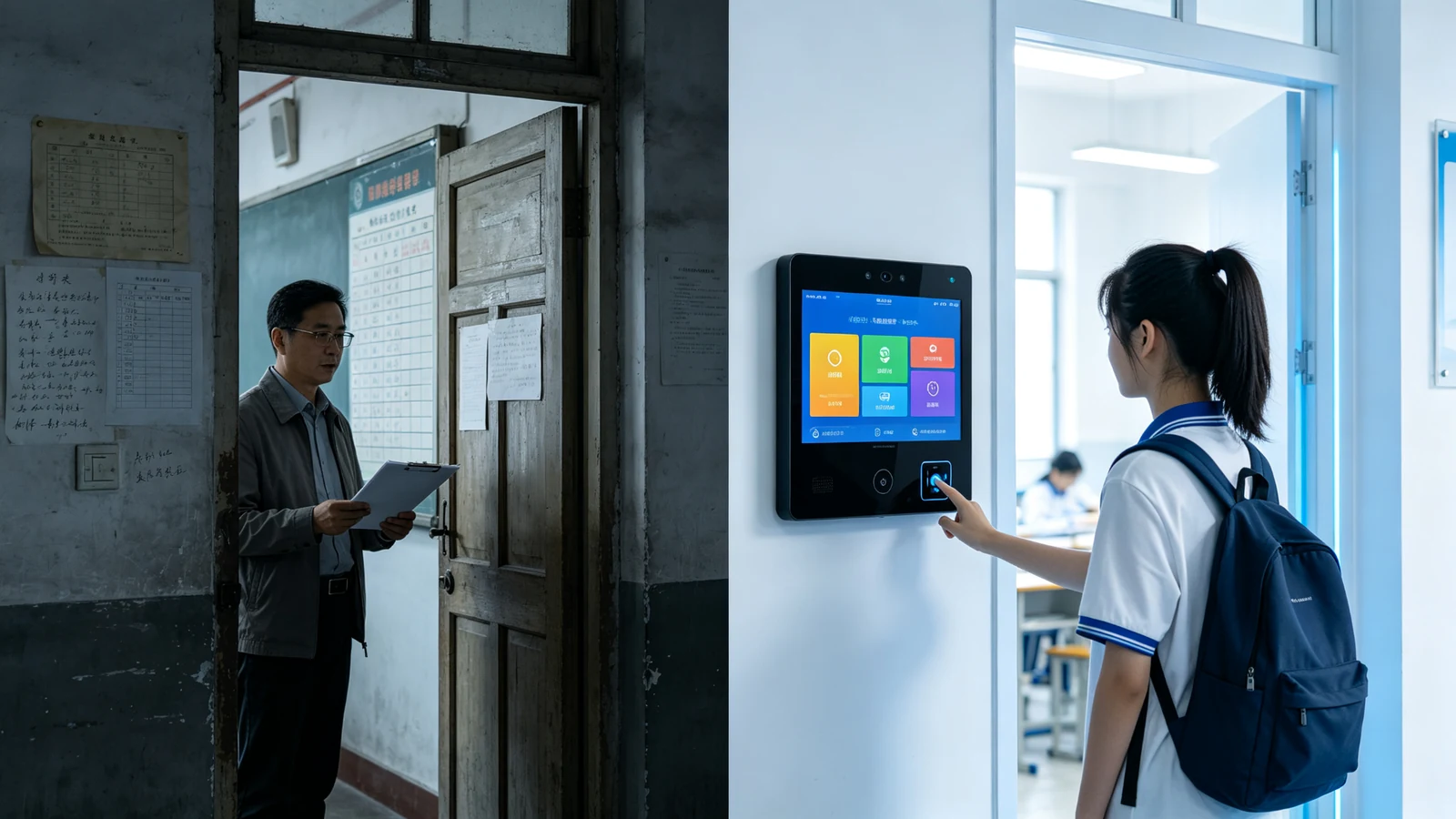
The first question most often asked by school procurement and integrators is "how suitable is the classroom door". The Qtenboard provides 15.6 / 18.5 / 21.5 / 23.6 / 32 inch five-gear size, which matches the functional requirements according to the installation position and viewing distance, and does not make a single 33.33cm inch push.
| Model | Screen size | Recommended Installation Location | Typical uses | Viewing distance |
|---|---|---|---|---|
| QM-BP156 | 15.6 inches | Classroom door (standard door) | Class schedule attendance notification class culture | 0.5-1.5 m |
| QM-BP185 | 18.5 inches | Classroom door (wider wall) | Class schedule attendance notice class culture student photo | 0.8-2 m |
| QM-BP215 | 21.5 inches | Teaching building corridor, laboratory entrance | Course Notification Classroom Status Touch Query | 1-2.5 m |
| QM-BP236 | 23.6 inches | Halls, public areas, function classrooms | Information release query culture display video playback | 1.5-3 m |
| QM-BP32 | 32 inches | Teaching building hall, canteen, library entrance | The whole school information release comprehensive query video display | 2-4 m |
| Project conditions | Recommended model | Reason |
|---|---|---|
| Standard classroom door, moderate budget | QM-BP156 | 15.6 inches to meet the basic requirements of curriculum attendance notification |
| The classroom door space is wide, need to show student photos | QM-BP185 | 18.5 inch can display the course, attendance and class culture at the same time |
| Laboratory/function classroom, touch query required | QM-BP215 | The 21.5-inch touch version is suitable for equipment repair and classroom reservation. |
| Information release of teaching building hall/public area | QM-BP236 | 23.6 inch suitable for long-distance viewing and video playback |
| Canteen/Library/Large Public Space | QM-BP32 | The 32-inch large screen is suitable for school-wide information release and comprehensive inquiry. |
Tell us the number of classrooms, installation locations and functional requirements, and output the model selection list and layout plan free of charge.
The electronic class card is not a "bright house card". Qtenboard smart electronic class card integrates curriculum, attendance, notification, culture and equipment management into the terminal at the door of the classroom.
School name, class name, grade, class teacher, classroom number, class slogan
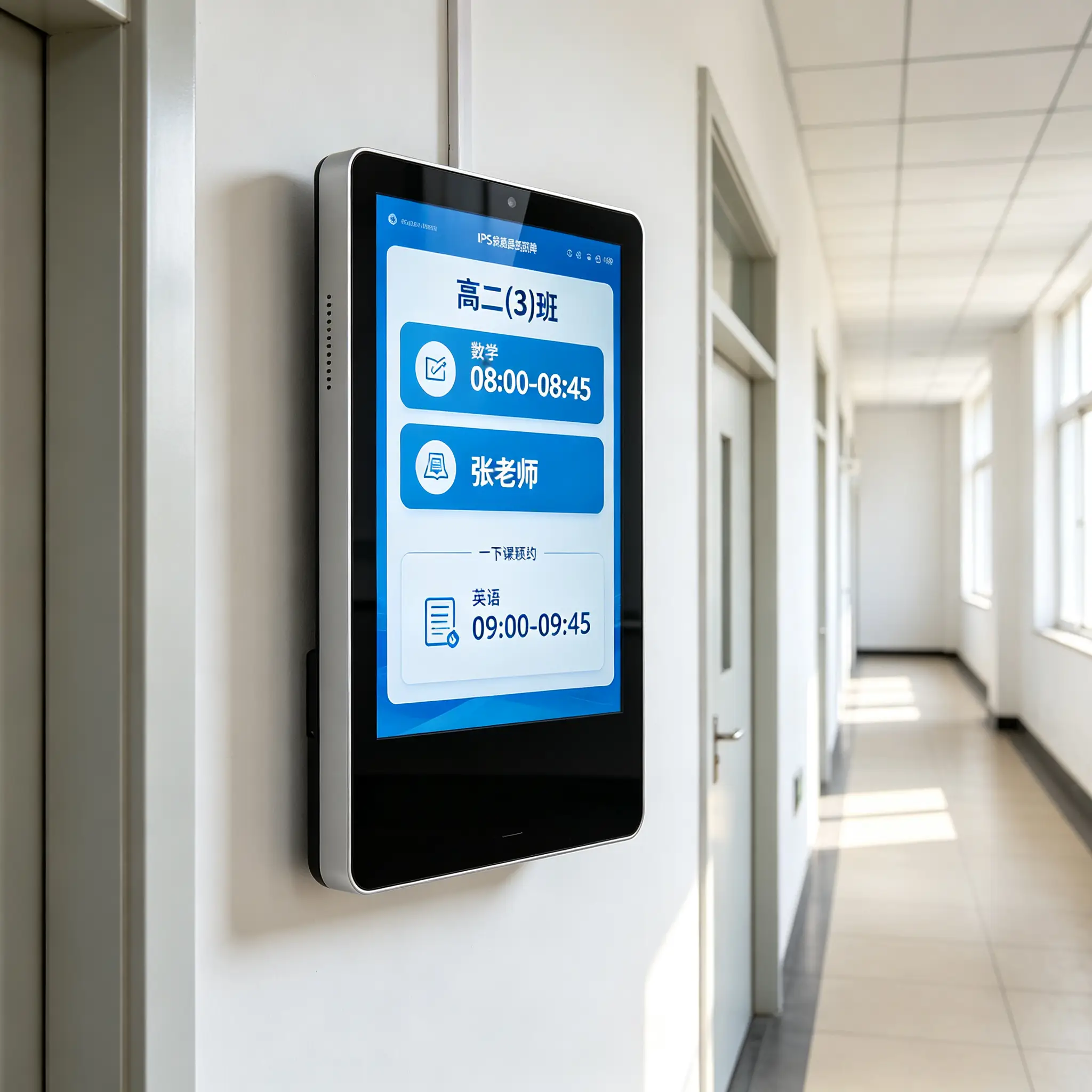
Current course, next course, teacher, class time, temporary course transfer information
Card swiping, QR code, NFC, face recognition (configured by project)
School/grade/class grading announcement, examination arrangement, safety reminder
Class album, student works, class honor, weekly star, growth record
Idle, class, exam, meeting, cleaning, maintenance and other status display
Weather, news, events, duty arrangements, campus maps, important reminders
Points, class honor, moral evaluation, student growth data module
Remote content publishing, terminal grouping, equipment monitoring, batch on/off, OTA upgrade
Schedule change, temporary shift, substitute notice, no longer rely on manual posting and oral transmission-educational administration data directly to the classroom door.
The course name, class time, teacher, class, classroom number and course status are clear at a glance.
Help students, teachers and class patrols to quickly understand the arrangement of the next class and make an orderly transition between classes.
Change of classes, substitute classes, transfer of classes, change of classrooms, suspension of classes, synchronization of background or educational administration system, effective in minutes
General classroom, multimedia classroom, laboratory, music classroom, art classroom, computer classroom
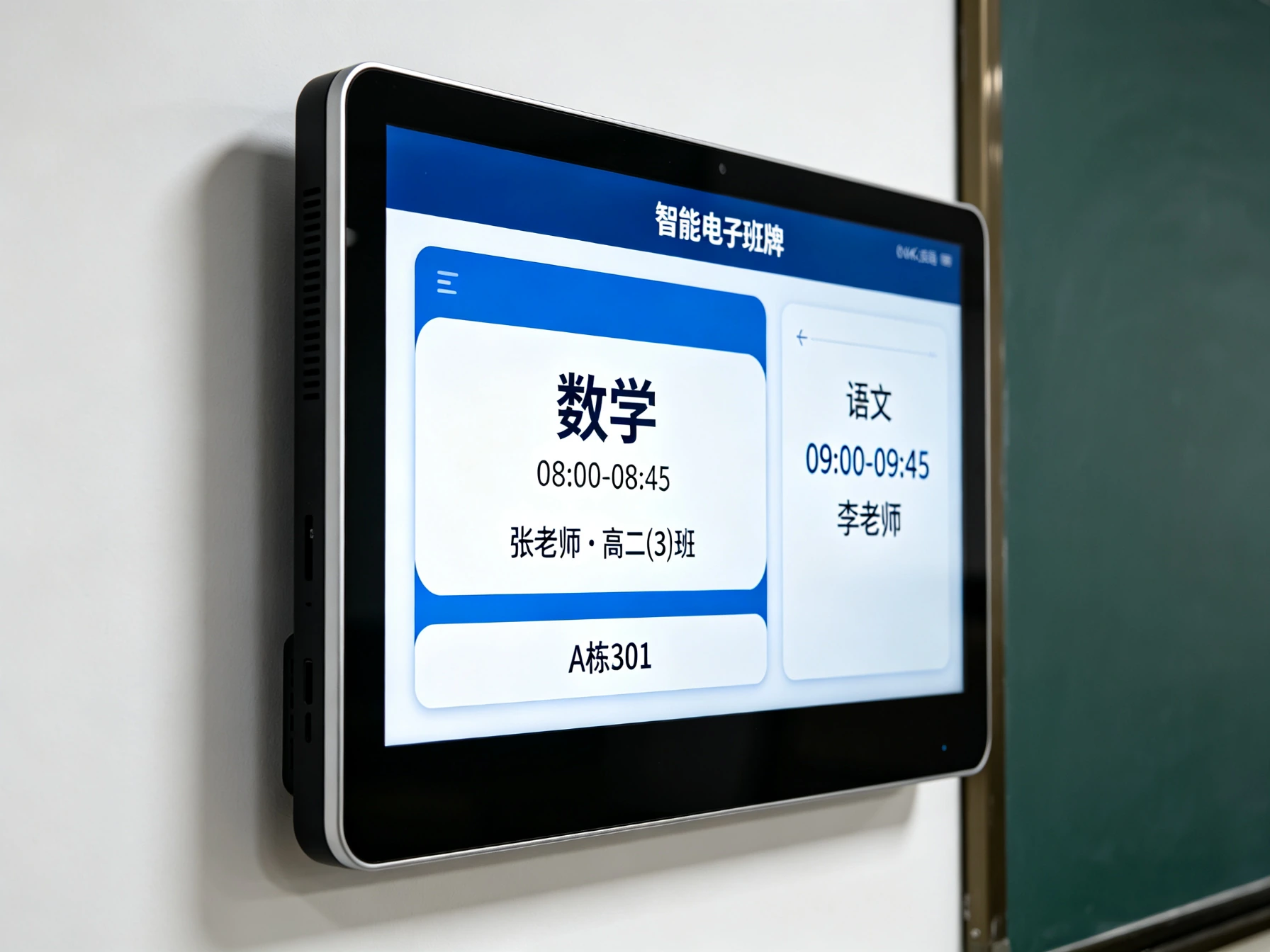
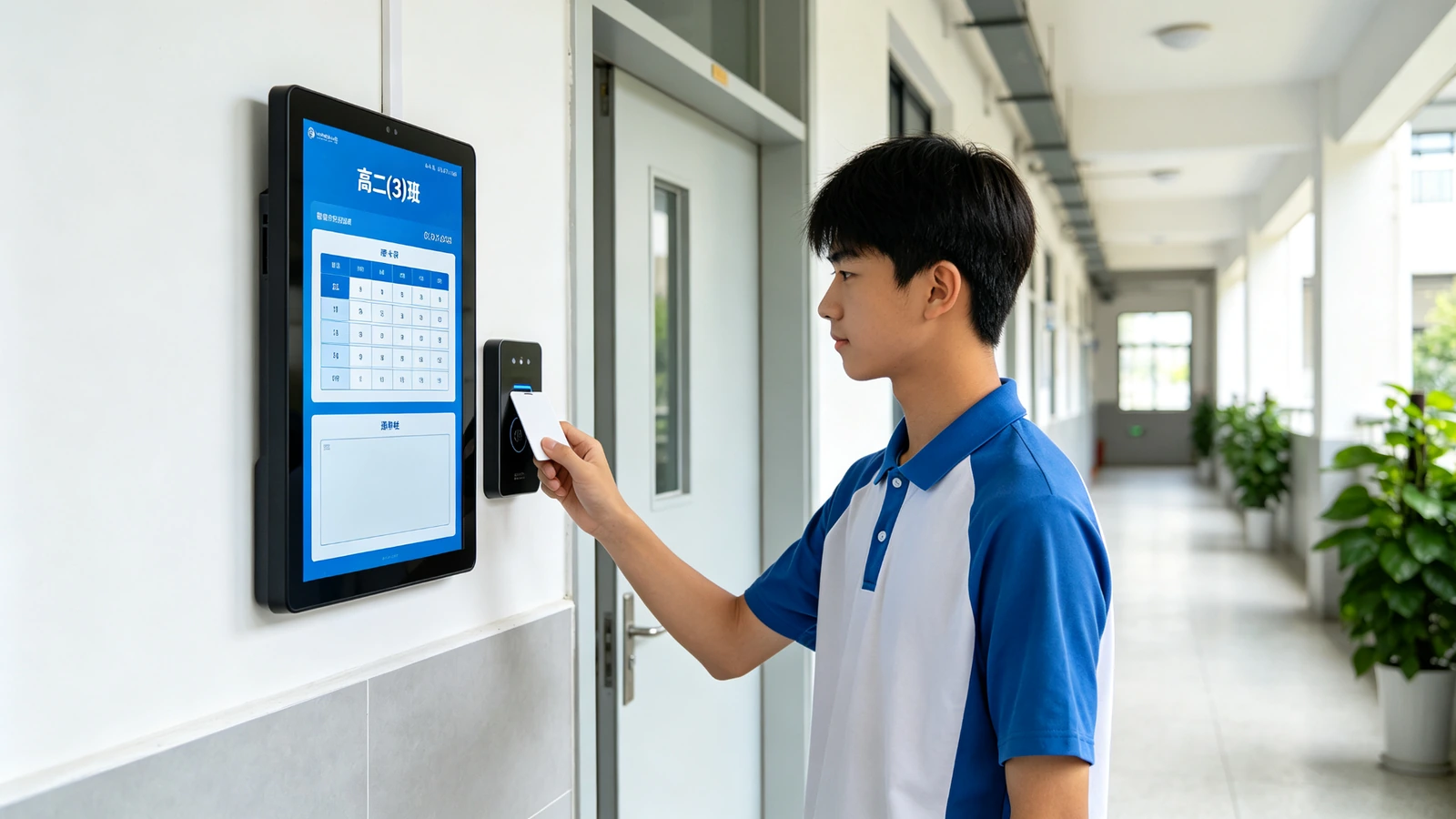
Attendance data for school, class and class can be recorded by swiping the card, abnormal data can be checked, and statistical report background can be exported with one key.
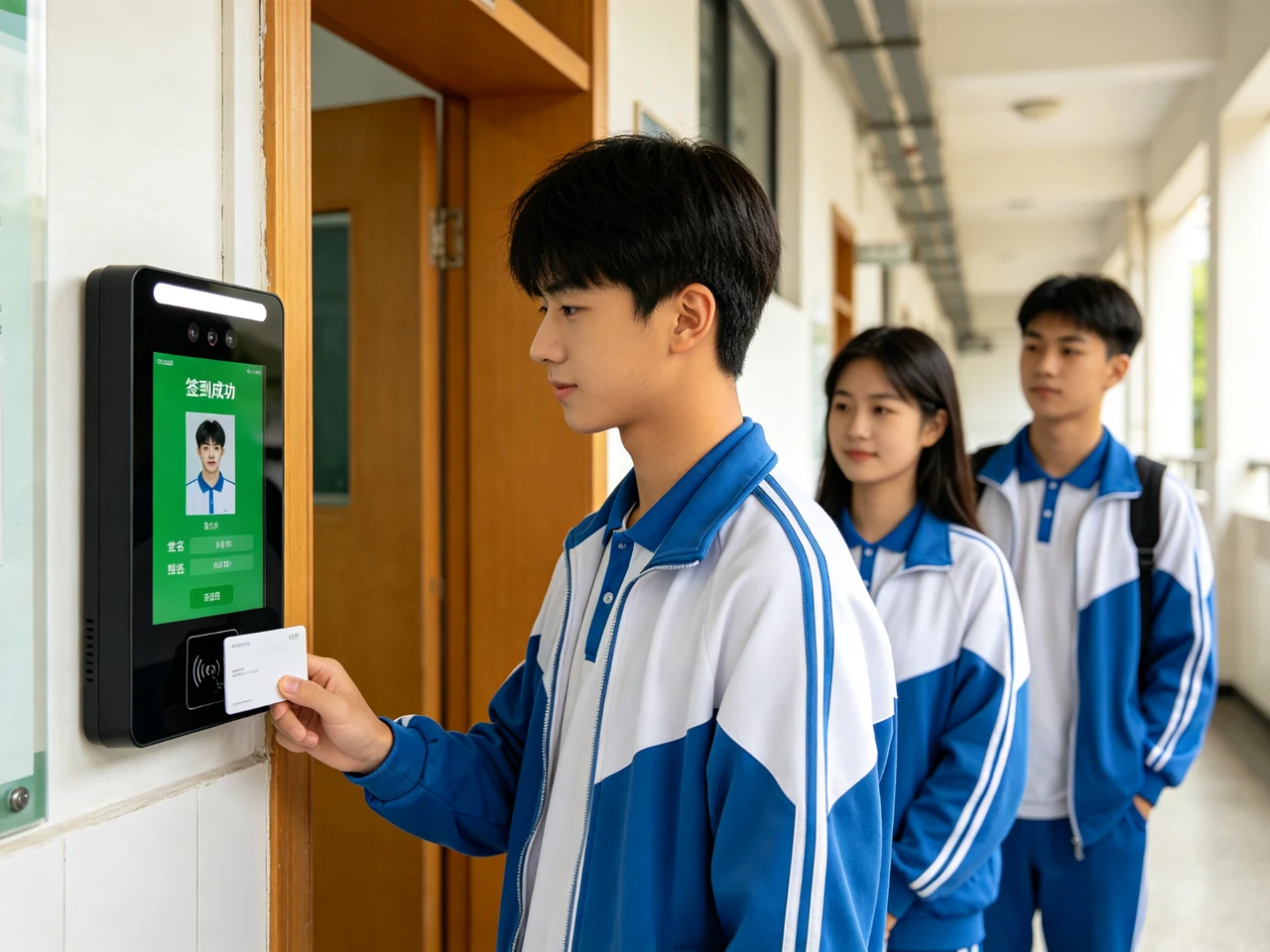
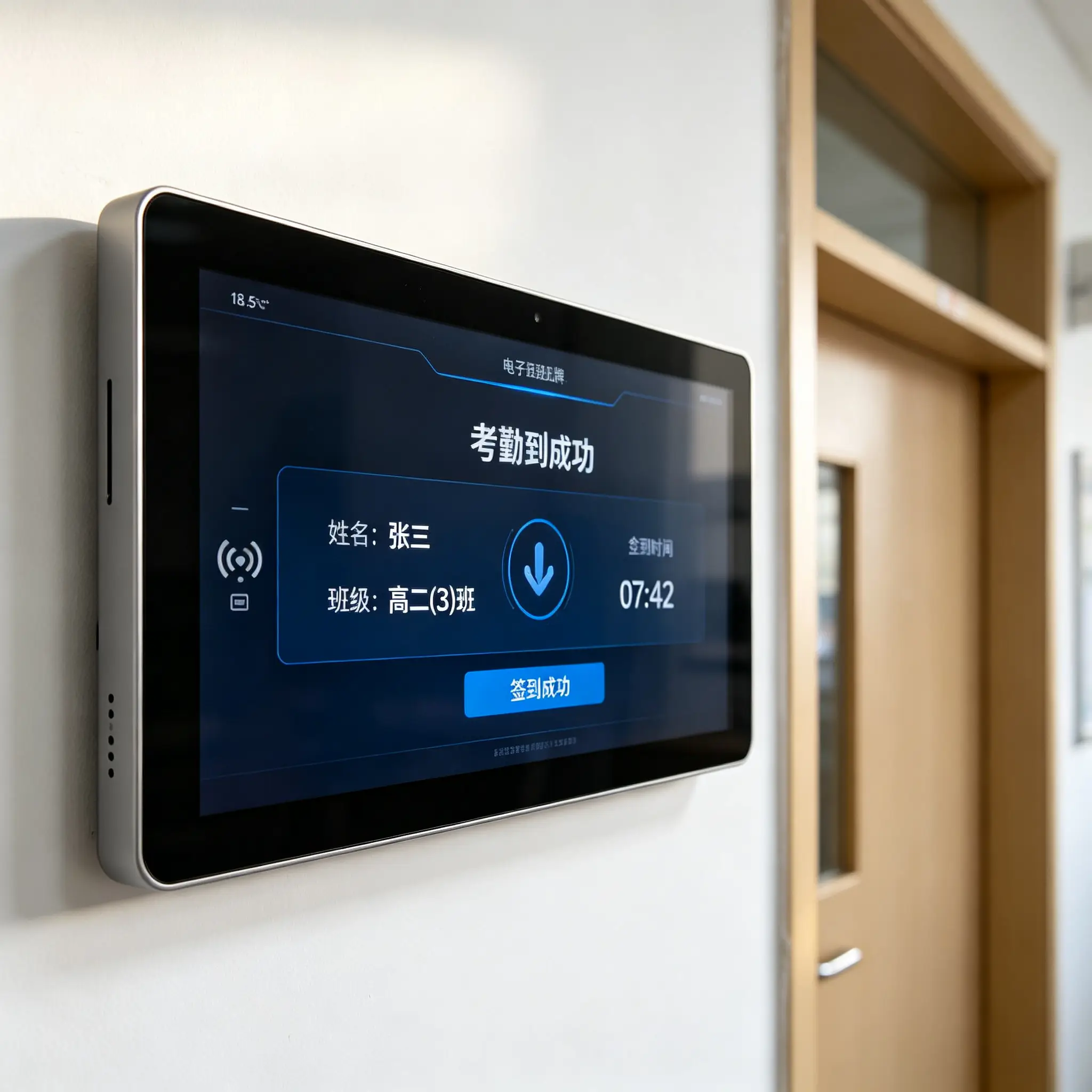
IC cards, RFID cards and NFC cards complete check-in, check-out and confirmation of class attendance, which are compatible with common campus cards.
School App, enterprise WeChat, WeChat applet or exclusive two-dimensional code verification
Card-free attendance, access control linkage, visitor management (configured by project, in line with privacy regulations)
Sign-in success/failure, student name, class, attendance time, student photo, attendance status
The background automatically generates records of lateness, early departure, absence and unchecked in, which can be filtered and exported by class/time.
From the whole school notice to a single terminal, from regular broadcast to emergency broadcast, unified background to complete content management, according to the organizational structure of accurate release.
School notice, campus notice, teaching building notice, grade notice, class notice, designated terminal notice
Text, pictures, videos, PDF/Office documents, course schedule, weather, campus news, carousel ads, countdown events
Schedule playback by date, time period, weekday, holiday, or course slot
Bad weather, safety reminders, examination changes and other priority release, covering the designated area or the whole school
Backstage content upload, terminal grouping, program scheduling, device status viewing and remote update
Each electronic class card is the digital business card of the class-displaying class culture, student works, growth records and honorary achievements, and upgrading "class management" to "class co-construction".
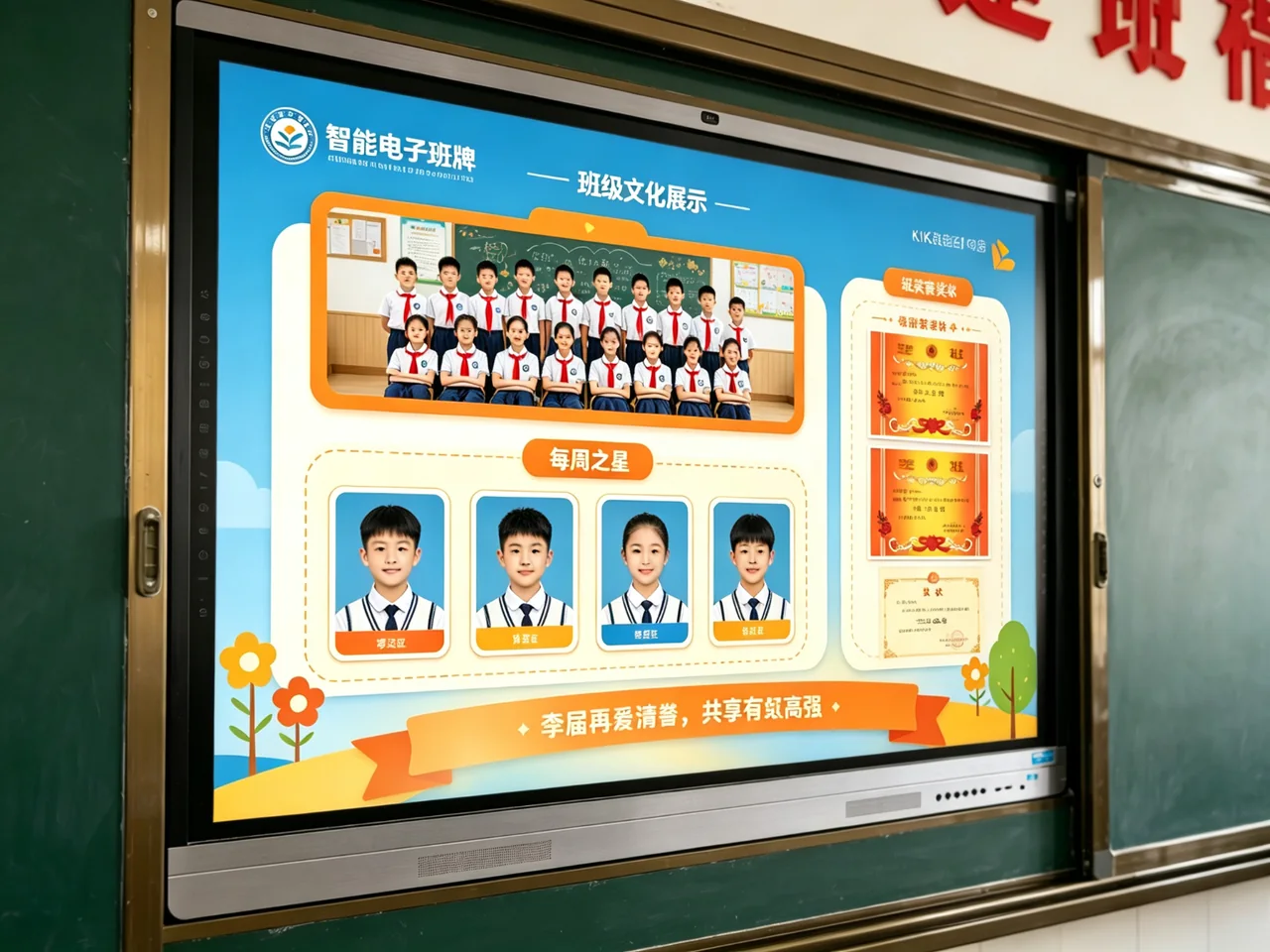
Class photo, class slogan, class training and class goal, teacher in charge's message
Star of the week, excellent homework, class honor, moral education points
Labor duty arrangement, birthday reminder, theme activity photos
Professional works display, community activities display (applicable to vocational schools/universities)
Student growth records, honor files with the semester precipitation, the formation of class data assets.
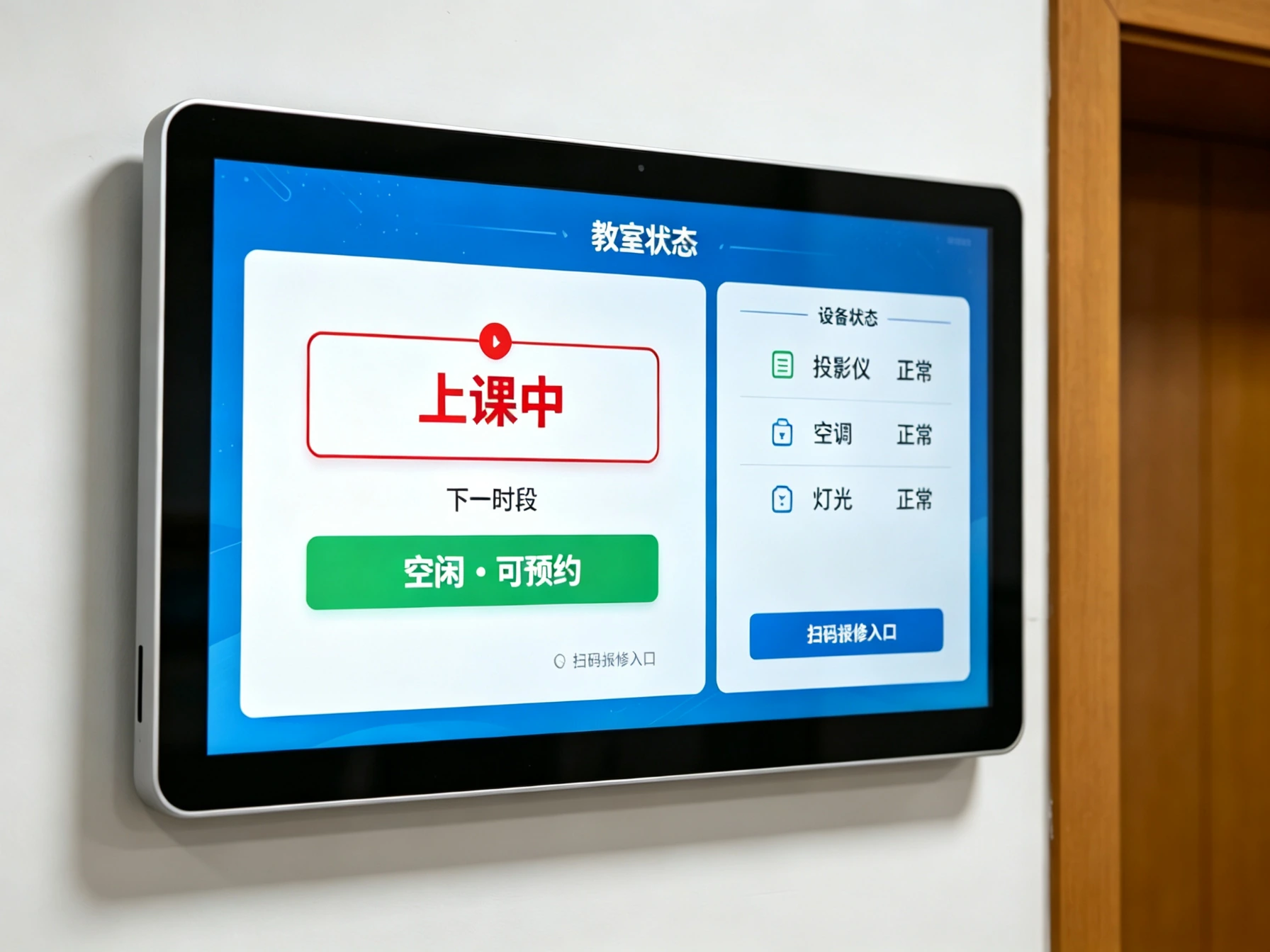
In teaching buildings, laboratory buildings, training centers and multi-functional classrooms, the electronic class card not only tells you "who is in class", but also tells you "whether you are free, whether you can make an appointment, and whether the equipment is normal".
In class, free, examination, meeting, maintenance, appointment, status color distinction
Teachers and students quickly understand available classrooms and reduce the time cost of finding them.
Linkage with meeting appointment, classroom appointment or course scheduling system
Display of projector, air conditioner, lighting and door lock status (docking according to items)
Scan code or touch to submit equipment for repair, and work order goes directly to logistics
Identity authentication and authority management, card/face linkage to open the door
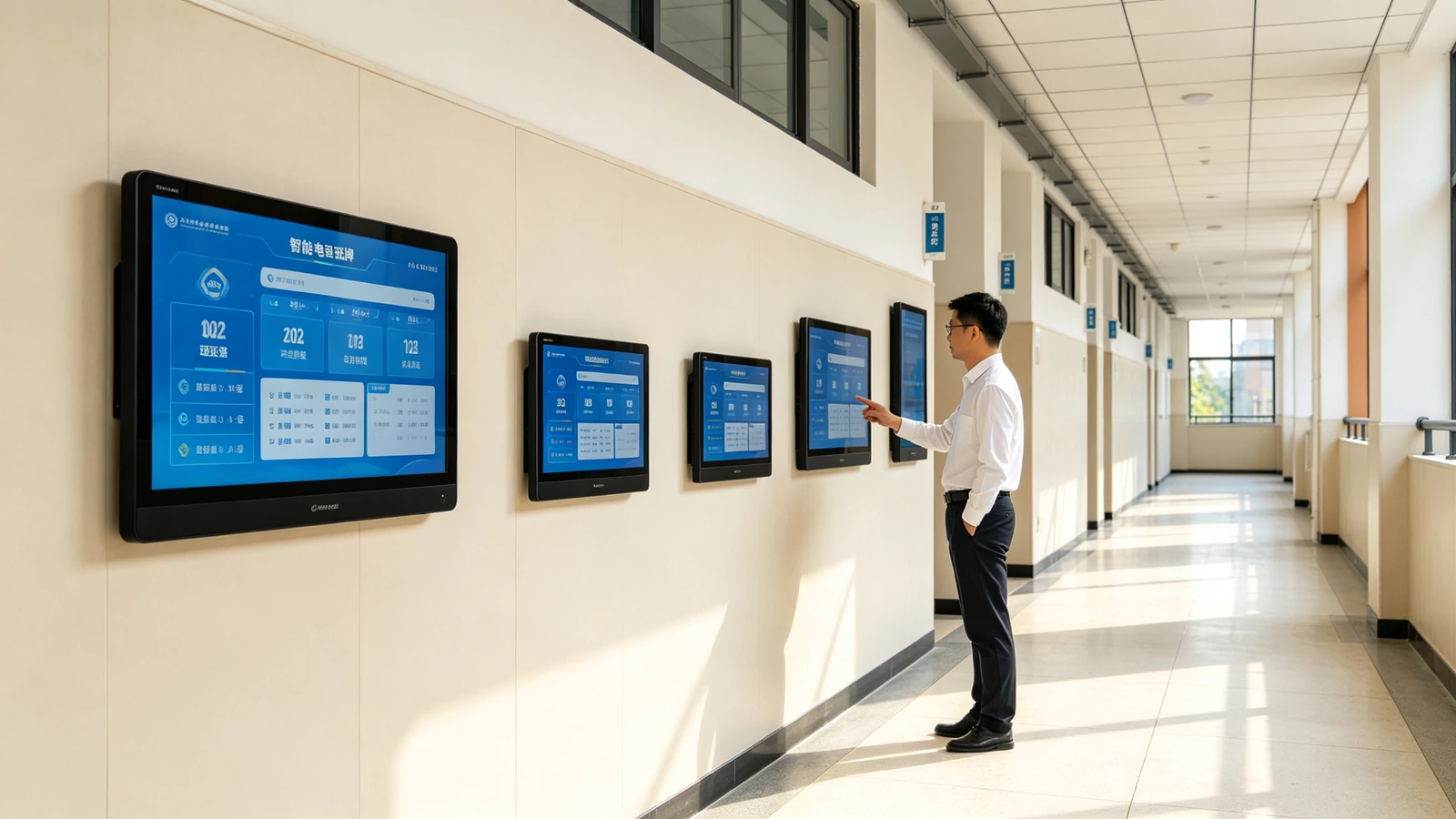
The same set of system, five screen size. Resolution, brightness, touch, interface item by item comparison, bidding and selection can be directly referenced.
| Parameter item | QM-BP156 | QM-BP185 | QM-BP215 | QM-BP236 | QM-BP32 |
|---|---|---|---|---|---|
| Screen size | 15.6 inches | 18.5 inches | 21.5 inches | 23.6 inches | 32 inches |
| Resolution | 1920×1080 | 1920×1080 | 1920×1080 | 1920×1080 | 1920×1080 |
| Screen type | IPS LCD | IPS LCD | IPS LCD | IPS LCD | IPS LCD |
| Brightness | 250–350 nits | 250–350 nits | 300–400 nits | 300–400 nits | 350–500 nits |
| Touch mode | Non-touch/capacitive touch optional | Non-touch/capacitive touch optional | Capacitive touch optional | Capacitive touch optional | Capacitive touch optional |
| Operating system | Android 11 | Android 11 | Android 11 | Android 11 | Android 11 |
| Network connection | Wi-Fi / RJ45 | Wi-Fi / RJ45 | Wi-Fi / RJ45 | Wi-Fi / RJ45 | Wi-Fi / RJ45 |
| PoE power supply | Optional | Optional | Optional | Optional | Optional |
| Camera | Optional | Optional | Optional | Optional | Optional |
| Card swipe module | IC / ID / RFID / NFC 可选 | IC / ID / RFID / NFC 可选 | IC / ID / RFID / NFC 可选 | IC / ID / RFID / NFC 可选 | IC / ID / RFID / NFC 可选 |
| Interface | USB / RJ45 / RS232 | USB / RJ45 / RS232 | USB / RJ45 / RS232 | USB / RJ45 / RS232 | USB / RJ45 / RS232 |
| Installation method | Wall Mounted/Embedded | Wall Mounted/Embedded | Wall Mounted/Embedded/Column | Wall Mounted/Embedded/Column | Wall mount/column |
| Shell material | metal shell tempered glass | metal shell tempered glass | metal shell tempered glass | metal shell tempered glass | metal shell tempered glass |
| Running time | 7 × 16 / 7 × 24 optional | 7 × 16 / 7 × 24 optional | 7 × 16 / 7 × 24 optional | 7 × 16 / 7 × 24 optional | 7 × 16 / 7 × 24 optional |
Clear display of course name, class notice, student information, pictures, videos
Metal shell tempered glass panel, suitable for high frequency use in school corridor
IC card, RFID, NFC, two-dimensional code, face recognition (optional)
RJ45 Wi-Fi, support PoE power supply (optional)
Selected according to corridor space and school VI code
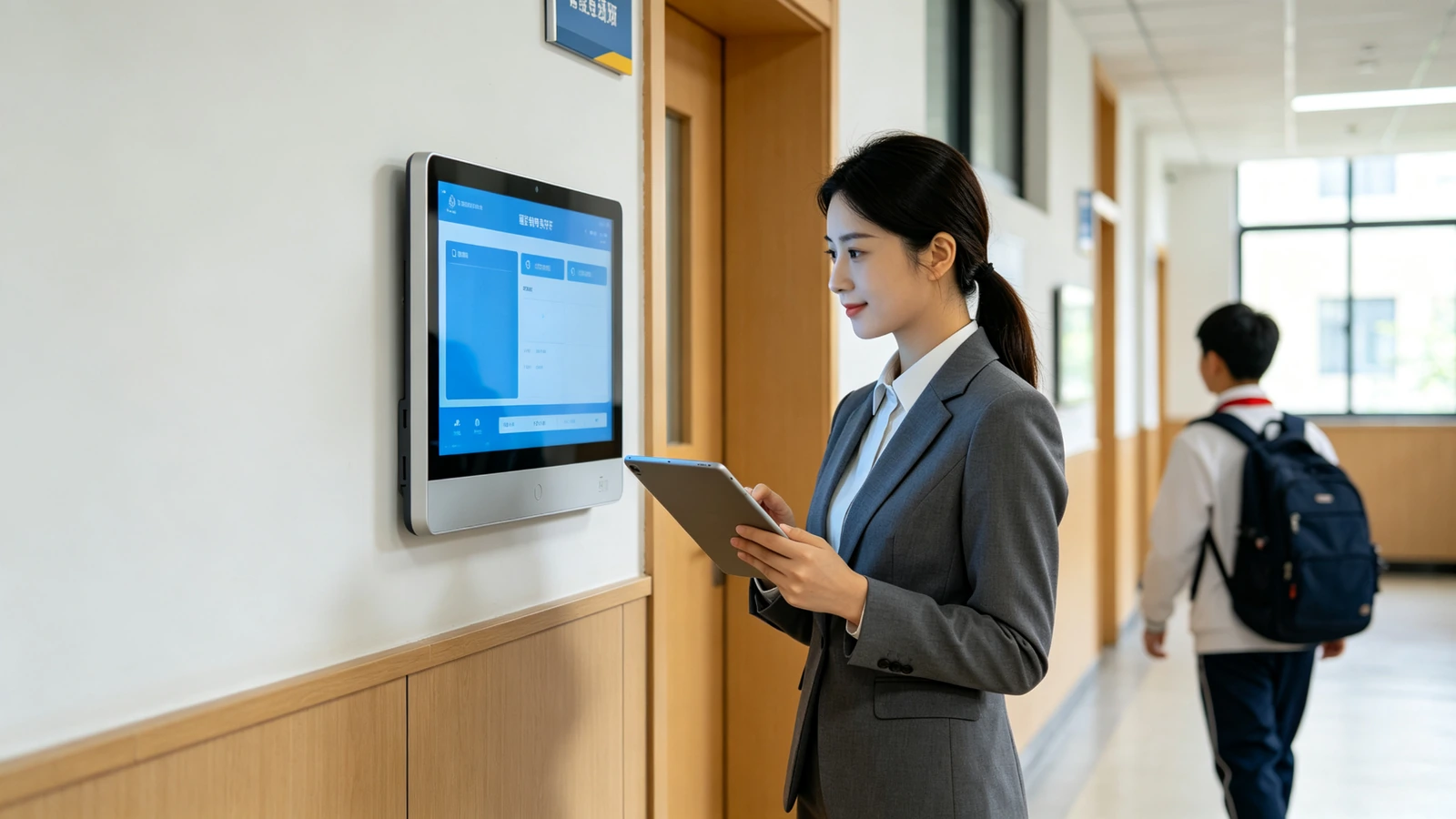
The electronic class card should not become a new "data island". The Qtenboard supports docking with the existing system of the school, reusing the existing data, and avoiding repeated construction and repeated entry.
Terminal system unified management background mobile terminal
API · SDK · Database Synchronization · File Import
| Dockable system | Dockable content |
|---|---|
| educational administration management system | Class, curriculum, teacher, classroom, transfer, substitute, examination arrangement |
| campus smart card system | Student identity, campus card, credit card attendance, consumption or access control authority |
| Facial recognition system | Personnel authentication, attendance, visitors and access control linkage. |
| Access control system | Classroom door lock, authority control, swipe card to open the door, time management |
| OA/Notification System | Campus notice, meeting arrangement, administrative announcement, task reminder |
| Smart Campus Platform | Users, organizational structure, data center, unified identity authentication |
| CMS Content Management System | Pictures, videos, posters, announcements, program lists, playback strategies |
| Device Management Platform | Terminal status, online and offline, remote configuration, batch upgrade |
| Classroom Reservation System | Classroom status, appointment arrangement, meeting room usage |
| Asset and Repair Reporting System | Classroom equipment repair, work order circulation, maintenance status display |
RESTful APIs, SDKs, WebService, database synchronization, and file import
Docking unified identity authentication, administrator/grade administrator/head teacher/teacher grading authority
Education group, chain training institutions multi-campus unified management
The school uniformly publishes school-level information, and the grade/head teacher publishes class content.
Terminal online rate, content release records, attendance data, late absence statistics
Tell us the system type and construction situation, and evaluate the data docking scheme and implementation workload.
From dozens to thousands of terminals, there is no need to operate one by one-content release, course synchronization, equipment inspection, permission allocation, remote operation and maintenance, all of which are completed centrally.
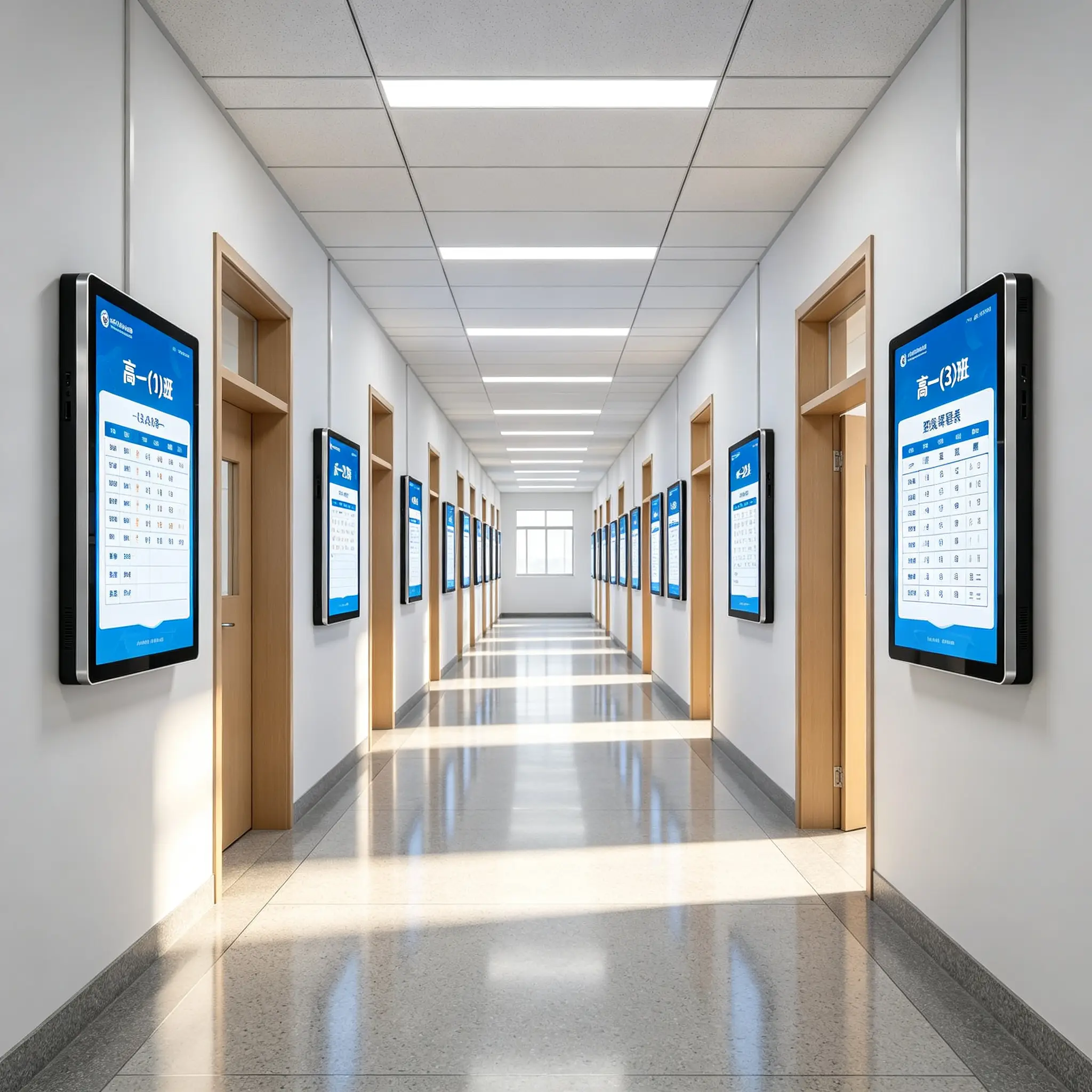
Group by campus, building, floor, grade, class, classroom type
Class template, curriculum template, notification template, honor display template
Remote upload pictures, videos, text, web pages, and curriculum schedules, and set playback time and terminal range
Online/offline status, network status, storage status, playback status, abnormal alarm
Remote restart, timer switch, volume adjustment, application update, system upgrade, log viewing
K-12, universities, vocational colleges, training institutions, education groups, public areas-give recommended models and program values by scenario.
| Scene | Core requirement | Recommended model | Solution value |
|---|---|---|---|
| K-12 ordinary classroom | Class information, curriculum, attendance, notice, class culture | QM-BP156 / QM-BP185 | Reduce paper curriculum and manual notification, improve class management visualization |
| university teaching building | Course dynamics, classroom number, temporary class adjustment, free classroom query | QM-BP215 / QM-BP236 | Teachers and students quickly confirm the use status of courses and classrooms |
| Vocational College Training Center | Training courses, equipment status, safety specifications, station arrangement | QM-BP215 | Transparent training room information, improve equipment management and safety tips |
| Training Institution/Education Group | Course scheduling, classroom arrangement, brand display and student sign-in | QM-BP156 / QM-BP185 | Unify brand image and reduce manual scheduling communication |
| Laboratory/Library | Reservation status, opening hours, usage rules, device status | QM-BP215 / QM-BP236 | Visualization of space usage status, authority and reservation management |
| Education Bureau/Smart Campus Project | Unified construction, hierarchical management, standardized interface, multi-campus operation and maintenance | Full Series | Unified management of school terminals, unified release of information and unified summary of data |
| Teaching building hall/canteen | School-wide information release, comprehensive inquiry, video display | QM-BP32 | Large screen covers the public area, the information reaches a wider range |
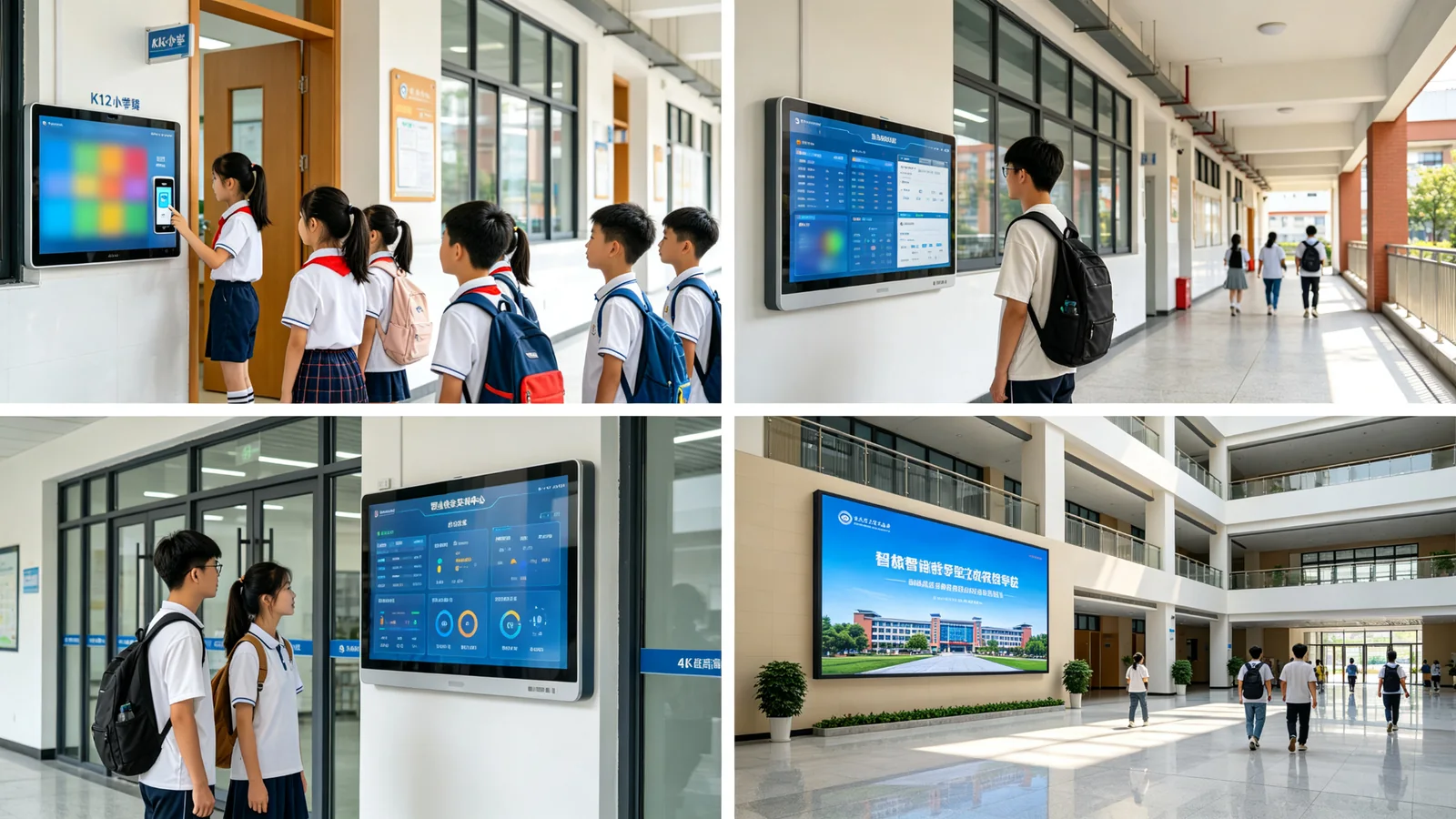
The Qtenboard team has long provided electronic class brand and school deployment services for schools, vocational schools and education groups. The following is a reference for project types.
E-class is a system engineering of "hardware and software integration services", which Qtenboard provide full-cycle project services.
School size, number of classrooms, network environment, existing systems and application goals
Screen size, installation method, identification method, system architecture and terminal layout
Customized interface for school Logo, VI color, class culture and functional requirements
Docking educational administration, smart card, attendance, entrance guard, OA, CMS or smart campus platform
Prototype deployment, interface debugging, function verification and usage feedback collection
Equipment installation, network configuration, terminal numbering, system activation and field commissioning
Training for administrators, class teachers, teachers and operation and maintenance personnel
Remote support, troubleshooting, software upgrades, spare parts and extended warranty services
Support brand OEM and in-depth custom development, product specifications are defined by project.
School Logo, UI style, function module configuration on demand
Different sizes, horizontal and vertical screen, camera, card reader and touch module options
Multi-campus, multi-teaching building, multi-class batch deployment, unified numbering and activation
Project prototype testing and interface debugging, first verification, then batch
Support system integrator cooperation and project quotation support
Product compliance is the basis of project bidding and acceptance, certification data can provide scanned copies for bidding documents.
Compulsory product certification
Export Grade Quality
Environmental compliance
Low power design
Eye protection design, suitable for long-term use on campus
The most frequently asked questions in purchasing decisions are answered centrally.
online message
ONLINE MESSAGE
 Partner Links:

 en
 中文



 Previous:
 Return to list

