 Current location:
Home
> News > Product News > Interactive Flat Panel
 Release date: 2026-10-13
 Clicks:0
The same 4K interactive whiteboard, why some students in the back of the classroom can not see the text of the courseware? Why the conference room is equipped with 55-inch equipment, and the participants have to repeatedly enlarge the form? Why 98-inch is put into a small conference room, but it causes visual pressure and budget waste? -- Most of the projects found after the installation, the screen size and the depth of the space do not match at all.
For education, conference, and training programs, the size of an interactive whiteboard is not a separate product parameter, but a fundamental decision that affects readability, collaborative experience, installation difficulty, project cost, and long-term use value. The correct selection method is not to ask "which size is cheaper", but to determine first.This screen needs to let who, how far, see what content。
Qtenboard (Shenzhen Qunmao) was established in 2005. It has been deeply engaged in interactive display manufacturing for 20 years. It has 330,000 ㎡ intelligent manufacturing industrial parks, 16 modern factory buildings and 8 fully automatic production lines in Shenzhen and Guangzhou, with a daily production capacity of 200 units. Its products serve 110 countries in the world. Interactive tablet coverage 55, 65, 75, 86, 98, 105,110-inch interactive whiteboardFull-size segment, supporting 4K/5K resolution, Android 14/16 and optional Windows OPS dual system, can meet the needs of diverse projects from small discussion rooms to large report halls. The following is based on the order of "viewing distance → space and number of people → content type → installation conditions", giving the landing selection method and the applicable boundary of each size.
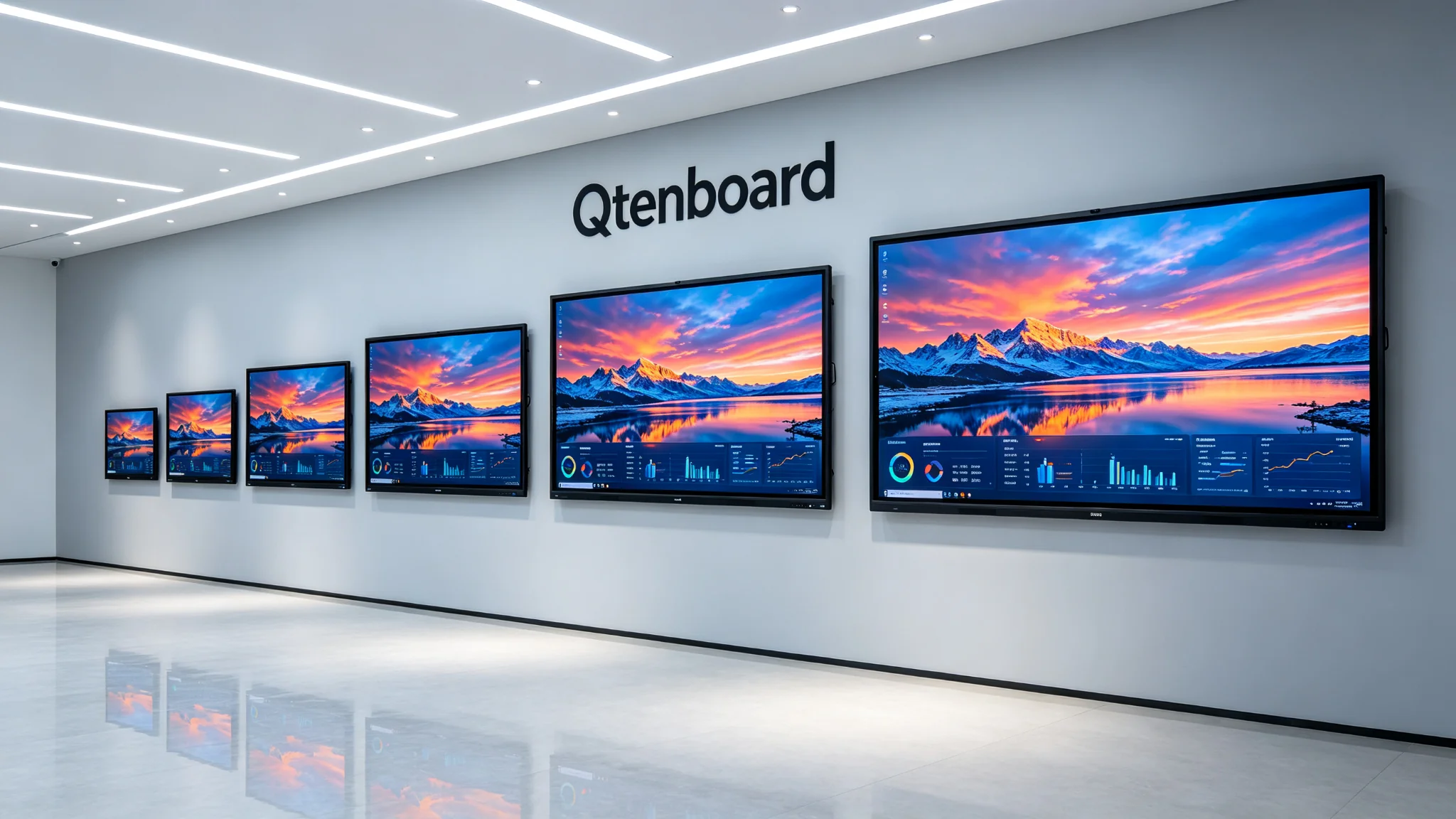
Measure the actual distance from the screen installation to the last row of seats, rather than just looking at the total length of the room. When measuring, we should also consider whether the installation position of the screen is eccentric, whether the first row and the last row of seats are arranged obliquely, and whether there are columns or suspended ceilings. When displaying text, tables, engineering drawings, and data kanban, you should select a larger size.
Practical formula:General viewing distance ≈ screen height × 6; recommended distance for text/details ≈ screen height × 4. Take the 16:9 panel as an example: 65-inch screen height is about 80.9cm,75-inch screen height is about 93.4cm,86-inch screen height is about 107.1cm,98-inch screen height is about 122.0cm; According to × 6 estimation, the general maximum viewing distance is about 4.9m, 5.6m, 6.4m and 7.3m.
Qtenboard recommendations:If the customer frequently displays Excel, engineering drawings, data dashboards or medical images, it is a priority to increase the size or increase the auxiliary display screen. For projects that need to quickly complete the interactive whiteboard viewing distance calculation, the room depth, screen height and seat arrangement data can be directly submitted to the Qtenboard engineering team, which will assist in calculating the appropriate size; The Qtenboard also provides a size calculation tool to recommend the appropriate size of 55-110 inches according to the room size, site type and expected number of people.
The key to a small space is not "whether it can fit", but whether the screen matches the viewing distance. The deeper the room, the higher the difficulty of reading in the back row. The layout of desks and chairs in the conference room and the arrangement of seats in the classroom are more important than the simple area. The width of the wall surface, the height of the ceiling and the position of doors and windows jointly determine the maximum size that can be installed. First measure the wall, measure the last row, measure the visible area, and then size it, not the other way around.
Even if the area of the 10-person conference room and the 30-person training room is similar, the selection may be different: the increase in the number of people usually means that the rear row is farther away and the viewing angle is more complicated; U-shaped, island-shaped, theater-type and traditional classroom-type layouts have different size requirements; When there are remote participants, camera viewing and screen content display should be balanced.
| Content type | Size selection tendency | Main reason |
|---|---|---|
| Videos, pictures, brand promotional films | Can be assessed at general viewing distance | Large picture and clear subtitles can be |
| PPT and conventional teaching courseware | Priority to ensure that the rear text is readable | Title, text and charts need to be clear |
| Excel, Data Kanban, Engineering Drawing | Recommend to upgrade to larger size | Small print, multi-column content, more intensive detail information |
| Whiteboard Writing and Annotation | Focus on height, touch accessibility and writing space | Both front row operation and rear row viewing |
| Video Conferencing and Multi-Window Collaboration | It is recommended to increase the size or double screen scheme | Simultaneous display of people, shared content and control areas |
Classroom and conference room equipment is often used for many years, and procurement cannot be based on today's number of people. In the future, higher resolution content, multi-person meetings, mixed teaching, video conferencing, remote collaboration, and multi-window data display may be added. When the budget allows and the space conditions are right, the "slightly larger" size can often extend the equipment application cycle and avoid the higher total cost of the second replacement after two or three years.
Qtenboard interactive tablet covers 55, 65, 75, 86, 98, 105, 110 inches. For common education, conference and training programs, 55, 65, 75, 86 and 98 inches constitute the core selection interval. 105/110 inches for super-large space.
| Size | Typical applicable space | Number of recommenders | Recommended Room Depth | Main application | Qtenboard Configuration Highlights |
|---|---|---|---|---|---|
| 55 inches | Small discussion room, supervisor's office, tutorial room | 2-6 people | Within about 4m | Group discussions, instant presentations, desktop collaboration | 4K, Android 14, wireless screen projection |
| 65 inches | Small classroom, small conference room, training corner | 6-15 people | Approximately 4-6m | Conventional courseware, wireless screen projection, basic whiteboard | 4K, 20 touch points, optional OPS |
| 75 inches | Standard classroom, medium-sized conference room, training room | 15-25 people | Approximately 5-7m | Daily teaching, collaborative meetings, training | 4K, 48 hours aging, ≥ 97% pass rate |
| 86 inches | Large classroom, board meeting room, training hall | 25-40 people | Approximately 7-9m | Chart display, video conferencing, multi-person collaboration | 4K/5K, dual system, 20 touch points |
| 98 inches | Large conference room, ladder classroom, lecture hall | 40-60 people | About 9m above | Presentations, training, complex data presentations | 4K, high brightness, independent OEM production line |
| 105/110 inch | Large lecture hall, command center and exhibition hall | More than 60 people | More than 10m | Large-scale speech, command and dispatch, brand display | 4K/5K, custom configuration, CKD/SKD support |
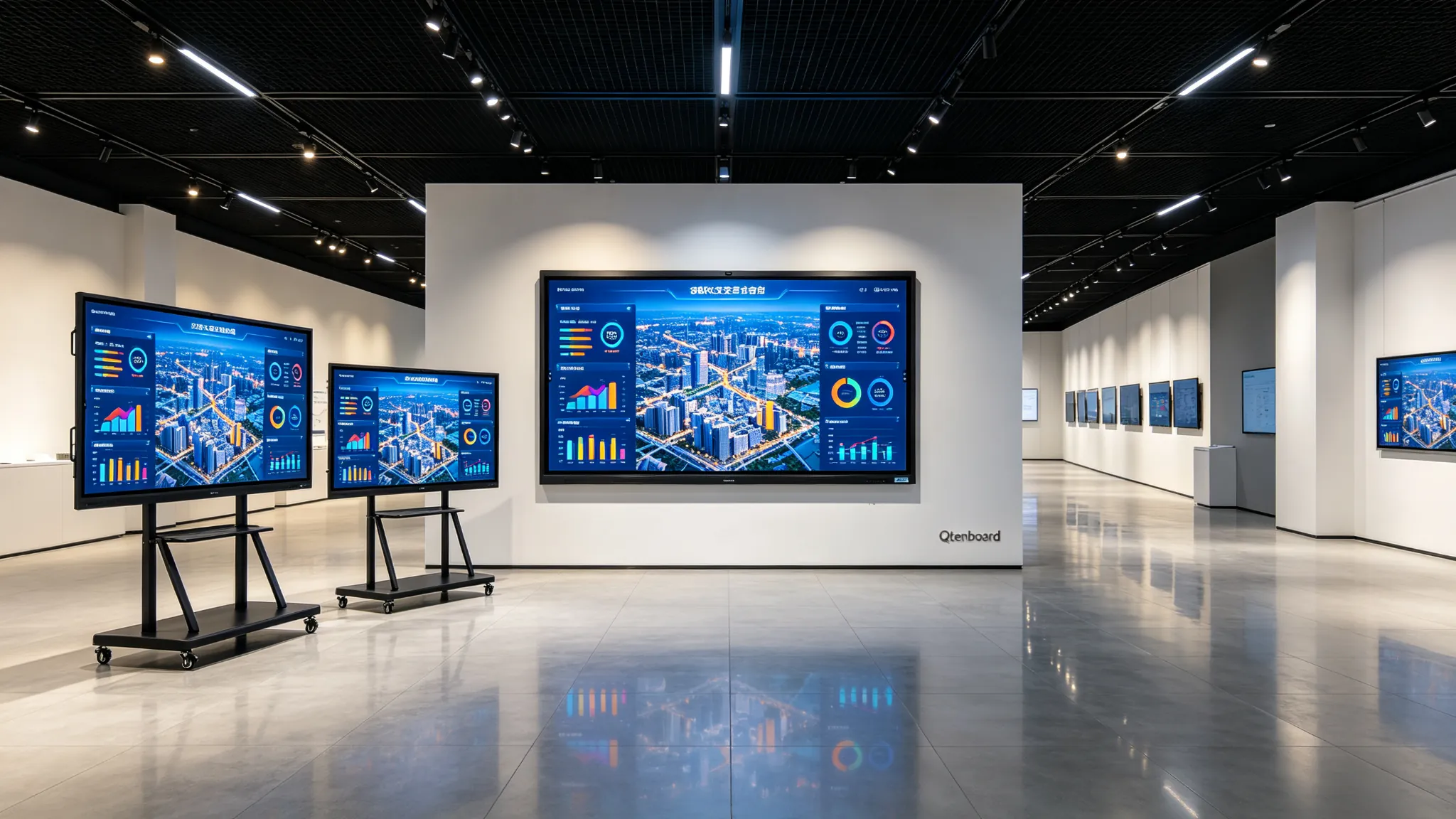
Recommended Scenarios:Small conference rooms for 2-6 people, executive offices, one-on-one training rooms, small tutoring rooms, consultation rooms and medical consultation corners, back-office training in retail stores.
Key selling points:Small wall space, suitable for close viewing, can be used for wireless screen projection, video conferencing, whiteboard annotation and instant collaboration, more friendly to projects with limited budget and compact rooms, and easy to deploy with mobile brackets.
Selection boundary:Not suitable for spaces with greater depth or seating for more than 10 people. If you need to display large amounts of data, complex tables or small text, you should give priority to 65 inches or more.
Qtenboard configuration:55 "supports 4K resolution, Android 14 system, wireless screen projection and basic whiteboard function, suitable for rapid deployment of small discussion rooms.
Recommended Scenarios:6-15 small conference room, small classroom, language training room, group teaching space, corporate department conference room, medical training room.
Key selling points:Compared with the 55-inch display area, it is significantly improved. It is suitable for daily PPT, teaching courseware, video, annotation and wireless screen projection. It can take into account on-site content and remote video conference images, and can be used as an economical main force for batch deployment of multi-classrooms and multi-conference rooms.
Selection focus:Focus on whether the farthest viewing distance exceeds about 4.9m. If the space depth is close to 5-6m, or if text and complex diagrams need to be displayed for a long time, 75 inches should be preferred.
Qtenboard configuration:In the education plan, 65/75 inches will be positioned as a suitable combination for K-12 and small and medium-sized classrooms, supporting 20 touch points, wireless microphones, teacher cameras and remote device management.
Recommended Scenarios:15-25 standard classroom, corporate training room, medium-sized conference room, mixed teaching space, dealer sample display room, customer training center.
Key selling points:It provides a larger writing and display area than 65 inches, which is more suitable for standard teaching or training scenes of about 20 people. The rear row has better readability for courseware, charts, annotations and video subtitles, taking into account budget, installation complexity and long-term use value.
Selection focus:Confirm maximum seat distance and room depth. If the number of students in the classroom is close to 30 and the rear row is far away, it is recommended to directly evaluate 86 inches. If used for video conferencing, the compatibility of cameras, microphone arrays, OPS and conference software should be confirmed.
Qtenboard data:75 inches is the main size of the Qtenboard, the one-time passing rate of the whole machine is ≥ 97%, the aging abnormality rate is <1.5, and the 48-hour high-temperature aging test (72 hours for some items).
A training room that can accommodate 25 people, with the longest seat distance of about 5.5 meters, mainly includes PPT, whiteboard labeling, product parameter table and remote video conference. 75 inches is usually a more balanced starting point. If tables, engineering drawings or details are displayed frequently, or if there are plans to expand to more than 30 people in the future, 86 inches can be directly selected.
Recommended Scenarios:25-40 National People's Congress classroom, standard board meeting room, enterprise training hall, university seminar room, medical teaching conference room, project command conference room.
Key selling points:Significantly improve the readability of text and charts in the back row, the whiteboard writing area is larger, suitable for multi-person collaboration, more suitable for mixed meetings, and more visual presence in large spaces.
Selection focus:First confirm the wall bearing and installation method, evaluate the elevator, corridor, door opening and on-site handling path, confirm that the bracket, wall mount and equipment weight match, pay attention to audio coverage, camera viewing angle and remote pickup distance.
Qtenboard configuration:The 86-inch dual system supports 4K/5K resolution, Android 14/16 and optional Windows OPS, supports 20 touch points, and is equipped with a touch panel made in a class 10,000 clean room to ensure writing accuracy and edge response.
Recommended Scenarios:40-60 large-scale conference room, lecture hall, enterprise exhibition hall, sales center, large training hall, command and dispatch meeting space.
Key selling points:It provides a larger 4K display screen, which is more suitable for the space with a long distance in the back row. It can more clearly present complex charts, engineering drawings, financial data and multi-window meeting contents, and can be used as the visual center of large conference rooms or exhibition halls.
Selection focus:98 inches should not only be judged by "can be put down", the viewing distance and installation height must be evaluated. The door opening, elevator, floor transportation and site handling conditions need to be confirmed in advance, and it is recommended to evaluate the wall load bearing, wall mount grade and installation personnel plan. For large conferences or lecture halls, a combination of main screen, auxiliary screen, double screen or video wall can be considered.
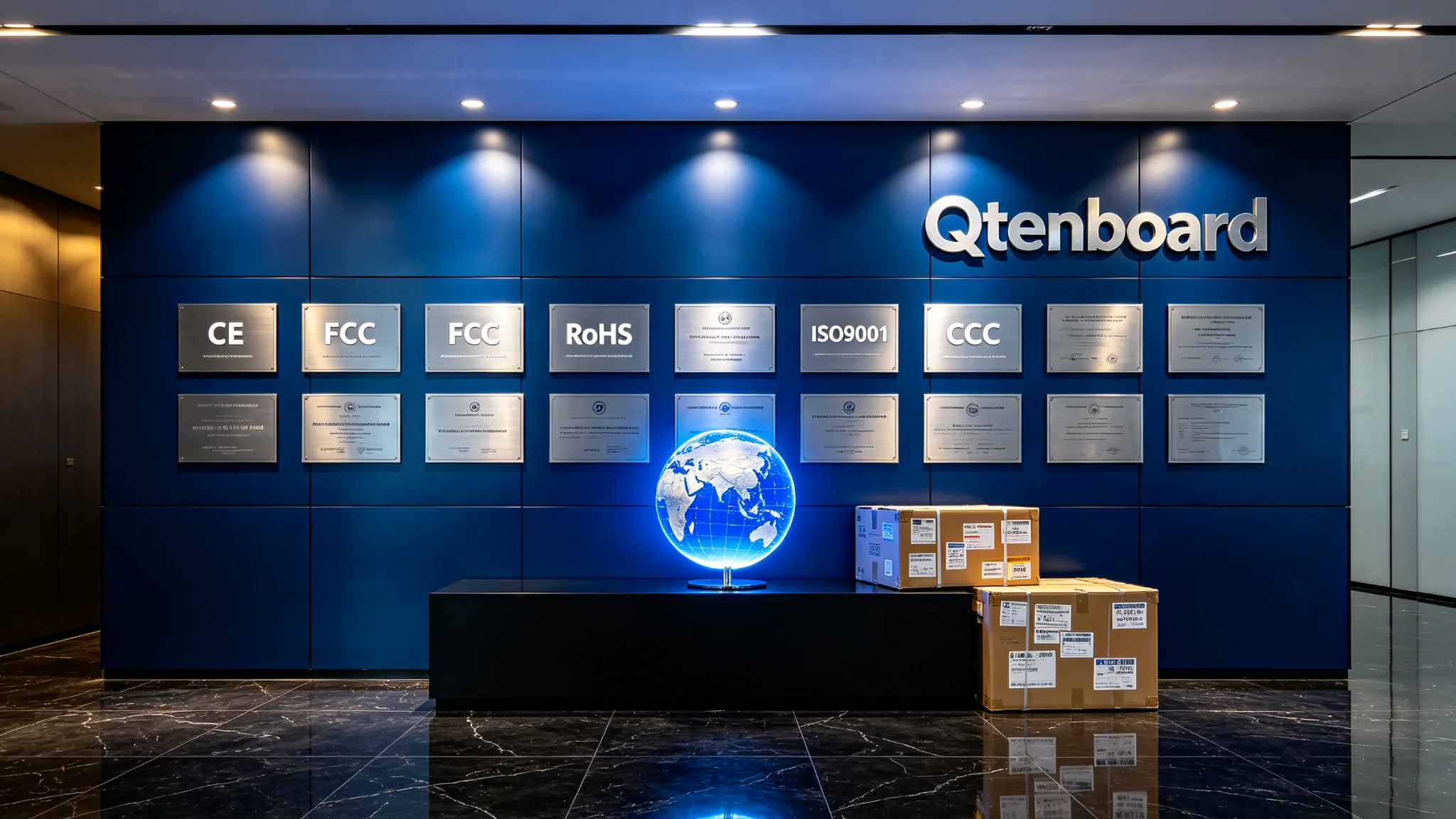
Qtenboard support:98-inch support for independent OEM production line customization, including UI customization, chassis screen printing, boot animation programming, customized delivery period is only extended by 3-5 days. CE, FCC, RoHS, ISO9001, CCC certification is complete.
Recommended Scenarios:Large lecture hall, command center, brand experience center, large exhibition hall, more than 60 people training hall.
Key selling points:It provides a larger visual area for spaces with a depth of more than 10 meters and more than 60 people, suitable for complex data display, multi-window collaboration and long-distance viewing.
Selection focus:The wall load bearing, handling path (elevator/door opening/corridor), installation height, audio and video system integration and control system must be evaluated in advance. It is recommended to cooperate with dual screen or LED video wall scheme.
Qtenboard support:The Qtenboard covers 105/110 inches, supports 4K/5K resolution, can be configured with Android 14/16 and Windows OPS dual systems, supports CKD/SKD localized assembly, and meets localization requirements of large-scale projects.
Provide room length, width and height, maximum viewing distance, number of users and seat layout, wall size and installation conditions, main content type, whether video conference/OPS/camera/sound reinforcement is required, budget range and target country certification requirements, Qtenboard can assist in completing the preliminary selection of size and configuration, and provide size calculation tools.
| educational space | Typical number of people | Recommended size | Configuration focus | Qtenboard support |
|---|---|---|---|---|
| Small tutoring room/language classroom | 5-10 people | 55/65 inch | 4K, touch, wireless screen, basic whiteboard | Android 14, 20 touch points |
| Standard K-12 Classroom | 20-30 people | 75/86 inches | 40-point touch, eye protection/anti-glare, teaching software, OPS optional | 48 hours aging, ≥ 97% pass rate |
| University Seminar Room | 20-40 people | 86 inches | Whiteboard collaboration, file annotation, video conferencing, sound reinforcement | 4K/5K, dual system, OPS |
| Ladder classroom/lecture hall | More than 40 people | 98/105/110 inch | Highlighting, camera, sound reinforcement, distance learning, dual-screen solution | Independent OEM line, CKD/SKD |
Educational projects should pay particular attention:Whether the students in the last row can see the text of the courseware clearly; Whether the height of the teacher's operation area is appropriate; Whether the screen surface is suitable for chalk, stylus and finger writing; Whether OPS Windows module is required; Whether remote equipment management is required; Whether wireless microphone, teacher camera, sound box and recording and broadcasting system are required.
A key middle school in a province purchased 50 Qtenboard 75-inch interactive whiteboards in batches in the classroom multimedia upgrade project, covering 20-30 standard classrooms. The total cost of the project is about 18% lower than the industry average, with 25 days of delivery and a failure rate of 0 in 1 year of use. The Qtenboard provides installation support and remote equipment management.
Data source: Qtenboard project case public information. The cost, delivery date and after-sales terms of different projects are subject to the contract confirmed by both parties.
| Meeting space | Typical number of people | Recommended size | Configuration focus | Qtenboard support |
|---|---|---|---|---|
| Huddle Room/Small Discussion Room | 2-6 people | 55 inches | Wireless screen, whiteboard, USB camera optional | Android 14, wireless screen projection |
| Department Conference Room | 6-15 people | 65 inches | 4K screen projection, video conferencing, touch annotation | 4K, 20 touch points |
| Medium-sized conference room | 15-25 people | 75 inches | Multi-window, camera, microphone array, OPS | 48 hours aging, OPS optional |
| Board/Training Room | 25-40 people | 86 inches | High-performance OPS, teleconferencing, audio system | 4K/5K, dual system |
| Large conference hall | More than 40 people | 98/105/110 inch | Main screen auxiliary screen, video conference, conference control system | Independent OEM line, CKD/SKD |
Corporate meeting scenarios should pay particular attention:Whether Teams, Zoom, Google Meet or local conference platform compatibility is required; Is there a BYOD/BYOM requirement; Whether multiple screen sources need to be displayed at the same time; Whether conference cameras, microphone arrays, audio and control systems need to be connected; Is there a requirement for parallel display of board documents, complex data reports or video conferences.
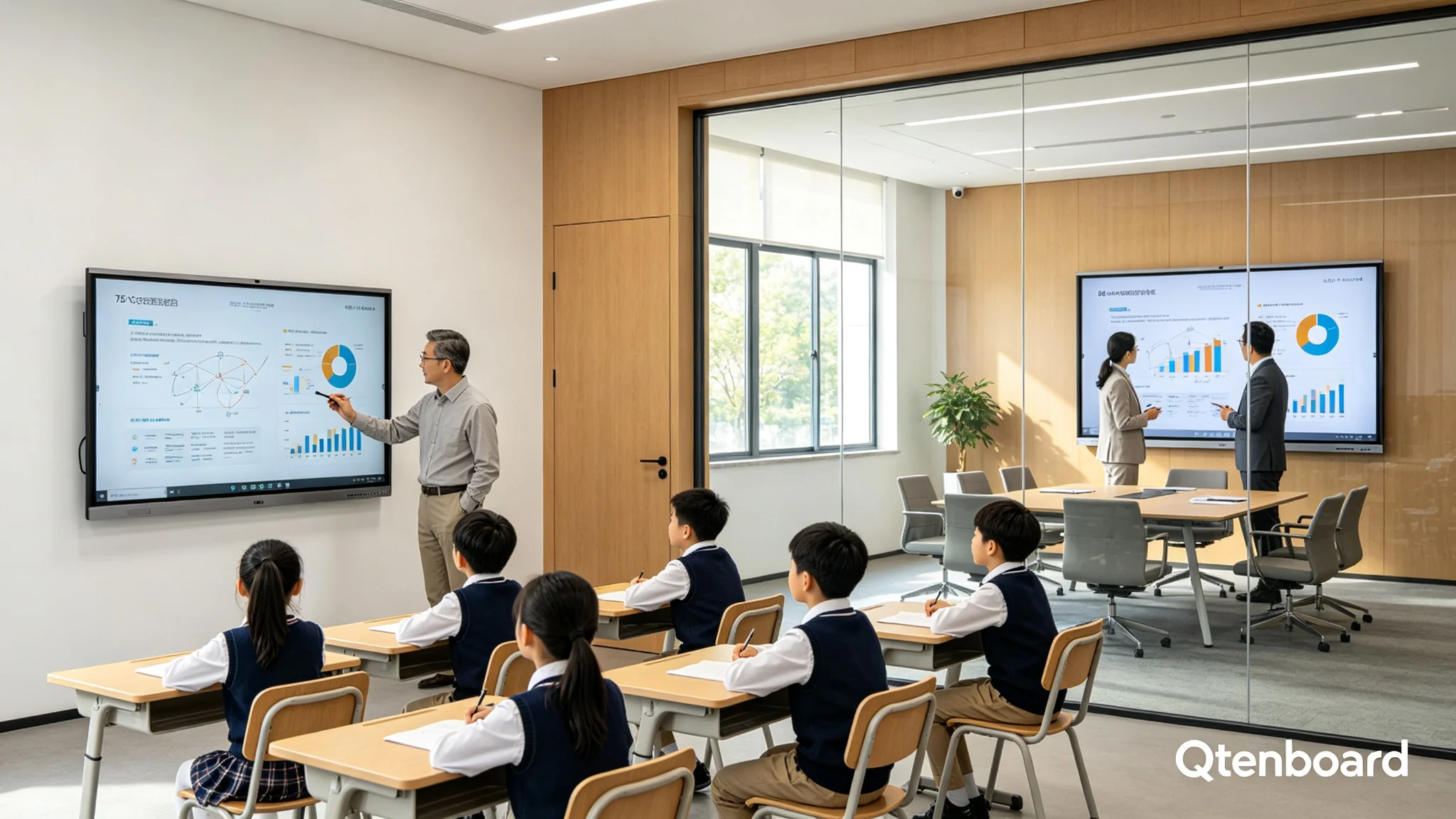
55-110 inch products can usually provide 4K display configuration, Qtenboard support 4K/5K. Large size does not automatically mean clearer, signal source, software interface, font design and viewing distance also affect the experience. For data, CAD drawings, medical images, and multi-window content, input signals, OPS performance, and software scaling strategies should be confirmed.
Teaching scenarios usually require multiple people to write at the same time; meeting scenarios are more concerned with writing delay, annotation accuracy, and stylus experience. The Qtenboard supports 20 touch point verification, touch accuracy ≤ ± 1.5mm, writing delay ≤ 10ms. Confirm the number of touch points, touch accuracy, writing response, stylus support, edge writing effect, Android and Windows touch consistency.
| Use demand | Recommended Configuration Ideas | Qtenboard support |
|---|---|---|
| Basic teaching, screen sharing, whiteboard | Android built-in system | Android 14/16 |
| Windows software, Office, professional teaching application | 可选 Windows OPS | Support OPS module |
| Video Conferencing and Complex Collaboration | Android high-performance OPS or standalone conference hosts | Dual System Optional |
| Government/Enterprise IT Management | MDM, account permissions, network security and remote operation and maintenance capabilities need to be confirmed | Support remote device management |
Wall-mounted installation, mobile bracket, electric lifting bracket, embedded installation, integration with platform or conference table system, different ways correspond to the optional range of different sizes: 55/65 inch is more suitable for mobile bracket and multi-space sharing; 75/86 inch is suitable for fixed wall mounting or heavy-duty mobile support; 98/105/110 inch wall bearing, logistics handling, power supply position and installation channel shall be confirmed at the beginning of the project.
330,000 ㎡ Intelligent Manufacturing Industrial Park, 8 full-automatic production lines, SMT patch speed of 120,000 components/hour, 10,000-class clean room to complete touch panel manufacturing and optical bonding, 48-hour high temperature aging test, the one-time pass rate of the whole machine is ≥ 97%.
The same is 20 people, some space depth of 4 meters, some more than 7 meters. The correct way: first measure the farthest viewing distance, and then combine the number of people and content type.
The area is the same, but the seating layout, wall width and display content may be completely different. The correct way: measure the wall, the last row of seats and the actual viewing area.
The video looks clear and does not mean that Excel, the terms of the contract or the text of the teaching courseware are also clear. The right way: test with real content, including PPT, forms, whiteboard writing and video conference interface.
Reducing from 75 to 65 inches may save initial purchase costs, but will reduce the rear experience and equipment life. The correct way: in the critical space to choose a larger first-order size.
86/98/105/110 inch products may not pass through elevators, corridors or door openings smoothly. Correct method: complete site survey, handling route evaluation, wall bearing confirmation and support scheme design before procurement.
The customer can provide the following information, on the basis of which the Qtenboard will assist in the sizing and configuration selection and provide a sizing tool:
| If your project is...... | Priority size | The next step must be confirmed |
|---|---|---|
| Small discussion room for 2-6 people | 55 inches | Whether you need to move the stand, video conference camera |
| 6-15 people small conference room or small classroom | 65 inches | Is the farthest seat more than about 4.9m |
| Standard classroom or training room for 15-25 people | 75 inches | Whether to display a large number of text, tables and drawings |
| 25-40 large classroom or boardroom | 86 inches | Wall bearing, audio and video system, OPS performance |
| 40-60 large-sized training hall or lecture hall | 98 inches | Installation and transportation, maximum distance, whether double screen is required |
| More than 60 people or great depth of space | 105/110 inch | Wall bearing, carrying path, dual screen or LED scheme |
This table can be used as a preliminary screening, and the final confirmation should still be based on the actual depth of the room, the screen height, the content details and the site installation conditions. For text and details, the principle of "the maximum distance does not exceed about 4-6 times the screen height" can be adopted, and the critical scene can be upgraded to a larger size.
From 55 inches to 110 inches, each size has its applicable space, number of people and content logic: 55/65 inches focuses on serving close-range and small-space collaboration; 75 inches is an important main size for standard teaching and training programs. 86 inches is suitable for large classrooms, training halls and larger conference spaces; 98 inches is suitable for large-scale reports, exhibitions, training and decision-making scenes; 105/110 inch for very large space and command center. The final plan should evaluate the "size system configuration installation conditions long-term use requirements" as a whole.
 Partner Links:

 en
 中文

 Previous:
 Return to list

