 Current location:
Home
> News > Product News > Interactive Flat Panel
 Release date: 2026-10-08
 Clicks:0
From 55 inches to 110 inches, combined with classroom size, maximum viewing distance, number of students, content type and installation conditions, help schools purchase more suitable interactive whiteboards
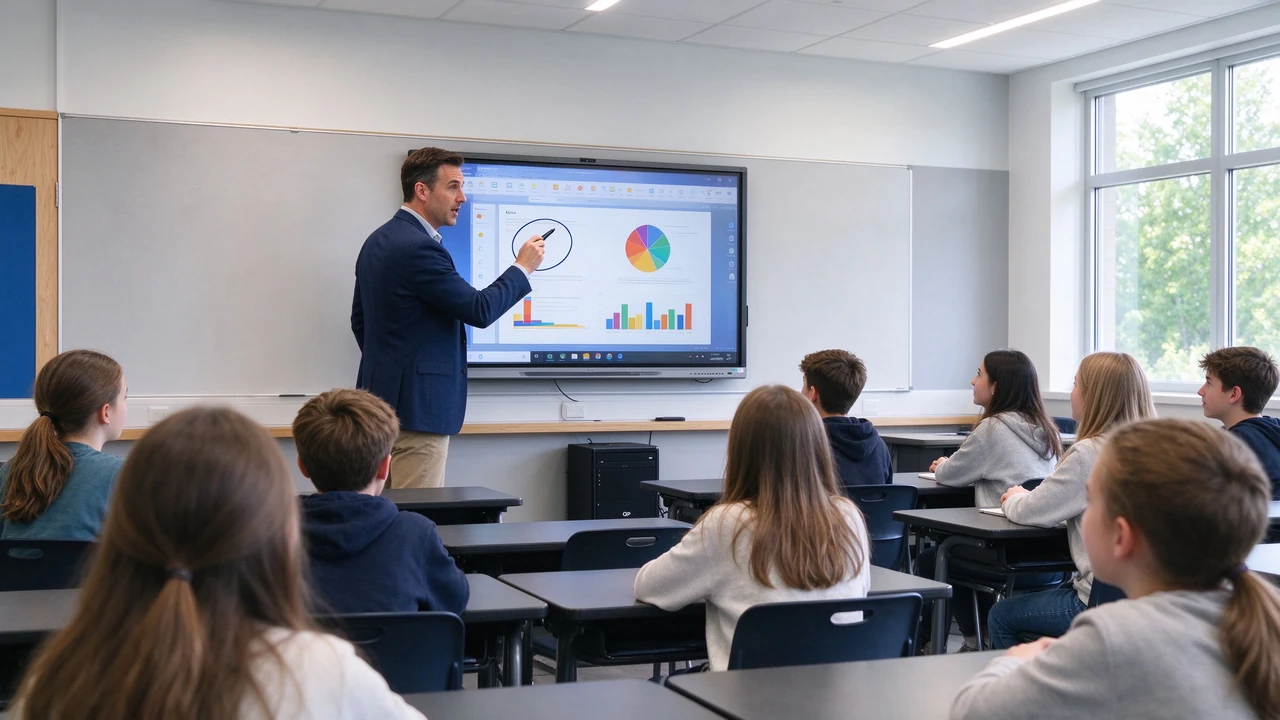
If you choose the wrong size, the students in the back row will be the first to be affected. The school purchased 65-inch equipment according to the classroom area. After installation, it was found that the students in the back row could not see the small print of the courseware. Teachers are forced to enlarge the font, resulting in a page of courseware can not be fully displayed. Complex charts, formulas, and video captions require frequent scaling. After installing 86 inches in another small classroom, the screen was too large, the operating height was inappropriate, and the budget was wasted.
The first basis for selecting the size of the interactive whiteboard in the classroom is not the area of the room, but the distance from the screen to the last row of students, and the type of content that needs to be displayed most in the classroom. Qtenboard public selection data suggest that the farthest seat should be measured first, and the minimum screen size should be judged according to small font text, charts and teaching contents. The size guide positions 55-65 inches as small space, 75-86 inches as standard classroom, and 86-98 inches as large classroom and training space.
Qtenboard (Shenzhen Qunmao)Founded in 2005, we have been dedicated to interactive display manufacturing for 20 years. We operate a 330,000㎡ smart manufacturing industrial park in Shenzhen and Guangzhou, comprising 16 factory buildings and 8 fully automated production lines, with a daily output capacity of 200 units, serving customers in 120 countries and regions worldwide. The Qtenboard interactive whiteboard covers 55-110 inch full-size segments, supports 4K display, 20-50 touch, Android Windows OPS dual system and Q-AI system-level framework, and provides schools, education bureaus and education groups with a complete solution from size selection to batch delivery.
10-person group, 20-30 standard classroom, 30-40 large classroom, more than 40 lecture hall. U-shaped, grouped, theater or traditional row seating. Different layouts have completely different requirements for screen size and installation height.
Large characters and videos, PPT and conventional courseware, small characters, Excel and data billboards, mathematical formulas, engineering drawings, medical images, programming and professional software interfaces. The finer the content and the smaller the text, the larger the screen size required.
Kindergarten, primary school and adult classrooms operate at different heights. Whether students need to touch frequently on the stage, whether they need a wheelchair or barrier-free access, whether they use a mobile stand, and whether they need to reserve a safe space under the screen.
AV display planning materials are often evaluated using the relationship between screen image height and viewing distance: detailed text and charts can be evaluated by image height × 4, ordinary teaching content can be evaluated by × 6, and video and large character content can be evaluated by × 8 as preliminary reference.
| Content type | Reference logic | Suitable scenarios |
|---|---|---|
| Detailed text, formulas, charts | Screen image height × 4 | Data analysis, coding, complex drawings |
| ordinary teaching content | Screen image height × 6 | PPT, interactive courseware, mixed content |
| Video and large print display | Screen image height × 8 | Video playback, announcements, speeches |
This method can be used as a preliminary planning and should not replace field prototype testing and professional AV design.
| Size | Typical Maximum Viewing Distance Reference | Suitable scenarios |
|---|---|---|
| 55 inches | Approximately 2.5-3 m | Group classroom, tutoring room |
| 65 inches | Approximately 3.5-4 m | Small K12 classroom |
| 75 inches | Approximately 4.5-5.5 meters | Standard classroom, training room |
| 86 inches | About 6–7 meters | Large classroom, mixed classroom |
| 98 inches | Approximately 7.5 meters and above | Large training room, lecture hall |
| 105/110 inches | More space | Large lecture halls, command and collaboration spaces |
Different content types, display brightness, font size and seat layout will affect the actual readable distance, so the table can only be used as a preliminary screening tool.
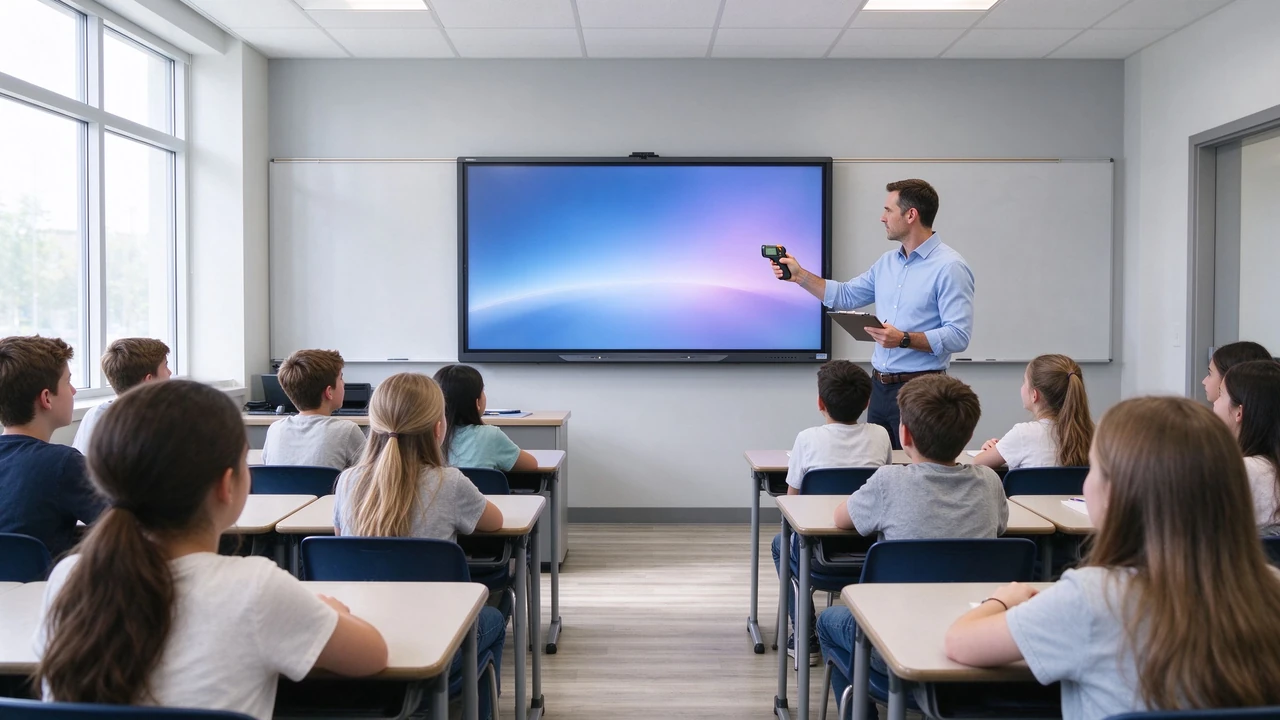
Suitable scenarios:Language tutoring room, special education resource classroom, group discussion room, one-on-one teaching, kindergarten small activity room, teacher office training.
Advantages:It occupies a small wall, is comfortable to watch at close range, has a relatively controllable budget, is suitable for mobile brackets, and has more flexible group interaction.
Selection boundary:Not suitable for classrooms with greater depth, not suitable for classrooms with more than 30 people, complex charts and small print content may need to be upgraded to 65 or 75 inches.
Suitable scenarios:10-20 small classrooms, language classrooms, primary school classrooms, small training rooms, after-school tutoring space.
Qtenboard information points out that 65 inches may be a more balanced choice for spaces within 4 meters of depth and 30 people, rather than a low-end alternative. The details should still be confirmed according to the farthest seat and content type.
Configuration focus:4K, multi-touch, anti-glare glass, low blue light, wireless screen projection, Android or dual system, teacher camera and sound reinforcement (if required).
Suitable scenarios:20-35 standard K12 classroom, medium-sized training room, enterprise training classroom, ordinary college classroom, multimedia teaching space.
Advantages:Taking into account the display area and budget, the rear courseware has good readability, is suitable for PPT/video/whiteboard and charts, does not require too much space as 98 inches, and is suitable for mass procurement and unified deployment of schools.
Configuration focus:4K display, 20-50 touch, anti-glare and impact glass, optional Android Windows OPS, camera/microphone and audio, teaching software and remote device management.
Suitable scenarios:30-50 classroom, university lecture space, mixed teaching classroom, training center, medical/engineering and design classroom, multidisciplinary teaching space.
Advantages:The back row is more readable, suitable for complex charts and professional content, can display teacher pictures/courseware and student feedback at the same time, suitable for remote expert teaching, and is more friendly to multi-person writing and group collaboration.
Installation Note:Wall load-bearing, bracket specifications, elevators and door openings, carrying routes, screen center height, and safe distance for students to touch on stage.
Suitable scenarios:Ladder classroom, large training hall, medical simulation center, enterprise university, lecture hall, education exhibition hall, large distance teaching space.
Advantages:Clearer viewing from a distance, suitable for complex data/images and engineering drawings, with a stronger visual center effect, can be used for large-scale presentations and remote collaboration.
Selection boundary:It is necessary to confirm the handling/elevator/door opening and installation space in advance. Large report halls may need 98/110 inches or main screen auxiliary screen scheme, which is not suitable for blind use in small classrooms for "effect.
Suitable scenarios:Large lecture hall, command center, high-end enterprise training, large exhibition space, multi-person remote collaboration room, main screen and auxiliary screen combination.
Procurement focus:Site survey, brackets and walls, transportation and packaging, signal processing, multi-window, camera and audio coverage, after-sales and spare parts.
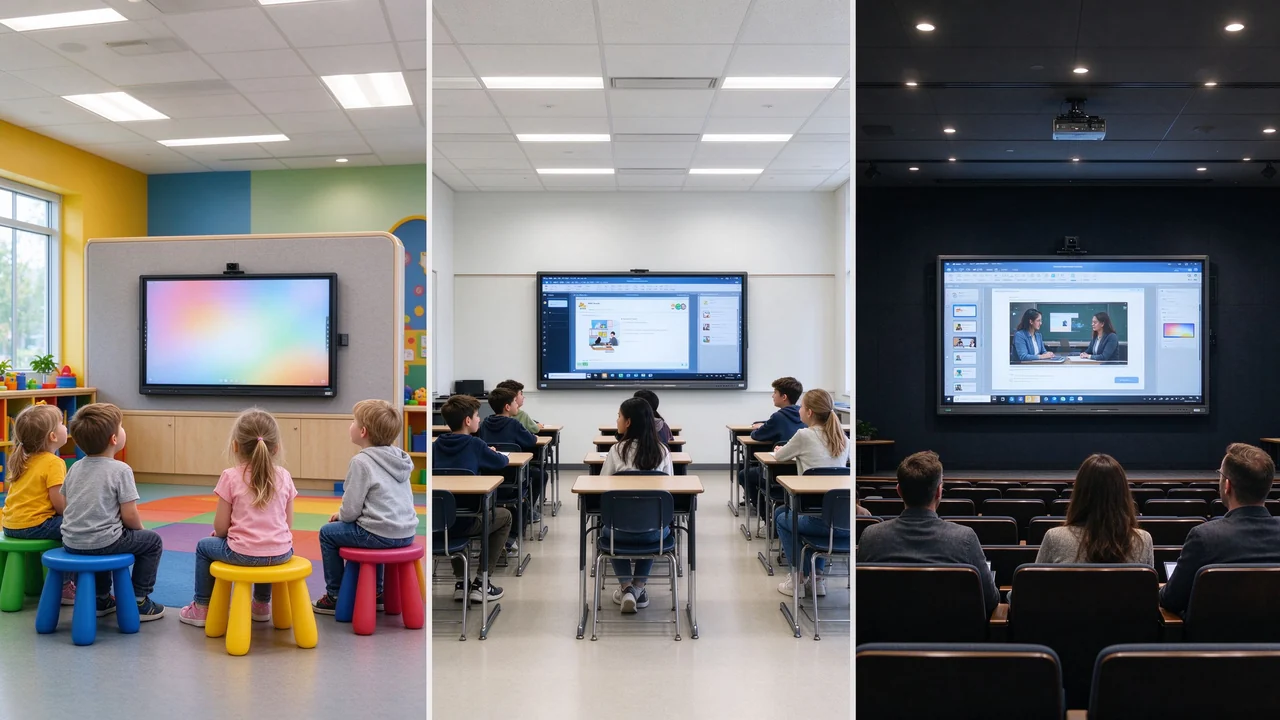
55/65 inches suitable for small classrooms and activity rooms. Focus on children's touch height, rounded corners, safety glass and adjustable brightness. Need to avoid visual pressure caused by too large a screen. Suitable for gamification learning, stories and interactive activities.
65/75 inches are more common. Focus on big fonts, images, videos and multiplayer interaction. Need anti-glare, low blue light and impact resistant design. Teachers operate and students use frequently on stage.
75/86 inches are usually more suitable for standard classrooms. Presentation of formulas, charts, experimental data, and videos is required. Windows OPS, professional teaching software and distance teaching ability are more important.
86/98 inches suitable for large classrooms and amphitheatre. Need to support complex charts, medical images, engineering drawings and multiple windows. High-performance OPS, remote expert, and recording systems may be required.
75/86/98 inches according to training space selection. Focus on drawings, processes, operating videos and simulation software. Requires Windows OPS, camera, microphone and professional software compatibility.
86/98 inches suitable for centralized training space. Remote conferencing, content saving, recording and multi-device screen casting are required. Multi-campus projects require CMS/DMS and unified facility management.
4K resolution, brightness, contrast, viewing angle, anti-glare, low blue light and anti-flicker, color consistency, long-term operation, glass hardness. Qtenboard offer 350-500nit brightness optional, AG anti-glare glass and 9H tempered glass.
Infrared or capacitive touch, 20-50 touch, multiplayer writing, palm suppression, stylus, edge accuracy, low latency, Android and Windows touch consistency. Qtenboard touch accuracy 1.5mm, single point response time 7ms.
Android, Windows OPS, dual system, EDLA, Google Classroom and Google Meet, Microsoft Teams, LMS, teaching software, device management platform. Qtenboard support Android 14/16 Windows OPS dual system, switching time <3 seconds.
Teacher camera, student camera, microphone array, wireless microphone, echo cancellation, external speaker, recording and broadcasting system, remote classroom.
Wall bracket, mobile bracket, electric lifting bracket, barrier-free height, wall load-bearing, anti-dumping, cable management, power supply and network. Qtenboard supports wall/mobile stand and liftable stand solutions.
Teachers PPT, small size courseware, Excel forms, mathematical formulas, engineering drawings, videos and subtitles, browsers, teaching software, medical images, students' homework.
Let the last row of students watch, test the front and side angles, turn off some lights in the classroom, simulate the reflection of windows, and test whether the teacher stands in front of the screen to block the content.
Teacher writing, simultaneous operation by multiple students, stylus and fingers, edge writing, palm touch, fast dragging and sorting, long-term continuous use.
Android application, Windows OPS, Google Classroom, Microsoft Teams, Zoom, wireless screen projection, LMS, customer-owned teaching platform.
Wall load bearing, bracket height, power supply location, network coverage, handling routes, door openings and elevators, maintenance space, children or barrier-free operation height.
The Qtenboard interactive whiteboard covers 55, 65, 75, 86, 98, 105 and 110 inches and can serve small classrooms, standard classrooms, large training rooms, lecture halls, conference rooms and command centers.
Customers can provide classroom floor plans, room depth, maximum seating distance, number of students, content type, whether OPS is required, whether cameras and microphones are required, whether distance teaching is required, whether EDLA is required, purchase quantity and delivery country.
Qtenboard public information suggests that the appropriate interactive tablet size should be calculated by room size, space type and number of users, and provides size selection tools and educational scene product reference.
School or education group Logo, splash screen, local language, pre-installation of teaching software, brackets and accessories, unified BOM, multi-size combination procurement, DMS equipment management, CKD/SKD local assembly, teacher training and after-sales support. A dedicated OEM production line ensures that customization does not affect the delivery schedule of standard products; the lead time for custom orders is extended by only 3–5 days.
Requirement:The depth of the room is about 4 meters. Students need to watch subtitles, pictures and courseware. Teachers need to touch frequently and play videos.
Plan:65-inch 4K interactive whiteboard, anti-glare glass, Android system, wireless screen projection, teacher camera optional.
Key Value:Suitable for close viewing, the screen will not overtake the wall, budget and installation are easier to control.
Requirement:The farthest seat is about 5-6 meters, mainly displaying PPT, formula, video and whiteboard, requiring multiple people to interact on stage.
Plan:75 or 86 inch 4K interactive whiteboard, 20-50 touch, anti-glare and low blue light, Android Windows OPS, camera/microphone and DMS.
Key Value:The content in the back row is more readable, taking into account teaching software and whiteboard, and is suitable for mass deployment in schools.
Requirement:40-60 students, need to demonstrate CAD, equipment flow and simulation software, need remote enterprise tutor participation.
Plan:86 or 98 inches, high-performance Windows OPS, camera and microphone array, 4K display, multi-window and remote conference, mobile or heavy-duty wall mount.
Key Value:It is convenient to view complex content from a distance, connect theory/practical training and enterprise training, and support large-scale projects and multi-professional use.
Should the standard classroom choose 75 inches or 86 inches?
If there are 20-30 people, the room depth is about 5-6 meters, and the content is mainly ordinary courseware and video, 75 inches may be more balanced. If the room is deeper, the back row is farther away, and formulas/tables/engineering drawings or complex data are often displayed, 86 inches has more allowance.
Can the classroom area directly determine the screen size?
Cannot. The area can only be used as a reference. The real key is the distance from the screen to the last row, the type of content, the number of students and the seating layout. Qtenboard public information also recommends that priority be given to measuring the farthest seats.
Is 65 inches suitable for K12 classroom?
Suitable for small, compact or small student classrooms. For a standard 30-person classroom or deeper space, it is recommended to compare 75 and 86 inches.
The bigger the screen, the more clearly students must see?
Not necessarily. Input content resolution, font size, brightness, glass reflection, viewing angle, and mounting height all affect sharpness. Real courseware should be used for field testing.
Will the large interactive whiteboard affect the installation?
Yes. 86 inches, 98 inches and above products need to confirm the wall load bearing, bracket, elevator, door opening, corridor, packaging and on-site handling route in advance. Qtenboard can provide recommendations for installation surveys.
Can Qtenboard recommend products based on classroom size?
Sure. It is recommended to provide classroom floor plan, space depth, maximum seating distance, number of students, main content, system and distance learning requirements, which can be used by Qtenboard to evaluate size, touch, OPS, audio and video and stand configuration.
Different classroom depth, number and course content are different. Size combinations shall be established by classroom type.
The large area of the room does not mean that the viewing distance is far. The last row of seats shall be measured.
The unit price of the equipment is reduced, but the readability and classroom experience in the back row may decrease. The actual use value should be compared.
Seeing the video clearly does not mean that small print, formulas and Excel can also be seen clearly. Authentic teaching content should be used.
The failure of the large screen to move into the classroom, insufficient bearing capacity of the bracket or insufficient maintenance space will all lead to the delay of the project. Pre-installation surveys shall be included in the procurement.
The size is correct, but it is not compatible with Windows OPS, Google services, screen projection or teaching software, and still cannot meet the needs of the classroom. Qtenboard supports Android Windows OPS dual systems, compatible with Google Classroom, Microsoft Teams and mainstream LMS.
55/65 inches suitable for small classrooms and small group teaching. 75 inches fits most standard classrooms and training spaces. 86 inches is suitable for deep classrooms, large classrooms and professional education scenarios. 98/110 inches suitable for lecture hall, large-scale training and distance teaching. Selection must combine viewing distance, content type, number of people, installation, touch and system configuration.
The size of the classroom interactive whiteboard should not start with "how much can the school budget buy", but should start with "what the students in the last row need to see clearly. For ordinary classrooms, 75 or 86 inches can often strike a balance between readability, installation and cost. For group classrooms, 65 inches may be more flexible. For large lecture halls and professional training spaces, plans above 98 inches or multiple screens should be evaluated.
QtenboardBacked by 20 years of manufacturing experience, 330,000 ㎡ industrial park, 8 full-automatic production lines, Q AI system-level framework, Genio 520 platform and DMS equipment management system, it provides 55-110 inch full-size interactive whiteboard, 4K display, 20-50 touch control, 1.5mm precision, Android Windows OPS dual system, EDLA certification, OEM/ODM customization and CKD/SKD localization scheme for global education projects. Serving 120 countries and regions, with after-sales response within ≤4 hours.
Qtenboard can assist customers in completing educational interactive whiteboard solutions from size judgment, prototype testing to batch delivery according to the school's classroom size, number of students, course content, system environment and purchase quantity.
If you are planning a school interactive whiteboard purchase or smart classroom upgrade project
Qtenboard provide 55-110 inch full-size interactive whiteboard, Q AI system-level framework, Genio 520 platform, Android Windows OPS dual system, EDLA certification, DMS device management and OEM/ODM/CKD/SKD customization services.
Get a Qtenboard education sizing guide, or book a factory tour and prototype test.
 Partner Links:

 en
 中文

 Previous:
 Return to list

