 Current location:
Home
> News > Product News > Interactive Flat Panel
 Release date: 2026-10-08
 Clicks:0
Covering size, display, touch, system, certification, software, supplier evaluation, prototype testing, installation acceptance and after-sales service to help educate and enterprise customers to reduce the risk of interactive whiteboard procurement
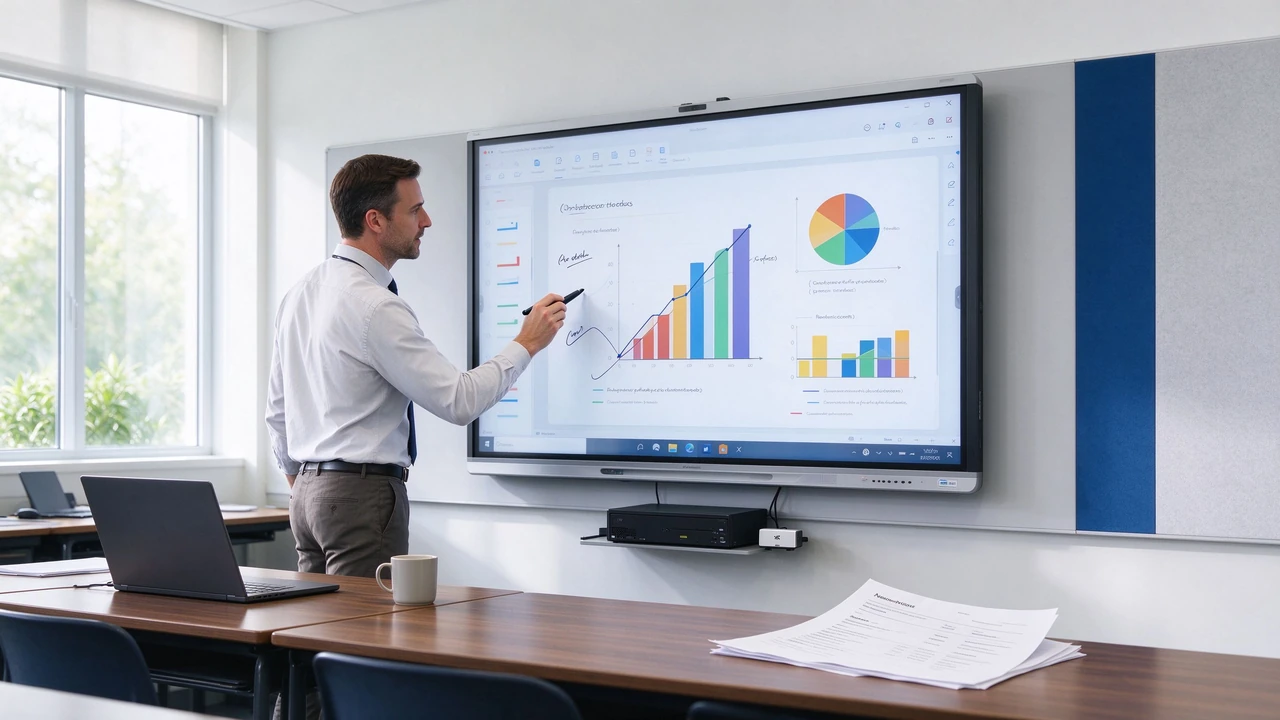
Purchasing usually fails not because of price, but because the demand is not clearly defined. The school purchased 75-inch products, but the students in the back row could not see the small print. Corporate conference rooms have large screens installed, but they are not compatible with Teams, Zoom, or internal software. Vendor commitment to support Windows, the actual OPS configuration can not run professional applications. EDLA is written on the product page, but the certificate does not cover the purchase model. The prototype looks normal, with touch control, screen projection or software version differences after batch delivery. Equipment was installed without training, spare parts and remote management.
Interactive whiteboard procurement is not a simple "request-order-install", but a project decision involving space, display, touch, system, software, network, certification, service and full life cycle cost. The procurement guide recommends that the size, quantity, market, brightness, Android version, OPS, camera, microphone, EDLA, customization, certification and delivery time be clarified during the inquiry stage to reduce specification ambiguity during the quotation stage.
Qtenboard (Shenzhen Qunmao)Founded in 2005, we have been dedicated to interactive display manufacturing for 20 years. We operate a 330,000㎡ smart manufacturing industrial park in Shenzhen and Guangzhou, comprising 16 factory buildings and 8 fully automated production lines, with a daily output capacity of 200 units, serving customers in 120 countries and regions worldwide. The Qtenboard interactive whiteboard covers 55-110 inch full-size segments, supports Android Windows OPS dual systems, and provides standard products, batch purchase, OEM/ODM and CKD/SKD cooperation modes to help customers push interactive whiteboard projects from the inquiry stage to a stable landing.
K12 classrooms, higher education, corporate conference rooms, training centers, medical teaching, libraries or museums, government command centers, retail showrooms, industrial design and manufacturing. Different scenarios have completely different requirements for display, touch, system, software and security.
Daily use time, whether it needs 16/7 or 24/7, whether it is frequently operated by many people, whether it needs continuous operation in public places, and whether it needs remote management at night.
PPT and PDF, Excel and data boards, videos, web pages, handwriting and annotations, 3D models, CAD/BIM drawings, medical images, GIS maps, digital signage and product catalogs.
Android、Windows OPS、Android Windows双系统、Microsoft Teams、Zoom、Google Meet、Google Classroom、LMS、CRM、ERP、MES或PACS教学端。
Whether wireless screen projection is required, whether multiple people are required to write together, whether cameras and microphones are required, whether AI transcription and summarization are required, whether remote device management is required, whether cross-campus or cross-branch deployment is required.
| Size | Typical Scene | Procurement Focus |
|---|---|---|
| 55 inches | Small discussion room, tutorial room, group activities | Close range clarity, mobility |
| 65 inches | Small classroom, small conference room | 4K, touch, screen projection |
| 75 inches | Standard classroom, medium-sized conference room | Rear readability, audio and video |
| 86 inches | Large classroom, training room, board meeting room | Large screen, multi-window, OPS |
| 98 inches | Large conference room, lecture hall, exhibition hall | Installation, transportation, wall bearing |
| 105/110 inches | Oversized space and high-end display | Site Survey, Logistics and Expansion |
Selection principle:Measure the viewing distance in the last row first, then combine the number of people and the seating layout. The more text, tables and engineering drawings, the larger the size should be selected. Close distance small room is not recommended to install 98 inches blindly. Large lecture halls can evaluate over 98 inches, dual screen or video wall solutions.
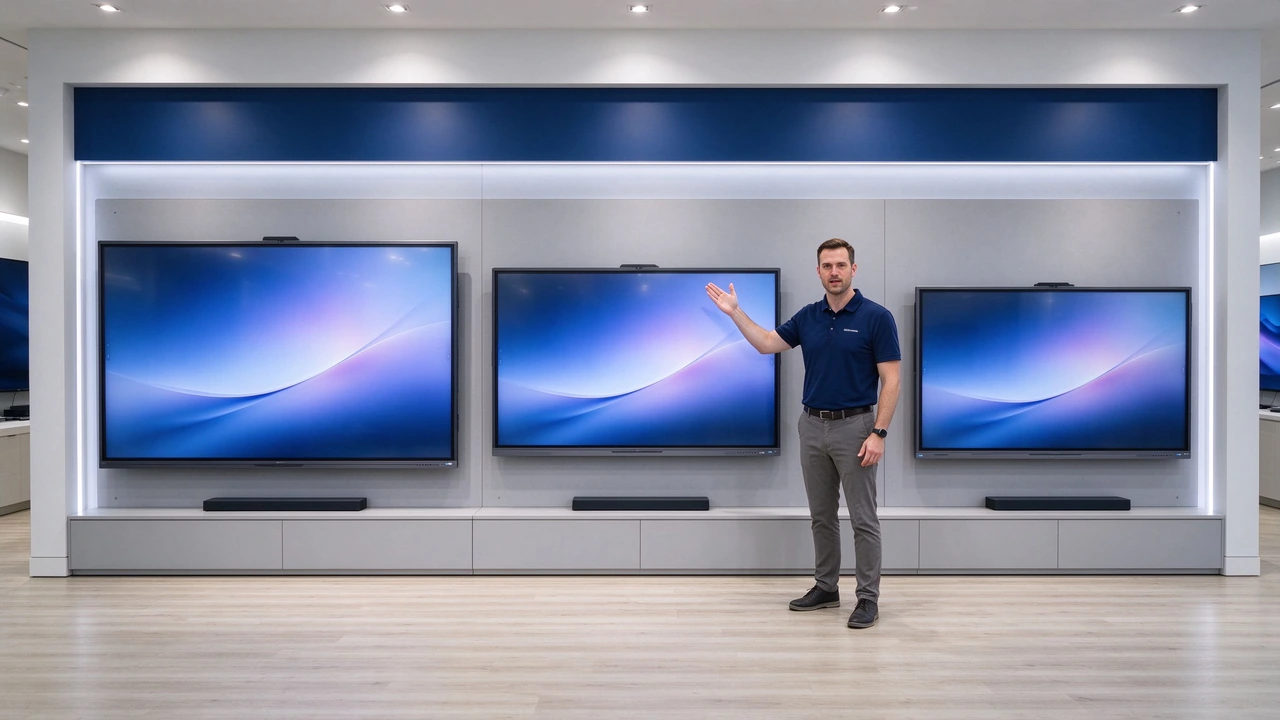
Digital whiteboard, wireless screen projection, browser, video playback, basic teaching applications, Google education applications (such as EDLA model support), quick start and simple operation.
Office, CAD, BIM and design software, professional teaching software, enterprise internal systems, VPN and domain management, complete desktop office environment, high-performance multi-window applications.
Schools use Android whiteboards and Windows teaching software at the same time, enterprises need fast meetings and complete office applications, multi-purpose training centers, and projects that need to balance ease of use/software compatibility and upgrading capabilities.
Provide Android and Windows compatibility schemes Qtenboard public information, and remind school projects to verify USB touch HID, specified Windows version, wireless screen projection and touch protocol, not just based on the propaganda description of "support Windows.
The Purchaser shall check the model and size, certificate number, issuing authority, test date, applicable standard, product version, wireless module, production base, and certificate validity period.
Put the certification type, certificate coverage model, document submission time, software and safety update cycle, replacement parts approval mechanism, and responsibility for document discrepancies into the technical attachment.
Qtenboard public information shows that it provides interactive flat panel, digital signage, LCD video wall and OEM/ODM, CKD/SKD manufacturing solutions, suitable for schools, enterprises, government and commercial display projects.
Prototype price, batch unit price, ladder price, OEM/ODM fee, OPS fee, camera and microphone, bracket, software and DMS, packaging, transportation, installation and training, CKD/SKD plan, spare parts and after-sales.
| Comparison Items | Supplier A | Supplier B | Qtenboard |
|---|---|---|---|
| Product model | |||
| Panel and brightness | |||
| Touch Points | |||
| Android version | |||
| Windows OPS | |||
| EDLA/Certification | |||
| Camera/Microphone | |||
| MOQ | |||
| Prototype delivery | |||
| Batch delivery period | |||
| Warranty | |||
| SPARE PARTS AND SLA |
Use customer real files: PPT, PDF, Excel, video, web pages, 4K images, engineering drawings, medical images, GIS maps. Check text clarity, color and grayscale, brightness uniformity, reflection, multi-window, different angle visibility.
Single-point writing, multi-person writing, palm suppression, edge writing, stylus, mixed finger and pen, Android/Windows switching, long-term operation.
Whiteboard save and export, wireless screen projection, Teams/Zoom or Google Meet, Google Classroom or LMS, Windows OPS software, camera and microphone, DMS remote control, offline use and recovery.
Account Permissions, Guest Mode, USB Control, Remote Lock, Data Delete, Network Partitioning, Software Upgrades, Logs and Auditing.
Real classroom or meeting documents should be involved in the test; the procurement guidelines recommend testing processes such as PowerPoint, PDF, browser, video, annotation, saving, sharing, and continuing work offline.
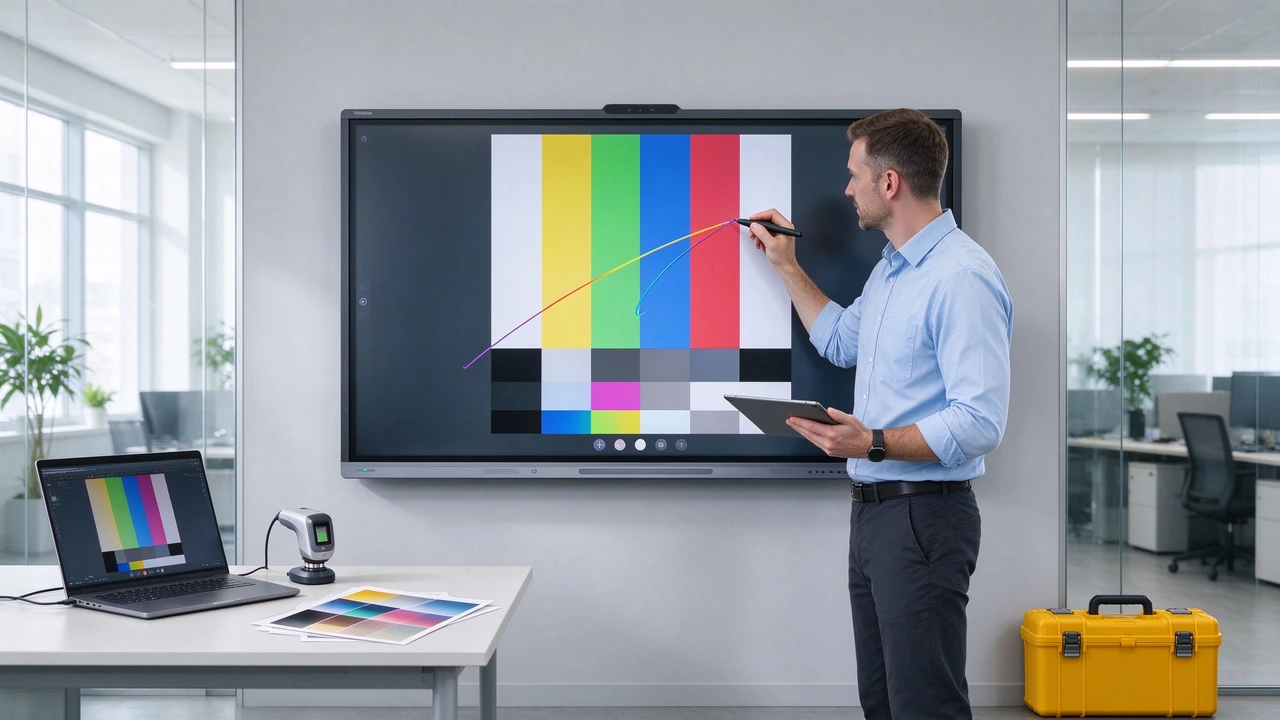
The school's large-scale procurement guidelines suggest that the design requirements for wall-mounted load-bearing, seismic reinforcement, cable management and prevention of accidental pull-out of equipment should be specified in advance in the bidding documents.
Part of the educational bidding documents clearly require the supplier to be responsible for installation, commissioning, testing and on-site demonstration, so these contents should be clearly written in advance in the quotation and contract, not as an additional item after delivery.
Suitable for single room conference room, small school deployment, exhibition hall and training room, the first test project.
Suitable for multi-classroom upgrade, multi-conference room deployment, government education projects, group procurement, multi-branch projects.
Suitable for brand customers, educational equipment distributors, system integrators, industry solution providers, localization software and language needs.
Suitable for local assembly requirements, tariff and trade optimization, government localization projects, regional manufacturing and after-sales centers, long-term batch cooperation.
Submit product usage, size and quantity, target market, Android/OPS requirements, EDLA or certification requirements, camera and microphone, customized content, delivery time, trade terms to the Qtenboard.
Qtenboard public procurement materials emphasize that education and enterprise projects should specify the model, size, certification, system, camera, microphone, OPS, MOQ, delivery date and after-sales scope when inquiring, so that suppliers can give comparable project quotations.
Panels, touch, OPS, software, and services from different vendors can be completely different. Full specification and TCO comparison shall be done.
The certification must correspond to the specific model, size and target market. Verifiable documents should be requested.
Paper-based parameters are no substitute for real classes, meetings, or professional software testing.
Large size products may not be able to pass through door openings, elevators or corridors. The weight bearing of the wall and support must be confirmed in advance.
Vendors may substitute different panels, motherboards or touch modules. Core components, software and certifications should be written into the contract.
After a few years of equipment use, system and software support are more important than the initial price. Update cycles, spare parts and maintenance SLAs should be clear.
What should be confirmed first when a school purchases an interactive whiteboard?
First confirm the usage scenario, classroom size, farthest viewing distance, content type, system software, Google ecology, screen projection method and quantity, and then determine the size and technical parameters.
What certifications are required for an interactive whiteboard?
Depending on target country, product type and project document. Common documents include CE, FCC, RoHS, CB, UL, CCC, ISO system documents, and EDLA as may be required for educational programs. Purchaser shall confirm by project.
How long should the prototype test last?
Complete at least one complete real workflow, including startup, screen projection, writing, file saving, system switching, video conference, remote management and shutdown recovery. Large projects are recommended to be piloted in real classrooms or conference rooms.
Can Qtenboard provide installation and training?
Installation, commissioning, distance training, teacher training, equipment management and after-sales support can be evaluated according to the project. The specific service scope, region and cost shall be confirmed at the quotation stage.
Can Qtenboard support small OEM?
Standard products, OEM/ODM and CKD/SKD cooperation modes are listed Qtenboard to public information. MOQ, software customization, Logo, packaging and delivery date need to be confirmed according to specific products and project BOM.
How to get an accurate quotation?
Please provide screen size, quantity, target country, purpose, Android version, OPS, EDLA, camera, microphone, stand, certification, customization and delivery date. The more specific the demand, the closer the offer is to the final purchase cost.
Do the requirements analysis first, then select the size and system. Lock the technical specifications first, and then compare the supplier quotation. Test the prototype first, then place orders in batches. Clear certification, installation, warranty and security updates before signing the contract. Plan training, DMS, spare parts and TCO before large-scale deployment.
Interactive whiteboard procurement in 2026 is no longer a simple comparison of screen size and single price. A truly professional procurement process should start with usage scenarios and space requirements, go through technical specifications, certification verification, prototype testing, supplier due diligence, contract locking, on-site installation and final acceptance, and finally ensure long-term operation through software updates, equipment management and spare parts services.
QtenboardBacked by 20 years of manufacturing experience, 330,000 ㎡ industrial park, 8 full-automatic production lines, Q AI system-level framework, Genio 520 platform and DMS equipment management system, it provides a complete solution from 55-110 inch hardware, Android Windows OPS dual system, 20-50 touch, 1.5mm precision to OEM/ODM customization and CKD/SKD localization for global education, enterprise, government and commercial display projects. Serving 120 countries and regions, with after-sales response within ≤4 hours.
According to the customer's product size, system platform, certification requirements, purchase quantity, target market and delivery mode, the Qtenboard can provide standard products, batch purchase, OEM/ODM and CKD/SKD solutions to help customers push the interactive whiteboard project from the inquiry stage to a stable landing.
If you are planning a 2026 interactive whiteboard procurement project
Qtenboard provide 55-110 inch full-size interactive whiteboard, Q AI system-level framework, Genio 520 platform, Android Windows OPS dual system, DMS device management and OEM/ODM/CKD/SKD customization services.
Obtain Qtenboard procurement guidelines or submit RFQs, schedule factory visits and prototype testing.
 Partner Links:

 en
 中文

 Previous:
 Return to list

