 Current location:
Home
> News > Product News > Interactive Flat Panel
 Release date: 2026-10-08
 Clicks:0
From touch precision, multi-person collaboration, input tools, size adaptation to cost and after-sales, help customers in education, enterprise and professional industries choose more suitable interactive whiteboard touch technology
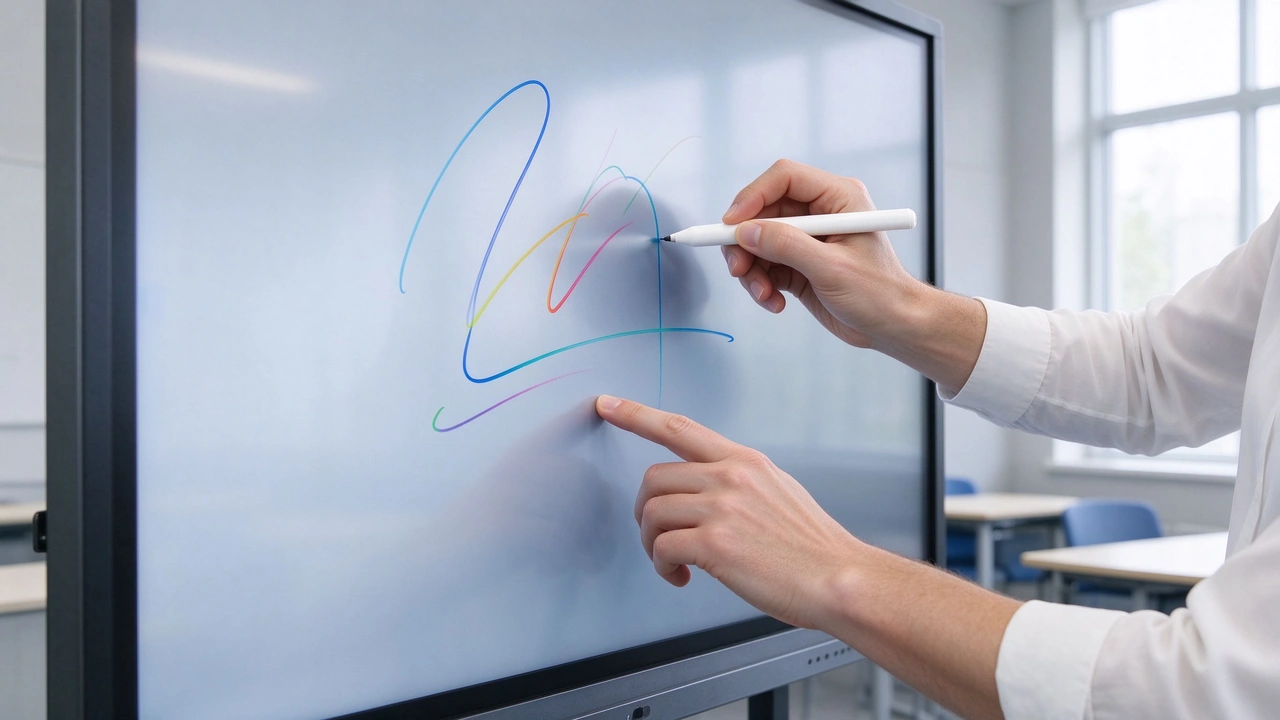
Touch technology determines more than just "can not write". The same interactive whiteboard, touch technology is different, the project experience and cost structure are also different. Schools require dozens of students to take turns or operate at the same time. Corporate conference rooms require quick annotations, wireless screens, and multi-person discussions. The design team needs fine lines, pressure sensing and a professional stylus. Factory training requires gloves, use of common tools, or quick callouts. High-end showrooms require a bezel-less, low-latency, and tablet-like touch experience.
infrared can use ordinary pen? Do capacitors have to be used with bare hands? Can electromagnetic touch support finger operation? Why do large-size screens use infrared more often? Is the high precision of the capacitor worth the extra cost? Is electromagnetic pen suitable for ordinary classroom? Do I need to return the whole machine to the factory to replace the touch module? There is no unified answer to these questions, because touch technology is not a simple performance ranking, but a system decision involving screen size, input tools, multi-person collaboration, accuracy requirements, cost, environment and maintenance.
Qtenboard (Shenzhen Qunmao)Founded in 2005, we have been dedicated to interactive display manufacturing for 20 years. We operate a 330,000㎡ smart manufacturing industrial park in Shenzhen and Guangzhou, comprising 16 factory buildings and 8 fully automated production lines, with a daily output capacity of 200 units, serving customers in 120 countries and regions worldwide. The Qtenboard interactive whiteboard covers 55-110 inch full-size segments, supports infrared, capacitive and electromagnetic/hybrid touch schemes, and is equipped with Q AI system-level framework and MediaTek Genio 520 platform, providing a complete scheme from touch selection to batch delivery for education, conference, design and manufacturing projects.
Working principle:The screen frame arranges infrared emitters and receivers to form a horizontal and vertical infrared beam grid. After a finger, pen, or other object blocks the beam, the system calculates the touch coordinates. There is no need to add a transparent conductive layer inside the LCD panel.
Key advantages:Suitable for large-size displays; supports fingers, gloves, ordinary stylus and other opaque objects; multi-touch capability is better; cost and large-scale deployment is easier to control; touch frame can be independently maintained; suitable for education, conferences, training and public displays.
Key limitations:Infrared windows may be affected by dust, foreign objects or occlusion; the frame is usually more obvious than the capacitive scheme; strong light, glass reflection and frame deformation may affect performance; the infrared area needs to be kept clean; touch accuracy is usually not as good as high-end capacitive and electromagnetic pen schemes.
Public information regards infrared as the mainstream technology for large-size interactive tablets, especially suitable for education, government and enterprise batch projects of 75, 86 inches and above. Qtenboard infrared touch scheme supports 20-50 point touch, touch accuracy 1.5mm, single point response time 7ms, multi-point response time 10-15ms.
Working principle:A transparent conductive electrode is disposed under the glass or protective layer. When the finger touches the screen, the local electric field or capacitance is changed, and the controller calculates the touch position through the change.
Key advantages:Fast touch response; high precision; natural gesture and sliding experience; high degree of surface integration; narrower frame; suitable for operation experience similar to tablet and mobile phone.
Key limitations:Large sizes are more expensive; usually require bare hands or a conductive stylus; ordinary gloves and non-conductive objects may not be able to operate; glass, protective film, humidity and grounding conditions may affect performance; large size repair costs and replacement complexity are higher.
Capacitive touch is suitable for high-end conference rooms, professional displays, design reviews, and projects that require high touch feel, but buyers need to evaluate costs and maintenance conditions at the same time.
Working principle:An electromagnetic induction layer is arranged under the screen. The dedicated electromagnetic pen generates signal interaction with the sensing layer, and the system recognizes the position, trajectory and partial pressure information of the pen.
Key advantages:High writing accuracy; can support pressure sensing; suitable for fine lines and professional drawing; suitable for technical annotation, engineering design and mathematical formula; strong handwriting control ability.
Key limitations:Special electromagnetic pen is usually required; finger operation may be limited when there is only electromagnetic layer; special pen requires spare parts and maintenance; the cost is higher than basic infrared; it is more professional for people and scenes.
Electromagnetic touch has obvious value in engineering, design, digital art and professional teaching, but it may not be suitable for all educational and conference projects.
| Assessment dimension | Infrared | Capacitor | Electromagnetic |
|---|---|---|---|
| Large size adaptation | Very good | Higher cost | Suitable for professional projects |
| Finger operation | Support | Support | Usually a mixed solution is required |
| Ordinary pen/pointer | Usually supported | Usually not supported | Not necessarily supported. |
| Glove operation | Better | Usually limited | Mainly rely on special pen |
| Multi-person collaboration | Better | Very good | Need to see hybrid architecture |
| Writing accuracy | Good | high | Very high |
| pressure sensing | Usually limited | depending on the programme | Stronger |
| Border appearance | more obvious | Narrow | visual structure |
| Initial Cost | Medium | Higher | Middle and high |
| Maintenance cost | Relatively controllable | High cost of touch layer | Special pen and induction layer |
| Educational program | Mainstream | High-end options | Professional Courses |
| Corporate Meetings | Mainstream | High-end meetings | Design and Engineering Meeting |
| Design/Engineering | Good | Better | Best for professional writing |
| Scale Deployment | Clear advantages | Budget needs to be assessed | Suitable for precise projects |
The form is used for preliminary assessment. Actual performance also depends on the controller, glass, bonding, software, calibration and product structure.
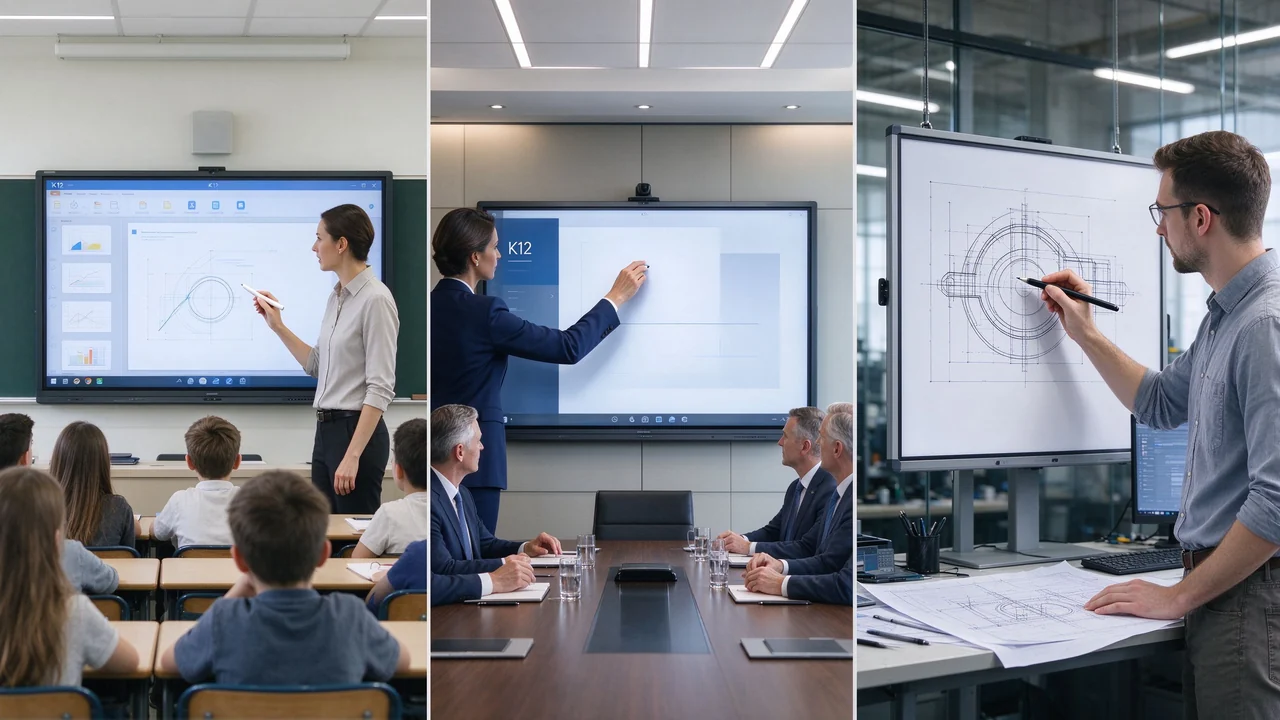
Requires finger, stylus and pointer. Multiple students may operate together. Need to withstand high frequency use. Lower maintenance costs are required. It is recommended to evaluate infrared touch first. The Qtenboard infrared scheme supports 20-50 point touch, and students can operate on a large screen at the same time, with a touch accuracy of 1.5mm.
Requires finger annotation, multiplayer collaboration and wireless screen projection. Pressure sensing is usually not required. Need to quickly switch between file and meeting platforms. Infrared is recommended for general meetings. High-end boardroom and branded meeting rooms can evaluate capacitance.
Professional pens, fine lines and pressure sensing are required. Need to run CAD, BIM, design and drafting software. Recommend electromagnetic or capacitive professional pen mixed scheme. Write latency and linearity must be tested in the field. Qtenboard Windows OPS modules support running mainstream design and engineering software.
Probably wearing gloves. Requires the use of ordinary tools or a pointer. The device may be in high frequency use or easily exposed to dust. Infrared is usually more input flexibility. Need to strengthen the frame cleaning, protection and maintenance design. Qtenboard fanless design reduces dust inhalation, and 9H tempered glass is anti-scratch.
The user is not fixed. May be with fingers, gloves or other objects. Need to be durable, easy to clean and easy to maintain. Infrared or project-based optical schemes can be evaluated.
Infrared suitable for educational and general meetings. Capacitors are suitable for high-end meetings and presentations. Electromagnetic is suitable for professional design or teaching. Bezel, touch glass and design need to be considered.
Infrared is often a trade-off between cost, size and multiplayer collaboration. Capacitors can be used for high-end meetings, but large size costs need to be evaluated. Electromagnetic is suitable for professional technical education and design review. Need to test multi-person simultaneous operation and edge accuracy. Qtenboard 75/86 inch infrared scheme supports 20-50 point touch, touch accuracy 1.5mm.
Infrared technology is easier to scale and deploy in large quantities. Capacitors require higher budgets and more rigorous engineering validation. Electromagnetic technology is suitable for specialized applications but may not be ideal for general-purpose conferencing. Focus on glass, bonding, structure, maintenance and spare parts. Qtenboard coverage is 98/105/110 inches, 48 hours of high temperature aging test, the one-time pass rate of the whole machine is ≥ 97%.
The published technical data indicate that infrared is easier to implement in large-size displays above 43 inches, especially suitable for 75, 86, 98 inches and larger; the cost and technical stability of capacitors in large-size applications need to be evaluated separately.
Typical requirements:Multiplayer touch, finger/ordinary pen and pointer, high-intensity use, budget control, 65-110 inch product line.
Recommended logic:Mainstream classrooms use infrared; high-end labs use capacitors; design/engineering and math majors use electromagnetic or hybrid touch. Infrared is usually the safe default choice for educational projects due to its large size adaptation, the use of multiple touch tools, easy cost control and suitability for mass deployment.
General Conference Room:Infrared meets whiteboard, screen projection, annotation and multi-person collaboration, focusing on conference software and wireless screen projection.
High-end meeting rooms:Capacitance provides a touch experience closer to the tablet, suitable for projects that emphasize appearance/low latency and advanced interaction, and need to accept higher purchase and maintenance costs.
Electromagnetic suitable for professional handwriting and pressure sensing. Capacitance is suitable for fine gestures and advanced appearance. Infrared is suitable for team annotation and multi-person collaboration. The choice depends on "professional drawing" or "team review".
Infrared is suitable for multi-person, glove and common tool operation. Electromagnetic is suitable for engineering drawing and precise marking. Windows OPS and professional software compatibility are equally important. Need to be durable, easy to clean and run for a long time. Qtenboard fanless design is suitable for factory dust environment.
Infrared is suitable for high frequency, multiple input objects and maintainability. Capacitors are suitable for high-end, bezel-less and fine experiences. Vandal resistance, glass strength, cleaning and remote management need to be considered.
Infrared:The touch frame is relatively cost-controlled, suitable for large-size and batch projects, and can be combined with different panels.
Capacitance:The cost of transparent electrodes, glass and control systems is high, and large-scale yield and supply capacity need attention.
Electromagnetic:Induction layer, special pen and drive increase cost, suitable for professional projects, not suitable for all scenarios.
Infrared: cleaning, bezel protection, touch calibration. Capacitance: touch glass, protective layer and full layer repair. Electromagnetic: special pen, induction layer and drive compatible. All technologies require confirmation of the spare parts cycle and maintenance methods.
The purchaser needs to consider whether the fault can be partially replaced, whether the whole machine needs to be returned to the factory, whether there are local maintenance personnel, whether there is a spare touch frame or special pen, whether it can be diagnosed remotely, and whether a fault in a batch project affects the entire classroom/conference room or exhibition hall.
Including equipment procurement, installation, special pens and accessories, maintenance and spare parts, software and drivers, calibration, training, downtime, equipment replacement, after-sales response.
Single point click, quick slide, drag object, page zoom, edge touch, multi-point operation, writing continuity.
Two people write at the same time, four people operate at the same time, whether the touch points stick when approaching, whether there are leakage points and jump points, and whether remote members can operate synchronously.
Fingers, Stylus, Plain Pens, Pointer, Gloves, Magnetic Pens, Thick Handle Pens, Special Tools.
Strong light, dust, humidity, long-term operation, glass film, external audio and video, Windows and Android switching.
Whiteboard software, Teams/Zoom or Google Meet, Office, CAD/BIM, LMS, professional design tools, DMS device management.
Touch technology description, number of touch points, accuracy and delay test, controller model, glass and laminated structure, spare parts list, repair SOP, alternative touch scheme, warranty terms.
Suitable for 65-110 "interactive whiteboard, multi-person writing, finger/common pen and pointer, education/training and general meetings, bulk purchase and cost control. Qtenboard infrared scheme supports 20-50 point touch, touch accuracy 1.5mm, single point response time 7ms.
Suitable for high-end board meeting rooms, brand experience centers, design review spaces, and projects that pursue integrated glass and fine touch experiences.
Suitable for CAD/BIM and industrial design, architectural and engineering drawing, digital art, medical and technical teaching, projects requiring pressure sensing and professional handwriting.
55-110 inch interactive whiteboard, 4K UHD display, infrared/capacitive/electromagnetic touch technology, 20-50 touch configuration, Android 14/16 and Windows OPS dual systems (switching <3 seconds), Q AI handwriting recognition and OCR(166 language), wireless screen projection (up to 9 devices), camera/microphone and audio, OEM/ODM/CKD/SKD, multi-size delivery batch, education/enterprise/manufacturing/Design and public project support.
Q AI is deeply integrated at the hardware, software, and algorithm levels, with core processing performed locally on the device, allowing it to be used without an internet connection. 166 language real-time translation, 5 seconds to generate structured meeting minutes. For education and enterprise projects that need to protect data privacy, local processing architecture reduces the risk of data leakage at the source.
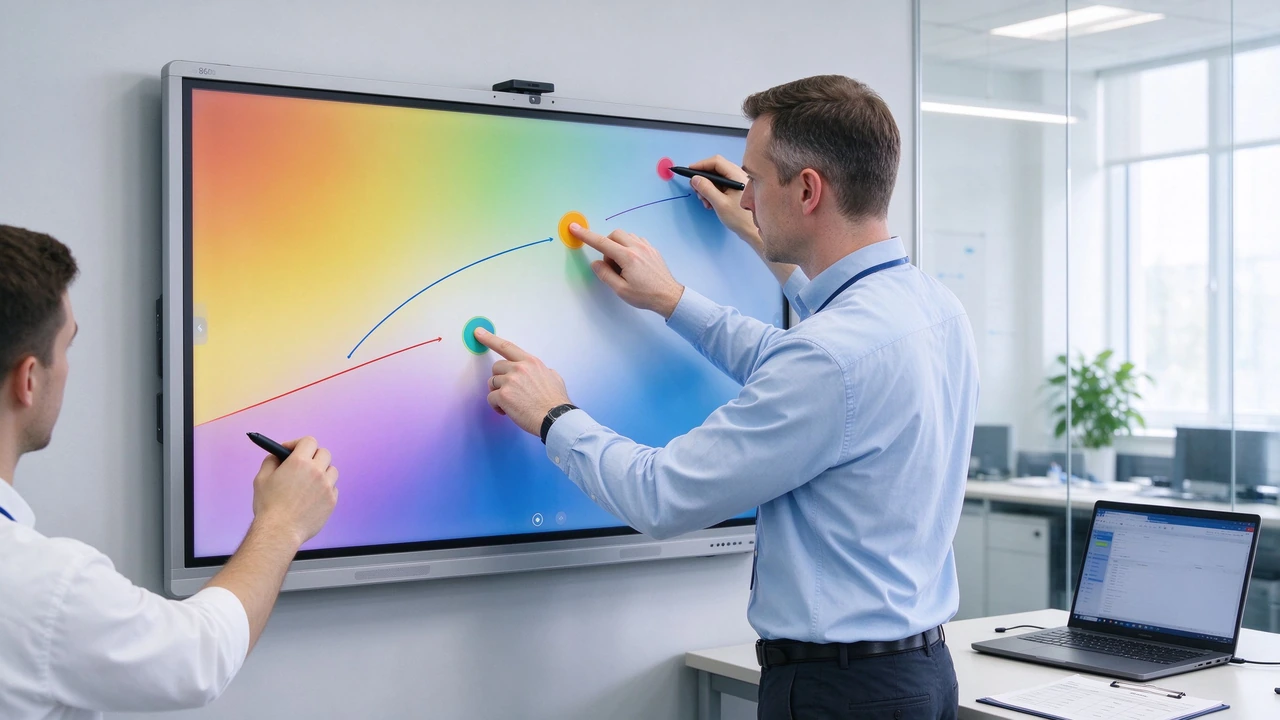
Requirement:100 classrooms, 65-86 inches, multi-student interaction, finger/ordinary pen and pointer, need to control budget and maintenance costs.
Recommended scheme:Infrared touch, 4K display, Android Windows OPS,DMS remote device management, unified spare parts and training.
Reason for selection:Suitable for large size and high frequency use, good compatibility of input tools, suitable for large-scale deployment, easy to maintain and replace. Qtenboard infrared scheme supports 20-50 touch, students can operate on the large screen at the same time.
Requirement:6-12 people high-end meeting, pay attention to the appearance of glass integration, pay attention to writing feel and low latency, meeting materials and remote collaboration.
Recommended scheme:Capacitive touch, 75/86 inch 4K, camera and microphone, dual system or conference host, enterprise DMS.
Reason for selection:The touch experience is close to the tablet, the appearance is simple, suitable for high-end meetings and customer presentations.
Requirement:Professional handwriting is required, running CAD/BIM and design software, fine annotation and multi-person review are required, and design versions need to be saved and tracked.
Recommended scheme:Electromagnetic or electromagnetic finger hybrid solution, 86/98 inches, high-performance Windows OPS, professional camera and remote collaboration, design software compatibility test.
Reason for selection:Writing accuracy and pressure sensing are more suitable for professional design, the large screen is convenient for the team to view together, and the Windows platform can be connected to the existing research and development software. Qtenboard Windows OPS support for running mainstream CAD/BIM software.
Capacitors have advantages in accuracy and appearance, but cost, glove compatibility and large-size maintenance need to be evaluated. Infrared may be better suited for education and large-scale deployment.
Many touch points do not mean low latency, edge accuracy or good multi-person experience. Should do real multi-person test.
Capacitors may not be suitable if students use a pointer, a pen, or wear gloves. Actual tools shall be listed prior to procurement.
Electromagnetic is suitable for professional writing, but ordinary meetings and basic classes may not require additional costs.
Glass, bonding, controllers, software, calibration, spare parts and maintenance all affect TCO.
Some touch schemes may have different multi-point, palm suppression and drive performance under different systems. Shall be tested separately.
Why do educational programs often prioritize infrared touch?
Because infrared is suitable for large-size screens, supports finger, ordinary pen, pointer and partial glove input, and is suitable for multi-person collaboration and batch deployment. Finally, it should be confirmed according to the project content, budget and actual prototype test. Qtenboard infrared scheme supports 20-50 point touch.
Is capacitive touch suitable for a 75 or 86 inch interactive whiteboard?
Yes, but cost, glass structure, glove use, protective layer, maintenance and bulk supply need to be evaluated. It is more suitable for projects that pursue high-end touch feel and integrated appearance.
Is electromagnetic touch suitable for corporate meetings?
If the meeting contains design, engineering drawings or requires pressure sensing, electromagnetic touch is valuable; in ordinary meetings, document annotation and whiteboard collaboration, infrared or capacitance is usually sufficient.
Which touch technology is the easiest to maintain?
The infrared touch frame can usually be maintained independently, and the long-term cost is relatively easy to control; however, the structural design of different products is different, and the spare parts, cleaning, calibration and maintenance methods still need to be confirmed. Qtenboard provide DMS remote diagnostics and predictive maintenance.
Can Qtenboard offer multiple touch technologies?
Evaluate infrared, capacitive, or professional pen/hybrid touch solutions based on product platform, size, number of items, usage scenarios, and customization requirements. The specific touch route, MOQ, delivery date and software adaptation need to be confirmed in the project BOM. Qtenboard support OEM/ODM and CKD/SKD cooperation mode.
How do I get a quote on touch technology?
It is recommended to provide screen size, industry used, input tool, number of people, system, software, purchase quantity, target country and delivery time. Qtenboard can compare infrared, capacitive and electromagnetic solutions, and provide prototype testing and project quotations.
Infrared is suitable for large size, multi-person collaboration, education, training and standard meetings. Capacitors are suitable for high-end projects that pursue high precision, low latency and integrated appearance. Electromagnetic is suitable for design, engineering, professional teaching and pressure-sensitive writing. Touch technology choices must combine screen size, input tools, software, environment, cost, and maintenance. Prototype testing is more important than simply looking at touch points and promotional parameters.
The purchase of touch technology for interactive whiteboards should not start from "which technology is the most advanced", but from "who will operate, what operation, how accurate, how many units will be deployed in the project, and how to maintain them later. Infrared is more suitable for large-scale projects, capacitors are more suitable for advanced touch experience, and electromagnetic is suitable for professional handwriting and precise technical input.
QtenboardBacked by 20 years of manufacturing experience, 330,000 ㎡ industrial park, 8 fully automatic production lines, Q AI system-level framework, Genio 520 platform and DMS equipment management system, it is oriented to global education, conference, design and manufacturing projects, provide 55-110 inch interactive whiteboard, 4K UHD display, 20-50 touch, 1.5mm accuracy, infrared/capacitive/electromagnetic touch scheme, Android Windows OPS dual system, wireless screen projection, AI tools, OEM/ODM and project delivery support. Serving 120 countries and regions, with after-sales response within ≤4 hours.
Qtenboard can help customers evaluate touch technology, screen size, system platform, accessories, software and after-sales according to the actual requirements of education, conference, design, manufacturing and public display projects, and reduce the risk of mass purchase through prototype testing.
If you are planning an interactive whiteboard touch technology selection or bulk purchase project
Qtenboard provide 55-110 inch interactive whiteboard, infrared/capacitive/electromagnetic touch scheme, Q AI system-level framework, Genio 520 platform, Android Windows OPS dual system, DMS device management and OEM/ODM/CKD/SKD customization services.
Get a selection guide for Qtenboard touch technology, or book a factory tour and prototype testing.
 Partner Links:

 en
 中文

 Previous:
 Return to list

