
 en
 中文

 Current location:
 Model:
 Release time:
 Nature:
 Visits:


Built for educational interactive scenesSmart Touch Learning Table
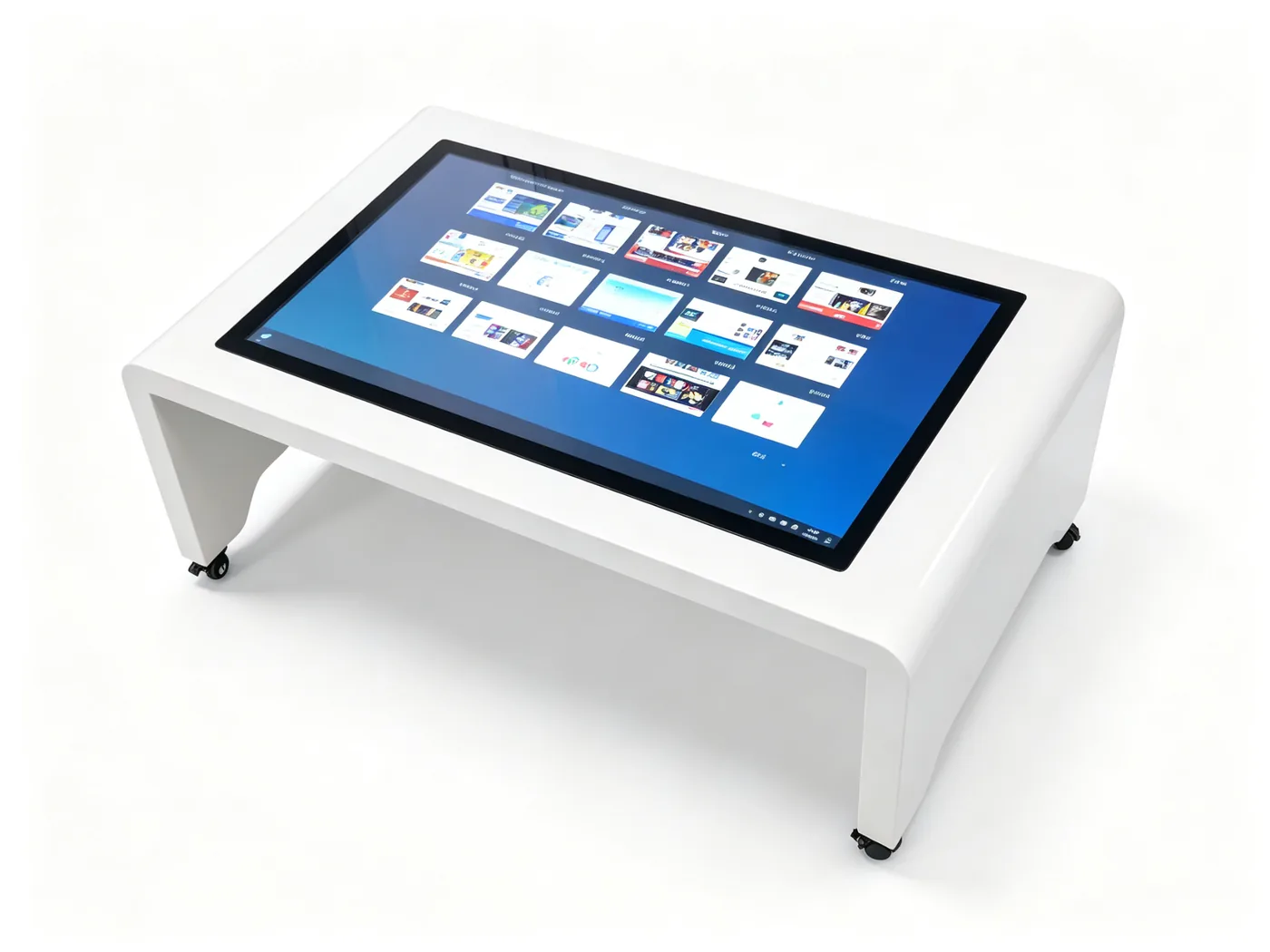
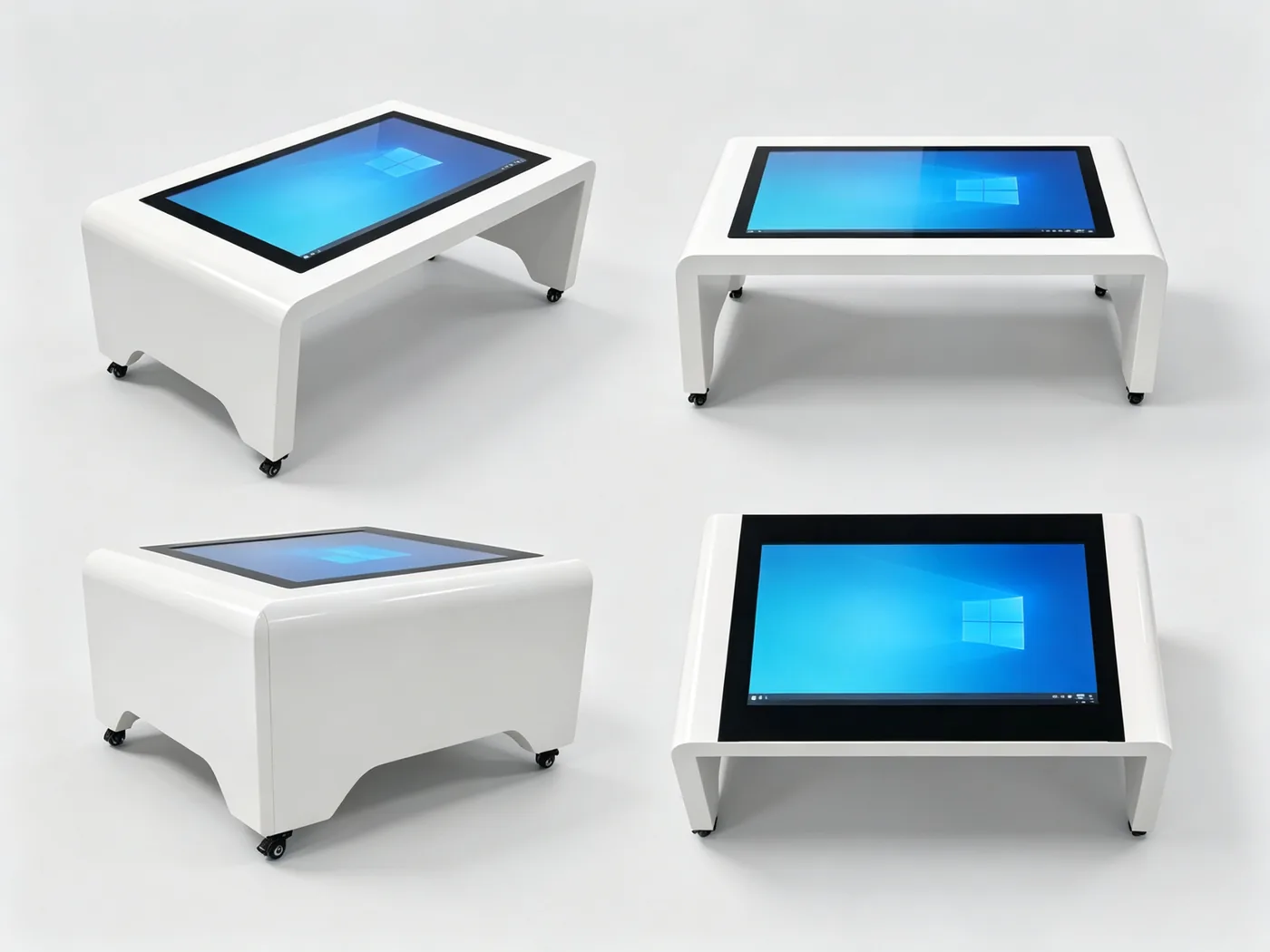
Horizontal horizontal touch screen with K-type metal bracket, like a large "desktop tablet". Children can operate more when standing or sitting around, supporting multiple people to interact at the same time, making classroom teaching, game-based learning and collaborative exploration lively and interesting.
Directly supplied by the original manufacturer · Mature application of education industry · Support software customization · National service
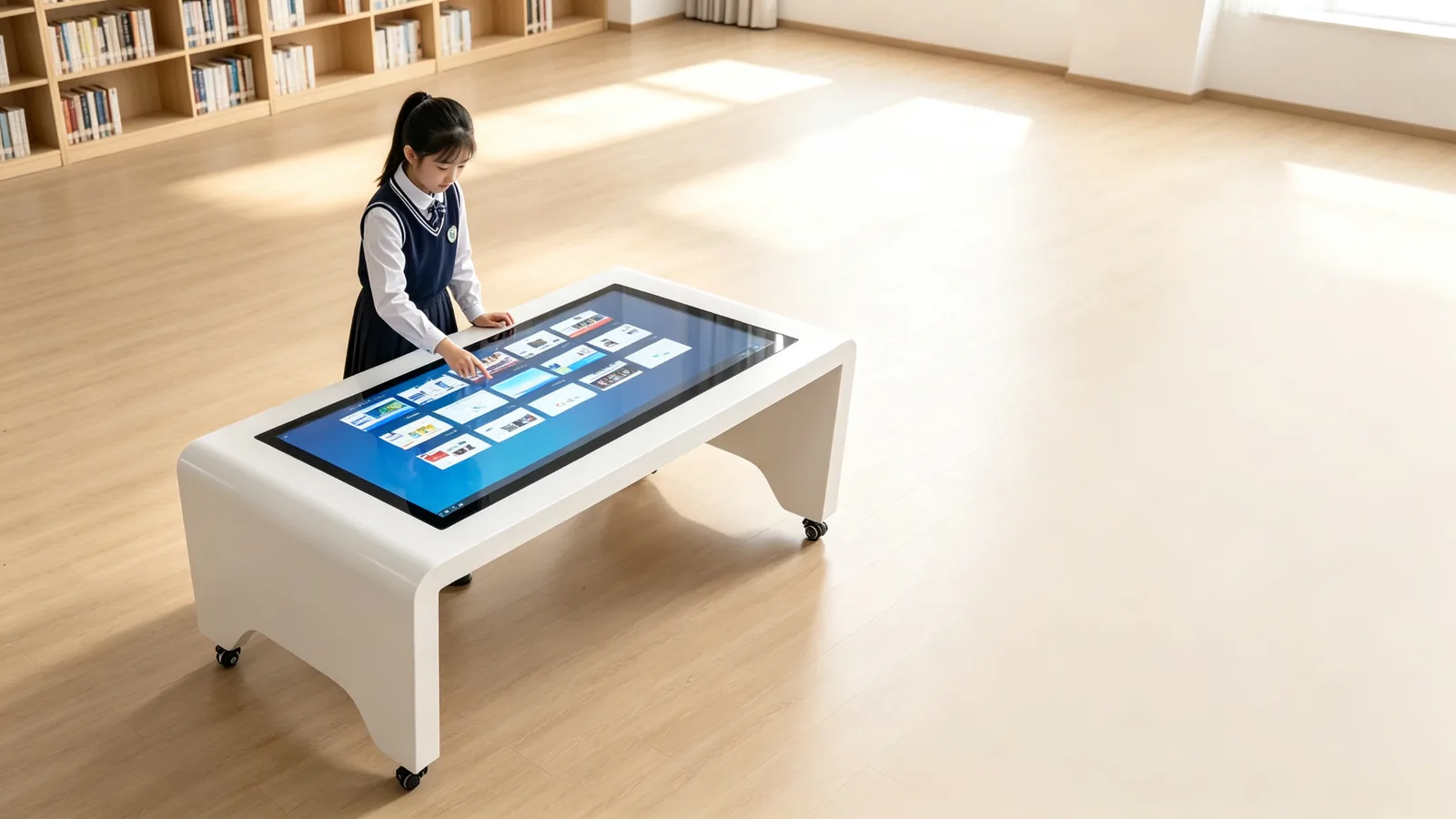
Inadequate interaction in traditional teaching,Children's sense of participation to be promoted
The single form of classroom, few opportunities for collaboration and easy loss of equipment are becoming common problems in the digital upgrading of education.
Insufficient teaching interaction
Children in traditional lecture classes are difficult to concentrate, have a weak sense of participation, and their learning effect is greatly reduced.
Collaborative learning is difficult to carry out
Projection, whiteboard to the teacher as the center, students lack of hands-on operation and collaborative exploration opportunities.
Early childhood education equipment is not durable
Campus high frequency use, common equipment is easy to damage, maintenance frequently, affecting the normal teaching order.
Slow update of teaching content
The production of multimedia teaching aids is cumbersome, and the curriculum update and personalized teaching are difficult to quickly land.
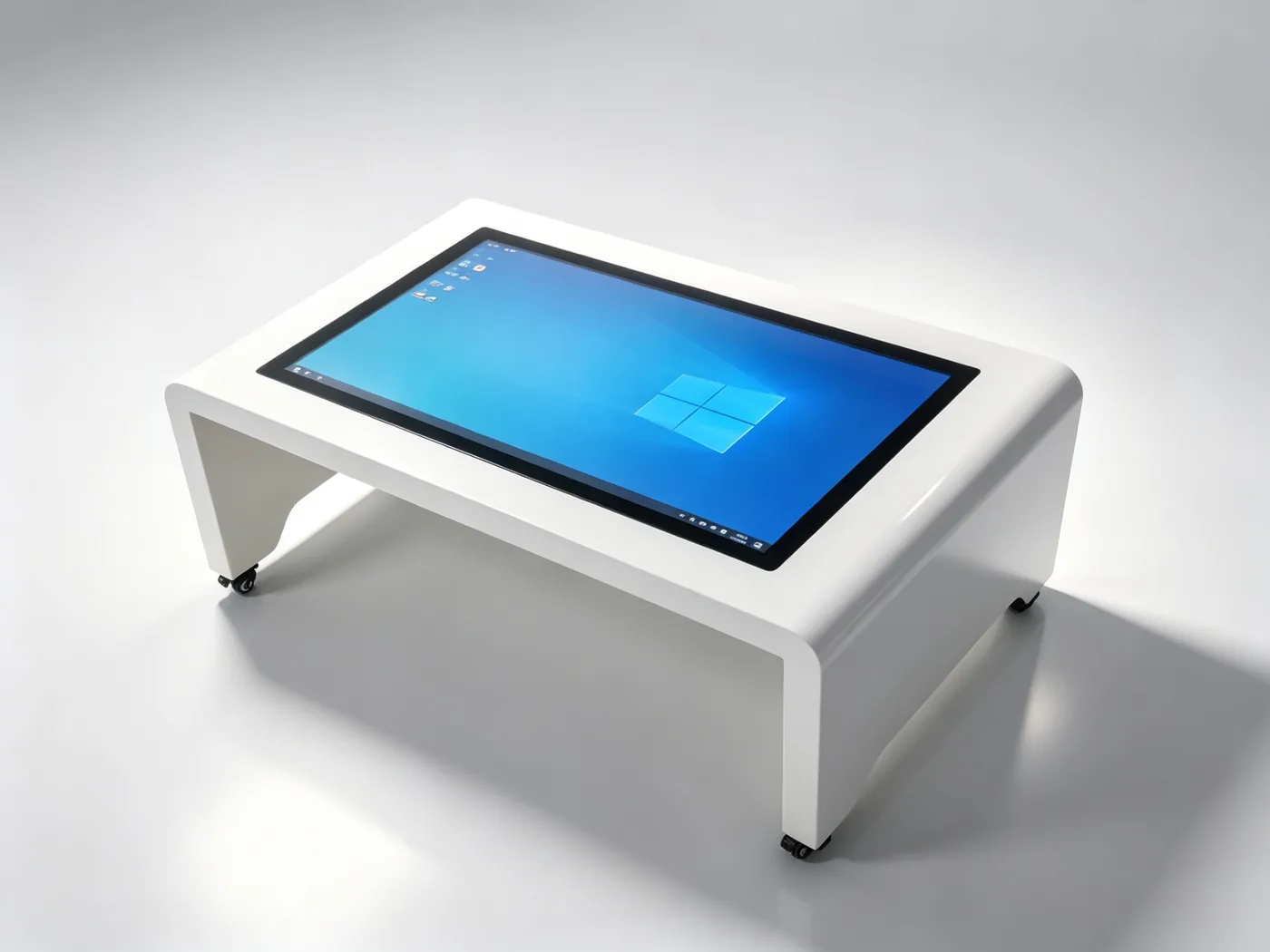
"turn the classroom into a desktop",Learn while playing
QUNMAO Horizontal Touch Learning Table is designed for educational interactive scenes. The desktop-level horizontal touch screen is completely flat, and children can operate comfortably from all directions. 20-point capacitive touch supports multiple students to write, drag and compete at the same time. Windows/Android dual systems are free to install teaching software, courseware, game courses and popular science applications are running on demand.
Fun interaction
Game-based learning interface and multi-touch to turn knowledge into operational exploration.
Smooth Touch
Touch at 20 o'clock at the same time, many people will not be stuck on the same screen, and click to follow the hand accurately.
Durable and reliable
Cold rolled steel body and metal painting process, campus high frequency use is still stable.
Flexible mobility
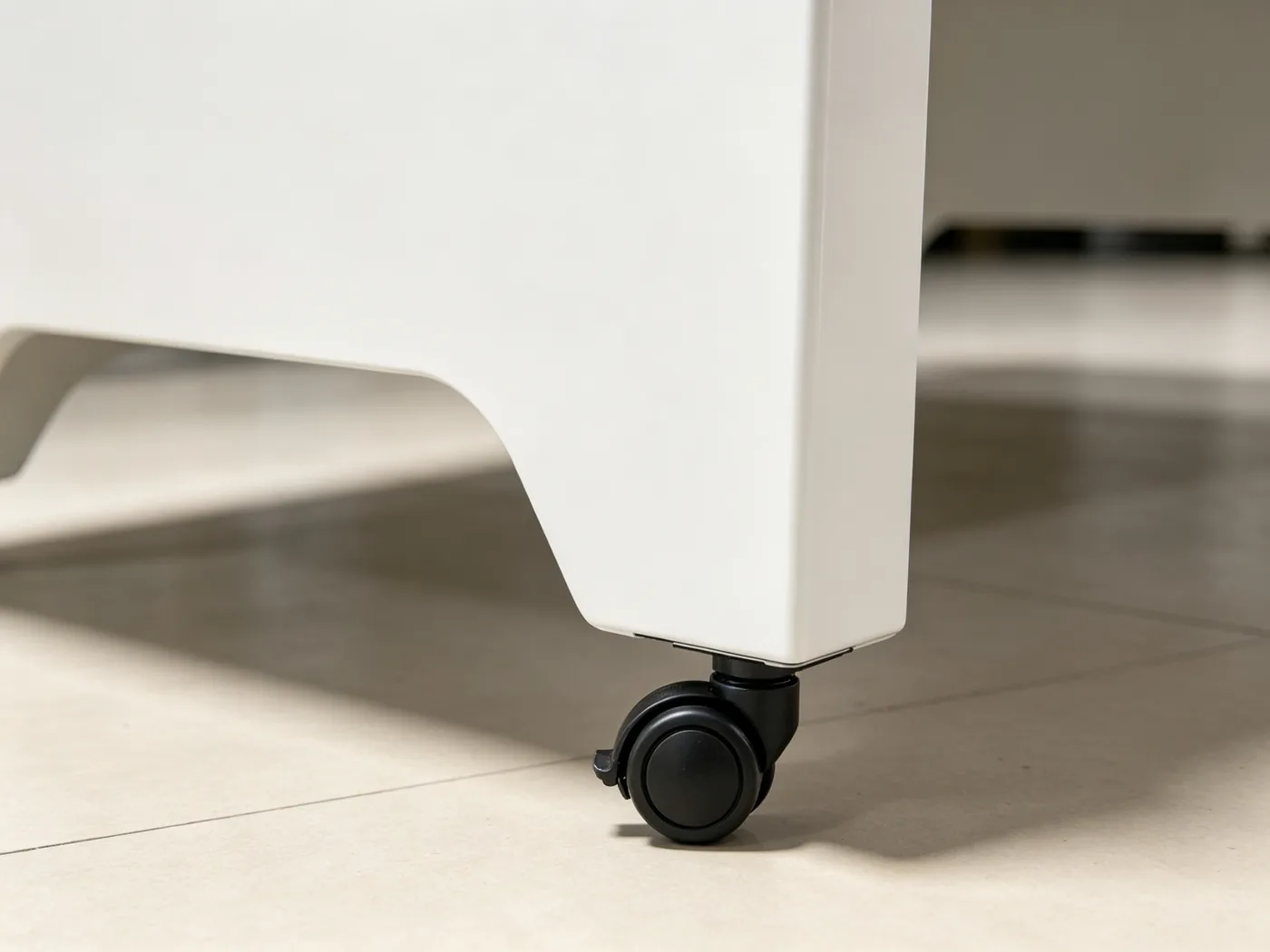
The universal wheel moves freely, and the classroom, activity room and exhibition hall are switched at will.
A tabletop, coveringTeaching · Interaction · Management
The whole machine is integrated in design, high-definition display, multi-person touch control, teaching system and remote management are highly integrated, and the teacher can take it to class.
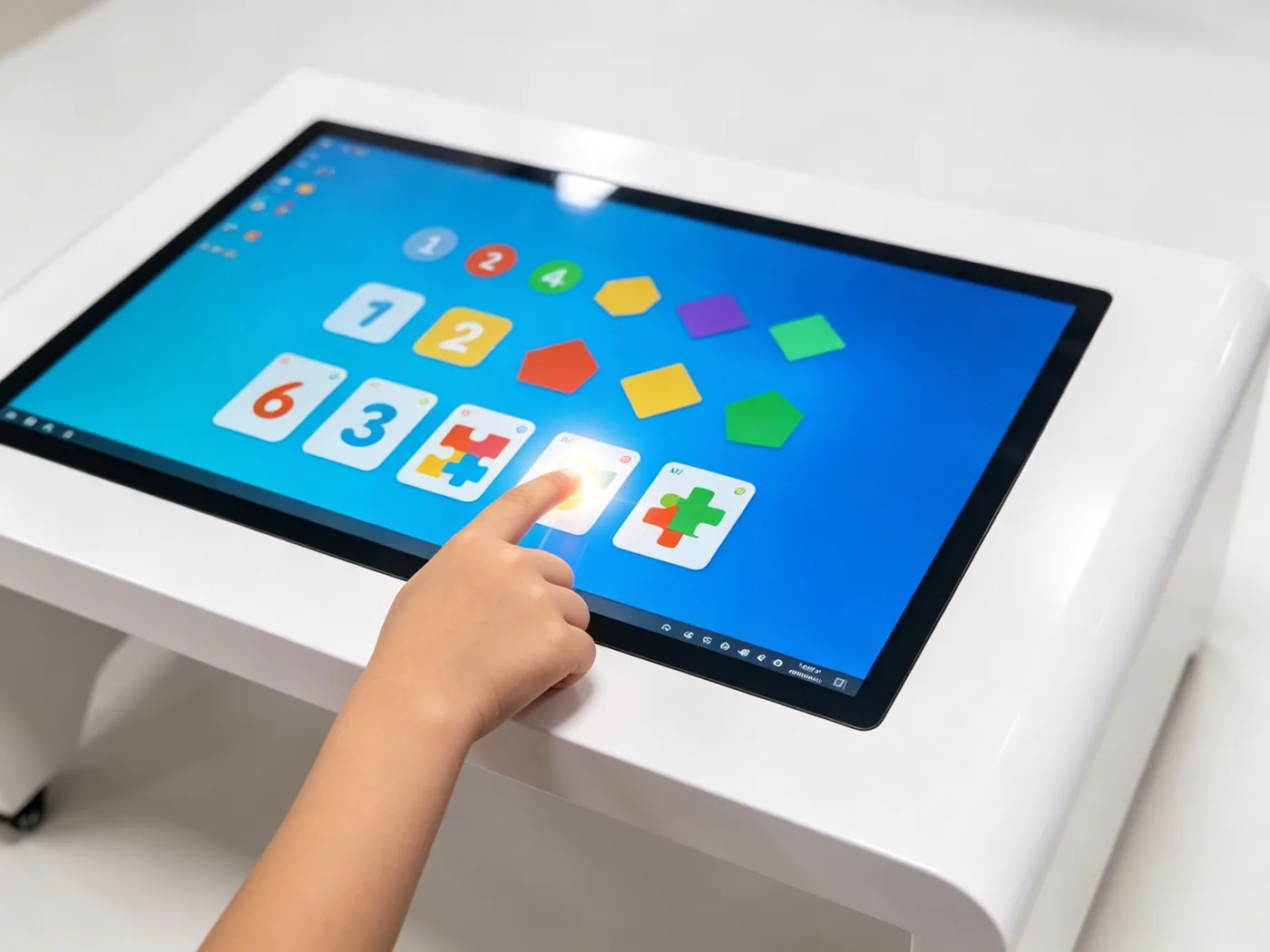
Multi-person same-screen touch
20-point capacitive touch, support multiple students at the same time to write, drag and play, collaborative exploration easier.
Teaching System Compatibility
Windows 10/11 or Android 13, freely install teaching software, preschool education APP and courseware tools.
HD eye protection screen
32/43/55 inch IPS screen is optional, the highest 4K resolution, the brightness is comfortable, and it is more friendly to watch for a long time.
Desktop-level ergonomics
The horizontal desktop height fits the perspective of children and students, and the rounded body design avoids bumping.
Rich teaching interface
USB, HDMI, RJ45 and other interfaces are complete, can be external audio, booth, printer and other teaching peripherals.
intelligent teaching management
Time switch machine, incoming call self-start, remote management, teachers worry, unattended can also run stably.
Why educational institutions choose QUNMAO Touch learning table
Desktop Ergonomics
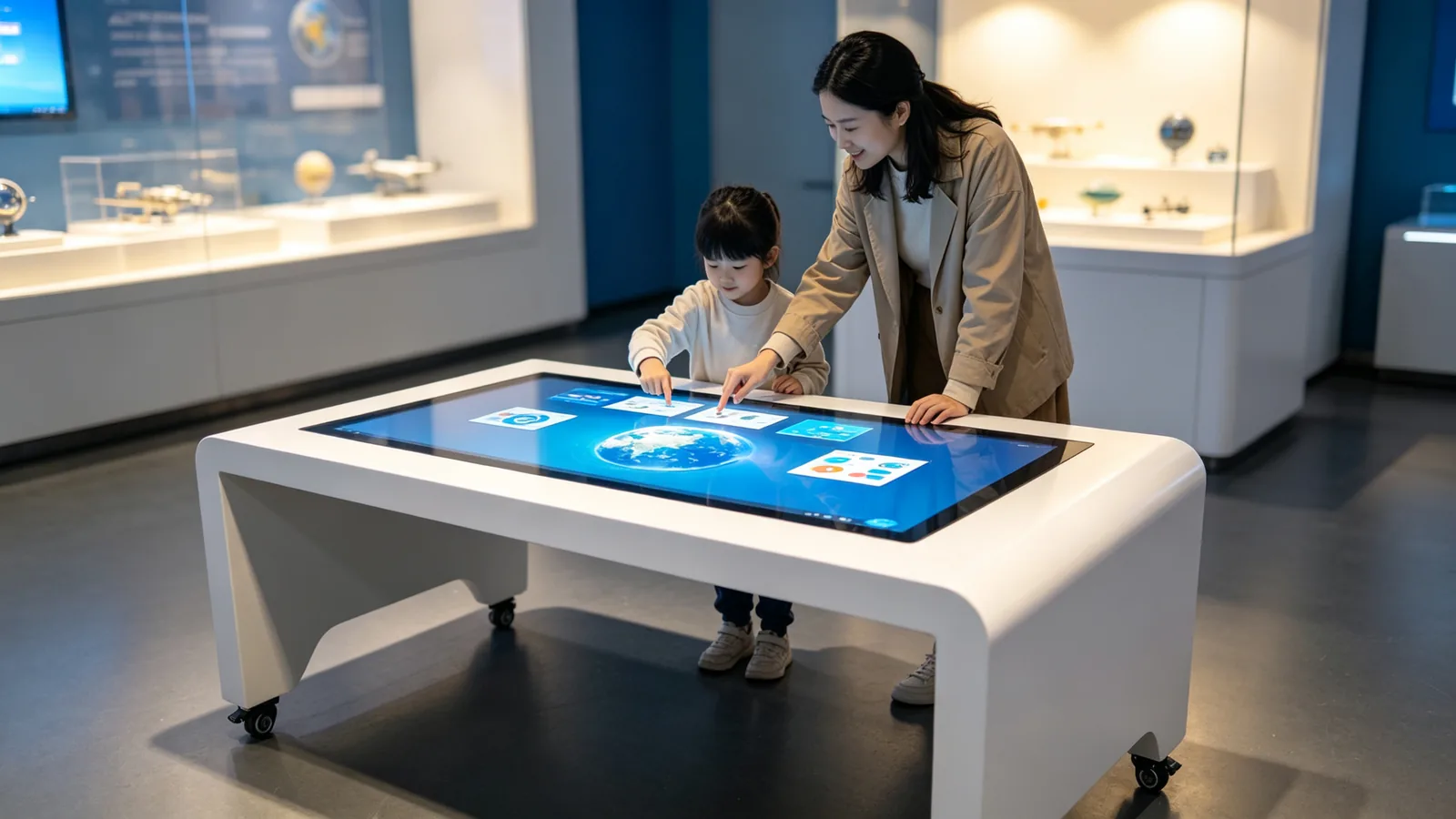
The horizontal large screen is suitable for children's height, comfortable to stand and sit around, and children are willing to operate by nature.
Multiplayer Collaborative Touch
One screen supports multiple people to operate at the same time, from "watching the teacher" to "learning together".
Industrial grade durable
Cold-rolled steel body, metal painting and stable bracket, calmly deal with the high-frequency use of the campus.
content ecological opening
The system is open, and interactive software for preschool education, popular science resources and self-built courseware can all run freely.
Original customized service
Size, system, software, appearance customized according to education project, support OEM/ODM cooperation.
Education scene full coverage,A variety of usage of a learning table
The horizontal desktop design is more suitable for children's usage habits and is widely used in campus, preschool education, popular science and training scenes.
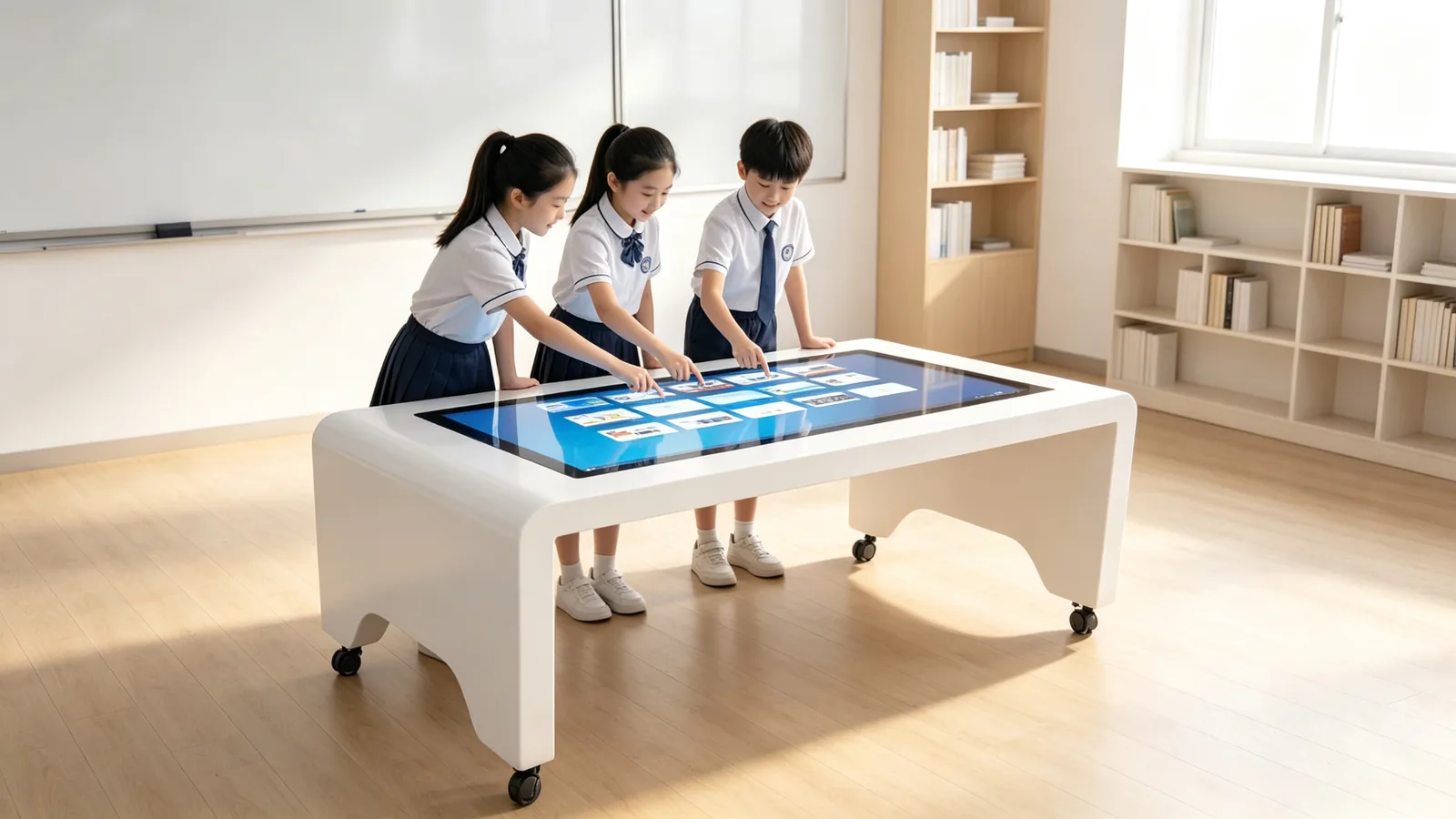
Smart Classroom
Interactive courseware, group inquiry and classroom demonstration let every child participate in the classroom.
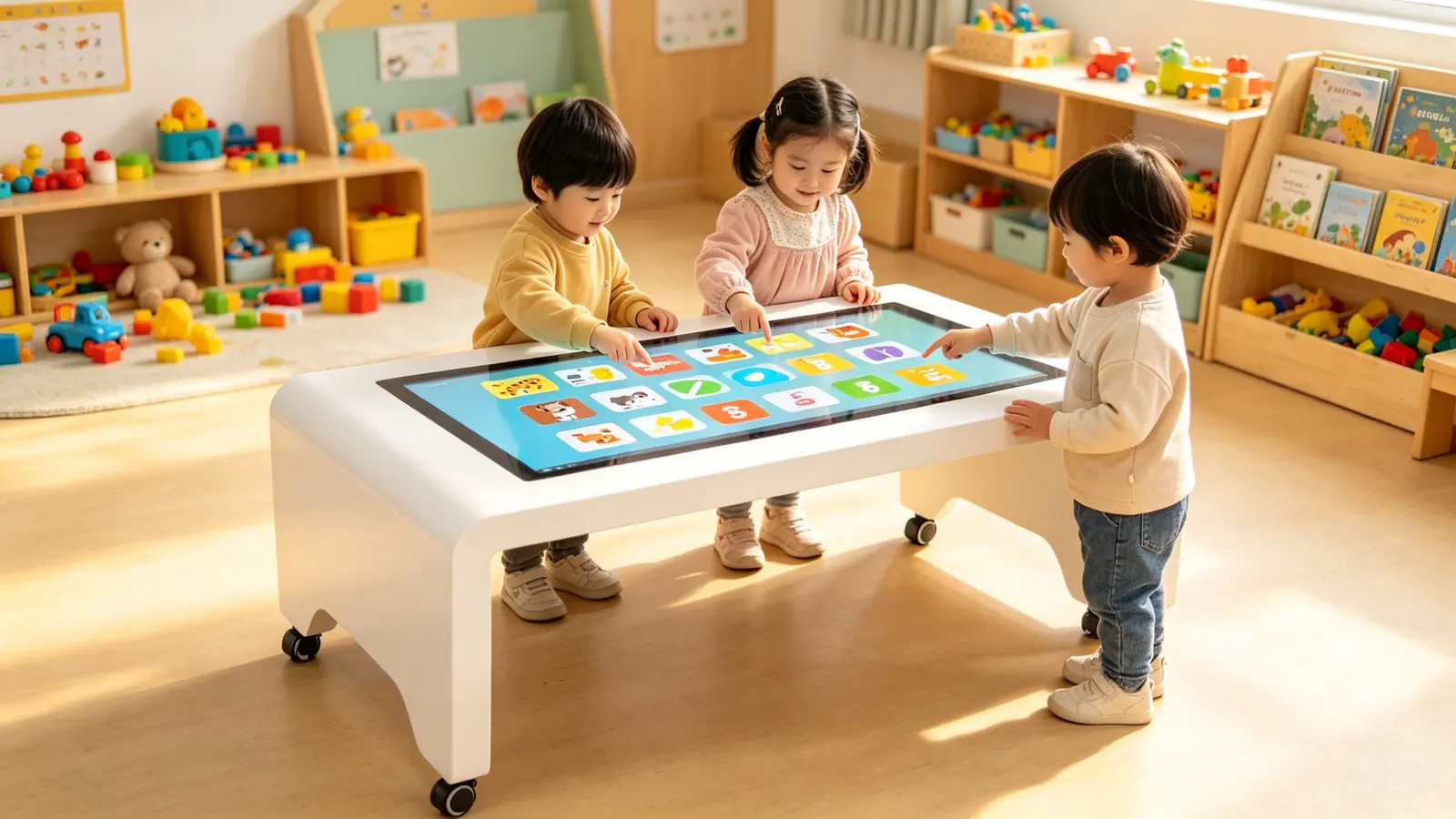
Kindergarten and Early Education
Enlightenment cognition, game-based teaching, sensory training, in the hands-on operation.
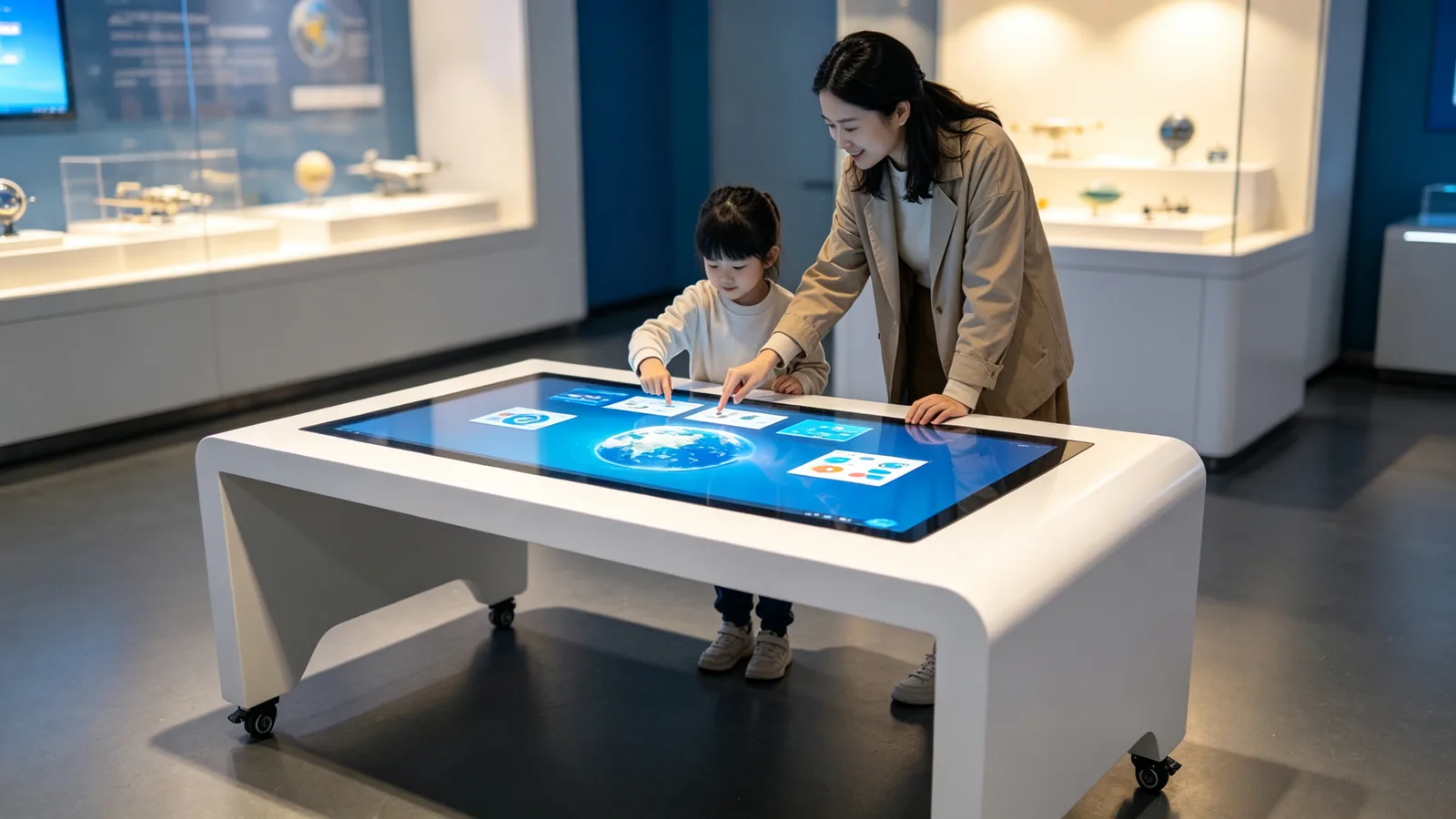
interactive area of science and technology museum
Popular science interaction, exhibits to explore, parent-child experience, so that knowledge in the exploration of natural occurrence.
Library and Reading Space
Digital reading, popular science query, learning space upgrade, to create an immersive reading experience.
Educational training institution
Interactive classroom, divided class teaching, learning results show, make the training course more attractive.
Campus Exhibition Hall and School History Museum
School history inquiry, enrollment display, digital school announcement, tell the story of the school itself.
The core parameters,Clear at a glance
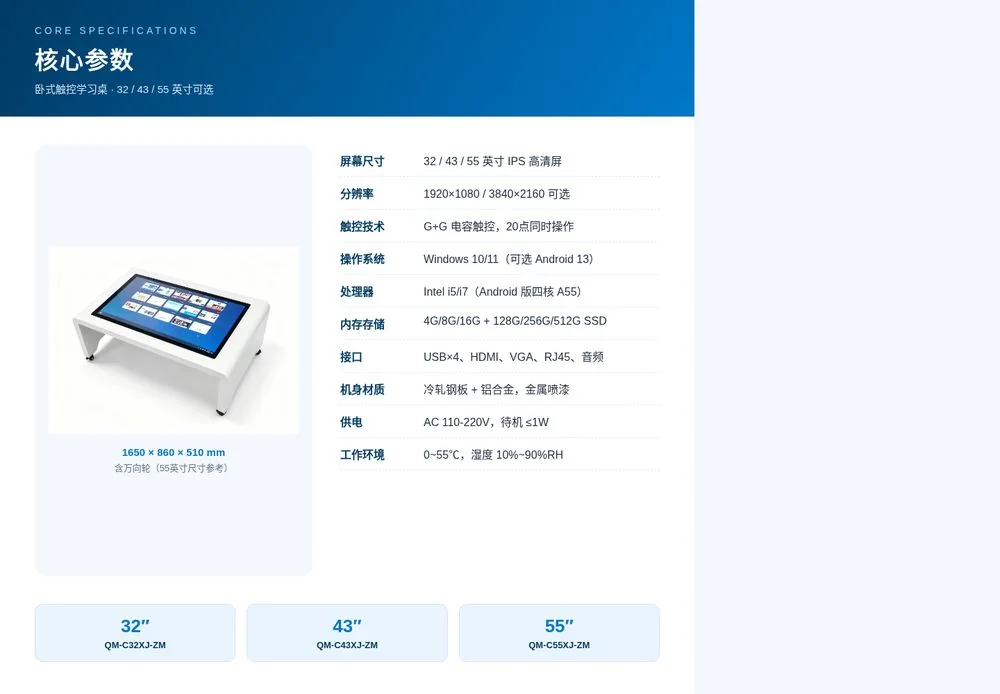
The following are the main parameters of the 55-inch model, and the 32/43-inch parameters are subject to the actual configuration.
| Screen size | 32/43/55 inch (IPS HD screen) |
|---|---|
| Resolution | 1920 × 1080 / 3840 × 2160 optional |
| Brightness/Contrast | ≥300cd/m² / 3000:1 |
| Touch technology | Capacitive touch (G G), support finger and stylus |
| Touch performance | 20 simultaneous touch, accuracy ≤ 2mm, life 60 million times |
| Operating system | Windows 10/11(可选 Android 13) |
| Processor | Intel i5/i7(Android Quad Core A55) |
| Memory and Storage | 4G / 8G / 16G 128G / 256G / 512G SSD |
| Interface | USB × 4, HDMI × 1, VGA × 1, RJ45 × 1, Audio × 1 |
| Network | Wifi wired Ethernet (optional 3G/4G) |
| Body dimensions | 1650 × 860 × 510mm (including universal wheel) |
| Body material | Cold-rolled steel plate aluminum alloy profiles, metal painting |
| Overall weight | Net weight 53KG/gross weight 55KG |
| Power supply | AC 110-220V, standby power consumption ≤ 1W |
| Work environment | 0~55 ℃, humidity 10% ~ 90% RH |
Note: The above are the main parameters of the 55-inch Windows version. For complete technical specifications, please refer to the project configuration sheet.
End-to-end service system,Delivery is assured
From demand to operation and maintenance, the original factory followed up the whole process, making the landing of teaching projects more worry-free.
Requirements alignment
Understand teaching scenarios, features and budgets
Scheme customization
Output configuration scheme and quotation
Production and delivery
Original production, strict quality inspection
Installation and commissioning
On-site installation, software debugging
Operations and maintenance support
Remote support and regular inspection
Iterative upgrade
Continuous system and software updates
Frequently Asked Questions
High-frequency questions about selection, software, multiplayer touch and durability are explained once for you.
What sizes and models are supported?
Three-gear sizes of 32, 43 and 55 inches are available, and the corresponding models are QM-C32XJ-ZM, QM-C43XJ-ZM and QM-C55XJ-ZM. The system and software can be customized according to the scenes of classrooms, activity rooms and venues.
suitable for what age children use?
The horizontal desktop height fits the perspective of children to primary and secondary school students, and can be operated by children standing or sitting around. It is widely used in kindergartens, primary and secondary schools and popular science venues.
Support the installation of teaching software?
By default, it is equipped with Windows 10/11 and supports Android version 13. Both systems can freely install teaching software, preschool education APP and courseware tools to meet different teaching needs.
Will multiple people operate at the same time?
G G capacitive touch control is adopted, which supports 20-point simultaneous operation. Multiple children can write, drag and compete at the same time, and the same screen is smooth without blocking.
Is the equipment durable?
Cold rolled steel body, metal painting and stable bracket, rounded corner design to avoid collision, suitable for high frequency use on campus; The original factory provides installation and debugging, remote support and warranty of the whole machine.
Access to exclusive educational interactive programs
Tell us your usage scenario, and the engineer will contact you within 24 hours to provide selection, software and project quotation suggestions.
 Previous:
 Return to list


 Partner Links:
