 Current location:
Home
> News > Product News > Interactive Flat Panel
 Release date: 2026-10-13
 Clicks:0
Table of Contents
First, recall the real usage scene you have seen: when the teacher writes quickly, does the handwriting follow closely behind the nib? When meeting participants annotate on the edge of the screen, will the line shift? When many people write at the same time, will the line drop, break or touch by mistake? Palm,StylusAnd finger touch screen at the same time, the system can correctly distinguish between the screen and touch layer, whether there is a clear "sense of suspension"?
These problems are not problems of usage habits, but problems of product technology. For interactive whiteboards, the writing experience is not determined by a single parameter. Even if a screen has high resolution and high brightness, if the touch position is inaccurate, the response speed is slow, or there is a significant deviation between the tip and the handwriting, the user will still feel that it "does not look like a really good whiteboard".
Qtenboard (Shenzhen Qunmao)Founded in 2005, it has been deeply engaged in interactive display manufacturing for 20 years. It has 330,000 ㎡ of intelligent manufacturing industrial parks, 16 factories and 8 fully automatic production lines in Shenzhen and Guangzhou. Its products serve 110 countries in the world. In terms of writing experience control, the Qtenboard performs full-link control from accuracy, delay to parallax through infrared multi-touch, Zero-Bonding zero-fit technology, full-screen touch calibration and real scene testing, providing reproducible and acceptable writing experience standards for education, conferences, training and OEM/ODM batch projects.
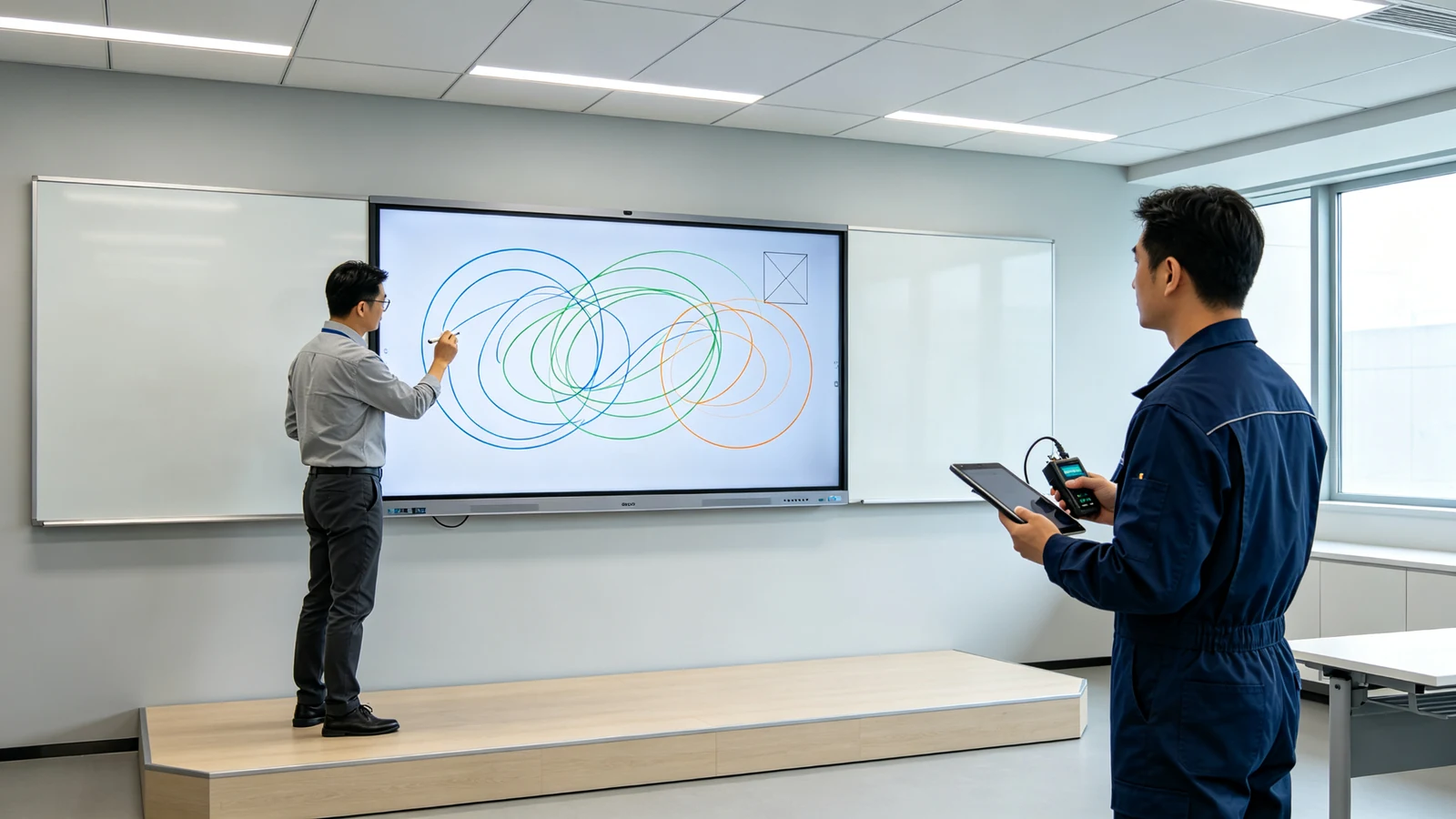
Qtenboard interactive whiteboard writing experience test: when the teacher writes quickly, the engineer synchronously detects touch accuracy, delay and parallax to ensure that the handwriting follows the tip of the pen.
What steps does the touch system go through from nib to handwriting?
Before judging "whether the touch is good or not", first understand the complete link of a handwriting from the pen to the screen. The writing of the interactive whiteboard is completed by four links:
A finger, stylus, or other object touches the screen. Take Qtenboard common infrared touch scheme as an example: infrared emitters and receivers around the screen form a beam grid, the touch object blocks part of the infrared beam, and the controller calculates the blocked position and converts it into touch coordinates.
The controller recognizes the number of touch points, determines whether the touch points move, filters false touch and noise, processes palm suppression, double pen or multi-person touch, and sends touch data to the system through USB and other interfaces.
The Android or Windows receives a touch event, the drive or HID Digitizer protocol resolves the coordinates, the whiteboard software, meeting software, or drawing application generates the handwriting, and the graphics processing system renders the handwriting to the screen.
The display panel refreshes the new handwriting and the user sees the final line. The time between when the user starts moving the nib and seeing the handwriting is an important source of delayed experience.
The so-called "write with hand" is actually the result of touch detection, coordinate calculation, system transmission, software processing and screen refresh. And the three metrics discussed in this paper-accuracy, latency, and parallax-correspond to different links in this link:
The touch accuracy of the interactive whiteboard determines whether the writing is accurate or not"
The touch precision refers to a deviation among a position actually touched by a user, a position recognized by a system, and a position where handwriting is displayed on a screen. In the product specification, it may be expressed in the form of ± 1mm, ± 1.5mm, etc. However, the purchaser must confirm three things:Is it a central area measurement or a full-screen measurement? Is it a single-point test or a multi-point simultaneous test? Is it factory calibration data or data after long-term operation?The accuracy performance of the same equipment, center area and four corners, single point and multi-point, just calibrated and used for one year may vary greatly.
Qtenboard infrared touch scheme touch accuracy up 1.5mm, support 20-50 point touch. The factory is carried out after the whole machine is assembled.Full screen touch calibration: Verify the position of the center, edge and four corners, detect touch blind areas, false touch and coordinate offset, test multi-point simultaneous operation, and verify touch performance under different display modes and operating systems. At the same time, through the fixed BOM, standard assembly process and calibration software control batch consistency, to avoid the same order different batch feel difference.
The touch delay of the interactive whiteboard determines "writing fast or not" and is also the answer to "why writing is delayed"
Touch latency is the amount of time it takes from when the user moves the pen tip or finger to when the touch system detects, the controller processes, the operating system responds, the application draws, and the display presents handwriting. It is the end-to-end time consumption of a link, not a single indicator of a link.
There may be several similar terms in the supplier specification, which must be distinguished during procurement:
| Specification Terminology | Meaning | Attention |
|---|---|---|
| Touch response time | Speed of touch detected by the touch system | These are not necessarily the same indicators and cannot be substituted for each other. |
| Touch scanning time (scan time) | Cycle for IR/Sensor to complete a full-screen scan | |
| Controller response time (controller response time) | Time for the controller to process and report coordinates | |
| Writing latency (writing delay) | End-to-end delay from pen down to screen on handwriting | |
| Display response time (display response time) | Time of panel pixel state change |
Qtenboard single point response time 7ms, multi-point response time 10-15ms. In order to make this number true in real use, collaborative control is Qtenboard at the whole machine level: the touch controller is matched with the motherboard and system to optimize multi-touch event transmission; Android and Windows dual system tests; Version management of touch firmware; The touch layer and the display structure are designed cooperatively, and the Zero-Bonding zero-fit structure is adopted to reduce parallax and touch feedback distance.
The test covers real load scenarios: single person fast writing, multiple people writing at the same time, multi-point scaling and rotation, multi-window running, video conference sharing screen, high-resolution video playback and annotation in parallel.
Interactive whiteboard parallax determines "write naturally and unnaturally"
Parallax refers to a visual deviation caused by a structural distance or a viewing angle between a pen tip position seen by a user, a position where a touch actually occurs, and a plane where content is displayed. In the interactive whiteboard, the parallax is common in the following situations: the touch layer is located in front of the display panel, the protective glass is thick, there is an air layer between the touch layer and the display panel, the viewing angle is skewed, the touch coordinate calibration is inaccurate, and the height of the screen edge structure is inconsistent.
| Indicator | Problem solved | User feelings |
|---|---|---|
| Touch accuracy | Whether the coordinate calculation is accurate | The writing position is right |
| Touch Delay | Whether the system response is timely | Write with or without hand |
| Parallax | Whether the pen tip and touch layer coincide with the image | Is it written naturally? |
Qtenboard adoptionInfrared Touch Zero-Bonding Zero FitScheme, the touch layer and the display panel zero gap fit, match 1mm tempered glassReduce the reflection and refraction caused by the air layer, and improve the display clarity and writing experience. Compared with the air gap structure, the zero-fit scheme makes the spatial distance between the pen tip, the touch layer and the display image smaller, which is also the key process to reduce the parallax of the interactive flat panel.
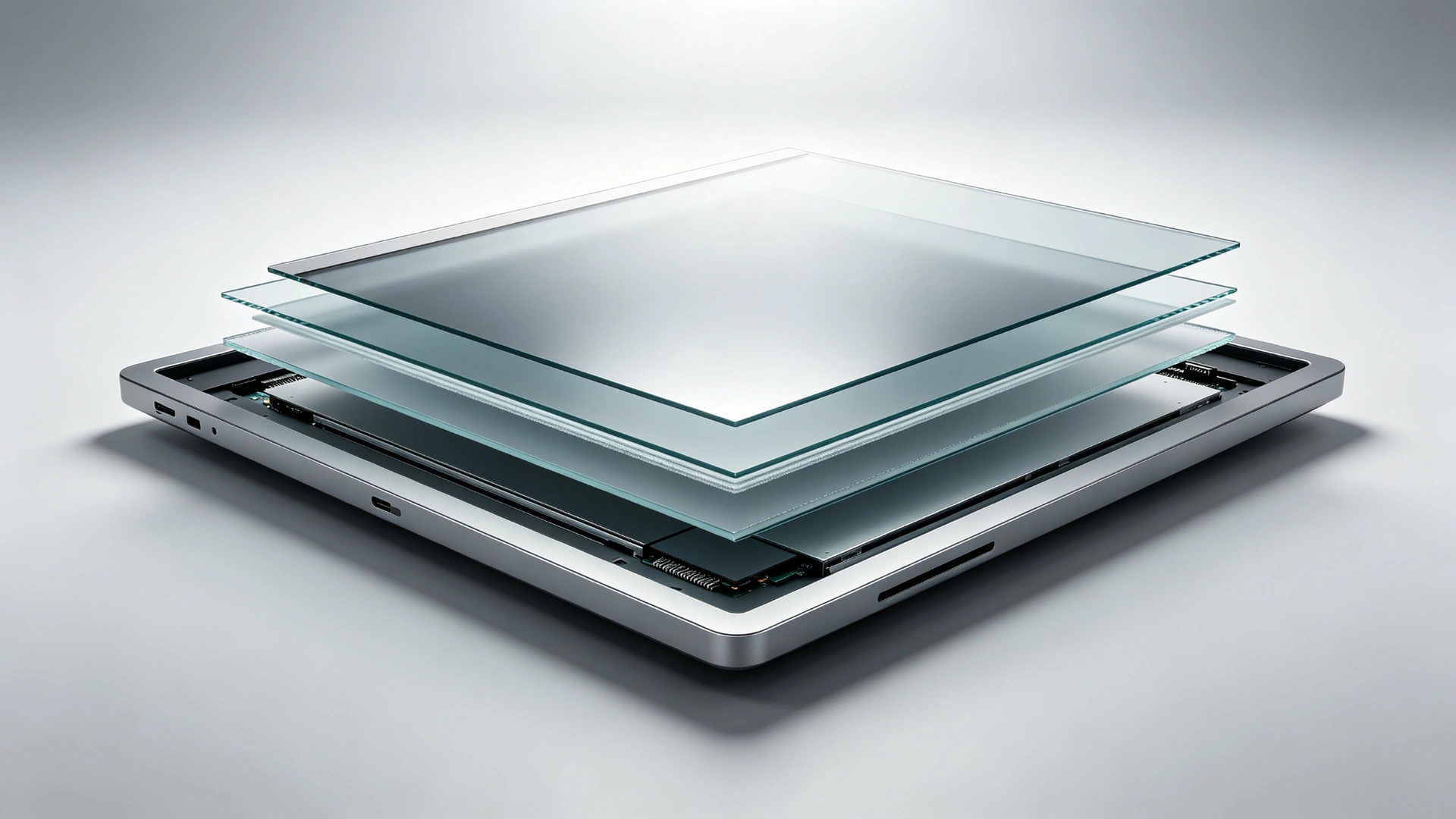
Qtenboard Zero-Bonding zero-bonding structure profile: the touch layer and the display panel are bonded with zero gap, and 1mm tempered glass is matched to reduce parallax and reflection caused by air layer.
Precision, delay and parallax are indispensable
By matching the problems encountered by users in actual use with the three indicators, you can more intuitively judge the "problem" of an interactive whiteboard ":
| Problems encountered by users | Main related indicators | Typical manifestations |
|---|---|---|
| Write Position Offset | Touch accuracy | The nib does not coincide with the line |
| Handwriting is backward when writing fast | Touch Delay | Line tailing, broken |
| The nib and lines have a sense of suspension | Parallax | The handwriting appears under the glass |
| Screen edge difficult to write accurately | Accuracy Calibration | Deviation or blind area at the corner |
| Many people write at the same time and lose some. | Multi-point controller system performance | Missing line, object misselection |
| Touch the screen with the palm of your hand | palm suppression algorithm | Extra lines or misoperation |
| Poor performance after system change | Driver Firmware Protocol | Android and Windows experiences are inconsistent |
| Touch drift after a period of use | Structural Stability Calibration | Requires recalibration or repair |
Not only look at the specifications, but also verify them in real writing.
Full-screen grid point calibration, center area test, four corners and edge test; Straight, circular and diagonal writing; Multi-point simultaneous positioning; Touch blind area detection; False touch detection; Palm suppression test.
Factory Process:After the touch module is assembled, the screen enters the calibration station. The engineers detected the center, edge and four corners according to standard procedures, and verified the stability of touch coordinates through straight line, curve, circle and multi-point tests. Only the whole machine that has passed the calibration and functional verification will enter the subsequent aging and factory inspection.
Fast continuous writing, fast drawing circles, slashes and curves; Multiple people writing at the same time; Multi-finger zoom and rotation; Android/Windows dual system; Whiteboard software and third-party software; Video conference annotation; High load operation.
Writing on the front of the screen, writing at a squint angle, standing writing at different heights; writing at the center and edge of the screen; testing of different nib types; verification after the installation of the bonding layer and protective glass.
Qtenboard touch performance testing is not only conducted under ideal darkroom conditions, but also includes realistic writing, multi-touch and anti-touch verification in simulated classroom and office lighting environments. The test scenarios include: bright classroom, conference room ceiling light, side natural light, screen reflective conditions, lecturer fast writing, simultaneous annotation by many people, simultaneous contact of stylus and palm, and long-term continuous use.
Touch module 48 hours high temperature aging test (72 hours for some items)After the test, check whether there is touch drift, response drop or edge abnormality, record the parameter changes before and after aging, repair and retest the abnormal products, and associate the test results with the serial number and batch to form a traceable quality record.
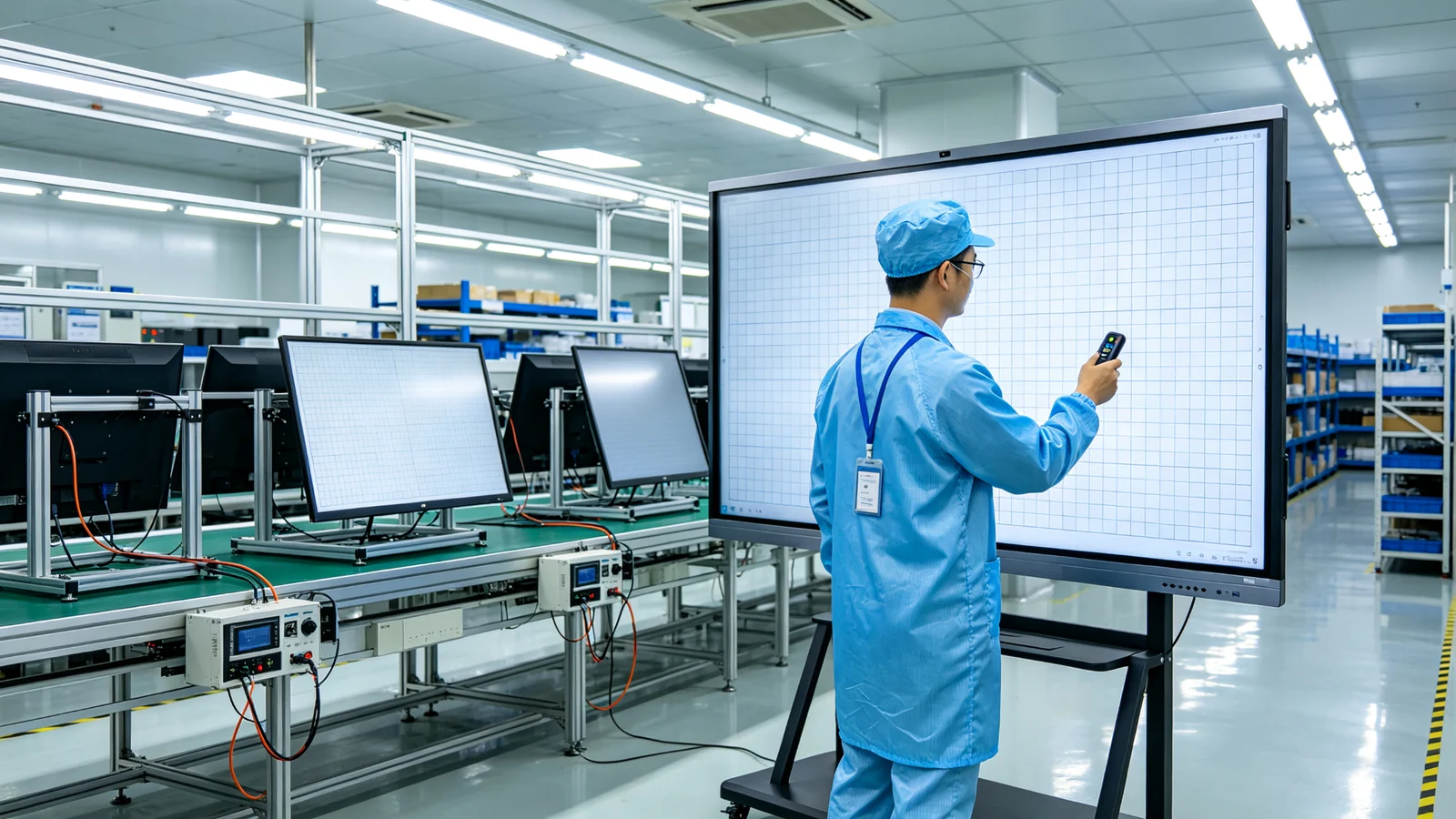
Qtenboard Shenzhen factory touch calibration station and 48-hour high-temperature aging test room: each device undergoes full-screen calibration, multi-point test and retest after aging to ensure that the accuracy, delay and parallax meet the standards.
B2B project acceptance cannot only write "touch sensitive"
Suggested documents:Touch specifications, description of touch points, accuracy and delay test methods, burn-in test records, factory calibration reports, after-sales maintenance and spare parts list.
| Acceptance Items | Suggested confirmation content | Result |
|---|---|---|
| Touch accuracy | Center, corner, edge deviation | Qualified/Unqualified |
| Touch Delay | Single-point and multi-point writing response | Qualified/Unqualified |
| Parallax | Does the nib coincide with the line | Qualified/Unqualified |
| Multi-touch | Actual number of simultaneous touches | Qualified/Unqualified |
| palm inhibition | Whether the palm touches by mistake | Qualified/Unqualified |
| System compatibility | Performance under Android/Windows | Qualified/Unqualified |
| Strong light environment | Touch stability under different light | Qualified/Unqualified |
| Aging test | Verify again after continuous operation | Qualified/Unqualified |
| Traceability Record | Serial number, lot, calibration data | Qualified/Unqualified |
From touch frame to machine calibration, Qtenboard how to create a more natural writing experience
The Qtenboard infrared touch scheme supports 20-50 point touch with a touch accuracy of 1.5mm. It is suitable for K-12 classrooms, enterprise conferences, large-scale education and government projects, and provides a scalable touch scheme in 65-110 inch products.
Single point response time 7ms, multi-point response time 10-15ms. The touch controller, motherboard, system firmware and display processing link are tested together to avoid the pursuit of a local parameter alone, but ignore the overall response in real writing.
The combination of infrared touch and Zero-Bonding zero fit reduces the structural distance between the touch layer and the display image, improves the visual coincidence between the nib and the handwriting, and reduces the impact of multi-layer reflection on the writing experience. With 1mm tempered glass, to achieve close to the real pen writing feeling.
Android native touch, Windows OPS touch, Windows HID Digitizer compatible; Support double pen, palm suppression and gesture recognition; Adapt to teaching software and conference software.
Incoming inspection of touch module → assembly of screen and touch frame → full screen calibration → single point and multi-point test → strong light environment test → 48 hours high temperature aging test (72 hours for some items) → retest before leaving factory → binding of serial number and test record.
Established in 2005 with 20 years of manufacturing experience; 330,000 ㎡ industrial park, 16 factories and 8 full-automatic production lines; SMT patch speed 120,000 components/hour; Class 10,000 clean room completes touch panel manufacturing and optical bonding; The one-time pass rate of the whole machine is ≥ 97%, and the aging abnormality rate is <1.5; Service 110 + countries, after-sales response ≤ 4 hours.
International and Regional Accreditation:CEFCCRoHSISO9001CCCEDLA (Google GMS)Anatel (Brazil)
Different projects have different priorities for the three indicators.
| Project type | The highest priority indicator | Recommended Concerns | Qtenboard Programme |
|---|---|---|---|
| K-12 classroom | Precision Multiplayer Touch | Edge precision, palm suppression, 40-touch, durability | Infrared touch 20-50 points |
| University Seminar Room | Accuracy Delay | Complex charts, multi-person labeling, software compatibility | Infrared Touch Zero-Bonding |
| Corporate Conference Room | delayed parallax | Meeting annotation, wireless screen projection, remote collaboration | Infrared touch dual system |
| Design Review | precision parallax | Fine line writing, electromagnetic pen, pressure sensing | Electromagnetic hybrid scheme optional |
| Medical training | Low precision reflective | Detail annotation, glass, cleaning and software | Capacitance scheme optional |
| Large training room | Accuracy Visibility | Screen size, rear reading, multiplayer touch | 75-110 inch full size |
| Government project | three comprehensive | Batch consistency, acceptance documents, after-sales traceability | MES traceback serial number binding |
| OEM/ODM Project | Indicator definition consistency | BOM Lock, Test Method, Substitute Control | Independent OEM production line indicator lock |
The following cases are quoted from Qtenboard official public case materials to help purchasers understand the actual requirements for writing experience in different scenarios.
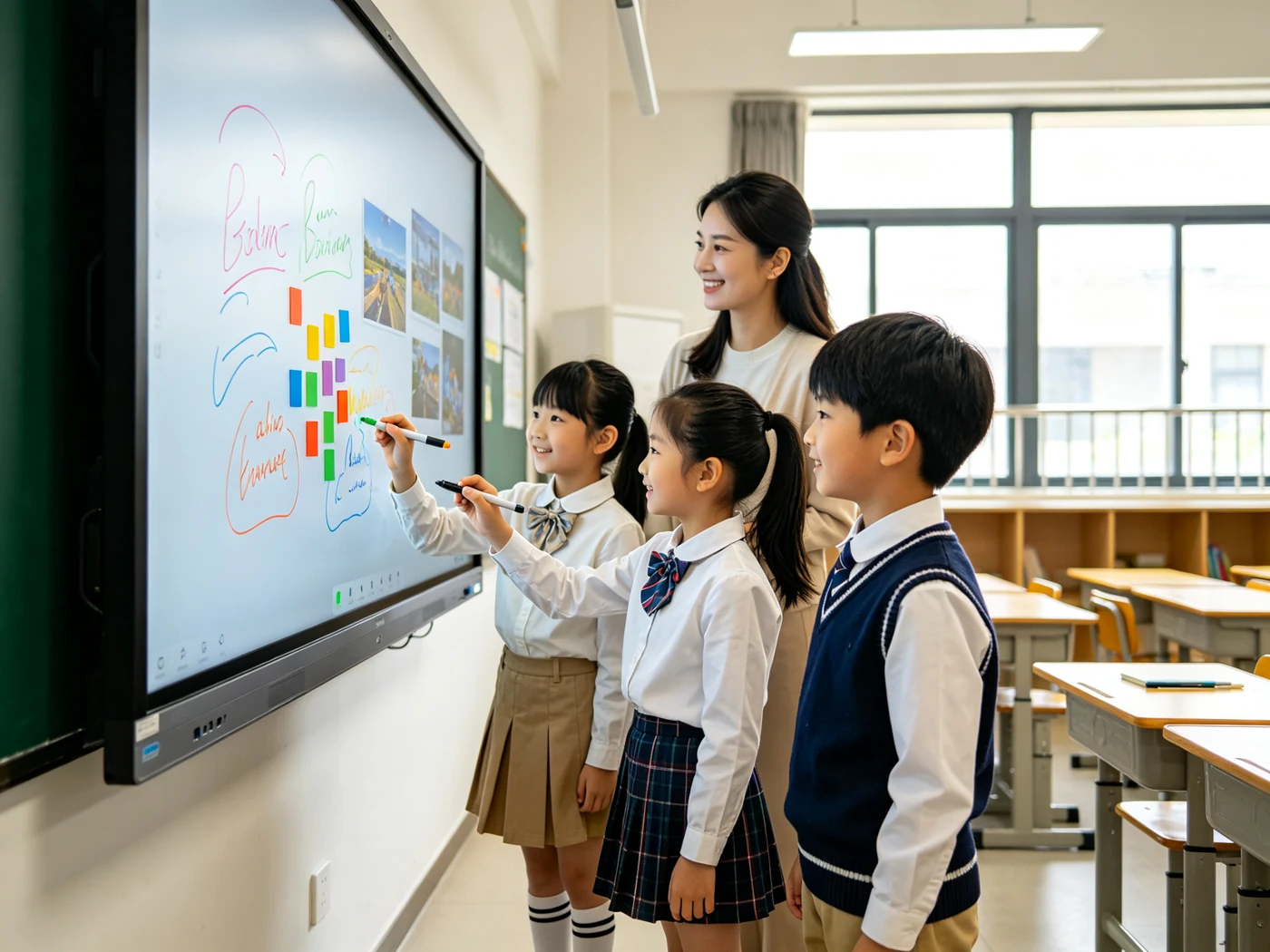
Qtenboard interactive whiteboards in educational programs: Multiple students write, annotate and drag at the same time, testing multi-touch stability and palm suppression.
The school's original 30 classrooms rely on old-fashioned projection, no interactive ability, student participation decline. After 4 weeks of prototype testing, the whole school deployed 32 Qtenboard 75 "EDLA certified interactive whiteboards, teachers use Google Classroom integration, screen flipping classroom and multi-touch collaboration tools.
Customer deploys in five European offices 24 Qtenboard 86-inch dual-system interactive whiteboards, integrated Microsoft Teams and Zoom, built-in wireless screen projection and real-time annotation, instead of multi-supplier assembly scheme, unified conference collaboration experience.
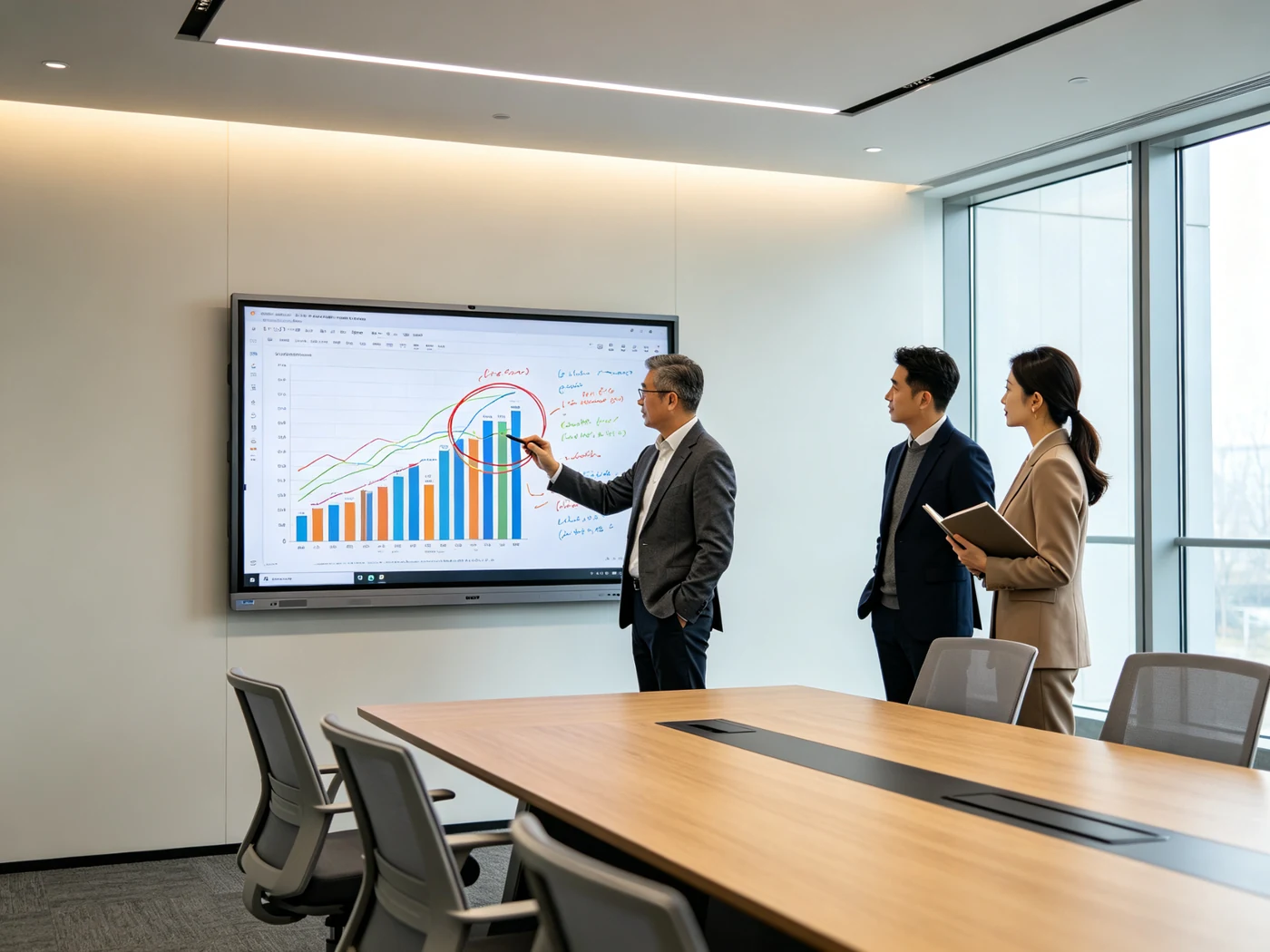
Enterprise meeting scenario: Qtenboard data annotation on the interactive whiteboard to collaborate with wireless screen projection.
Brazilian education technology distributors need to have Anatel CertificationThe interactive display product, which supplies government projects covering 200 public schools. Qtenboard Delivery Customization 65-inch and 75-inch interactive whiteboards, complete Portuguese UI localization, custom packaging and full Anatel customs clearance documents.
Frequently asked questions around touch accuracy, latency, parallax and acceptance methods
The common specifications in the industry are ± 1mm to ± 2mm, and the Qtenboard infrared touch scheme is 1.5mm. Don't just look at this number during acceptance, but confirm the measurement conditions: full screen measurement or only the central area, single point or multi-point, factory or long-term operation. It is recommended to write straight lines and circles at the center, four corners and edges respectively, and let many people write at the same time to observe whether the coordinates are stable.
Not equal to. The "touch response time" usually only represents the speed of the touch detection link. The complete writing delay also includes the system, application, GPU, refresh rate and display response. Qtenboard single-point response time is 7ms, multi-point response time is 10-15ms, and real experience is guaranteed through dual-system and high-load scenario testing. When purchasing, be sure to ask the supplier to explain the measurement definition, and quickly draw circles, quickly draw lines, measure and chirality on site.
Write latency comes from the entire link: touch detection speed, transmission and drive, system and application load, display refresh. The common reason is that the whole machine factory only optimizes the touch module and ignores the collaboration of the system, software and display terminal. Judgment method: on the same device, use the system's own whiteboard and high-load software to write separately, and compare the difference with the chirality to locate the bottleneck.
Parallax is the visual deviation between the pen tip position, the touch layer and the display image due to the structural distance or viewing angle. The thicker the glass, the larger the air gap, and the farther the touch layer is from the display layer, the more obvious the parallax is. Zero-Bonding zero-fit with thin glass (such as Qtenboard 1mm tempered glass) can significantly reduce parallax. At the time of acceptance, write a few strokes on the screen and the oblique side to observe the coincidence.
Infrared touch supports 20-50 points of multi-touch, can be written with fingers/stylus/arbitrary obstructions, and is the mainstream scheme for large-size educational whiteboards and conference tablets. Capacitive touch accuracy and fine-line writing perform well, which are common in scenes with high requirements for detail labeling such as medical training. Select the key to see the use of the scene, touch points and budget, the Qtenboard can provide infrared, capacitive, electromagnetic hybrid and other programs.
Many people write lost points and broken lines at the same time, which is usually related to the upper limit of touch points, the processing power of the controller and the performance of the system. Test method: let 4-5 people write and drag on the screen at the same time to observe whether the lines are complete; Then overlay video conference, multi-window and other high-load scene retest. The Qtenboard supports 20-50 touch control and has been tested in multi-person writing and multi-point zoom rotation scenarios.
The air gap structure has an air layer between the touch layer and the display panel, which is prone to multi-layer reflection, reduced definition and increased parallax; zero-fit/optical fit closely fits each layer, reduces the air layer, reduces reflection and refraction, and improves parallax and display permeability. Qtenboard Zero-Bonding zero fit with 1mm tempered glass structurally reduces the visual distance between the nib and the handwriting.
The Qtenboard performs full-screen touch calibration and function verification after the whole machine is assembled. The accuracy and delay data come from the mass production whole machine inspection under standard test conditions, and the batch consistency is controlled through fixed BOM, standard assembly process, calibration software and retesting after 48 hours (72 hours for some items) of high temperature aging. It is recommended to specify the test method and judgment standard in the contract for batch projects, and carry out the first piece confirmation and batch sampling inspection.
The common practice in the industry is continuous aging for 24-72 hours, and the Qtenboard standard is 48 hours of high temperature aging (72 hours for some items). After aging, the touch accuracy, response and edge performance are retested, and the results are associated with serial numbers and batches. Aging records can reflect whether the product drifts or performance attenuation after long-term operation, which is an important basis for judging the stability of the whole machine and batch consistency.
Touch precision solves "where to write", touch delay solves "how long to appear", and parallax solves "whether it looks natural". Together, the three indicators determine the willingness of teachers, conference participants, and professional users to use interactive whiteboards over the long term.
For interactive whiteboards, touch accuracy, latency, and parallax are never isolated parameters. Precision lets the handwriting fall in the right place, low latency lets the handwriting keep up with the user's movements, and low parallax makes the nib and the line look truly coincident. Only when all three are controlled at the same time, the interactive whiteboard will not just be a touchable display, but will become a real collaboration tool for teachers, conference teams and professional users.
Backed by 20 years of manufacturing experience, 330,000 ㎡ industrial park and Zero-Bonding zero-fit technology, the Qtenboard provides interactive whiteboard solutions with different sizes, systems, touch points and delivery modes for education, conferences, training and OEM/ODM projects. For batch projects, customers can verify accuracy, delay and parallax at the prototype stage, and further confirm production calibration, burn-in testing, quality traceability and after-sales support.
Mailbox: info@szqunmao.com | Tel/WhatsApp: 86 13124713748 | Official website: www.szqunmao.cn
The accuracy, delay and other indicators in this paper are the reference values under the Qtenboard standard test conditions, and the specific model is subject to the specification and contract agreement.
 Partner Links:

 en
 中文

 Previous:
 Return to list

