
 en
 中文

 Current location:
 Release date: 2026-10-13
 Clicks:
Handwriting recognition and OCR: the evolution of the "read" ability of interactive whiteboards
From natural handwriting to text, multilingual recognition to graphic and formula understanding, the Qtenboard Q AI system-level framework allowsInteractive Flat PanelIntelligent collaboration terminal upgraded from "recording content" to "understanding and organizing content"
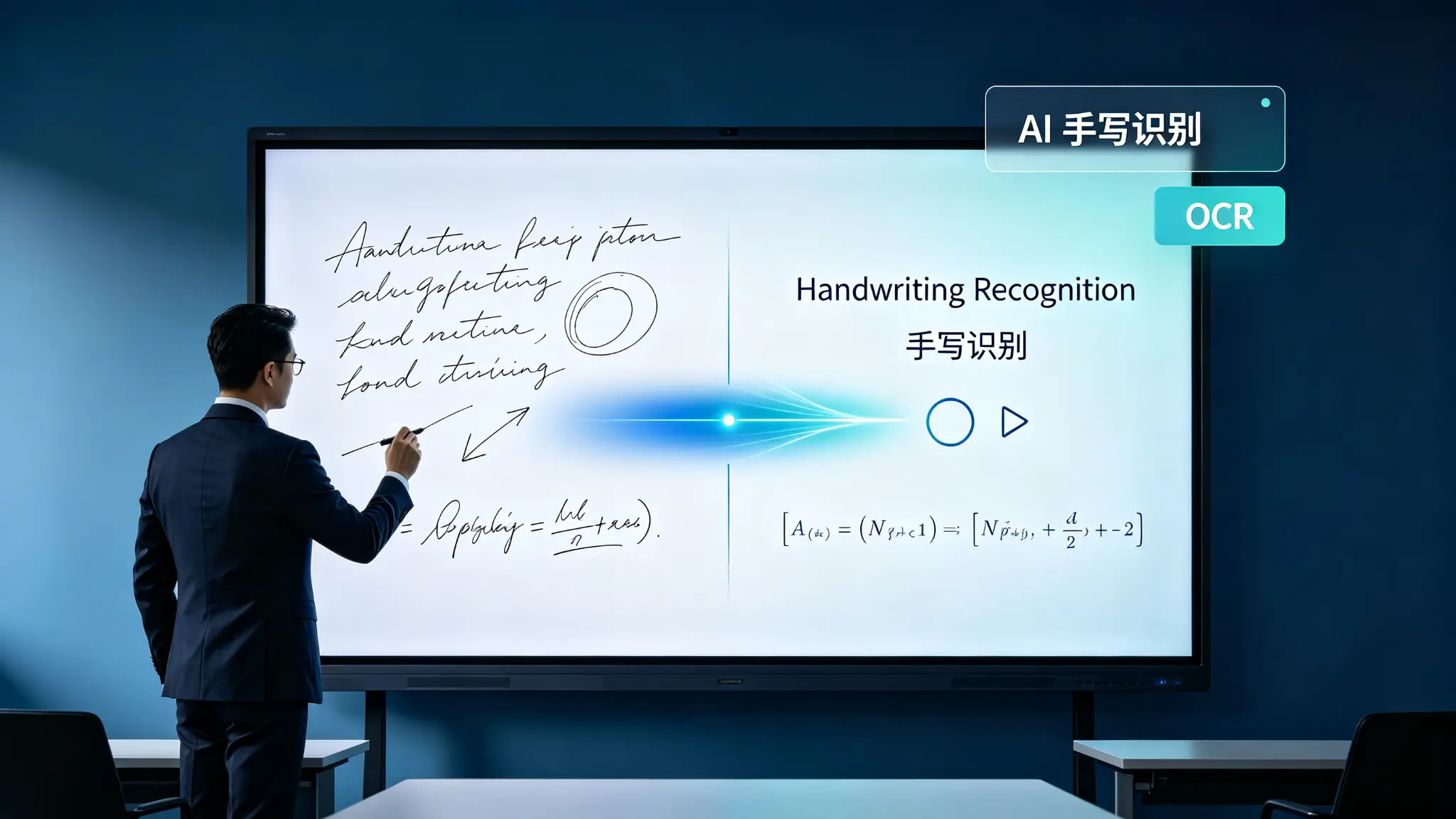
A meeting or a class leaves more than a few pages of handwriting. In the classroom scene, teachers write down keywords, formulas and graphics on the interactive whiteboard. The traditional method is to take photos, screenshots or rearrange them. The information students get may have problems such as fuzziness, missing pages and inability to edit. In an enterprise meeting scenario, the team writes down product ideas, tasks, and processes on the whiteboard. After the meeting, the staff needs to manually enter the content. Handwritten handwriting, arrows, and grouping relationships may be misunderstood, and important decisions and tasks are easily missed in the sorting process.
OCR enables devices to recognize text in images, while AI handwriting recognition further enables interactive whiteboards to understand natural handwriting, text structure, and page layout. When the whiteboard can convert handwritten content into editable text, convert sketches into standard graphics, and organize handwriting in different languages into digital data, it is no longer just a display and writing device, but an entrance to information collection and content organization.
Qtenboard (Shenzhen Qunmao)Founded in 2005, Qtenboard has 20 years of expertise in interactive display manufacturing. We operate 330,000 m² of intelligent manufacturing campuses across Shenzhen and Guangzhou, with 16 modern factories, 8 fully automated production lines, and a daily capacity of 200+ units. Our products reach 120+ countries and regions worldwide, and we have served over 15,000 enterprise customers. Qtenboard launchedQ AI System-Level AI Framework, handwriting recognition, multilingual OCR, graphic recognition and semantic understanding are deeply integrated into the hardware, software and algorithm layers, supporting real-time translation in 166 languages. Thai OCR language packs have been customized for Thai customers, and software layer localization can be completed without modifying the hardware of the whole machine.
What is the difference between 1. handwriting recognition and OCR?
OCR is not simply taking pictures, and handwriting recognition is not just "recognizing words"
1 What is OCR?
OCR is Optical Character Recognition, optical character recognition. The system obtains text through camera or image input, and outputs editable text through image preprocessing, character analysis and model recognition, which can be used for paper, screenshots, pictures, scanned documents and whiteboard pages. In interactive whiteboards, OCR can be used to convert whiteboard screenshots into text, identify imported PDF/pictures/documents, extract text from the screen, convert blackboard content into searchable materials, and identify/copy/translate designated areas.
2. What is AI handwriting recognition?
AI handwriting recognition needs to deal with different people's fonts, continuous strokes/abbreviations and incomplete strokes, character size and tilt changes, Chinese and English mixed writing, handwriting overlap, handwritten text and graphics mixed, text/arrows/tables and pictures exist at the same time.
| Comparison dimension | Common OCR | AI handwriting recognition |
|---|---|---|
| Primary Inputs | Printed text, pictures, scanned copies | Natural handwriting, digital handwriting, whiteboard content |
| Identify objects | Single character or text area | Stroke, Text, Graphics and Layout |
| Requirements for fonts | Usually more regular. | Adaptable to different handwriting |
| Content structure | The focus is on text recognition | Further understanding of headings, lists, and relationships |
| Typical uses | Document scanning, picture to text | Writing on the blackboard, meeting minutes, handwriting editing |
| Interaction Modes | Shoot or import first | Recognition while writing or selection recognition |
Why is an interactive whiteboard better suited for handwriting recognition?
The touch screen can record continuous strokes, the system knows the time sequence and movement track of handwriting, the touch controller can identify pens, fingers and erasers, and the software can understand the content position in combination with page coordinates. AI don't have to rely on just one blurred image, users can instantly modify, undo and re-identify.
2. How Interactive Whiteboards "Interpret" Handwritten Content?
From touch tracks to editable text, what are the steps behind it?
1. The first step: acquisition touch track
The system records X/Y coordinates, stroke start and end points, writing speed, stroke direction, pressure data (if supported), touch tool type, multi-user & multi-stroke input distinction, and stroke color & width. This imposes hardware requirements for high-precision touch, low writing latency, stable multi-point recognition, accurate touch detection at edge regions, palm rejection, and stylus compatibility with software protocols.
The Qtenboard infrared touch scheme supports 20-50 point touch, with a touch accuracy of 1.5mm, a single point response time of 7ms and a multi-point response time of 10-15ms. It cooperates with Zero-Bonding zero-fit technology to ensure the integrity and accuracy of handwriting collection.
2. The second step: handwriting pretreatment
The AI system handles broken strokes, line jitter, stroke overlap, undersized characters, skew & scaling, multi-color handwriting, palm rejection & non-writing touch interference, and text-graphic boundary detection.
3. The third step: recognition of text and graphics
The system classifies content as text, numbers, punctuation, symbols, lines, arrows, geometric figures, tables, formulas, pictures, or non-text areas. Qtenboard the OCR and Smart Brush capabilities of the Q AI to recognize text, shapes, and multilingual content and convert natural handwriting into digitized text.
Step 4: Understand the layout and context
The AI should not only identify "what was written", but also determine which line is the title, which content belongs to the same list, which arrow points to which node, which text belongs to the same process box, which content is the text/annotation/task, and which elements constitute a mind map or flow chart.
5. Step 5: Output editable content
After recognition, the content can be output as editable text, standard geometric graphics, structured tables, digital flow charts, mind maps, meeting summaries, classroom handouts, PDF/PNG/IWB/Word and other files. Qtenboard Q AI support for additional whiteboard save formats, regional language OCR packages, and customizable software features, handwriting recognition is not just a single button, but can also be part of a branded software system.
3. multilingual handwriting recognition, why is it the key to global projects?
For global customers, "identification" is not enough, but also to identify the local language
1. Latin alphabet language
English, Spanish, French, German, Portuguese, Turkish, etc. Identification difficulties include continuous writing, mixed case, accent marks, word spacing, professional abbreviations, and confusion between numbers and letters.
2. Chinese and East Asian Languages
Chinese characters have complex strokes, many homophones and near-form characters, horizontal, vertical and mixed typesetting need to be adapted, Chinese and English, numbers and symbols are often mixed, and professional terms and abbreviations often appear in teaching and enterprise meetings.
3. Arabic and complex text direction
When writing from right to left, the characters may change in the beginning, middle and end of words, the letter connection relationship is complex, numbers, English and Arabic may appear on the same screen, and the interface direction and layout need to be localized.
4. Thai and Southeast Asian Languages
The upper and lower structures of characters are complex, phonetic symbols and characters may be superimposed, handwriting patterns differ greatly from standard glyphs, and education and government projects require regional language support.
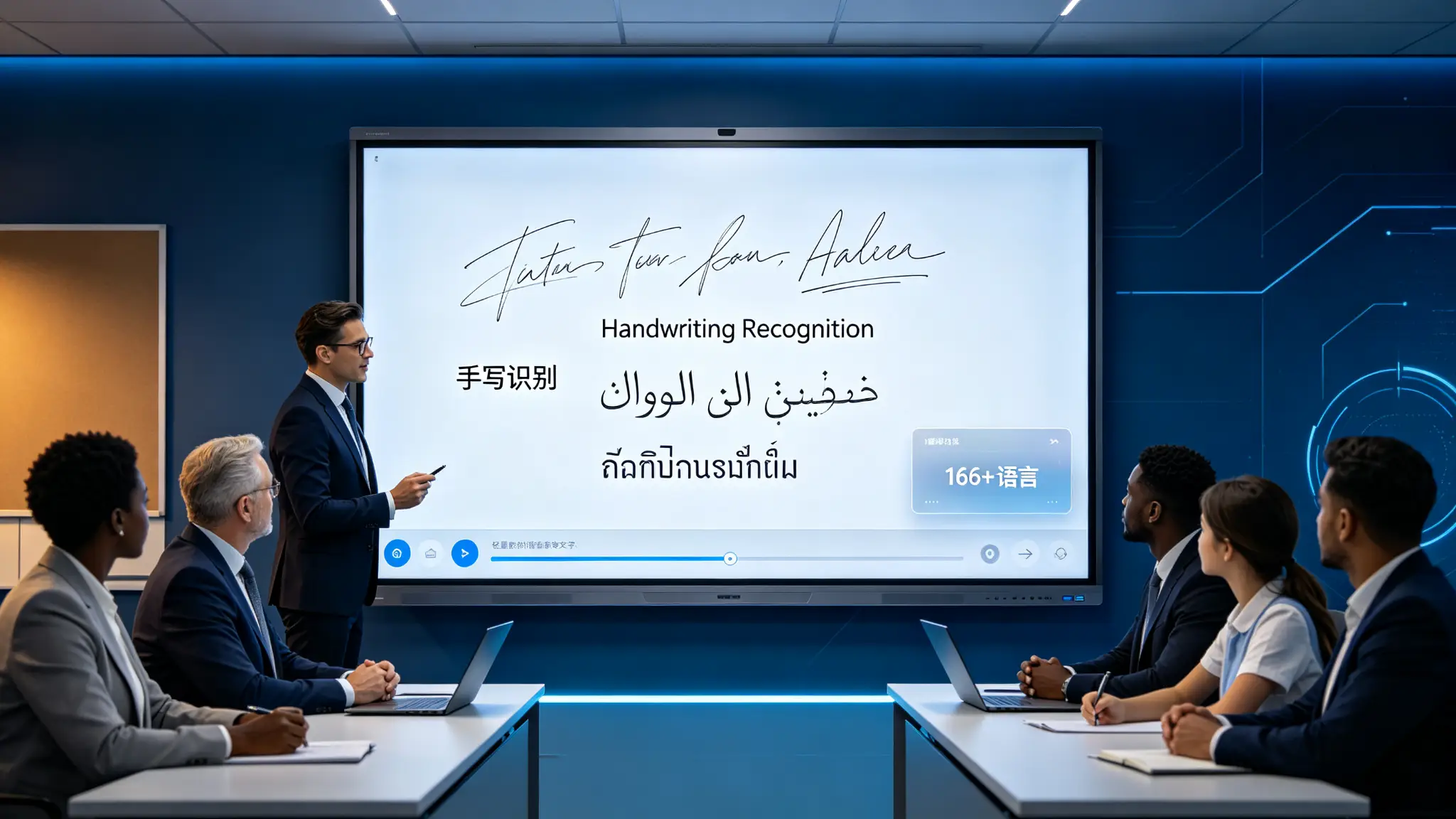
Qtenboard Q AI system-level framework support166 languagesVoice-to-text and real-time translation, covering regional dialects such as Cantonese, Vietnamese, and Malay. We have added a Thai language pack and OCR handwriting recognition for a Thai customer; the software-level language localization does not require any hardware modifications. This type of capability is particularly important for distributors and government education programs because it reduces duplication of development and shortens localization cycles.
5. Multilingual identification of procurement issues
- Which languages are supported? Is it print recognition or natural handwriting recognition?
- Do you support mixed language co-page recognition? Do you support right-to-left languages?
- Do you support local minority languages and do you need to purchase language packs separately?
- Is offline identification supported? Can I add a customer-defined thesaurus?
- Does it support professional education, medical or engineering vocabulary?
4. from text to graphics, how do AI understand complex whiteboard content?
really valuable recognition, not just turning words into words
1. Handwritten text recognition
Translate handwriting into text, preserve paragraph and list structure, support copy, search and translation, support modification and re-layout, support export and share.
2. Graphic recognition
Identifies straight lines, circles, rectangles, triangles, arrows, process nodes, axes, and simple charts. Use scenarios include teachers drawing geometry, product managers drawing flow charts, engineers marking system structures, enterprise teams organizing business processes, and designers quickly expressing scheme sketches.
3. Form Identification
Convert hand-drawn tables to structured tables, automatically align rows and columns, identify headings and cells, support content supplementation and editing, and export tables as documents or pictures.
4. Formula and symbol recognition
Identify mathematical formulas, basic physical expressions, chemical symbols, engineering symbols, variables and numbers. The recognition effect of complex formula depends on the writing specification, model and language. The purchaser should not only watch the demonstration video, but also use the real teaching content, customer professional terminology and on-site font for testing.
5. Semantic Association
AI can try to determine which text belongs to the same topic, which content is a problem, which content is a conclusion, which content belongs to a task, which content needs to be translated, and which content can be converted into a summary or knowledge card.
5. Education Scenario: Making Board-writing a Reusable Teaching Asset
How does AI handwriting recognition change the classroom flow for teachers and students?
1. In class: teachers write naturally and identify the system synchronously
Teachers can write according to the original habits, convert keywords into standard text when necessary, convert formulas and graphics into digital objects, adjust the color, size and layout of key contents, and explain them in combination with pictures, videos and web pages.
2. After class: automatically generate course materials
Identify the contents of blackboard writing, organize knowledge points according to topics, generate classroom summaries, export review materials, share them with students and parents, and save them to the school LMS or cloud disk (if supported by the system).
3. Multi-language classroom
Translate handwritten content from teachers into local languages, translate into second languages, provide bilingual materials for international students, support cross-regional education programs, and help training institutions quickly generate multilingual curriculum materials.
4. Mathematics, Science and Engineering Courses
Convert formulas into editable content, convert schematic diagrams into standard graphics, and structure experimental steps to make it easier for students to file and feedback handwritten answers.
5. Value of education procurement
- Reduce teacher finishing time after class, improve the reuse rate of teaching materials
- Help absent students quickly access content and form school digital curriculum assets
- Support cross-campus and distance learning to improve the scalability of multilingual education programs
Qtenboard educational interactive tablet is specially designed for educational institutions, with a built-in 4K AI ultra-wide-angle camera, driven by advanced vision and voice tracking algorithms, transforming traditional classrooms into active learning centers. Subject tools, OCR notes, and multi-user interaction enhance student engagement.
6. Enterprise Meetings: Get Whiteboard Content Directly into Workflow
How do handwritten content in meetings become decisions, tasks, and documents?
1. Brainstorm
Identify notes, keywords, and groupings, classify multiple viewpoints, convert handwritten ideas into digital notes, generate topic clusters, extract high-frequency keywords, and export discussion results as project documents.
2. Product and design review
Identify drawing labels, structure arrows, numbers, and comments, retain original sketches and digital text, generate modification lists, and associate product versions or project names.
3. Project Management Meeting
Identify tasks, responsible persons and dates, convert flow charts to task phases, distinguish completed, in-progress and to-be-confirmed items, automatically generate draft meeting minutes, and send or export task lists.
4. Sales and Customer Program Meeting
Organize customer requirements into items, identify product models, quantities and delivery times, automatically form requirements confirmation forms, and convert handwritten comments into quotations and proposal preparation items to facilitate follow-up after sales meetings.
5. Multilingual Multinational Conference
Chinese, English, Russian, Arabic, Thai and other content identification, multi-language text conversion, conference content translation, reduce manual finishing and secondary communication, support regional distributors and headquarters cooperation.
Qtenboard Q AI Conference Intelligence:
Record the content of the meeting without feeling in the whole process, automatically complete voice to text, and accurately distinguish different speakers.
Generate a structured meeting summary within 5 seconds after the meeting, refining core issues and to-do items.
Shorten the original 1-hour minutes by more than 75%
· Meeting minutes can be exported or synced to Microsoft Teams, Slack or Google Workspace
7. Qtenboard Handwriting Recognition and OCR Capability
From multilingual software to OEM localization, how does Qtenboard serve global projects?
1. Q AI system level framework
Qtenboard's launch ofQ AIIt is not a simple software plugin or cloud-based tool, but rather a native intelligence architecture deeply integrated into the hardware, software, and algorithm layers. AI are not add-ons, but are built into the native architecture of the device and can work reliably in real-world office and education scenarios-both online and offline.
Q AI four design principles:Local computing first, optional cloud collaboration, AI interoperability, scene-oriented design.
Q AI's core transcription runs locally on the device, eliminating cloud latency and network dependency. Qtenboard integrates a custom noise-canceling microphone array and on-device voice processing algorithms, ensuring clear audio capture even in multi-speaker, noisy environments. Core capabilities include real-time noise reduction, speaker diarization, support for 40 languages and dialects, industry-specific term recognition, and a customizable vocabulary. For global teams, real-time multilingual translation supports smoother cross-border communication, and the core transcription function runs entirely locally on the device and can be used without networking.
2. Intelligent writing ability
Qtenboard Q AI supports natural handwriting recognition, OCR text conversion, multilingual handwriting recognition, shape and graphic recognition, smart brush, formula or structured content recognition, stylus/finger/eraser recognition, and multi-point collaborative writing.
3. Multi-language localization capability
Language packs, OCR, and software interfaces are Qtenboard available as customized content at the software level, supporting the addition of regional language and localization capabilities based on the target country. The public OEM/ODM information mentions that it has added Thai OCR handwriting recognition for Thai customers without modifying the hardware of the whole machine. Suitable customers include Thailand Education Project, Central Asian Multilingual Government Project, Middle East Arabic Conference Project, Southeast Asian Distributors, European Multilingual Schools and Training Institutions, and Multinational Enterprise Conference Systems.
4. Bidding Support
Qtenboard can provide customized technical specification support around multilingual OCR, EDLA certification, AI features, hardware specifications and software capabilities. Including sorting out technical parameters according to bidding documents, incorporating language identification capability into specification list, providing product demonstration and prototype testing, cooperating with OEM/ODM to customize brand/UI/language pack/function, and providing localization configuration suggestions for government projects.
5. Hardware Platform: Genio 520 and 10 TOPS Edge Computing
Qtenboard’s Genio 520 interactive flat-panel platform is based on the MediaTek Genio 520 (MT8371) chip and redefines the capabilities of enterprise-grade interactive whiteboards at the hardware level. The 8th-generation MediaTek NPU is directly integrated into the interactive smart board.Dedicated AI acceleration for 10 TOPS-Real-time face detection for classroom attendance, gesture control in conference rooms, and AI noise reduction in medical consultation rooms are all running on equipment, with zero Internet dependence, zero cloud delay, and zero data privacy risks.
Based on TSMC's 6nm FinFET process, Genio 520 achieves high performance with low heat output, which makes Qtenboard fanless interactive flat panel design possible-for K-12 classrooms, hospital consulting areas, and administrative meeting rooms where acoustically quiet cannot be compromised Important. MediaTek’s official commitment to the Genio 520 is10 year standard supply life cycle(Q2 release in 2025, EOL 2035), eliminating the risk of obsolescence that consumer-grade SoCs are usually eliminated in 2-3 years.
6. DMS device management system
The Qtenboard is equipped with powerful DMS (Device Management System) software to realize centralized background control of all devices. Core functions include remote batch device control, time switch machine, full life cycle management (remote upgrade, monitoring, logging), private deployment options, and batch command issuance. The AI-driven predictive diagnostic module checks hardware health parameters such as panel temperature, internal voltage, and color values. If any indicator deviates from the normal range, the system will warn in advance to avoid unexpected equipment downtime.
7. 55-110 inch full size cover
| Size | Typical applicable space | OCR and Handwriting Recognition Configuration |
|---|---|---|
| 55/65 inches | Small meetings and group teaching | Natural handwriting recognition, multilingual OCR, basic pattern recognition |
| 75/86 inches | Standard classroom and training room | Full OCR, formula recognition, form recognition, multilingual |
| 98/105/110 inches | Large-scale conferences, lecture halls and project presentations | Complete OCR High Load Operation OPS Dual System |
The specific OCR function, language pack, camera, OPS and system configuration should be confirmed by model.
8. OEM/ODM with CKD/SKD support
The Qtenboard supports custom Logo and startup interface, custom language pack and OCR, custom whiteboard save format, custom software portal, adaptation to local education platform or conference platform, pre-installed application and management tools, support local assembly and project delivery, and support prototype verification of customer-specified functions. Dedicated OEM production line: Customization does not affect the lead time for standard products; the lead time for customized orders is extended by only 3–5 days.
9. Manufacturing strength and quality assurance
- Established in 2005, 20 years of manufacturing experience
- 330,000 ㎡ industrial park, 16 factories and 8 full-automatic production lines
- SMT patch speed 120,000 components/hour, main board, sub-board independent production
- Class 10,000 clean room completes touch panel manufacturing and optical bonding
- Zero-Bonding zero-fit technology, 1mm tempered glass
- 48 hours high temperature aging test (72 hours for some items), comprehensive retest after aging
- The one-time pass rate of the whole machine is ≥ 97%, and the abnormal rate of aging is <1.5
- International Certification: CE, FCC, RoHS, ISO9001, CCC
- Service 120 countries and regions, after-sales response ≤ 4 hours

8. the boundary between data security and AI identification
After the whiteboard understands the content, who can see the content?
1. Sensitive information that may be involved
Meeting decisions, business plans, product development, financial numbers, student work, student names, government project documents, medical information, customer contracts and quotations.
2. The processing method that the purchaser should confirm.
- Is handwritten content uploaded to the server? Is OCR processed locally or in the cloud?
- Do you want to save the original handwriting? Is the data used to train the model?
- Can cloud recognition be turned off? Is private cloud or on-premises deployment supported?
- Where is the data storage area and how long is the recognition result stored?
- Is deletion and export supported? Who can access whiteboard files?
The core transcription of the Qtenboard Q AI runs locally on the device and is available without networking. This means that handwriting recognition and speech-to-text can be done without relying on the cloud, reducing data privacy risks at the architectural level. Private deployment options are Qtenboard supported for government, healthcare, and large enterprise customers that require private deployments.
3. AI identification results require manual review
Numbers are easily misidentified, models and professional terms may be wrong, handwritten dates may affect task arrangement, multi-language mixed content may be incorrectly segmented, formulas and complex symbols must be manually confirmed, and OCR results should not be directly turned into contracts, financial or formal resolutions without review.
9. from OCR to Smart Knowledge Assets
Next, whiteboard content will move from "editable" to "searchable, associable, reusable"
1. Content Search
Search the history whiteboard by keyword, search the handwritten content of a meeting, find a formula or knowledge point of a course, search for project name, customer name and task number.
2. Content association
Associate new meeting content with historical projects, classroom blackboard writing with course chapters, customer requirements with product plans, and task content with project management tools.
3. Knowledge base precipitation
Enterprise meetings form searchable knowledge assets, teachers' blackboard writing forms curriculum resources, training content forms standard teaching materials, dealer training forms product knowledge base, and project experience can be reused across teams.
4. AI generation and assistance
According to the board to generate summary, according to the formula to generate exercise questions, according to the flow chart to generate project steps, according to the meeting content to generate task list, according to the keyword search related documents, the history of the whiteboard content for question and answer.
Qtenboard Q AI's meeting summary mind mapping feature automatically captures key points and generates a visual mind map to help teams review and act faster. All devices support lifetime free OTA updates, continuously improving speech recognition accuracy, language libraries, scenario-specific features, and algorithm performance. The major AI upgrade in Q2026 will enhance semantic understanding, customization, cross-device collaboration, and training optimization—existing users can benefit without needing to replace their hardware.
Conclusion: The real "smart whiteboard" should understand the content and help customers use the content.
OCR makes text in images editable, AI handwriting recognition makes natural handwriting directly into digital workflows, graphics, formula and layout recognition make complex whiteboard content easier to organize, and multilingual OCR makes products more suitable for global education, conferences and government projects. For B2B customers, recognition accuracy, software customization, data security, system integration and after-sales capabilities are equally important.
The intelligence of the interactive whiteboard is moving from "being able to write" to "understand". When devices can recognize natural handwriting, understand graphics and formulas, distinguish between different languages, and convert whiteboard content into editable, searchable, and shareable digital materials, classroom blackboard writing and meeting discussions are no longer one-time information, but can be precipitated as long-term knowledge assets used by schools, businesses, and government agencies.
QtenboardBacked by 20 years of manufacturing experience, 330,000 ㎡ industrial park, 8 full-automatic production lines, 48-hour high-temperature aging test and Zero-Bonding zero-bonding technology, it is oriented to education, conferences, training and OEM/ODM projects, provides a complete AI interactive whiteboard solution from Q AI system-level framework, 166 language speech to text, 5-second meeting summary, multi-language OCR, shape and formula recognition to DMS device management and remote control. Equipped with MediaTek Genio 520 platform, 10 TOPS device end AI,6nm fanless design, 10-year supply life cycle. It supports Android and Windows OPS dual systems, can be configured with 55-110 inch full-size segments, serves 120 countries and regions in the world, and has served more than 15,000 enterprise customers in total.
For the purchaser, the choice of OCR whiteboard should not only look at "how many languages are supported" or "how much recognition rate", but also pay attention to the real language environment, professional content, privacy policy, system compatibility, software customization and long-term maintenance. Qtenboard can provide a complete interactive whiteboard solution from hardware, touch, OCR language packs to OEM/ODM software localization around different country and project needs. All devices support free lifetime OTA updates to ensure that AI capabilities continue to evolve, and existing users can get the latest features without changing hardware.
CTA:
· Get the Q AI Whiteboard Selection Guide (PDF)
· Appointment Shenzhen/Guangzhou factory visit (or cloud visit)
· Contact sales team for project AI proposal
 Previous:
 Return to list

 Partner Links:
