 Current location:
Home
> Product > Interactive Flat Panel > Educational Interactive Whiteboard


 Model:QM-65HY
 Release time:2026-09-11
 Nature:Manufacturer
 Visits:0
 Service Hotline
+8615920011166

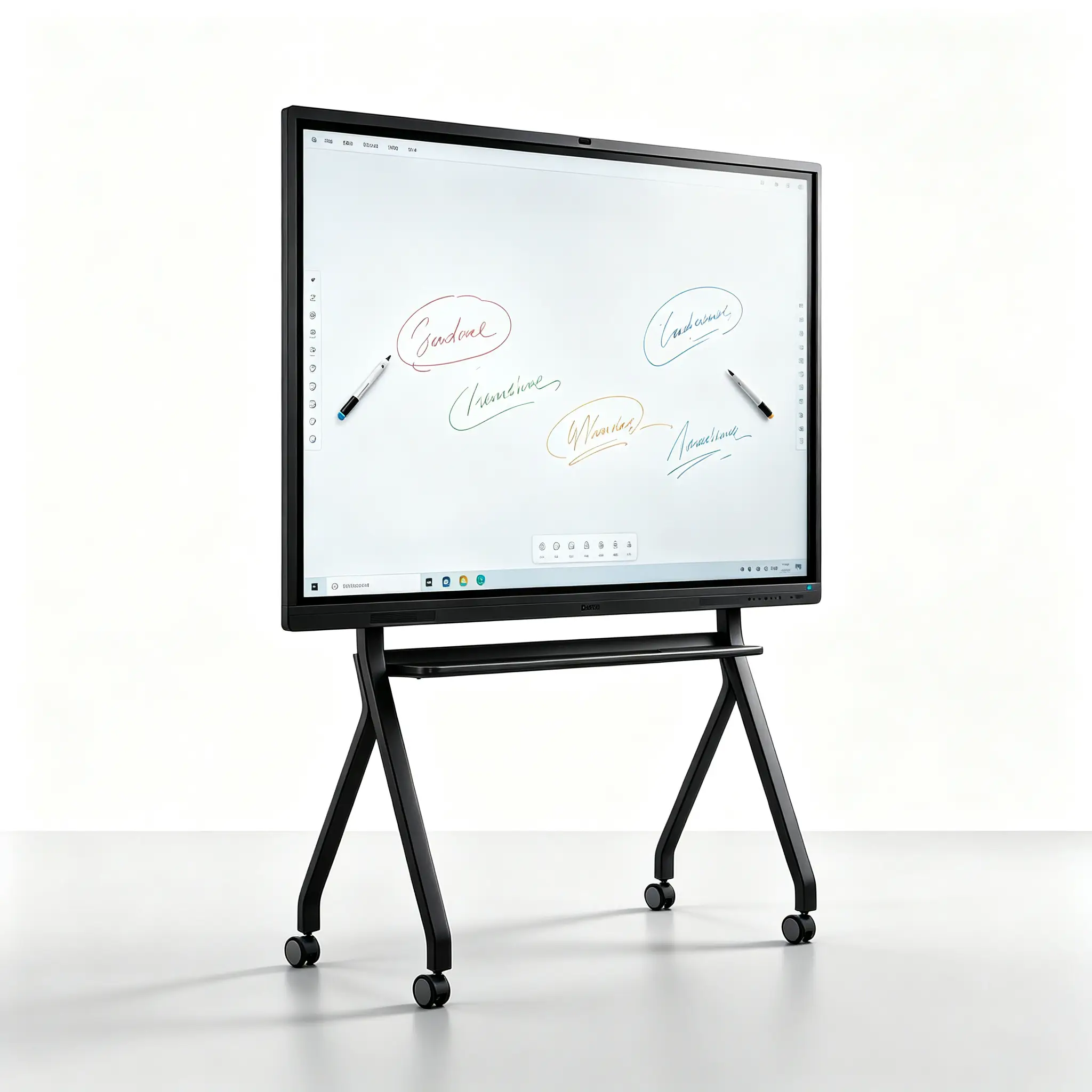
QtenBoard 65-inch Education Interactive Whiteboard/65-inch Teaching All-in-One Machine
40% more visual area than 55 inches, about 30% less budget than 75 inches
Designed for 20-30 standard classrooms | 2-5 m golden sight distance | rear students do not need to squint | 5 people write together not crowded

Decision Tool · Decision Tool
Choose 65 inches or 75 inches? Buy a big waste of budget, buy a small back row can not see clearly. QtenBoard collate 15 years of classroom data into this decision matrix-lock in the right size for 30 seconds against the depth of your classroom and the number of students.
| Classroom depth \Number of people | 10-15 people | 15-20 people | 20-30 people | 30–45 people | 45 people |
|---|---|---|---|---|---|
| Within 3 meters | 🟢55 inches | 🟢55 inches | 🟡65 inches | 🔴Overcrowded | 🔴Overcrowded |
| 3-4 meters | 🟢55 inches | 🟢65 inches | 🟢65 inches | 🟡75 inches | 🔴Overcrowded |
| 4-5 m | 🟡65 inches | 🟢65 inches | ⭐65 inches | 🟢75 inches | 🟡86 inches |
| 5-6 m | 🔴Slightly small | 🟡75 inches | 🟢75 inches | 🟢86 inches | 🟢86 inches |
| More than 6 meters | 🔴Slightly small | 🔴Slightly small | 🟡86 inches | 🟢86 inches | 🟢98 inches |
🟢Recommendation🟡Available🔴Not recommended⭐65 inch best applicable area
Your classroom is 4-5 meters deep and the number of students is 20-30?
65 inches is your golden answer. This range covers more than 60% of the country's standard K-12 classrooms, and 65 inches has become the "main model" for education procurement-the highest education size shipped in QtenBoard throughout the year.
The four screens are compared according to the real proportion. You can understand "how big" at a glance"
Visual Upgrade · Visual Upgrade
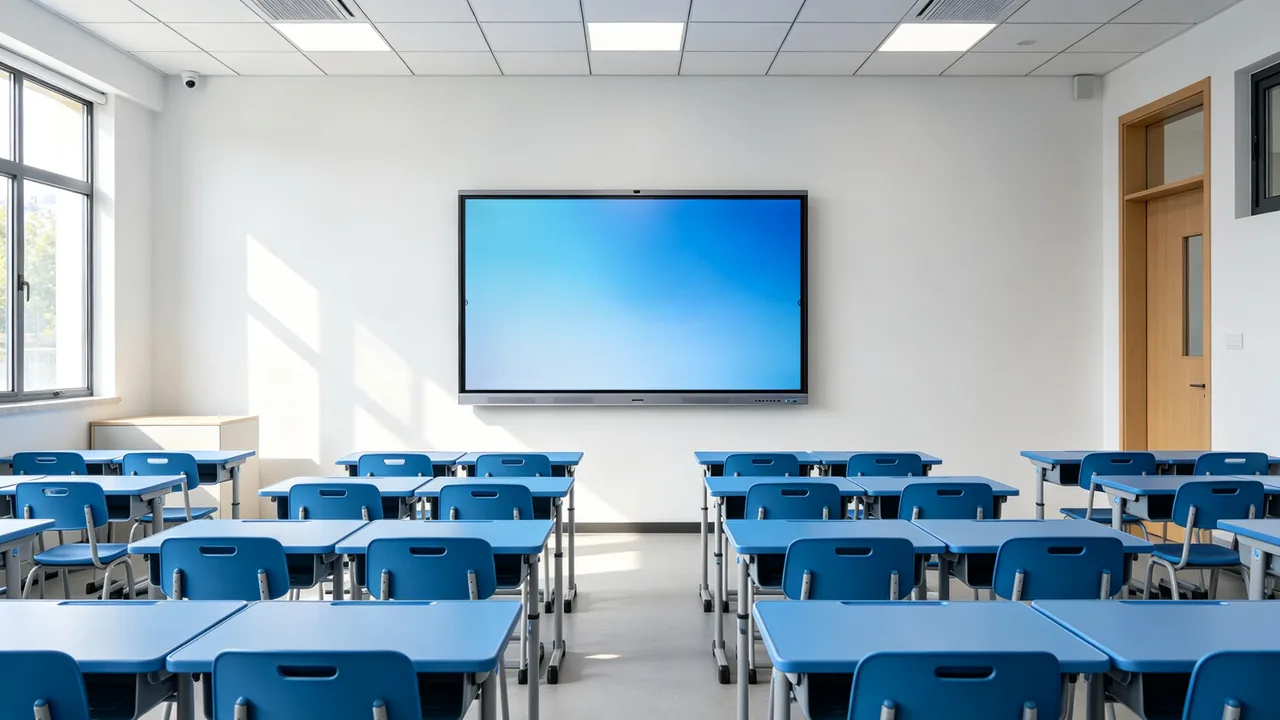
Many teachers think "55 inches is enough" until the students in the back row can't see clearly. The visual area of 65 inches is about 40% higher than that of 55 inches. For the same courseware, the words are larger and the pictures are clearer, and there are no visual dead corners in the whole classroom.
Visible Area + 40%
Interactive Collaboration · Collaboration
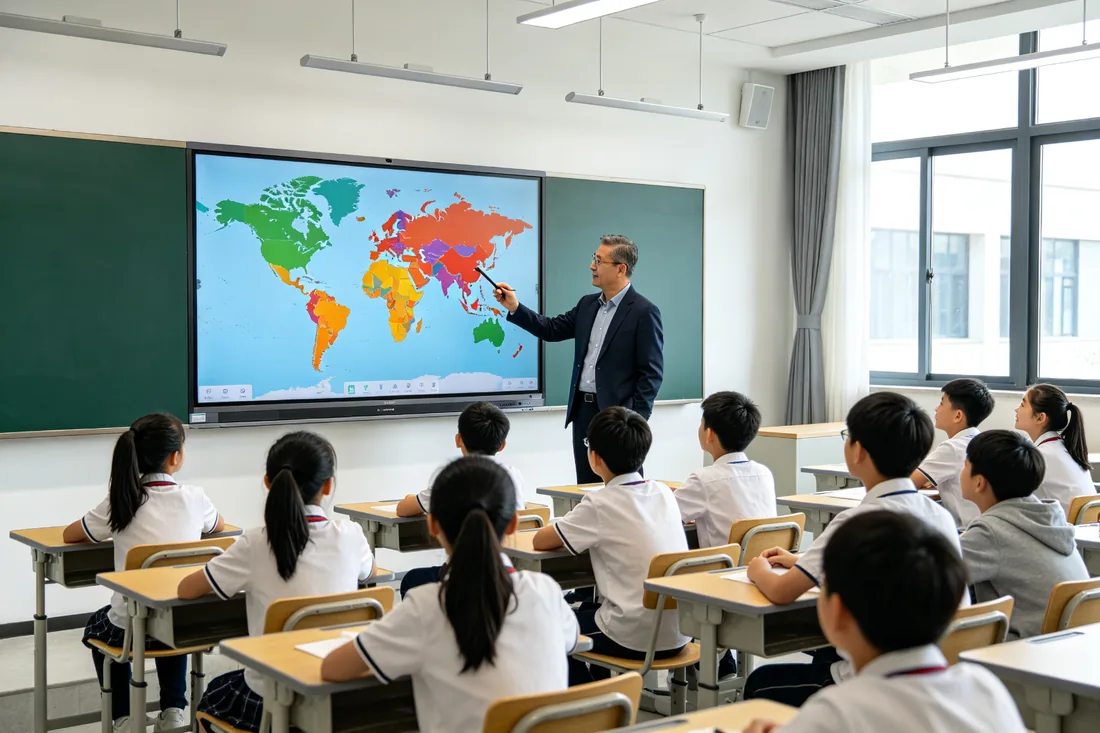
Core insight: it is crowded for 3 people to write at the same time on 55 inches, and it can comfortably accommodate 5 people to write at the same time on 65 inches-this is the differentiation advantage determined by physical space and the key to group cooperative teaching.
20-50
Point Touch
Support 5 students to write/drag/operation at the same time, non-interference, instant response.
143 × 81cm
Writing area
The 65-inch display area is equivalent to 4 pieces of A3 paper side by side, with 5 people each occupying more than one area.
6-26ms
Low latency
Writing is smooth with hands, close to paper and pen experience, blackboard writing is not caton.
Typical Collaboration Scenarios


Role Value · Value for Every Buyer
Education procurement is not a one-man decision. Principal looks at image, purchasing looks at budget, teachers looks at lesson preparation, IT looks at operation and maintenance-QtenBoard 65 inches to solve the concerns of four types of people at one time.
🏫Principal/Director
School Image · Parent Satisfaction
65-inch "atmosphere but not grandiose", standard classroom standard, enhance the sense of science and technology in the classroom, parents open day have face.
"Standard 65 inches, showing the strength of the school's modern teaching"
💰General/Procurement
Budget · Total Cost of Own · Durability
20-30% less than 75 inches, power consumption of about 120W, 50000 hours of life, low maintenance cost.
"Mainstream Price, Flagship Experience-Spend Small Money to Do Big Things"
👩🏫Subject Teachers
Lesson Preparation Efficiency · Classroom Interaction
The pre-installed whiteboard software 300000 the subject tools of the question bank, the large screen display is clearer, and the burden of preparing lessons is reduced.
"The time for preparing a class is shortened from 2 hours to 30 minutes"
🖥IT Administrator
Equipment Management · Compatibility · Remote Operation and Maintenance
Support MDM remote management, OTA upgrade, compatible with Android 14 / Windows OPS dual system.
"One equipment, unified management of the whole school"

Install Deployment · Easy Install
Positioning
Confirm hanging height and position
Pylon
Wall bracket fixed on the wall
On the computer
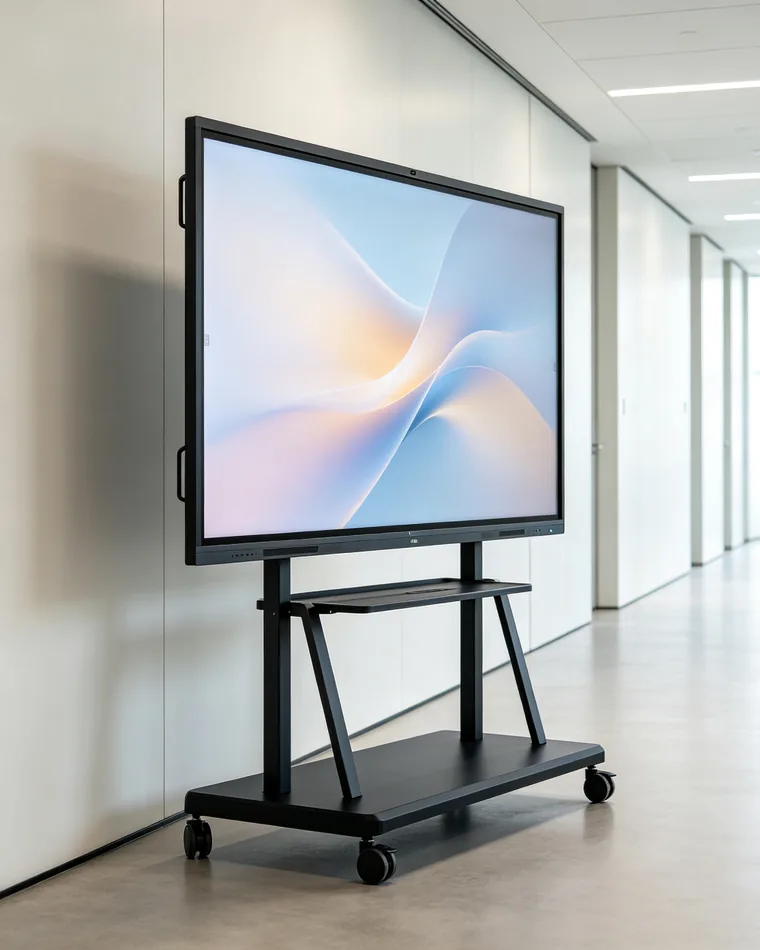
Whiteboard rack, power-on commissioning
▲ Three-step installation, 2 hours, winter and summer vacations/weekends can be completed without taking up teaching time.
真实案例 · Real Classroom Stories
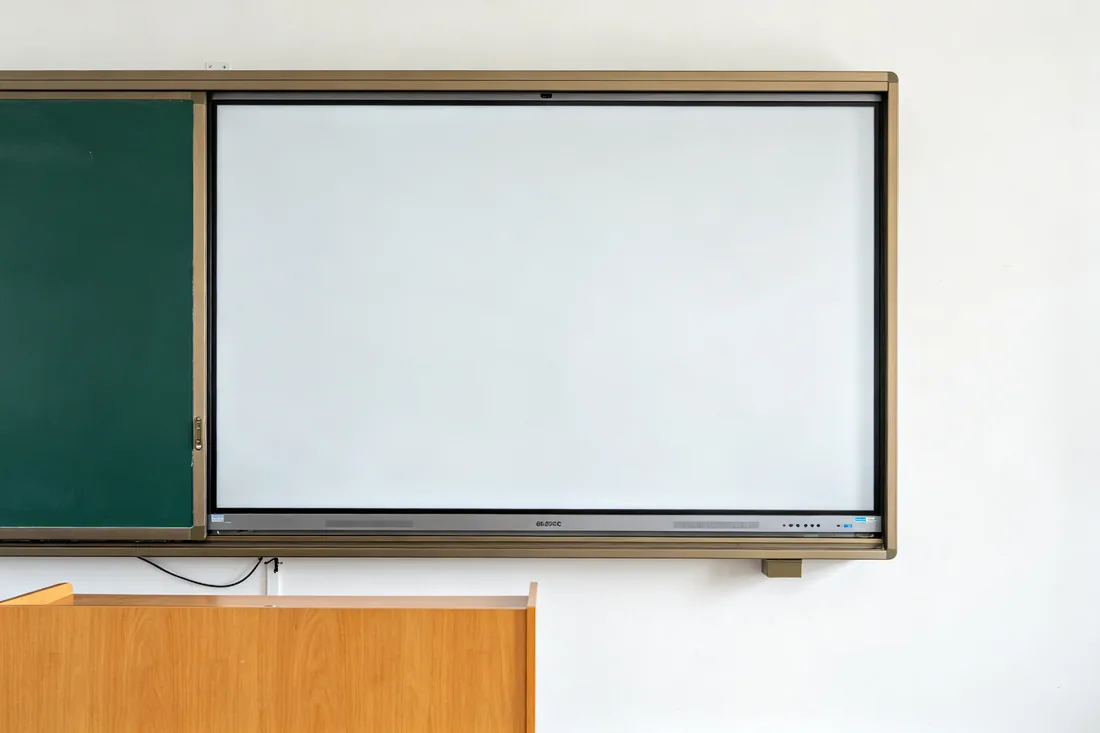
The following are the specific usage scenarios of 65 inches in a class of 20-30 people, rather than general brand words.

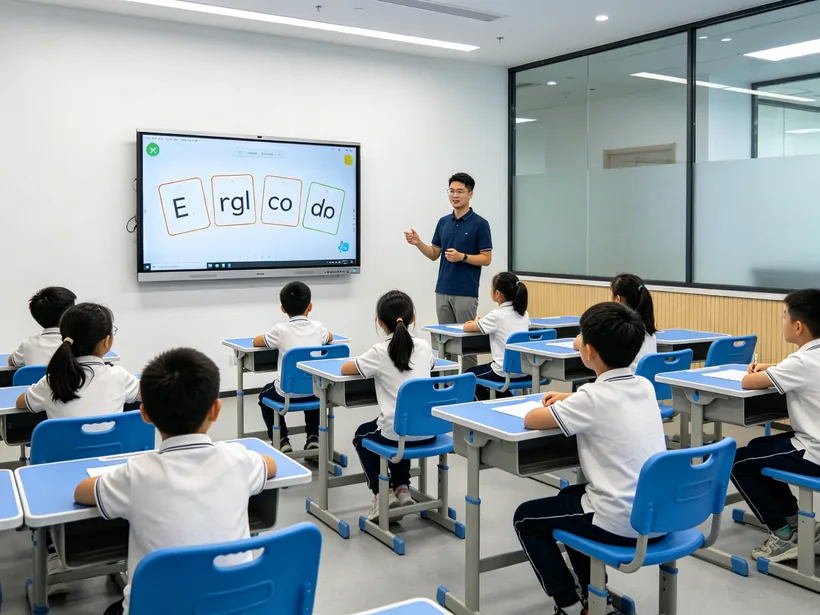
Case 1 Grade 3 of a public primary school (32-person class)
"In the past, the students in the back row always couldn't see clearly with projection, but now I have changed to a 65-inch whiteboard, and I can see the strokes of the new characters in the last row. What I like best is that I can let the students write Chinese characters on the stage, and the whole class corrects errors together, thus the participation in the class is obviously improved."
-- Chinese teacher Li teacher
Case 2: A K12 Chain Counseling Organization (25-person Class)
"We have compared 55 inches and 65 inches, and 55 inches is really small in a classroom with 25 people. 65 inches is just right, and it is not crowded for students to take the stage to solve problems with 5 people writing at the same time. Moreover, the price is only less than 20% higher, so we have purchased 40 classrooms at one time."
-- General Manager Zhang, Procurement Director
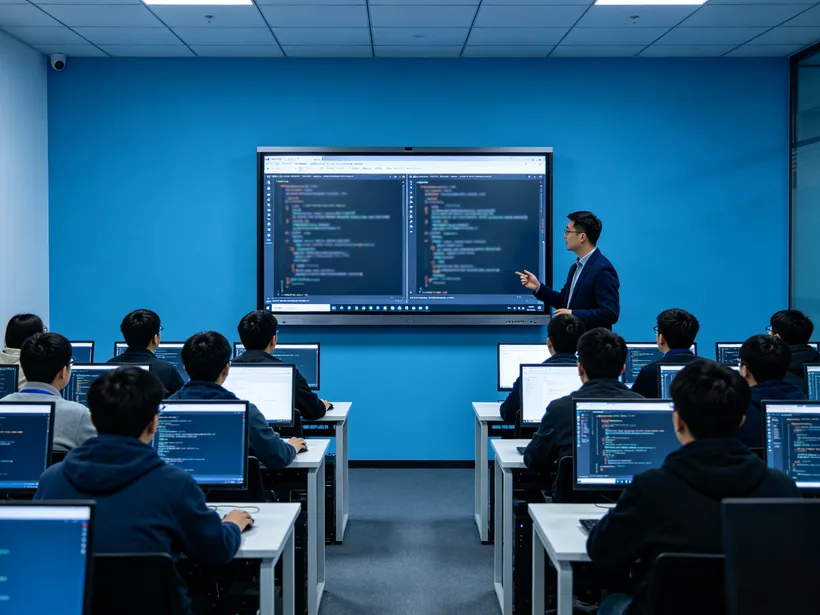
Case 3-A vocational training school (30-person computer classroom)
"The programming class needs to show the code. The 65-inch screen is divided into two columns. The left side writes the code and the right side displays the running result without switching back and forth. The vertical screen mode is also very convenient to show the flow chart."
-- Professional lecturer teacher Wang
Optional Guide · Szing Guide
| Comparison dimension | 55 inches | 65 inches (recommended) | 75 inches | 86 inch |
|---|---|---|---|---|
| Number of applicable students | 15-20 people | 20-30 people | 30–45 people | 45-60 people |
| Classroom depth | 1.5-4 m | 2-5 m | 3-6 m | 4-7 m |
| Visible Area | 1x | 1.4x(+40%) | 1.9x | 2.5x |
| Price Positioning | Entry Level | Mainstream level⭐ | Standard class | High-end level |
| Typical Scene | Counselling Room/Early Education | Standard K-12 Classroom | Large classroom/lecture hall | Lecture hall |
| 20-30 people classroom recommendation index | ⭐⭐ | ⭐⭐⭐⭐⭐ | ⭐⭐⭐ | ⭐⭐ |
Up and Down Compatible Speech
Down (when hesitating 55 inches):If your classroom has more than 15 people, it is recommended to choose 65 inches directly-invest about 20% more budget, get 40% more visual area, and avoid secondary purchases within 3 years.
Up (when hesitating 75 inches):If your classroom has no more than 30 people, 65 inches is the best cost-effective solution-about 30% of the budget spent on 75 inches, which will not bring about an equal proportion of experience improvement in a classroom of 20-30 people.
Technical parameters · Specifications
| Screen size | 65 inches (16:9) |
|---|---|
| Display area | About 1428.5(H) × 803.5(V) mm (about 143cm × 81cm in width) |
| Resolution | 3840 × 2160(4K UHD) |
| Brightness | 350 cd/m² (type.) |
| Contrast | 4000:1 (type.) |
| Color Depth/Pixel Pitch | 16.7M(8bit)/ 0.372 × 0.372mm |
| Touch control | Supports 20-50-point touch (up to 50 points) |
| Writing Delay | 6-26ms (panel response 6ms typ.) |
| Visual Angle | 178° / 178° |
| Glass | AG anti-glare tempered glass |
| System | Android 14/Windows OPS (optional dual system) |
| Overall size (including frame) | About 1488 × 897 × 80 mm |
| Overall weight | About 35-38kg |
| Installation method | Wall mount (standard)/mobile stand (optional) |
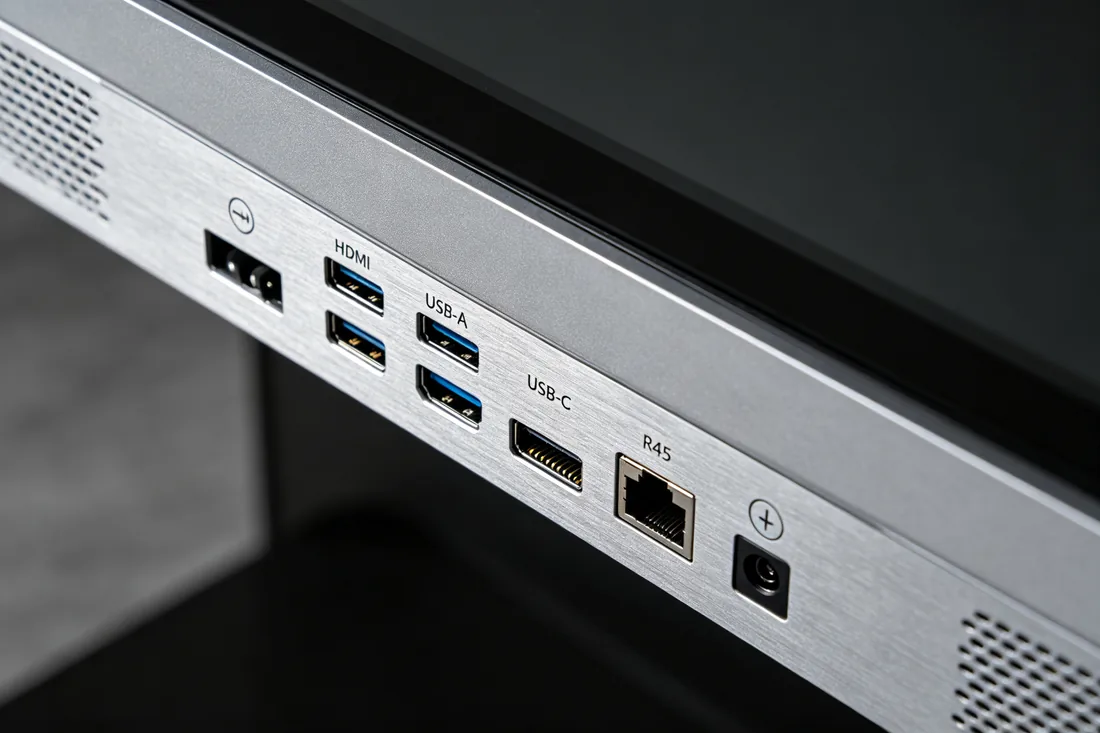
| Interface | HDMI×2, USB-C×1, USB 3.0×2, RJ45×1, Wi-Fi 6, 蓝牙5.3 |
| Power consumption | About 120W (standby <0.5W) |
| Life | 50000 hours |
Authoritative Certification and Value Commitment
Low Blu-ray Certification · CE · FCC · RoHS
After-sales service: 3-year warranty for the whole machine · free training for teachers · 7 × 24-hour technical response
Frequently Asked Questions · FAQ
It is suitable for standard K-12 classrooms with 20-30 people and a depth of 2-5 meters, which is the size range of over 60% standard classrooms in the country. Counseling rooms with less than 15 people are recommended to be 55 inches, and large classrooms with more than 30 people are recommended to be 75/86 inches.
65 inches is mainstream pricing, usually 20-30% cheaper than 75 inches and about 20% more expensive than 55 inches. The specific quotation should be determined according to the batch, system configuration (Android/Windows OPS) and installation method. You can submit an inquiry online to obtain a quotation including tax.
The visible area of 65 inches is about 40% higher than that of 55 inches. The same courseware font can be two numbers, showing the details of complex charts (maps, structural formulas, anatomical charts) more clearly, and supporting courseware + blackboard writing double-window split screen.
Wall installation can be completed in about 2 hours, the wall does not occupy the platform space, the whole machine about 35-38kg ordinary wall can bear weight. Also available optional mobile bracket multi-classroom sharing. Support the centralized deployment of winter and summer vacations/weekends without affecting teaching.
Equipped with Android 14, optional Windows OPS module to form a dual system, compatible with mainstream teaching software, wireless screen, MDM remote management. Standard HDMI × 2, USB-C, USB 3.0, RJ45, Wi-Fi 6, plug and play with existing equipment such as computers, physical booths, and amplifiers.
The whole machine warranty 3 years, the national door-to-door installation, 7 x 24 hours technical response, teachers free training. As a source factory, QtenBoard has after-sales outlets in many parts of the country, with sufficient spare parts to ensure uninterrupted teaching.
Sure. The QtenBoard supports OEM/ODM/CKD/SKD full chain customization (startup Logo, pre-installed software, appearance and system can be customized), and provides multi-classroom centralized purchase ladder price. Prototype and engineer on-site plan can be arranged for more than 100 items.
Fill in the form below or contact the business, leave the name of the school/organization, purchase quantity and contact information, we will provide a tax-inclusive quotation and configuration plan within one working day, and can arrange a free prototype to the school experience.
关于QtenBoard · About Us
2005
Year of creation
Shenzhen Qunmao Display Technology (Shenzhen Qunmao Display Technology), focusing on high-end display machine research and development and manufacturing.
330000 ㎡
Production base
Modern intelligent manufacturing plant, equipped with SMT patch, precision assembly, aging test production line, strong delivery capacity.
Global
Market coverage
Products are exported to North America, Europe, Southeast Asia and other markets, through CE, FCC, RoHS and other international certification.
OEM/ODM
Full chain customization
Support CKD/SKD shipment, brand customization, system pre-installation, one-stop docking from prototype to mass production.
55-110 inch
Full size coverage
Interactive whiteboard, push-pull smart blackboard, teaching all-in-one machine and other product lines to meet different classroom sizes.
Dual system
Android Windows
Android 14 / Windows OPS optional, AG anti-glare glass 4K panel, teaching scene depth optimization.
Leave the purchase demand and obtain it within one working day: free prototype experience quota for the quotation configuration scheme including tax.
online message
ONLINE MESSAGE
 Partner Links:

 en
 中文



 Previous:
 Return to list

