 Current location:
Home
> Solution > All-in-one interactive whiteboard solution
 Release date: 2026-10-10
 Clicks:0
A single solution covers the entire process—before, during, and after class. With interactive intelligent tablet as the core terminal, with interactive whiteboard software, blackboard recording and sharing and DMS equipment management system, it helps the education bureau and schools to complete three basic projects: upgrading classroom interaction ability, digital precipitation of blackboard writing resources and unified equipment management.
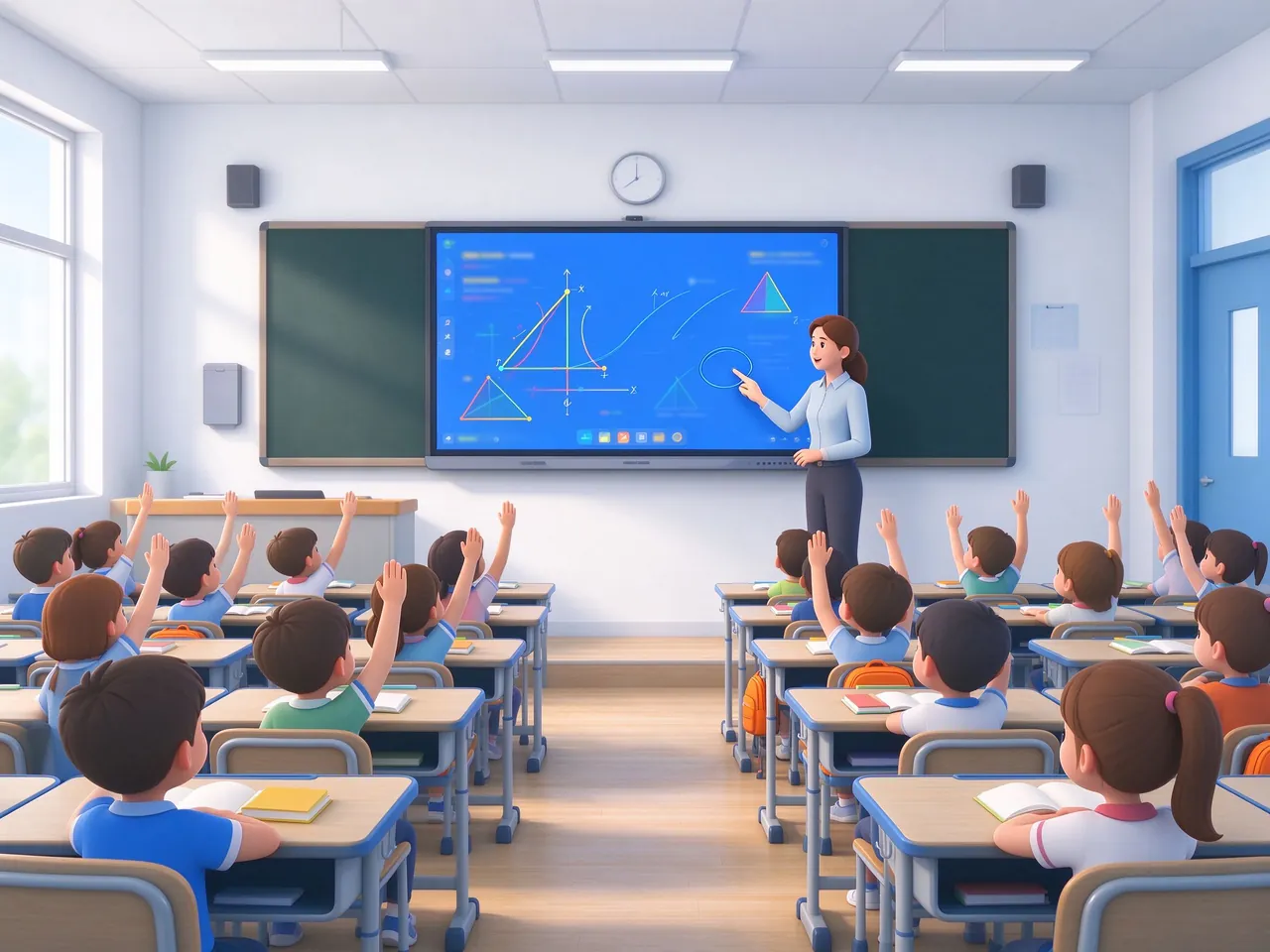
K12 classroom equipment procurement, never just buy a screen. The purchaser needs a plan that can align with policy guidance, withstand acceptance audits, and be truly used by teachers.
Promote the integration of intelligent technology and education, the whole process through, the whole scene coverage, classroom teaching scene is the focus of landing.
To promote the unification of entrance, resource sharing and data integration, classroom terminals need to have the ability to connect platforms and resource libraries.
Banbantong equipment upgrade, three classroom receiving equipment procurement continued to advance, bulk delivery and unified operation and maintenance is a hard demand.
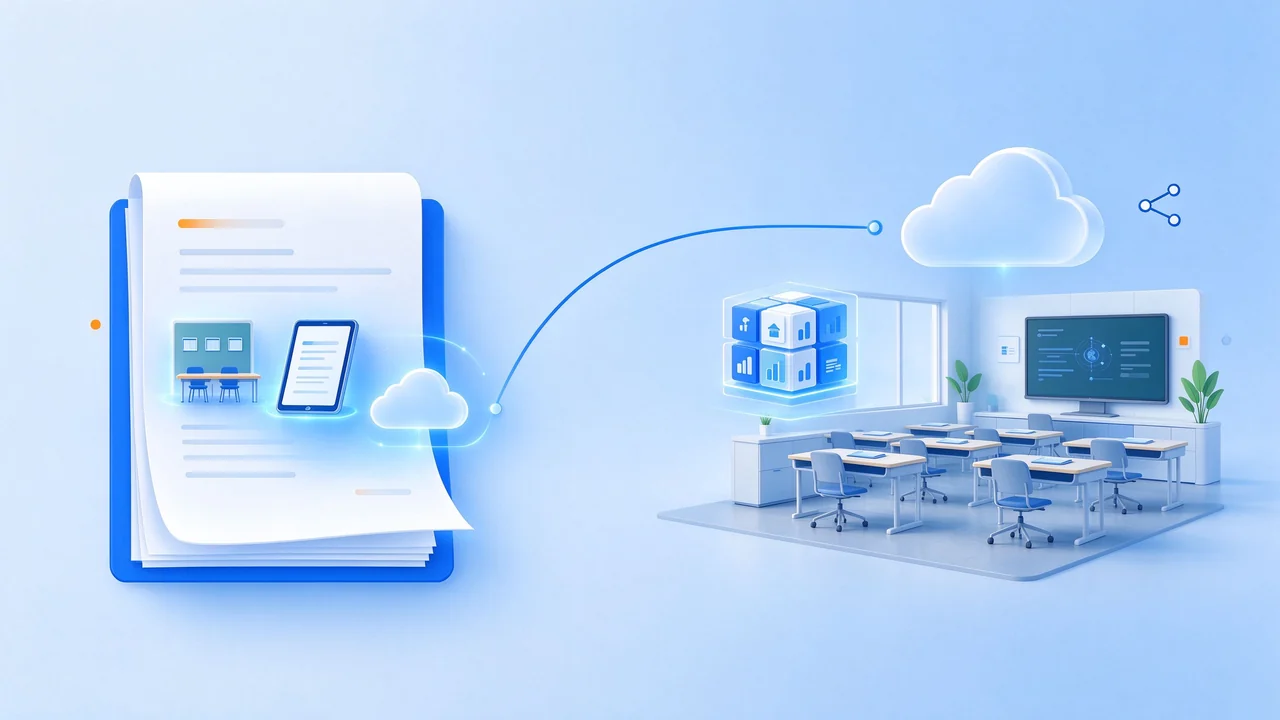
One word positioning:szqunmao K12 classroom program is not to "change a screen", but to help schools complete it under the policy framework.Interactive teaching ability upgrade blackboard writing resources digital precipitation equipment unified management Three basic projects, so that equipment procurement is truly transformed into teaching ability.
Only by translating technical parameters into teaching stories can principals, academic directors and front-line teachers understand the value at the same time.
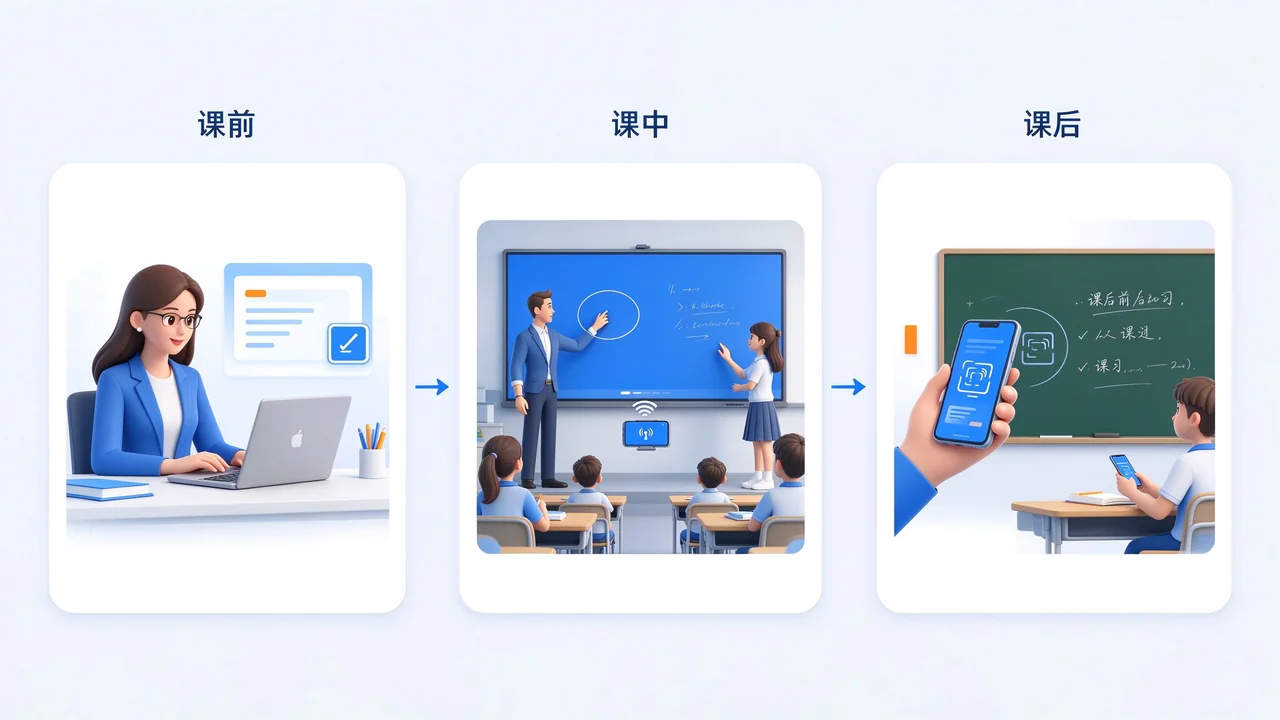
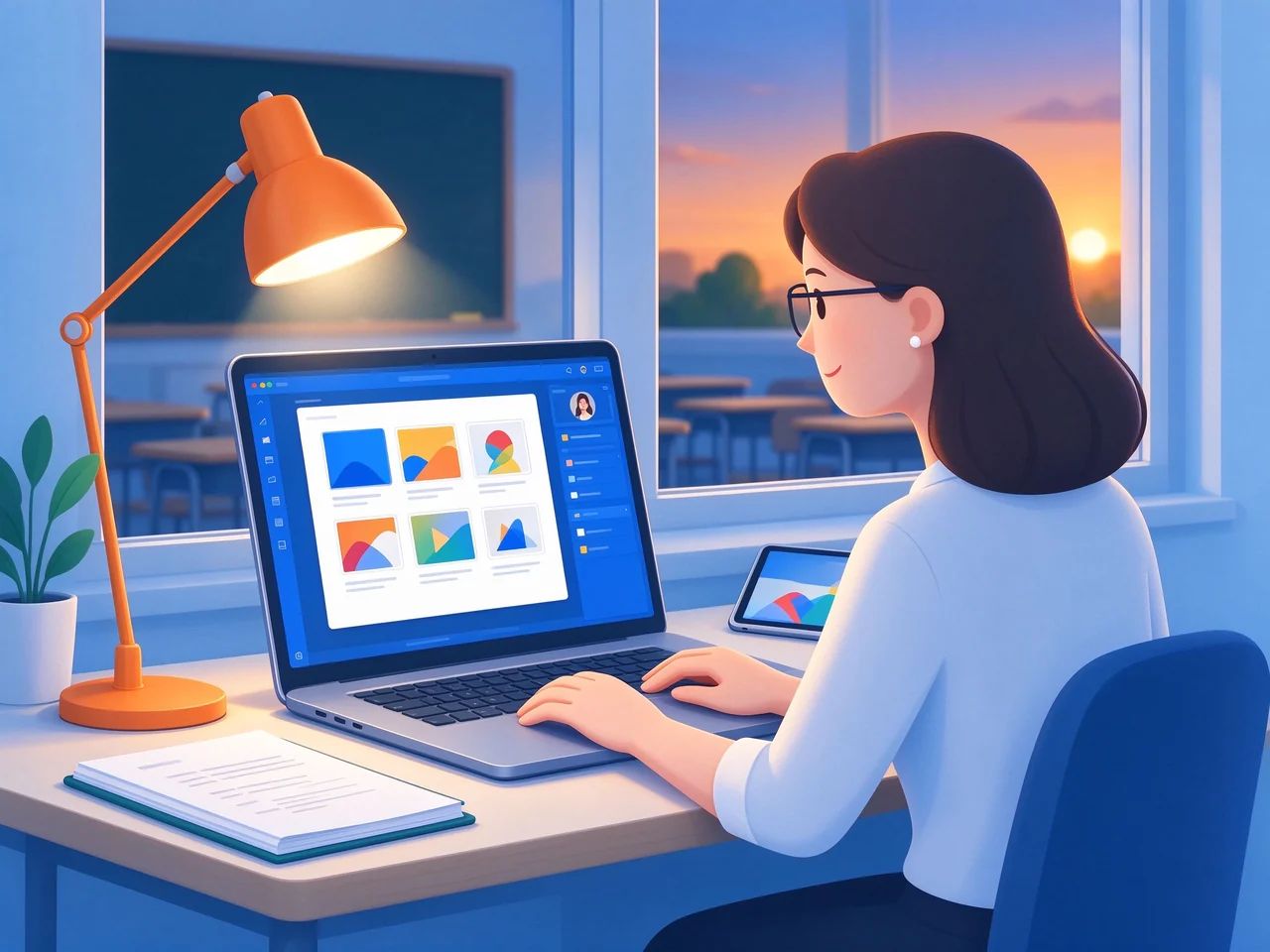
Teachers prepare PPT, electronic exercises and animation videos on notebooks or tablets and upload them to the school resource platform or local storage without additional format conversion.
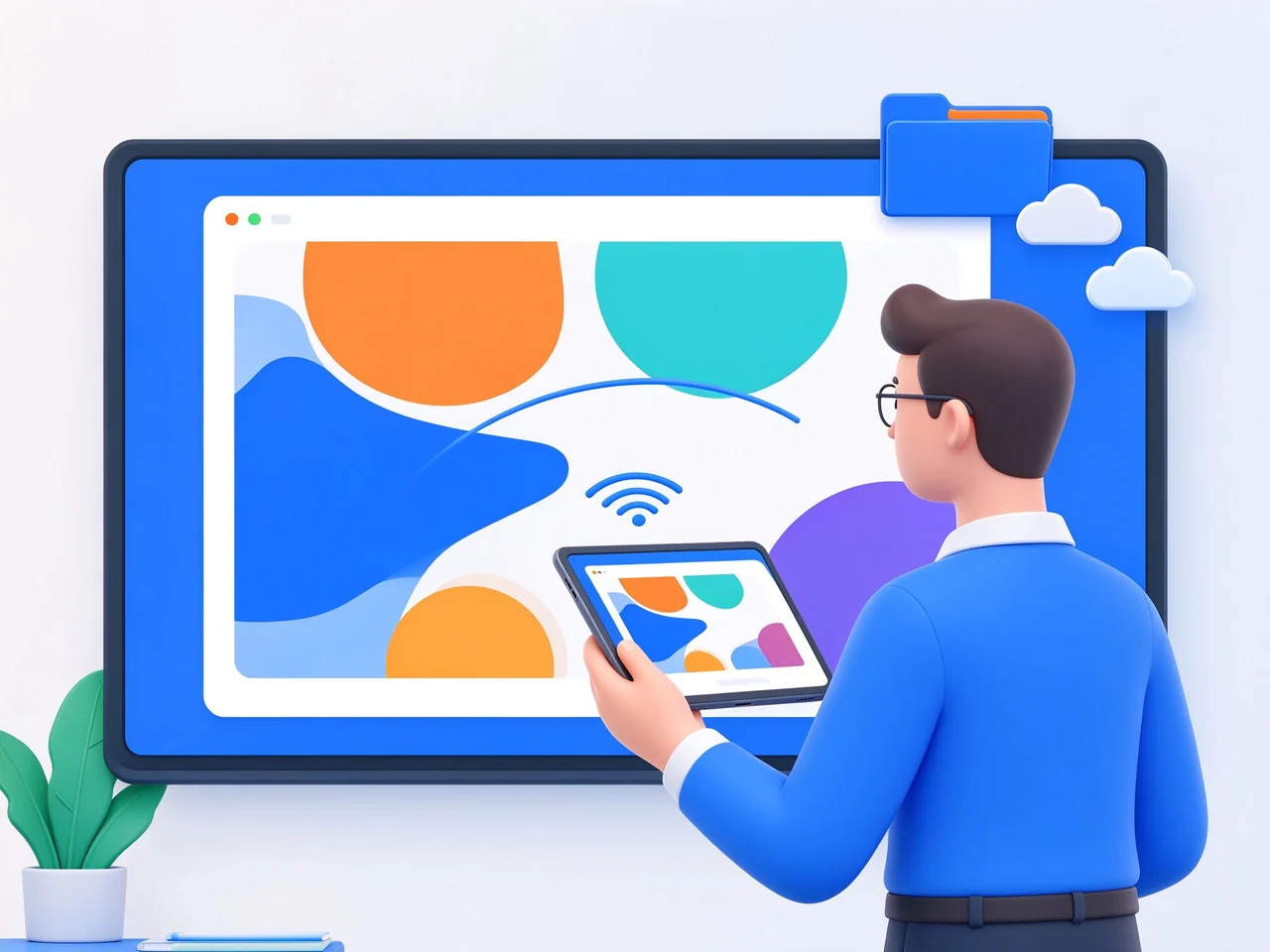
One-touch wireless screen display courseware and multimedia resources; Real-time marking, calculation and circle drawing of test sites on the courseware; Many students came on stage to answer questions, drag and drop matching and draw at the same time.
One-click generation of classroom records (blackboard writing marked courseware switching), through two-dimensional code or link sharing; Students can scan the code to review on their mobile phones and tablets.
Courseware directly cast screen, no longer rely on U disk copy repeatedly.
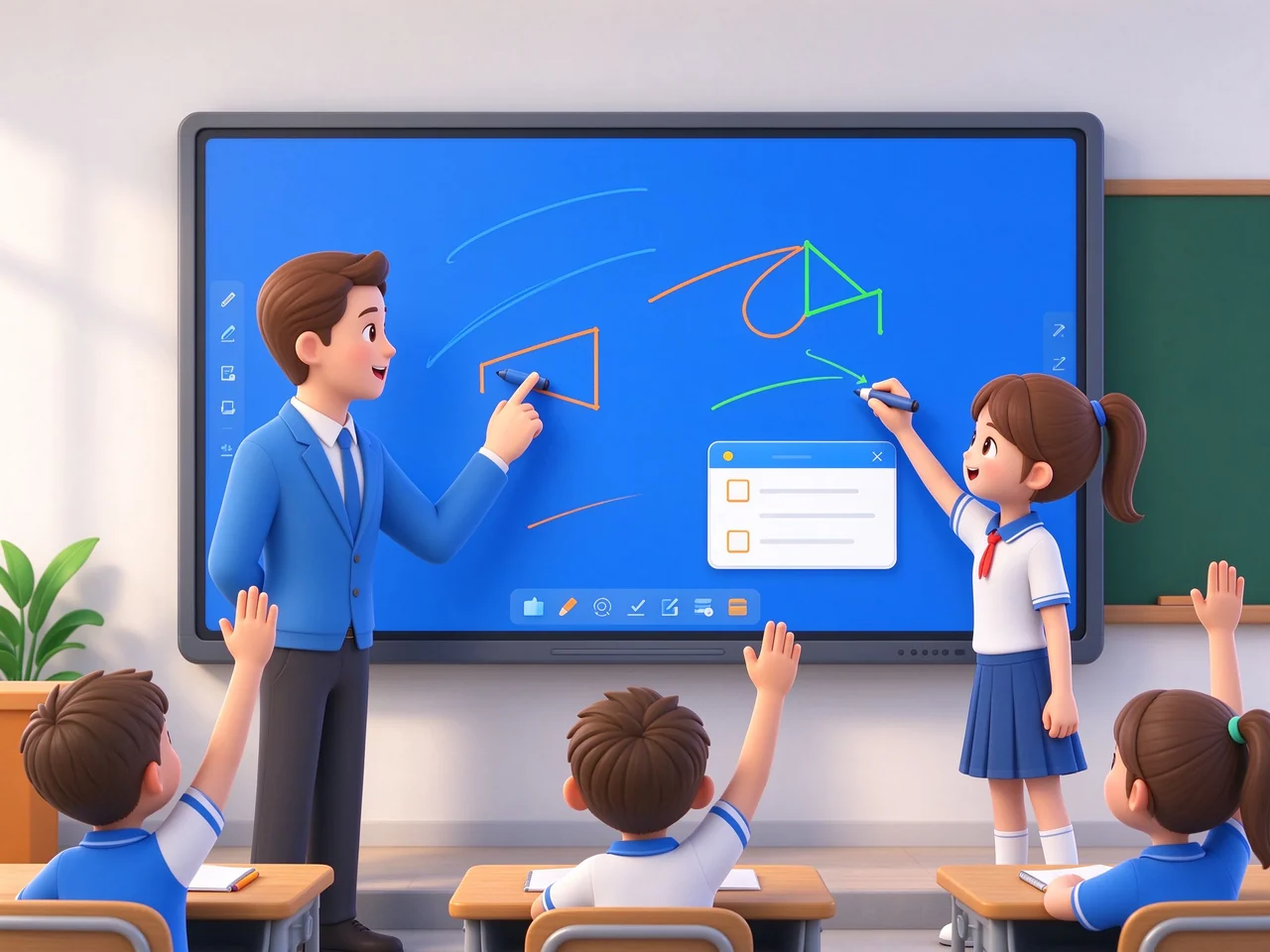
Many people at the same time on-stage operation, classroom participation significantly increased.
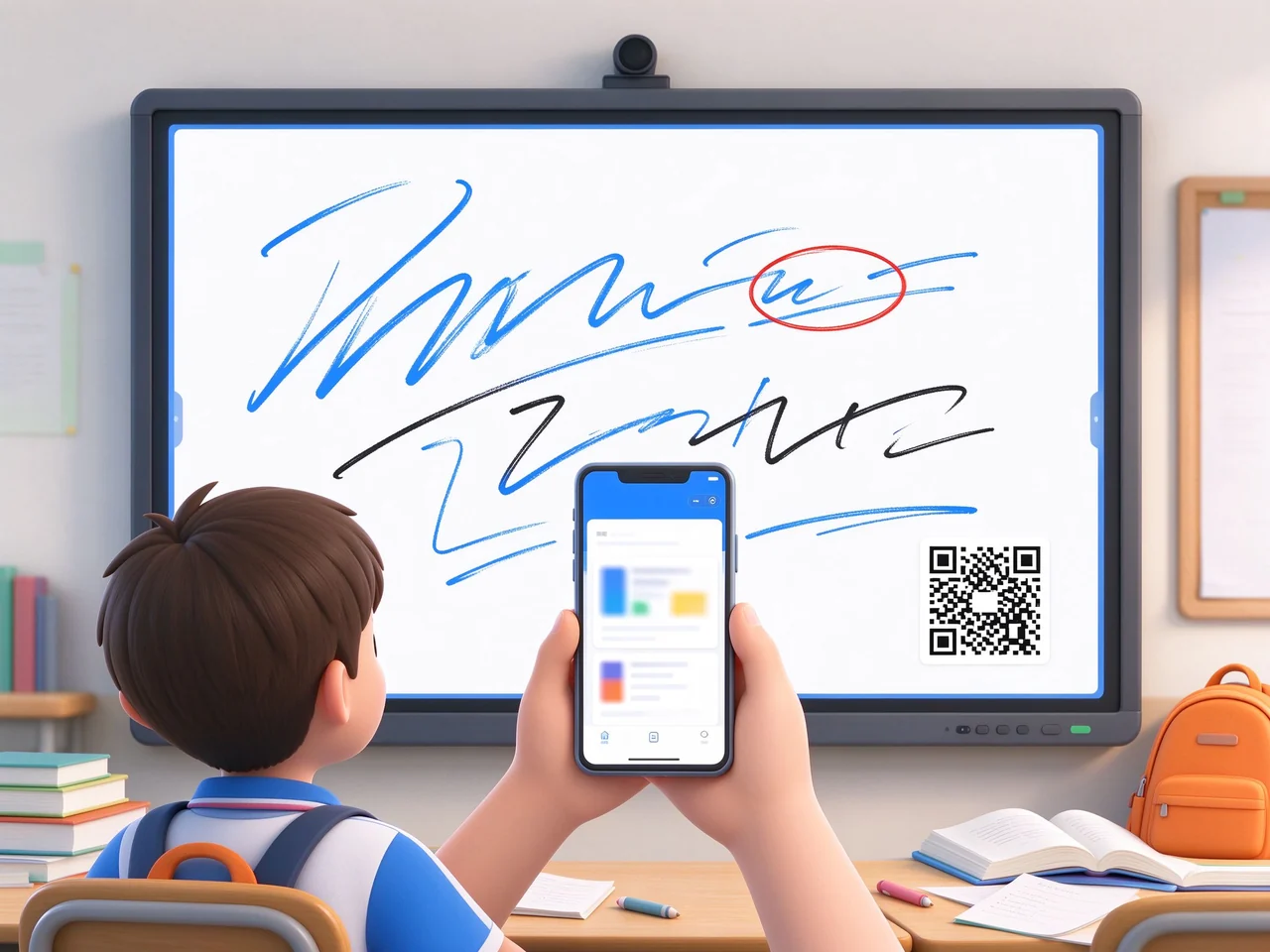
Sweep the code to get the whole class blackboard writing, parents can also understand the content of the class.
These bottlenecks will appear repeatedly in teaching and research inspection, parent communication and equipment operation and maintenance, which is the direct trigger point of upgrade decision-making.
| Pain point | Specific manifestations | Impact on Teaching and Management |
|---|---|---|
| The blackboard writing is not retained | The blackboard content disappears when it is erased, and students miss it and it is difficult to review it. | There is no basis for review after class, and parents cannot understand the content of the class. |
| Weak interaction | Only one teacher to operate, students can not write on stage at the same time | Low classroom participation, difficult to carry out collaborative teaching |
| Resource calls are tedious | Courseware is scattered in U disk, computer and cloud disk, and it takes a long time to switch devices. | Teachers operating threshold is high, effective teaching time is compressed |
| Missing batch management | The equipment is distributed in each classroom, and there is no unified management platform. | Education Bureau and schools are difficult to control remotely, and operation and maintenance costs are high. |
The hierarchical design enables the scheme to not only land in a single classroom, but also expand the whole school and the whole area, and reserve docking space with the existing system.
Functions are not listed by hardware parameters, but are organized by teaching value, operation and maintenance value, and procurement compliance value.

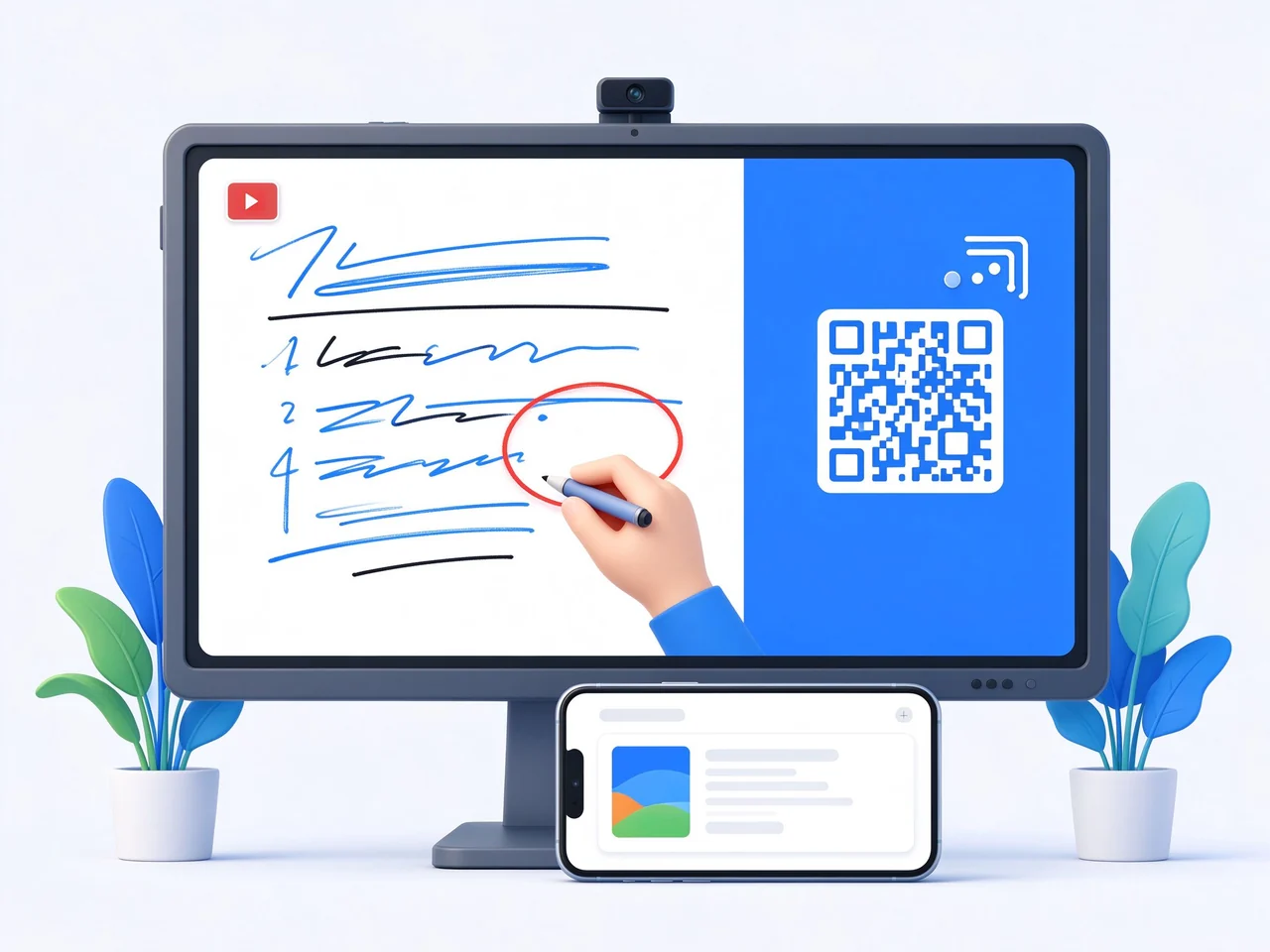
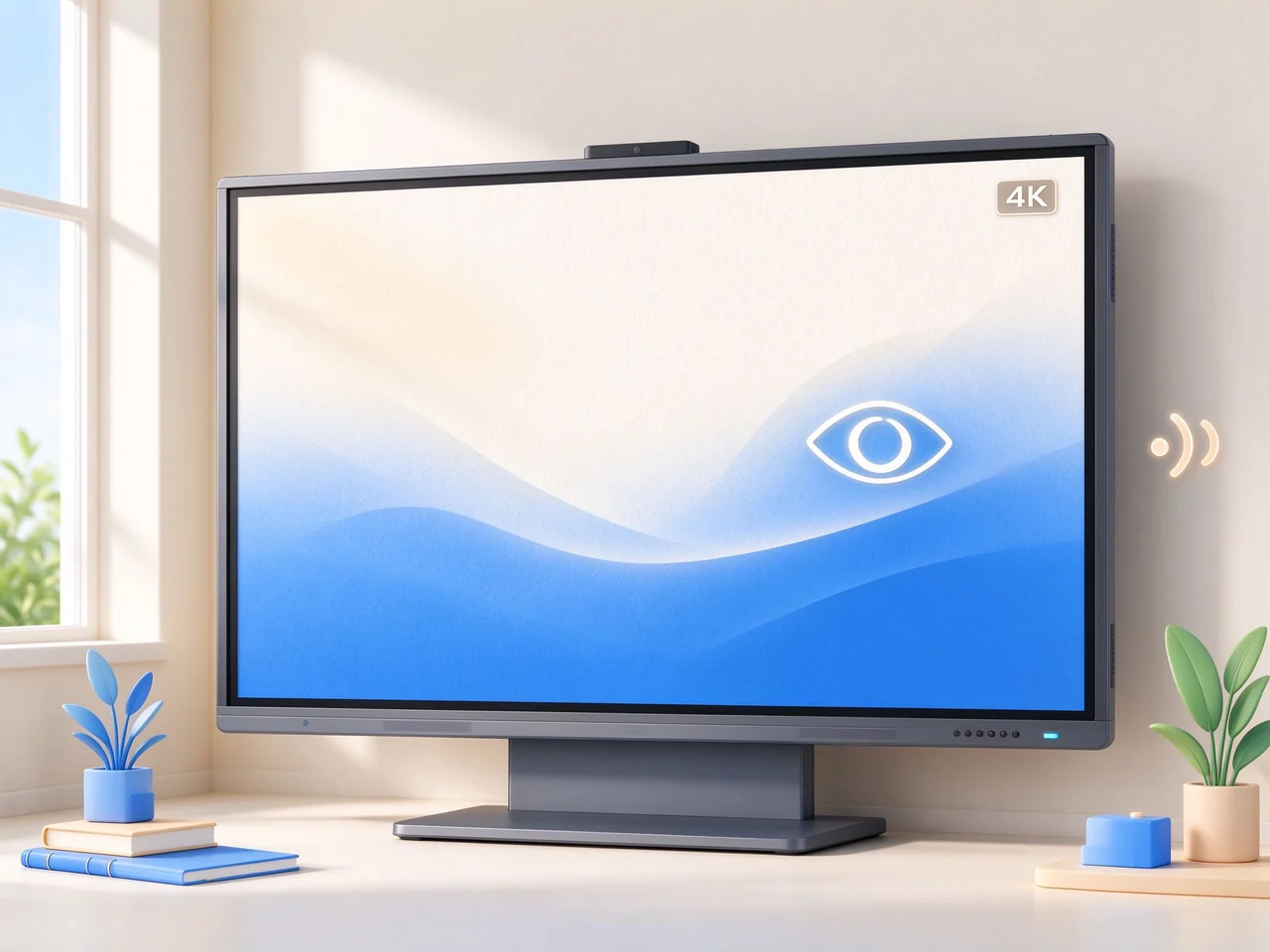
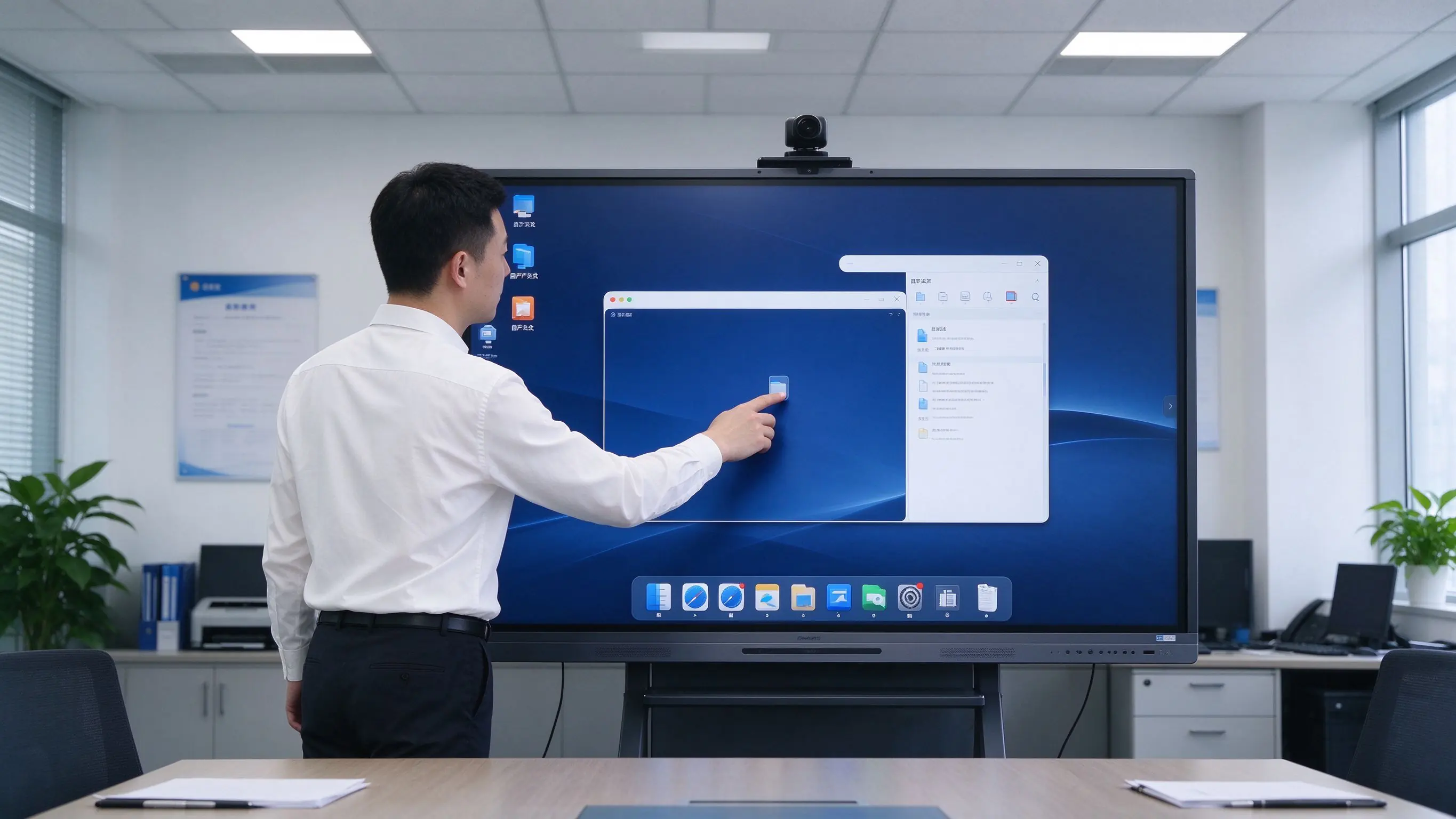
Three-gear recommended configuration, easy for buyers to quickly compare and do budget calculations. The actual selection should be combined with the depth of the classroom and the visual distance.
| Configuration gear | Applicable scenarios | Size | Touch control | System | Camera/Microphone | Audio | Installation method |
|---|---|---|---|---|---|---|---|
| Standard classroom | 40-50 people | 75-86 inches | 40 points. | Android 可选 OPS | Built-in 4K camera microphone | 2.2 channel, ≥ 80W | Wall Mount/Mobile Bracket |
| large class classroom | 50-60 people | 86-98 inches | 40 points. | Android OPS Windows | Built-in 4K camera microphone | Enhanced Audio System | Wall-mounted |
| Budget-friendly | Less than 40 people/pilot | 65-75 inches | Basic Touch | Android | Optional External | Built-in speaker | Mobile Bracket |
Optional add-on:Xincheng localization OPS module, recording and broadcasting linkage module, wireless screen projection device.
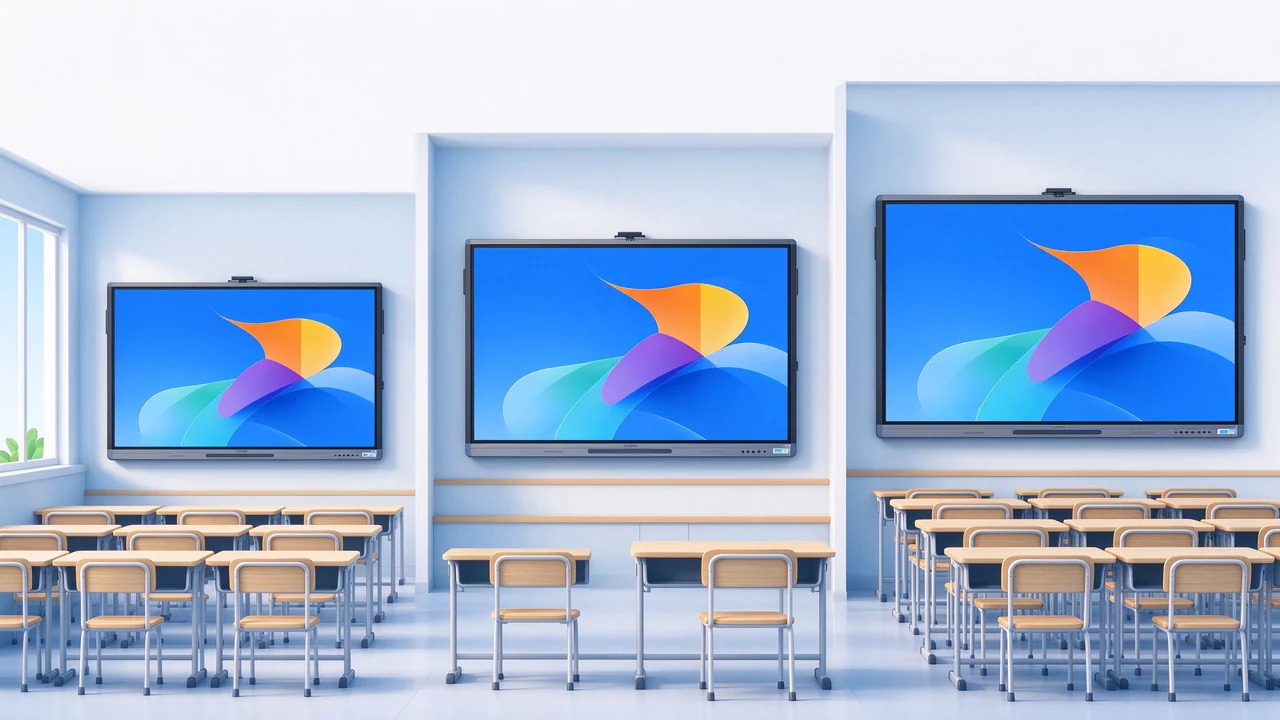
For integrators and project parties, clarify the deliverables and coordination matters at each step to reduce project communication costs.
Number of classrooms, size, existing equipment, resource platform, and requirements for Xinchuang.
Equipment selection, network and wiring, resource platform docking scheme, and other insurance compliance recommendations.
Installation, commissioning, teacher training, effect evaluation.
Phasing installation, unified configuration, DMS access, device registration.
Function acceptance, teacher training, operation and maintenance handover, document delivery.
Warranty policy, spare parts guarantee, response time SLA, regular inspection.
Support the whole school/whole area project package delivery and long-term operation and maintenance cooperation.
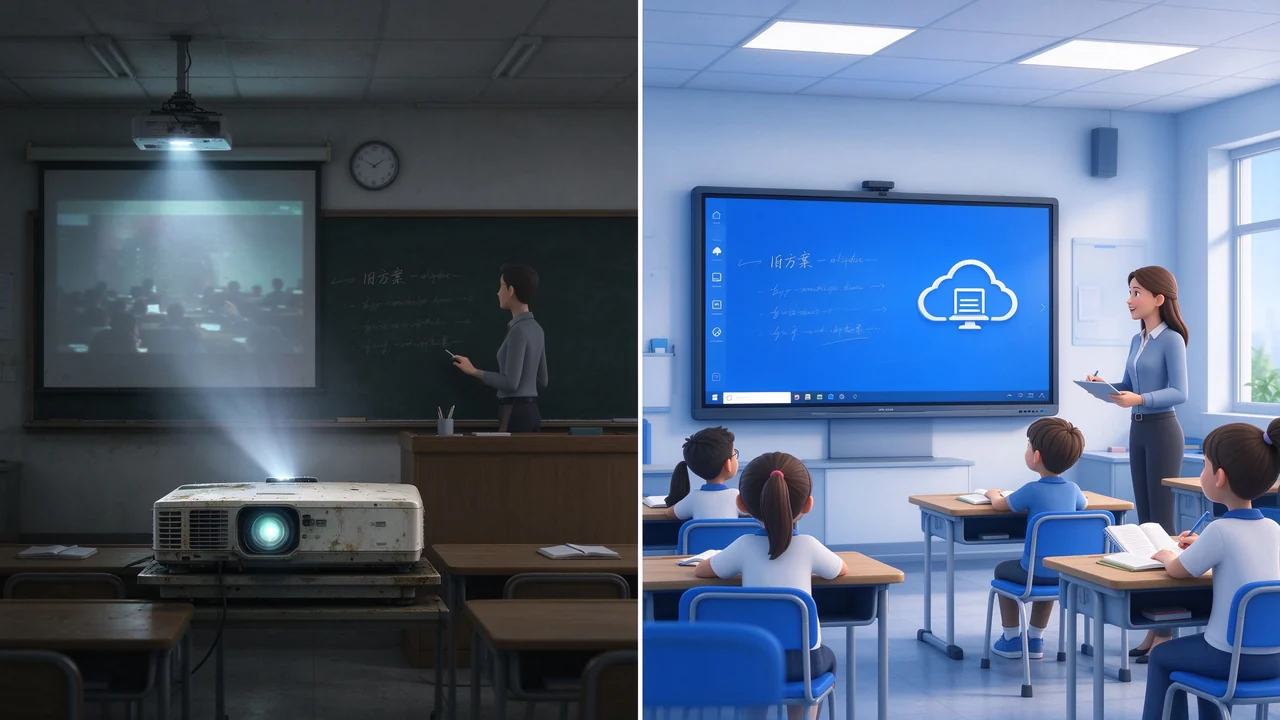
The hidden costs of the projection scheme are concentrated on bulbs, filters, cleaning and maintenance on a per-unit basis. Counting these in, the conclusions are often different.
| Comparison dimension | projection curtain whiteboard | TV computer | Interactive Whiteboard Scenario |
|---|---|---|---|
| Initial input | middle | Medium to low | Middle and high |
| 3-5 years maintenance costs | High (bulb, filter replacement, dust removal) | Medium (external computer failure, cable aging) | Low (no bulb, no filter, solid state components) |
| Teaching effectiveness | One-way display, weak interaction | One-way display, no blackboard retention | Multi-person interaction, blackboard writing automatically retained |
| management efficiency | No unified management, one by one maintenance | No unified management | DMS Unified Remote Management |
| Equipment life | Projector about 3-5 years | Computer for 3-5 years | All-in-one machine 10 years level |
| Energy consumption | High (bulb, high lumen) | middle | Low (Energy Efficiency Level 1) |
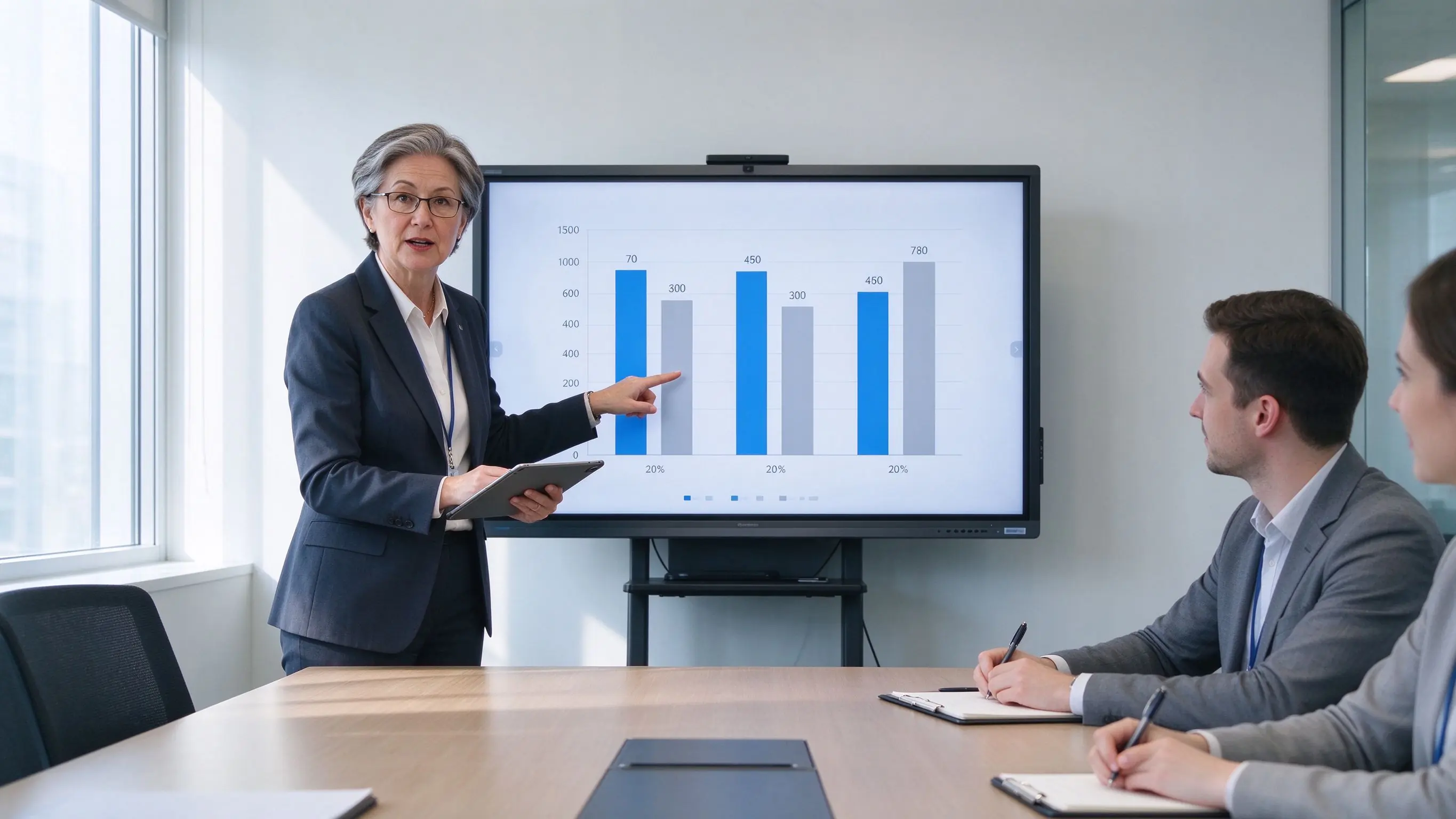
The interactive whiteboard scheme has no bulb, no filter screen and no projector suspension maintenance requirements, and the long-term maintenance cost is significantly lower than that of the projection scheme, while reducing the manpower input for station-by-station inspection.
The following modules suggest filling in real information. The most important thing for the purchaser is the verifiable items and qualifications.
[Interactive Whiteboard Project for K12 Classrooms in XX Areas] -Delivery quantity, coverage schools, acceptance results, teacher feedback.
Cooperative Education Bureau, School, Integrator Logo (desensitization or display after authorization).
CCC, energy-saving certification, eye-related test report, ISO system certification.
Description of its own production base, number of relevant patents, capacity and delivery date.
After-sales network distribution, spare parts warehouse location, 400 service hotline, response time commitment.
Support OEM / ODM customization of UI, Logo, wallpaper, packaging and pre-installed applications.
If there is no real case, you can use "typical deployment scenario schematic function screenshot" instead, and mark "case page can be customized according to customer requirements".
The following questions correspond to the most frequent concerns in bidding and procurement consultations.
Q1: What size interactive whiteboard is recommended for K12 classroom?
40-50 standard classrooms recommend 75-86 inches; 50-60 large class classrooms recommend 86-98 inches. When selecting the type, the visual distance between the depth of the classroom and the last row of students should also be considered to avoid the acceptance problem of "invisibility.
Q2: Does it support docking the existing resource platform and recording and broadcasting system of the school?
Support. The device can access the school resource platform through FTP, WebDAV and other means, and support RTSP / RTMP streaming media output to interface with mainstream recording and broadcasting systems. For in-depth docking, API / SDK cooperation can be provided.
Q3: How to save and share blackboard content? What formats are supported?
Support a key to record the whole process of the classroom, generate two-dimensional code or link to share with students. The blackboard writing can be exported to PDF or picture format, which is convenient for teachers to file, share teaching and research and parents to view.
Q4: How many people can be supported to operate on stage at the same time?
It supports 40-point infrared touch control and 40-point touch control and writing under dual systems, which can meet the needs of multiple students to answer questions, draw and drag matching at the same time.
Q5: How to batch manage and remotely upgrade devices?
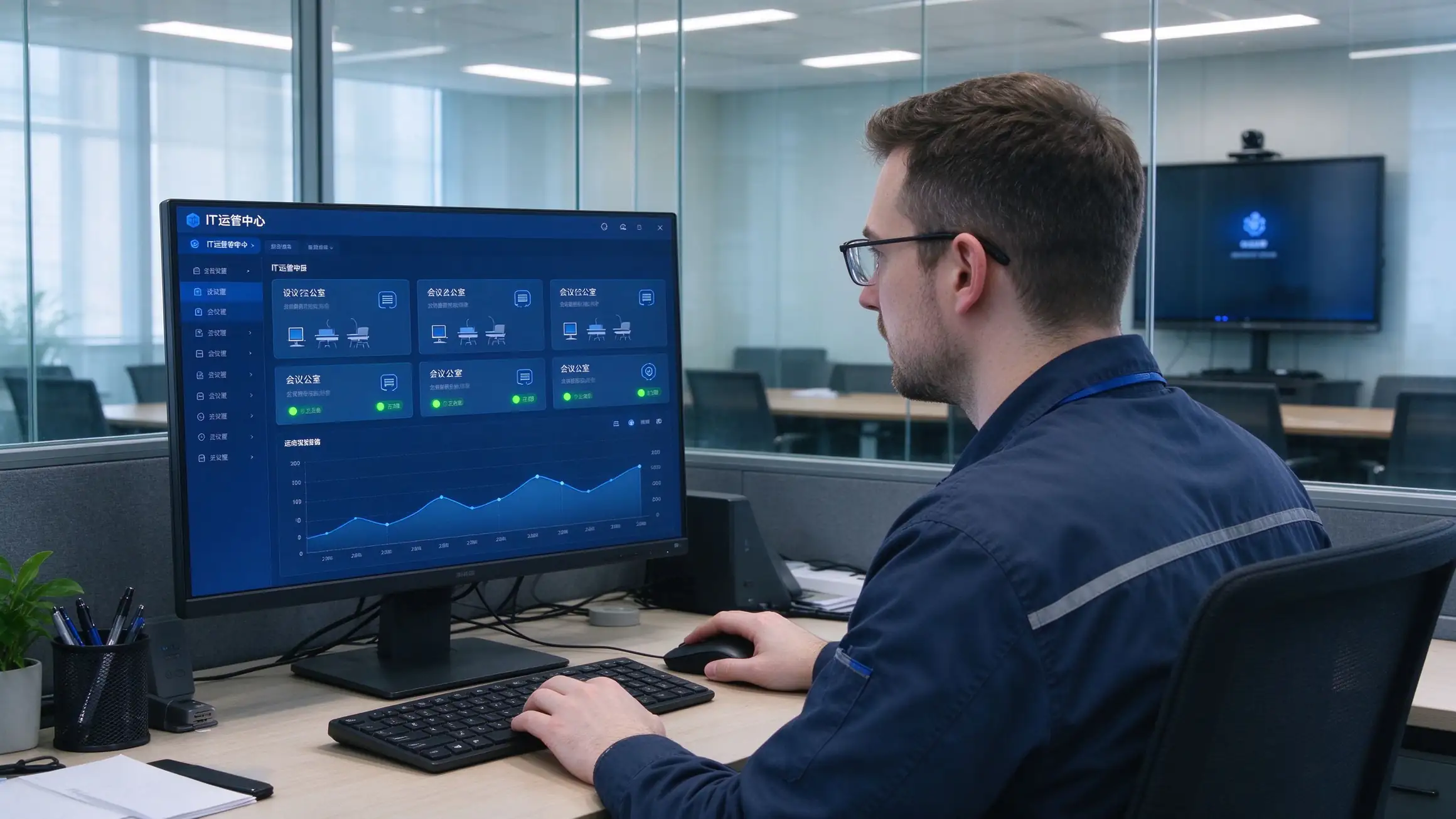
The built-in DMS device management system supports time switch, remote notification, application management, batch firmware upgrade, status monitoring, and operation log query, which is suitable for batch deployment scenarios of whole calibration and whole area.
Q6: Does it support the requirements for the localization of Xinchuang?
Support. The equipment can be adapted to UOS and Galaxy Kirin operating systems, can be equipped with OPS modules of domestic CPU such as Feiteng, Zhaoxin and Haguang, and is compatible with domestic office software such as WPS, and can provide adaptation description documents and test reports.
Q7: How long is the warranty period? Is on-site installation and teacher training available?
[Please fill in according to the actual service policy]-It is recommended to specify the warranty period, response time, on-site service scope and training course hours, which are common items in bidding scores and contract terms.
Q8: Does it support OEM/ODM customization?
Support UI, Logo, wallpaper, packaging, pre-installed application customization, details can be viewed OEM / ODM customized service。
 Partner Links:

 en
 中文

 Previous:
 Return to list

