Service Hotline:

+8615920011166

en en

All-in-one interactive whiteboard solution

Enterprise conference room conference all-in-one solution: 55-86 inch conference flat panel wireless screen projection collaboration

Release date: 2026-10-10 Clicks:0
Enterprise Meeting Display Solution · Meeting Tablet Manufacturer · OEM / ODM
Enterprise conference room all-in-one solution

Enterprise conference room all-in-one solution:55-86 inch conference tabletHow to Improve Collaboration Efficiency

Wireless screen projection, whiteboard collaboration and equipment integration help enterprises reduce conference room equipment procurement and wiring costs. A meeting tablet replaces the projection, computer, whiteboard, speakers and camera, allowing the meeting to change from 10 minutes of preparation to 2 minutes of boot-up and use.


4K original screen Infrared touch control Wireless screen projection collaboration DMS Device Management OEM / ODM customization
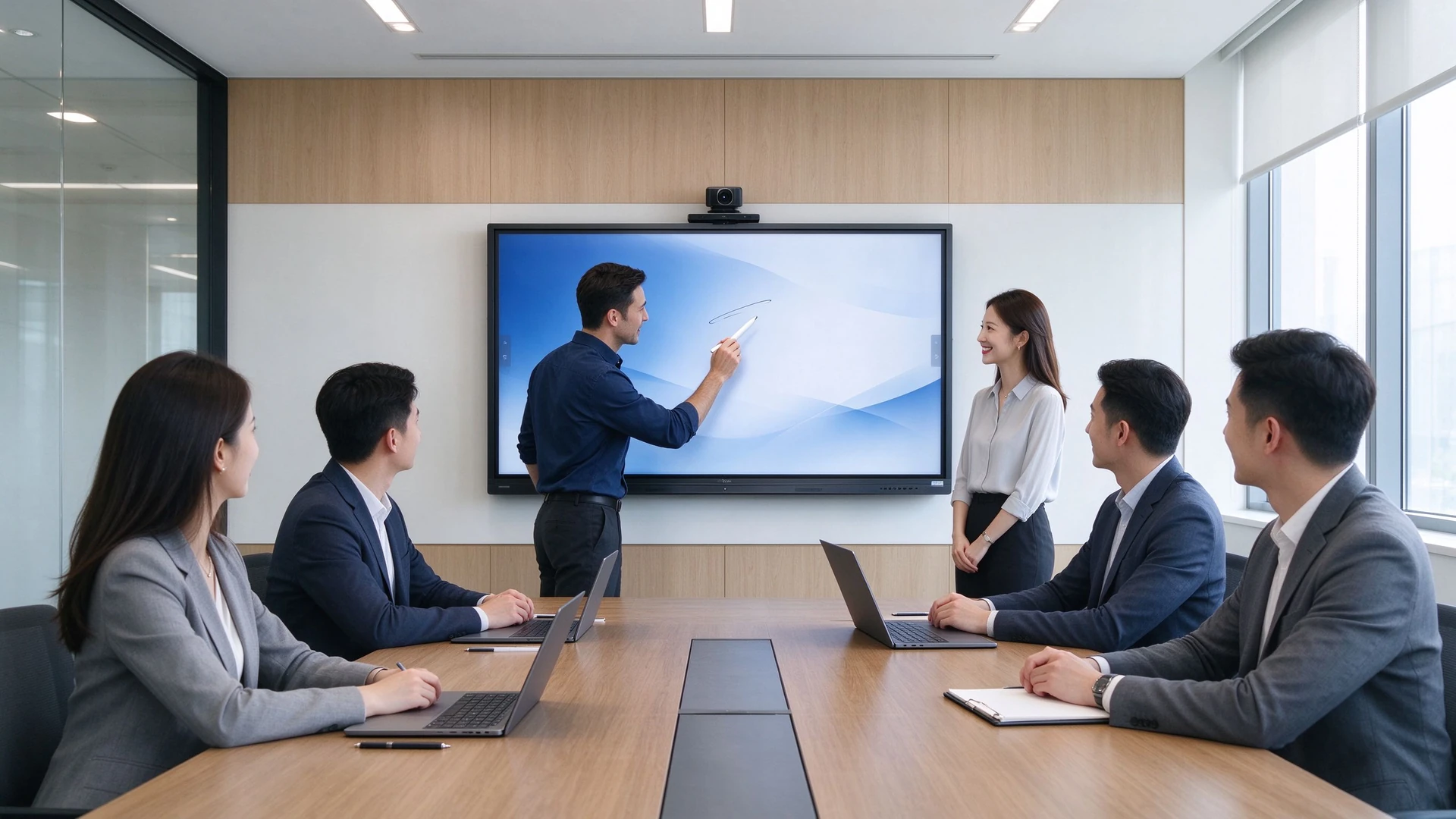
Enterprise meeting room all-in-one main visual
10→2minute
Meeting start time (before and after transformation)
70→95%
Success rate of wireless screen projection (before and after transformation)
1 unit
Alternative projection/computer/whiteboard and other 5 types of equipment
55–110inch
Full-size Segment Meeting Slab Cover
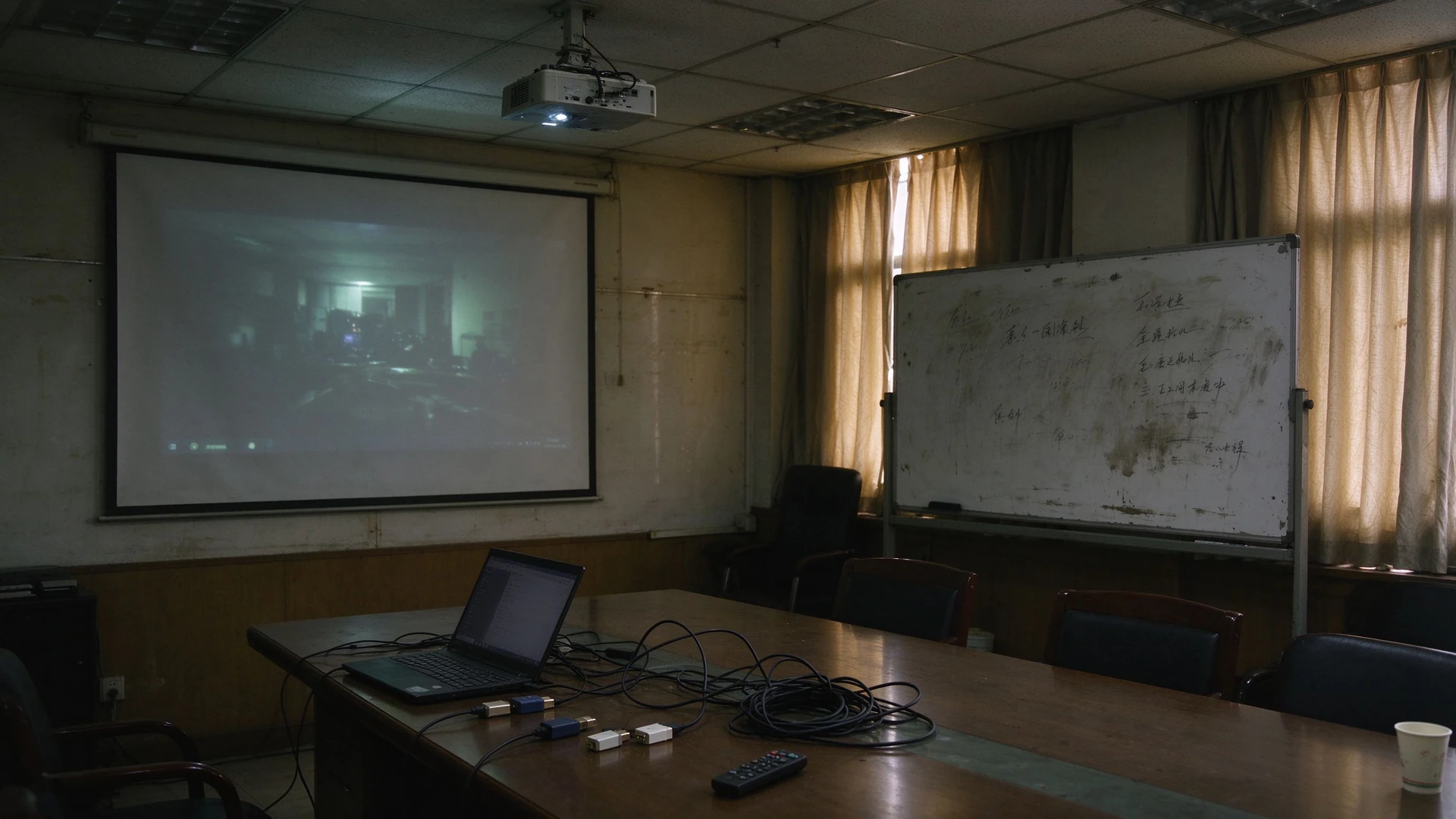
01 Conference Room Pain Points

Traditional conference room equipment is complex and the coordination efficiency is low

Projection, computer, whiteboard, speaker and camera go their own way. Before the meeting starts, time has been wasted on wiring and debugging.

01

Insufficient projection brightness

During the day, the meeting could not see the picture clearly, and after pulling the curtains and turning off the lights, it affected the recording and remote picture.

02

Multiple Device Stacking

Computers, projectors, whiteboards, speakers, cameras scattered procurement, equipment is not connected to each other, but increase procurement and maintenance costs.

03

Complex cables and inconsistent interfaces

HDMI, VGA and adapter are mixed. Different notebook interfaces are different. Every meeting has to look for cables.

04

Wireless screen projection is unstable

Incompatible with software versions, frequent debugging before the meeting, and demo interruptions affect the customer and partner experience.

05

Meeting minutes are hard to save and share

The whiteboard is wiped when it is full, and the minutes are taken by photo and hand. After the meeting, it is time-consuming to sort out and easy to miss key conclusions and to-do.

06

Difficulties in managing multiple conference rooms

Equipment status cannot be viewed remotely. Failure is reported on site. Firmware upgrade and application installation need to be operated one by one.

07

Meeting room experience is inconsistent and overall costs continue to rise

Different floor equipment models are mixed, and the conference room experience is uneven, which affects the overall impression of customers and partners on the enterprise. Multi-equipment procurement, wiring, maintenance and upgrading push up the total cost of ownership of conference rooms for a long time.

The core point of view of enterprise conference room transformation

The goal of the conference room renovation is not simply to replace the equipment, but throughConference all-in-one wireless screen projection collaboration, reduce the number of equipment, reduce wiring complexity, the efficiency of the province before the start of the meeting.

Traditional meeting room projector whiteboard cables
02 • Program Overview

Replace traditional multi-device combinations with one device

The enterprise conference room conference all-in-one machine integrates display, writing, audio, screen projection and video conference into a 55-86 inch conference panel.

Traditional conference room equipment portfolio
  • Projector curtain, insufficient brightness during the day
  • Separate connection of computer or notebook
  • Whiteboard or glass plate, wipe when full, minutes difficult to save
  • External debugging of speaker and microphone
  • Independent camera procurement and wiring
  • HDMI/VGA/adapter various cables
Qtenboard Conference All-in-One Solution
  • 55-86 inch conference tablet, 4K anti-glare display
  • Built-in Android system, optional Windows OPS
  • Built-in whiteboard software, multi-person collaborative annotation
  • Built-in speaker and microphone array
  • Optional HD camera, video conferencing plug and play
  • Wireless Screen Cast Mobile Bracket/Wall Mounted, Wiring Free
Reduce equipment procurement quantity
Reduce cabling and interface complexity
Reduce failure points
Speed up conference start
Enhance the wireless screen projection experience
Enhance the quality of remote meetings
Unified multi-room experience
03 · Products and Configurations

55-86 inch conference machine, according to the size of the conference room flexible configuration

From a small conference room with 4-6 people to a large conference room with 12-20 people, select the size according to the viewing distance, and select the bracket, screen projection and audio and video configuration according to the usage scene.

Meeting Room TypeRecommended sizeViewing distance
Small meeting room (4-6 people)55-65 inches2-3 m
Medium Meeting Room (8-12 People)75 inch3-4 m
Large conference room (12-20 people)86 inch4-6 m

Size selection reference: Qtenboard covers 55-110 inch full-size segments, Pro series 55-75 inch is suitable for small and medium-sized conference rooms, Max series 86-110 inch is suitable for large conference rooms and multi-function halls.

4K

4K Ultra Clear Original Screen

3840 × 2160, high contrast, wide viewing angle, clear whiteboard writing and presentation details.

AG

Anti-glare

Reduce the reflection of ambient light, and the meeting room by the window can see the picture clearly during the day.

low

low blue light

Long-term meetings and training are more eye-protecting and eye health.

touch

Infrared touch control

High writing accuracy, fast response, support stylus and finger, hand erase.

20

20 Touch

Many people annotate at the same time without conflict, brainstorming each write their own.

A

Android system

Built-in Android ecology, the application store is ready to use, start the meeting.

OPS

Windows OPS 可选

Plug-in OPS module, compatible with complex PC applications and existing office software.

sound

Built-in speaker

No external sound is required, and the sound of the conference room is clear and uniform.

wheat

Built-in microphone array

In the far field, many speeches can be clearly included.

capture

Optional camera

Max series built-in 12 million pixel camera, video conferencing plug and play.

Invest

Wireless screen support

USB screen projection device and software screen projection, computer, mobile phone, tablet a key on the screen.

DMS

DMS Device Management

Remote on/off, batch upgrade, status monitoring and fault warning.

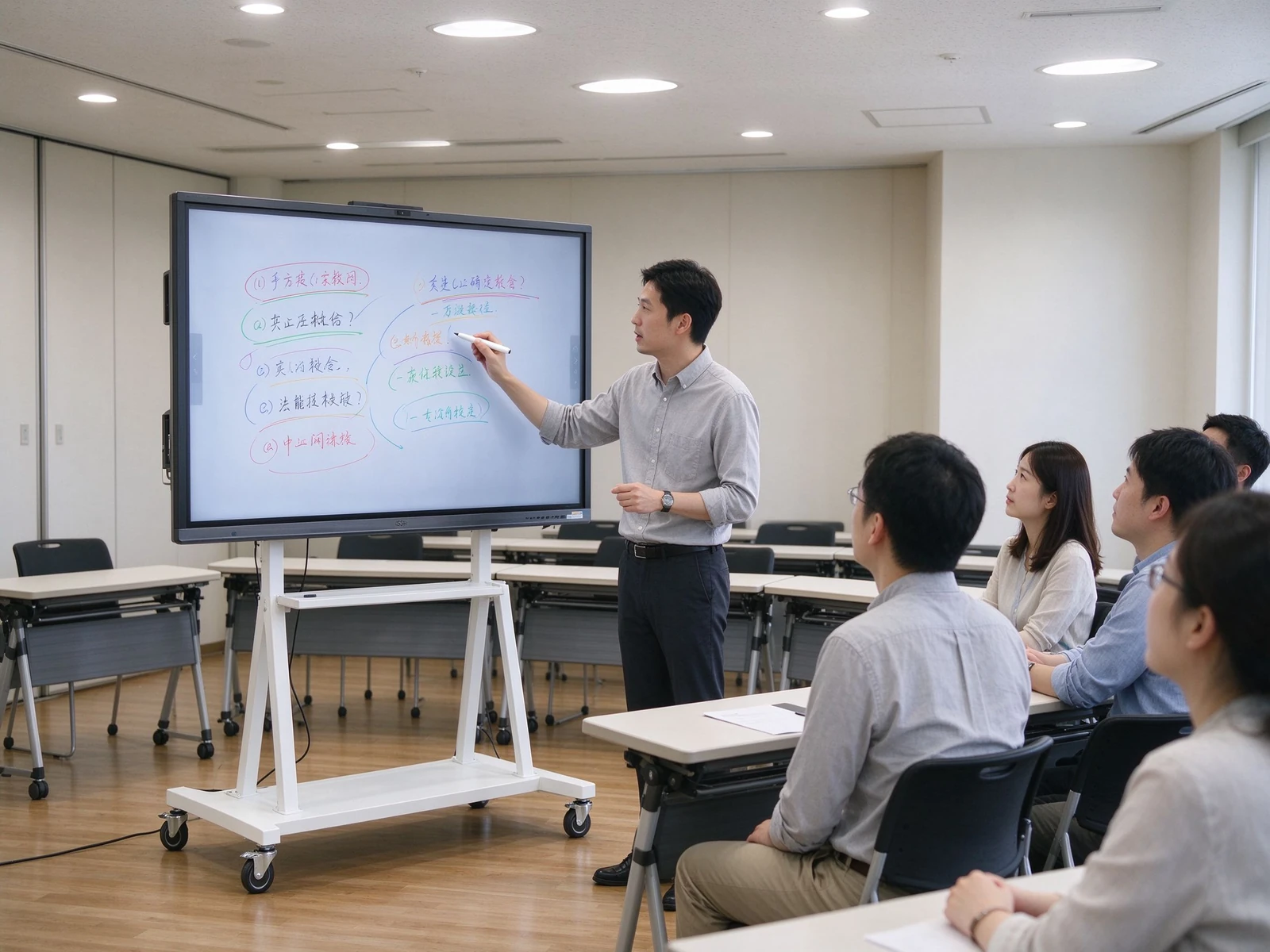
Meeting display mobile stand training room

Mobile support: a device multi-scene flow

The conference tablet is equipped with a mobile bracket, which is pushed from the conference room to the training room, multi-function hall and exhibition area. One device covers multiple spaces.

Applicable scenarios

  • Meeting rooms that require flexible mobility
  • Training room and multi-function hall
  • Temporary meeting rooms and visitor areas
  • Showroom and customer demo area

Key points of configuration

  • Load-bearing capacity and stability
  • Height adjustment and inclination
  • Moving wheel and brake lock
  • Wire management and anti-theft design
Wireless screen sharing collaboration

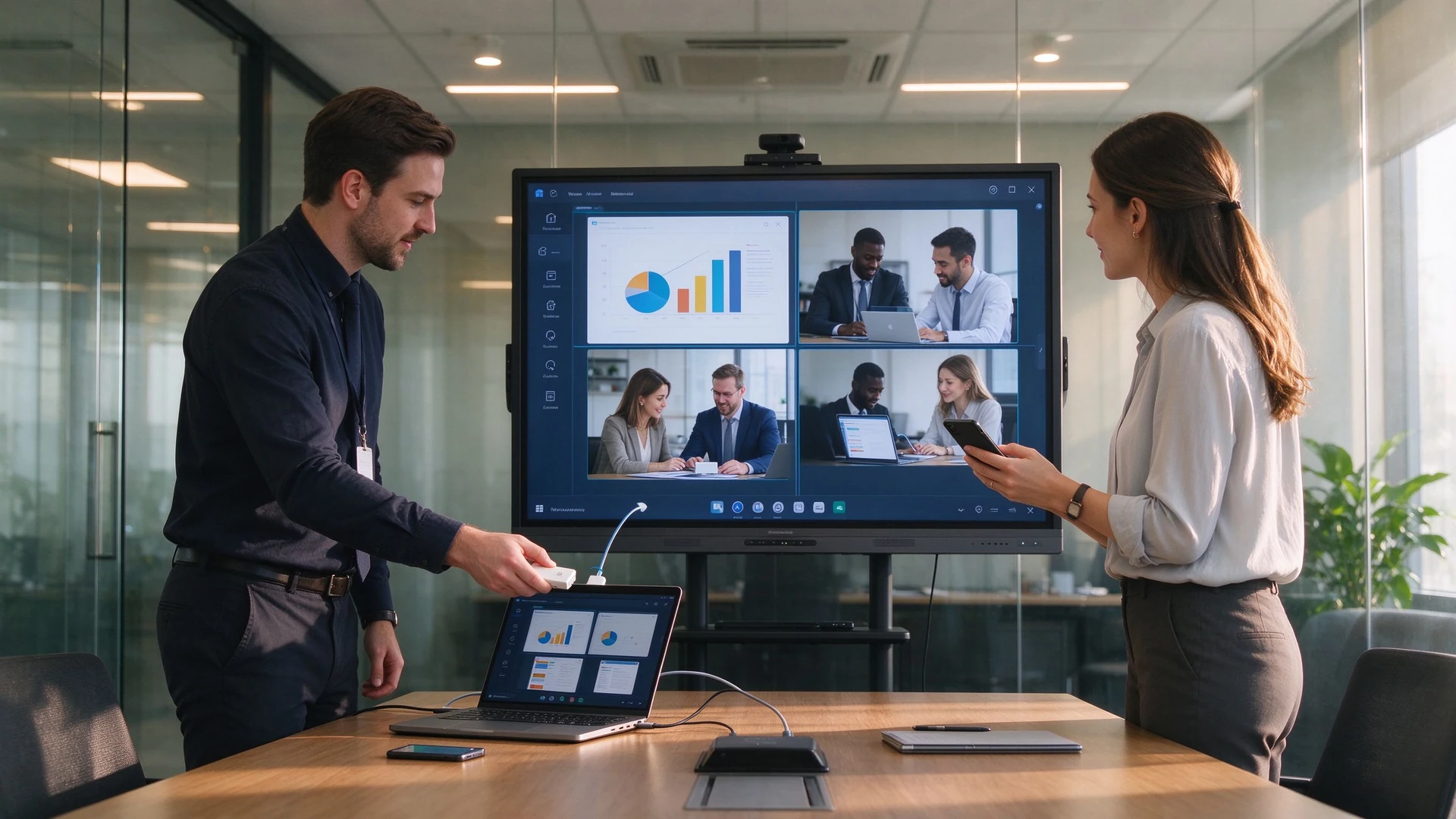
Wireless Screen: Farewell to Cables and Adapters

USB screen casters are plugged in and switched on, mobile phones, tablets and computers are free of driving on the screen, and multiple devices are compared with split screens at the same time.

Wireless screen projection scheme

  • USB Screen Cast Plug and Play
  • Software screen projection without hardware
  • Mobile phone/tablet/computer screen
  • Simultaneous screen projection and split-screen display of multiple devices

Key points of configuration

  • Screen Delay and Stability
  • Multi-Device Concurrency and Reverse Touch
  • Security screen and visitor code
  • Teams/Zoom/Tencent Conference Compatible
04-Matching Requirements and Solutions

Enterprise IT and administration focus not on parameters, but on meeting efficiency and cost

The five most common conference room renovation demands correspond one by one to the conference integrated machine scheme.

1

Improve meeting efficiency

Customer needs

  • Quick Start Meeting
  • Reduce equipment commissioning time
  • Stable wireless screen projection
  • Multi-person collaborative annotation
  • Meeting record keeping and sharing

Scenario Matching

  • The conference all-in-one machine is ready to use when it is turned on.
  • Wireless Screen Cast One-key Connection
  • Built-in whiteboard multiplayer annotation
  • Minutes Save PDF/Picture/Word
  • Scan code or email to share meeting content
2

Wireless screen projection collaboration

Customer needs

  • Mobile phone, tablet, computer screen
  • Multi-device screen projection at the same time
  • Split screen contrast
  • Reverse Touch
  • Remote Conference Screen

Scenario Matching

  • Windows / macOS / Android / iOS
  • Multi-Device Concurrency (Pro Series 9 units)
  • Four-screen display and reverse touch
  • Teams/Zoom/Tencent Conference Compatible
  • Local and remote screen projection dual channel
3

Reduce equipment procurement and cabling costs

Customer needs

  • Reduce purchases of projectors, computers, whiteboards, speakers, and cameras
  • Reduce cabling and interfaces
  • Reduce failure points
  • Reduce maintenance costs

Scenario Matching

  • One meeting tablet replaces multiple devices
  • Built-in speaker, microphone and camera
  • Wireless Screen Reduction Cable
  • Mobile brackets reduce installation costs
  • DMS remote operation and maintenance reduces travel
4

Teleconferencing and Mixed Office

Customer needs

  • Video conference stable and clear
  • Remote Collaborative Annotation
  • Meeting records retained in the cloud
  • Multi-location collaborative meeting

Scenario Matching

  • Built-in/Optional HD camera and microphone
  • Teams/Zoom/Tencent Conference Compatible
  • remote whiteboard collaboration
  • Save and export AI minutes in the cloud
  • Unified management of multiple conference rooms
5

Unified management of multiple conference rooms

Customer needs

  • Equipment status monitoring
  • Remote on/off
  • Application and Firmware Management
  • Fault warning

Scenario Matching

  • DMS / CMS Equipment Management System
  • Remote on/off and condition monitoring
  • Bulk Firmware Upgrade and Application Management
  • Device grouping and permission management
  • Abnormal alarm and remote troubleshooting
6

Transformation benefits can be quantified

Programme commitment

  • Prototype first, measured effect before transformation
  • Output configuration list by room size
  • Five-year TCO comparison measurement
  • Bulk purchasing and OEM customization support

Next step

  • Appointment Prototype Test
  • Get Project Quotes
  • Access to the same industry transformation case
  • Docking installation and after-sales plan
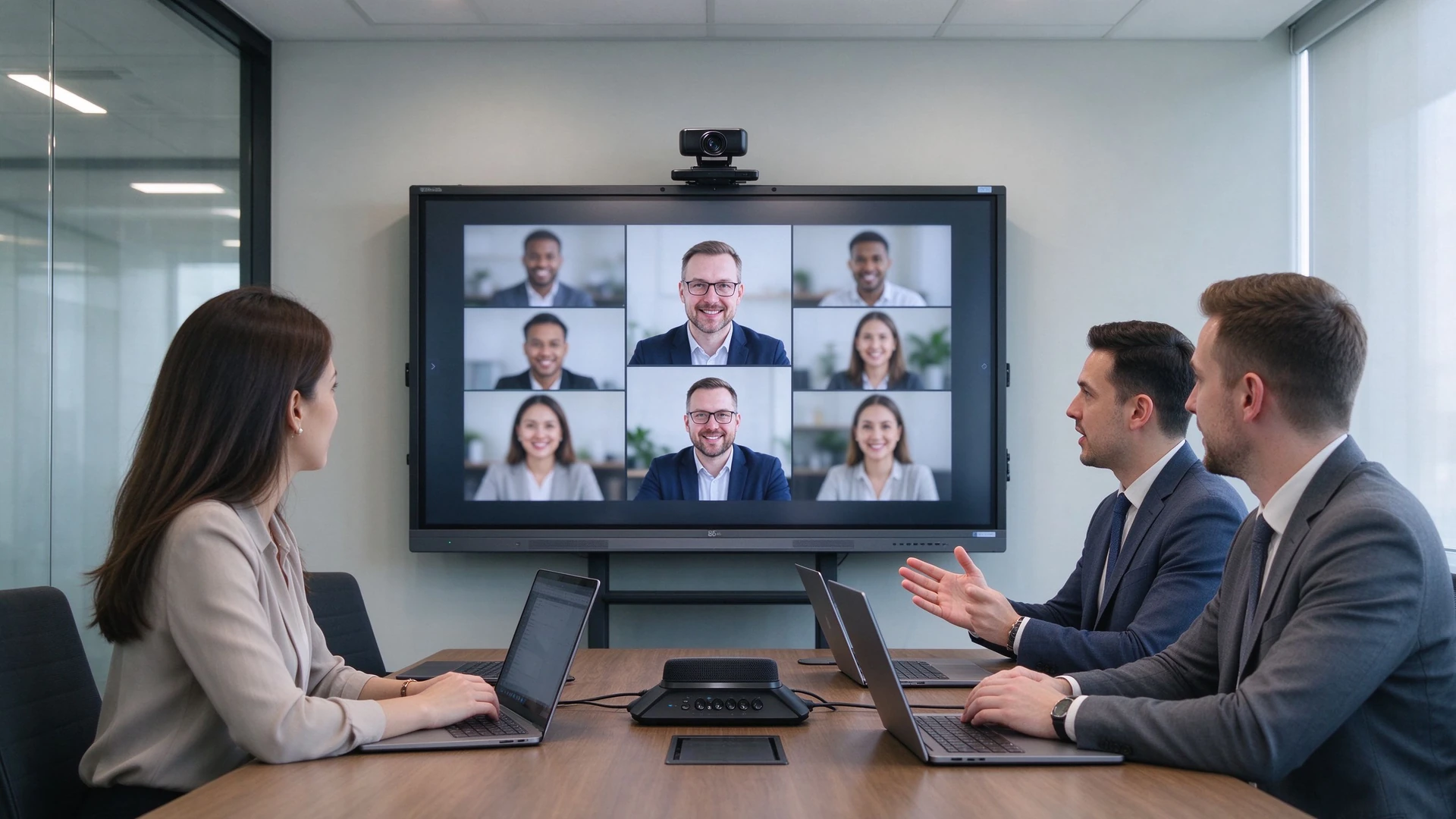
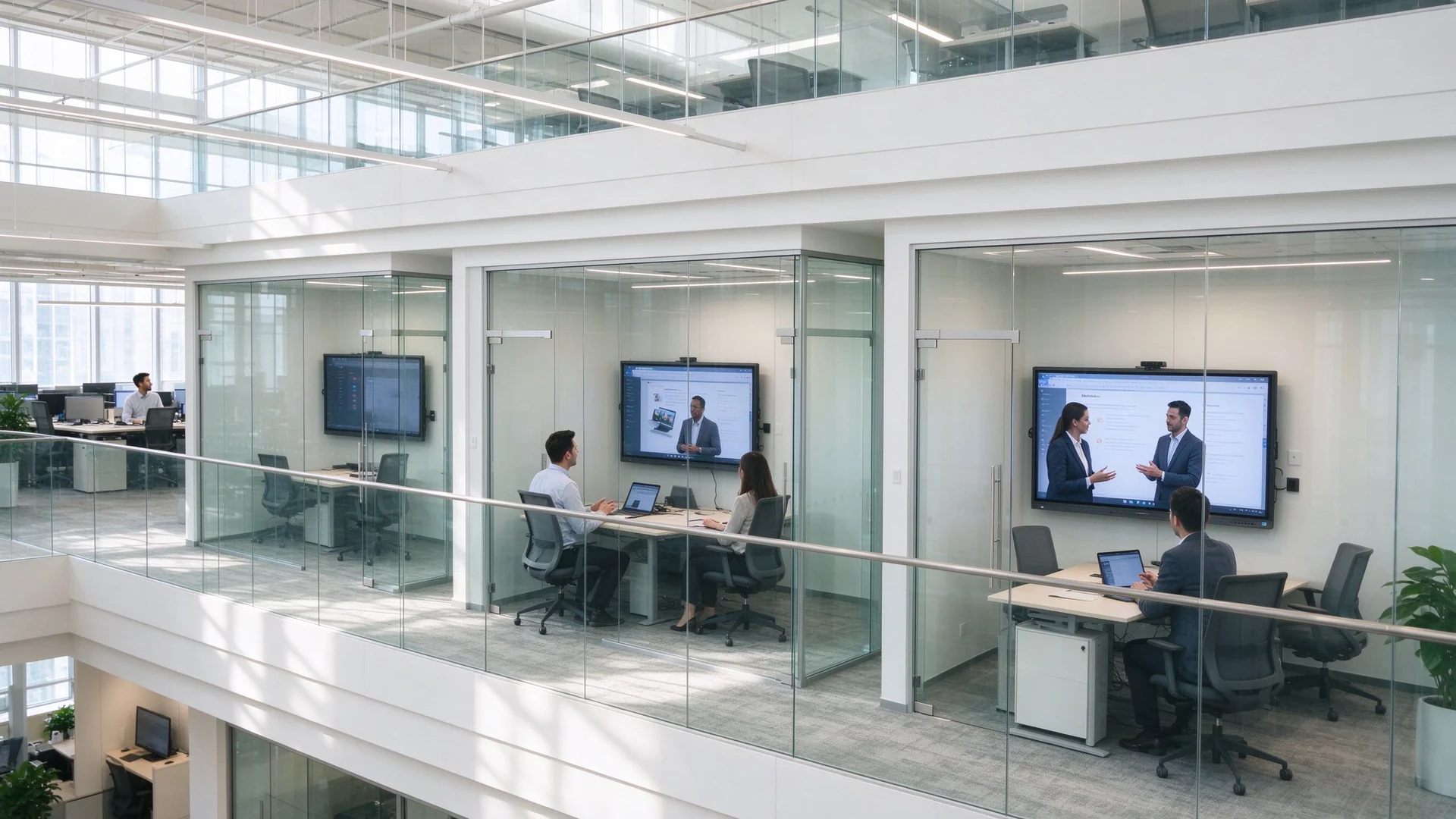
Remote video meeting hybrid office
Remote conference and mixed office: built-in camera and microphone array, Teams/Zoom/Tencent conference one-click membership
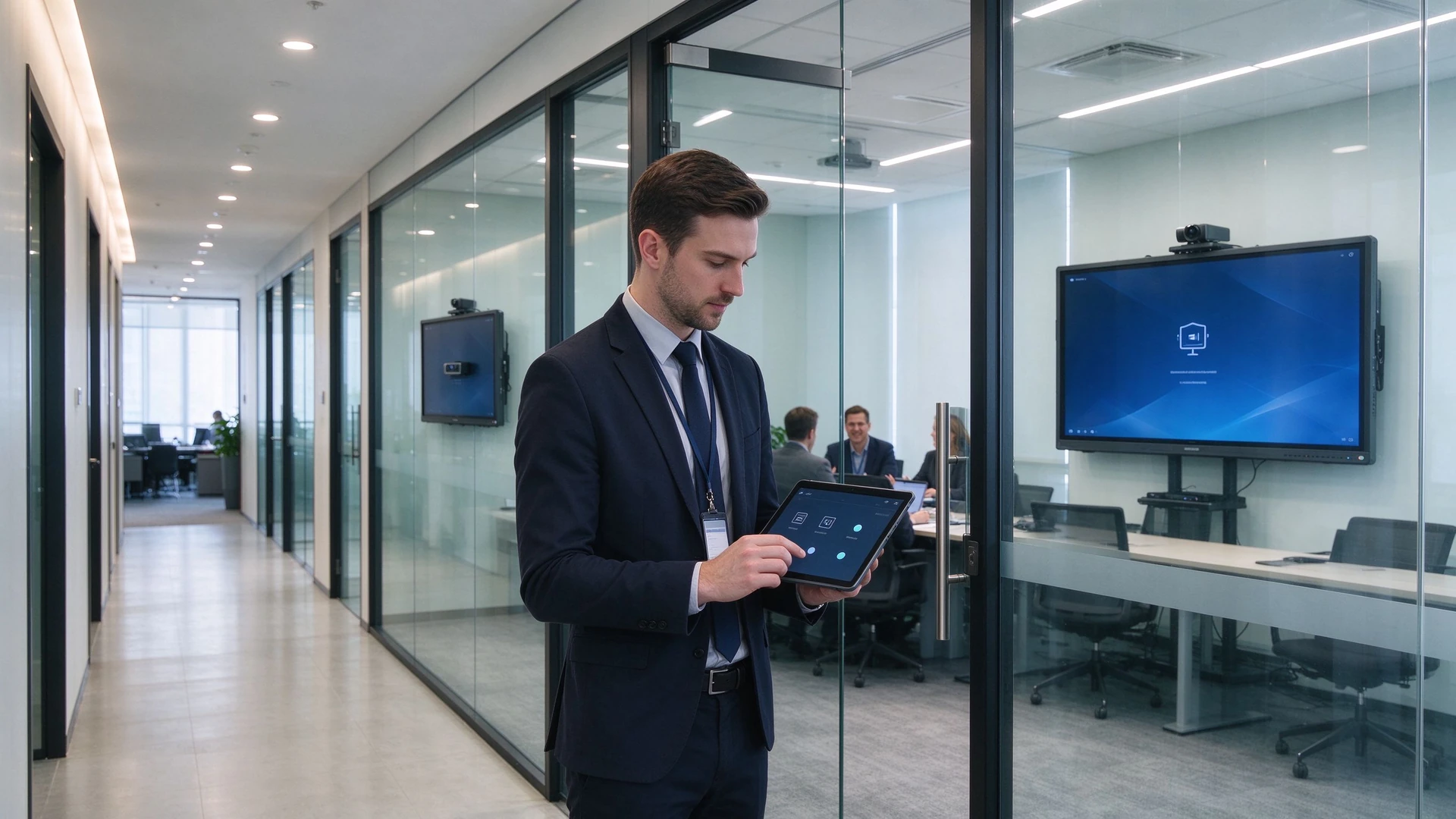
IT admin remote device management
Unified management of multi-conference rooms: IT remotely views equipment status, batch upgrades and fault warnings through DMS
05 · Advantages of Qtenboard Scheme

From standard products to project customization, Qtenboard provide flexible enterprise meeting solutions

For enterprise IT, administration, system integrators and project customers: both a meeting tablet manufacturer and an OEM / ODM delivery partner.

20+
Interactive display industry in
3 houses
Self-built factory · 33,000 ㎡
1000+
professional and technical workers
102 country
Product Export Countries and Regions
50+
Global Authorized Distributors

Qtenboard Pro Series (55-75 inch)

Small and medium-sized conference rooms-ready to use

  • Display:BOE and other first-line brands 4K original screen, anti-glare, low blue light
  • System:Android 14, support i3 / i5 OPS module expansion
  • Screen:Wireless screen projection 9 devices concurrently, delay ≤ 0.1 seconds
  • Meetings:A key video conference, compatible with Tencent conference, Zoom
  • Minutes:AI meeting minutes are automatically organized and can be exported to Word/Excel.

Qtenboard Max series (86-110 inch)

Large Conference Room · Transnational Collaboration

  • Motherboard:Flagship AI motherboard, support 8K decoding and three-screen display
  • Audio and video:Built-in 12 million pixel camera + array microphone, pickup 8 meters, noise reduction 90%
  • Collaboration:Cross-regional remote collaboration, multi-site synchronization of annotation documents and PPT
  • Multi-screen:Meeting minutes, data reports and video images are displayed on the same screen.
  • AI:16-language real-time translation, intelligent minutes, voice assistant, online question and answer

Customization ability: from appearance to system, delivered according to project requirements

Label

Logo and boot screen customization

UI

UI and Language Customization

to install

Pre-installed software and applications

capture

Camera and microphone configuration

shelf

Bracket and installation method

bag

Packaging and Labeling

cloud

DMS / CMS docking

batch

Bulk delivery and spare parts

certificate

RoHS / CE / CCC certification

OEM

OEM / ODM whole process

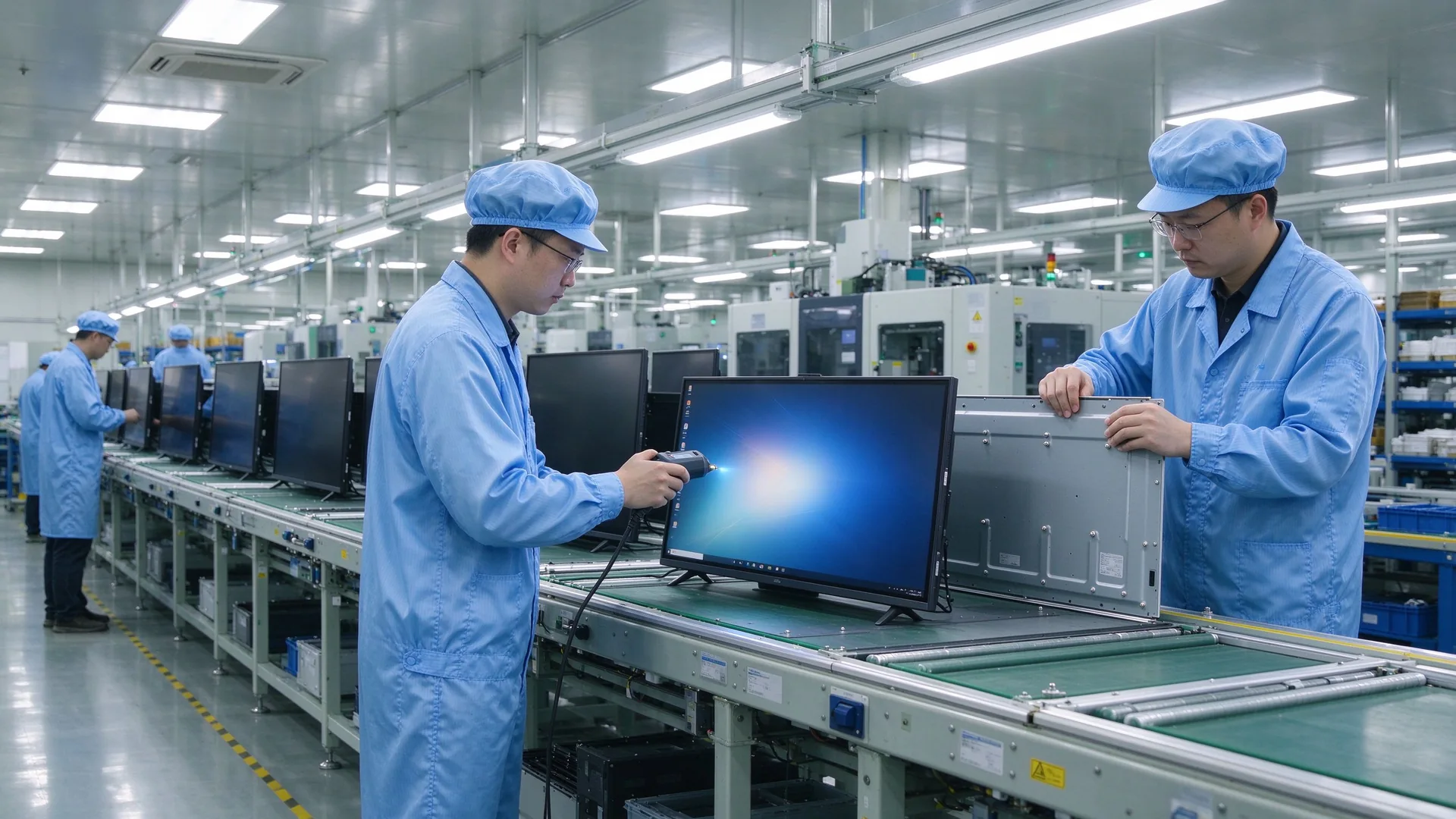
Qtenboard meeting display factory line

Full-link manufacturing and quality control

The Qtenboard adopts the "research and development-procurement-production-testing-after-sales" full-link self-supporting mode. The core components (panel, motherboard, touch frame) come from first-line brands. Each batch of materials has passed RoHS, CE and CCC triple certification. The defective rate of automatic production line control is less than 0.3 percent.

  • 72 hours uninterrupted aging test and high and low temperature environmental test
  • 1 million touch clicks, 500000 write erase tests
  • EMC Class B electromagnetic compatibility certification, stable operation in complex environments
  • Warranty and spare parts support, remote technical support and local installation guidance

Project Delivery Process

Step 1

Requirements communication and prototype testing

The configuration list is output according to the number, scale and usage scenario of the conference room, and the prototype is verified to be compatible with the video conference.

Step 2

Plan and Quotation

Size, bracket, screen, camera and DMS scheme are quoted item by item, supporting five-year TCO comparison measurement.

Step 3

Mass production and quality inspection

OEM/bulk order scheduling, pre-factory lighting test, aging test, delivery time can be controlled.

Step 4

Installation and commissioning

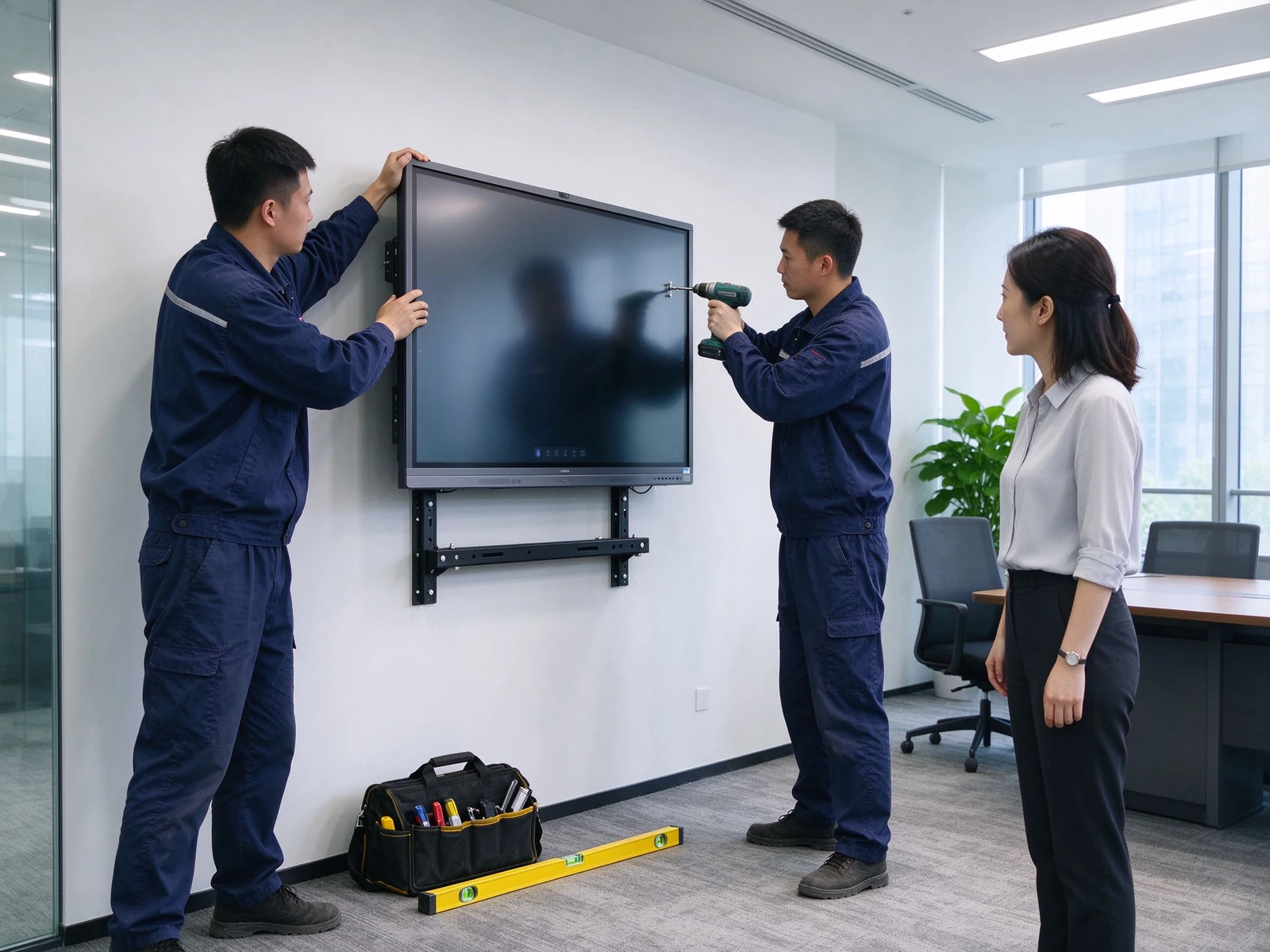
Wall hanging/mobile bracket installation, screen projection device pairing, DMS access, unified out of the box.

Step 5

Warranty and Ongoing Support

Spare parts and maintenance support during the warranty period, firmware and application continuous upgrade, remote technical support response.

Suitable for customers

Enterprise IT Department
Administration and Facilities Management
System integrator
Office decoration and weak current engineering supplier
Multinational Enterprise Regional IT
Multi-location enterprise customers
06 · Transformation Case

From traditional projection to conference all-in-one machine, how can enterprises improve conference efficiency

Three typical conference room transformation scenarios: small and medium-sized enterprises, large enterprises multi-location, system integrator project delivery.

Engineer wall mounting meeting displayCase 1-Small and medium-sized enterprises

Overall renovation of 10 conference rooms

Transformation background

  • Traditional projection computer whiteboard
  • Unstable screen projection, frequent debugging before meeting
  • Meeting minutes are hard to keep and share

Solution configuration

  • 75-inch conference all-in-one machine × 10
  • Wall Mounting × 5 Mobile Bracket × 5
  • Wireless screen projection device × 20
  • DMS Device Management Access
  • Meeting start time 10 minutes → 2 minutes
  • The success rate of wireless screen projection is 70% → 95%
  • Meeting minutes can be saved and shared
  • Reduced equipment maintenance costs
Multi-site enterprise meeting roomsCase 2-Large Enterprise Multiple Locations

Unified coordination of multiple office locations

Transformation background

  • Multiple office locations, inconsistent meeting room experience
  • Poor picture quality and radio of teleconference
  • Equipment scattered and difficult to manage

Solution configuration

  • 55 / 65 / 75 / 86 inch conference all-in-one combination
  • Camera and microphone configured by room type
  • Teams / Zoom Compatible
  • DMS unified management
  • Unified multi-room experience
  • Quality improvement of teleconferencing
  • Device status can be viewed remotely
  • Reduced fault response time
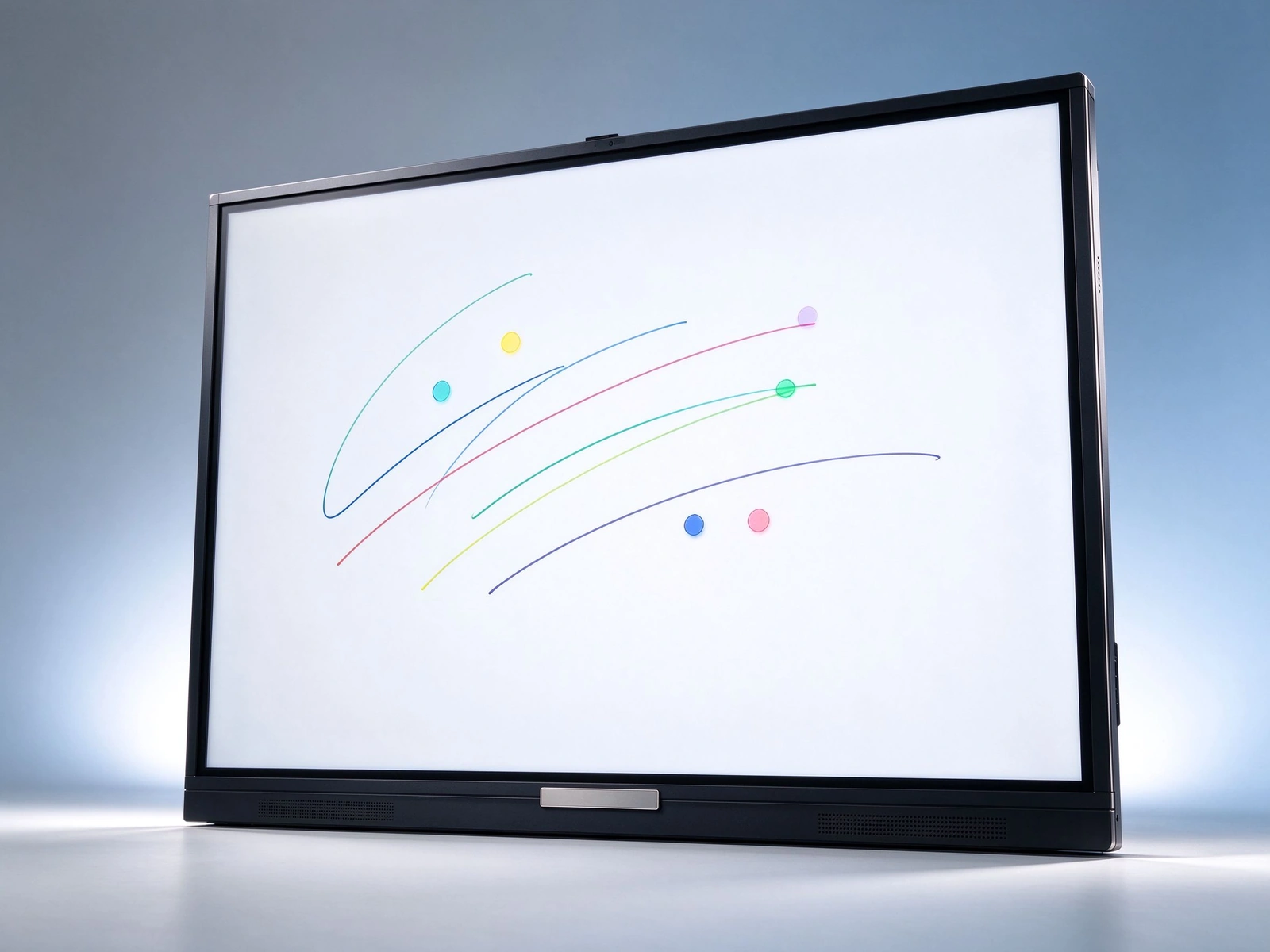
Qtenboard meeting display front viewCase 3-System Integrator Delivery

OEM Unified Brand Bulk Delivery

Transformation background

  • Enterprise customer multi-conference room transformation
  • Need to unify the brand and configuration
  • Requires fast delivery and installation

Solution configuration

  • Qtenboard conference machine OEM
  • Logo and boot screen customization
  • Mass production and delivery
  • Installation guidance and after-sales support
  • Unified presentation of customer brand
  • Project delivery is guaranteed
  • Perfect after-sales support
  • Customer satisfaction improved
07-Procurement Decision Guide

How do enterprise IT and administration choose conference all-in-one machine?

Eight decision-making dimensions, covering a complete procurement assessment from size selection to five-year TCO.

Size selection

55-65 inches for small conference rooms, 75 inches for medium conference rooms and 86 inches or more for large conference rooms. According to the viewing distance of 2-6 meters, it is determined to avoid unclear words or overflow of pictures.

System selection

  • Android: basic conference and wireless screen, boot ready to use
  • Windows OPS: Complex Applications and Software Compatibility
  • Dual system: flexible switching, covering all office software

Camera and microphone

Built-in or simple cameras for small conference rooms; medium-sized conference rooms with wide-angle cameras and microphone arrays; professional cameras and audio systems for large conference rooms, pay attention to pickup distance and noise reduction indicators.

Wireless screen mirroring

  • Configure Projection by Number of Meeting Rooms
  • Support multi-device concurrent and split screen
  • Focus on screen delay and stability
  • Support security screen and visitor code

Installation method

Mobile bracket: flexible movement, training and multi-function scenes; Wall hanging: fixed installation, clean routing; Embedded: integrated decoration of high-end conference rooms.

Device Management

  • Support DMS remote management
  • Remote on/off and condition monitoring
  • Bulk Firmware Upgrade
  • Fault warning and alarm

Warranty and after-sales

  • Warranty Period and Spare Parts Support
  • Local service and remote technical support
  • Installation instruction and training

Budget and TCO

Including equipment procurement, installation and wiring, maintenance, energy consumption and consumables into the five-year total cost of ownership (TCO) assessment, the integration plan of the conference all-in-one machine usually shows obvious advantages in the third year.

08 · Frequently Asked Questions

FAQ of enterprise conference room all-in-one machine

The most frequently asked questions in purchasing decisions are directly concluded.

Q1: What size of conference all-in-one machine is required for enterprise conference rooms?
According to the size of the conference room and viewing distance, 55-65 inches and 2-3 meters are recommended for small conference rooms (4-6 people). Medium-sized conference rooms (8-12 people) suggest 75 inches and 3-4 meters; Large conference rooms (12-20 people) suggest 86 inches and 4-6 meters. Qtenboard cover 55-110 inch full size segment, can be mixed with deployment.
Q2: How can the conference all-in-one machine improve conference efficiency?
The preparation time is reduced through four links: ready-to-use, wireless screen-throwing and one-button connection, multi-person collaborative annotation, and meeting record saving and sharing. Combined with AI meeting minutes, structured minutes are generated about 5 seconds after the meeting, and conclusions, to-do and responsible persons are automatically refined. The minutes sorting time for a one-hour meeting can be reduced by more than 75%.
Q3: How can the conference all-in-one machine reduce equipment procurement and wiring costs?
A conference tablet can replace multiple devices such as projectors, computers, whiteboards, speakers, cameras, etc. Built-in speakers, microphones and optional cameras are exempted from independent procurement. Wireless screen projection reduces cables and adapters; Mobile bracket reduces installation costs; DMS remote operation and maintenance reduces on-site maintenance expenses.
Q4: Which screen projection methods are supported by the Qtenboard conference all-in-one machine?
Support USB screen projection, software screen projection, mobile phone/tablet/computer screen projection, covering Windows, macOS, Android, iOS; Support multi-device simultaneous screen projection and split screen display. The Qtenboard Pro series wireless screen projection supports 9 concurrent devices with a screen projection delay of less than or equal to 0.1 seconds.
Q5: How do enterprises manage multi-conference room conference machines?
Remote on and off, application management, firmware upgrade, equipment status monitoring and fault warning are realized through DMS / CMS equipment management system. Support role authority classification according to department, region and equipment type, batch release and emergency notification minute-level reach.
Q6: Does Qtenboard Conference All-in-One Support Customization?
Support. Logo and startup screen, UI and language, pre-installed software, camera and microphone configuration, bracket and installation method, packaging and label, DMS / CMS docking can be customized, and the whole process of batch delivery and OEM / ODM can be supported.
Q7: Is the conference tablet compatible with Teams, Zoom, and Tencent Meeting?
Compatible. Qtenboard Pro series supports one-touch video conference (compatible with Tencent conference and Zoom);Max series has built-in 12 million-pixel camera and array microphone, with a sound pickup distance of 8 meters and a noise reduction rate of 90%. The system is based on Android 14 and supports Google EDLA to authenticate Android ecology.
Q8: How can OEM / ODM projects guarantee delivery and after-sales?
According to the process of "prototype testing → mass production → quality inspection one by one (defect rate less than 0.3, 72-hour aging test) → delivery and installation → warranty spare parts", remote technical support, local partner installation guidance and continuous firmware upgrade are provided.

Data description: Qtenboard product parameters, manufacturing and case data are quoted from its official website and public information (qtenboard.com/qtenboard.asia).

Previous:K12 Interactive Whiteboard Classroom Solution Interactive Teaching Board Book Retention Resource Call-szqunmao

Return to list

Next article:The Solution of All-in-One Meeting Machine for Government and Enterprise Meeting Room Paperless Meeting, Remote Collaboration, Localization of Xinchuang