 Current location:
Home
> Solution > Kiosk self-service terminal solutions
 Release date: 2026-10-12
 Clicks:0
Configure self-service information inquiry and interactive display hardware for museums, art museums, science and technology museums, cultural pavilions and corporate exhibition halls.32 / 43 / 55 inch inquiry tableIt can be deployed at the intersection of entrance, floor and exhibition area for venue overview, route inquiry, exhibition directory, multilingual information and service facility inquiry;32-85 inch horizontal infrared touch all-in-one machineIt can be embedded into inquiry desk, interactive desk or interactive terminal in exhibition area to carry exhibit stories, time lines, high-definition pictures, videos and theme interactive content. Through the self-service inquiry portal, repetitive manual consultation is reduced, and staff pay more attention to in-depth explanation, educational activities and visitors who need manual assistance.
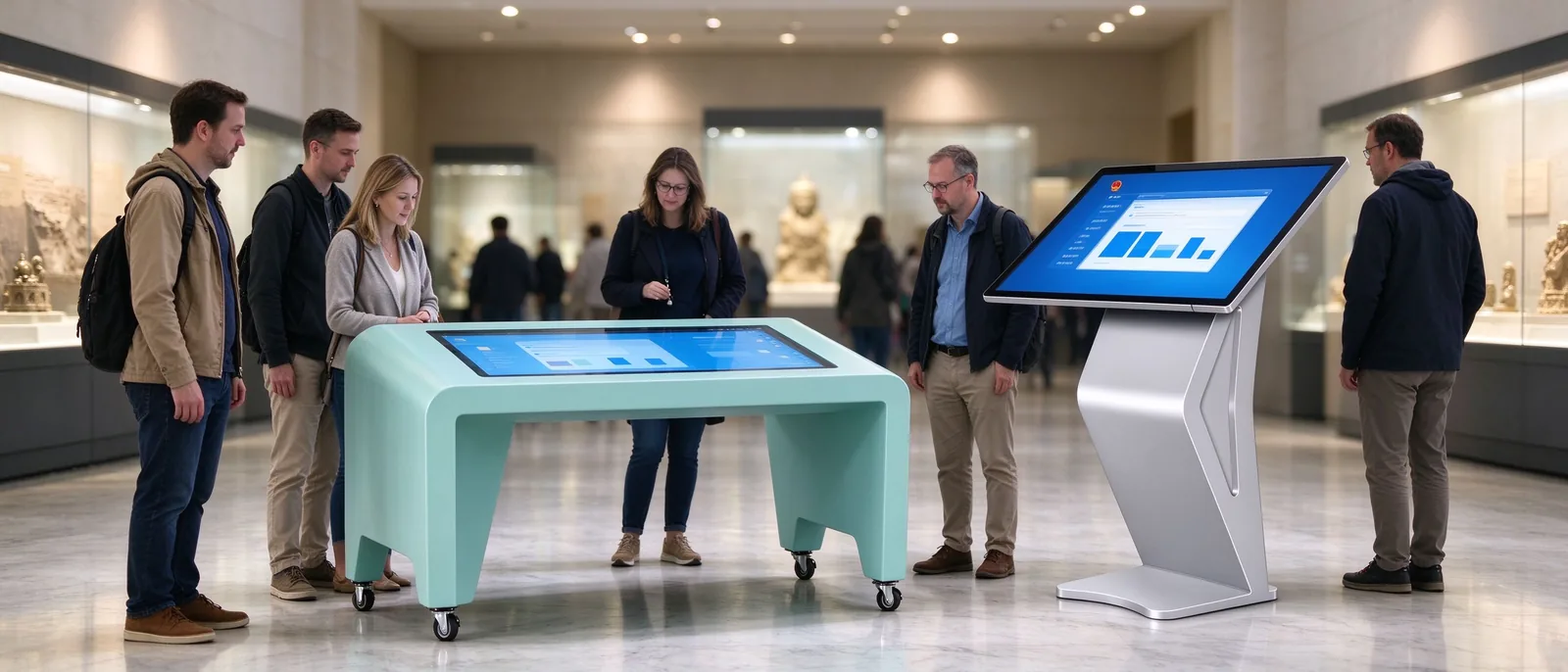
The pressure of information service in the exhibition hall is often not "no content", but scattered content, repeated inquiries, and untimely updates.Self-service query portalWhat needs to be solved is to transfer standardized information from the manual window.
Transfer standardized information to the self-service inquiry portal, reduce repetitive consultation, and let staff pay more attention to in-depth explanation and visitors who need manual assistance.It does not mean replacing the commentator, nor does it promise to reduce the specific manpower ratio.
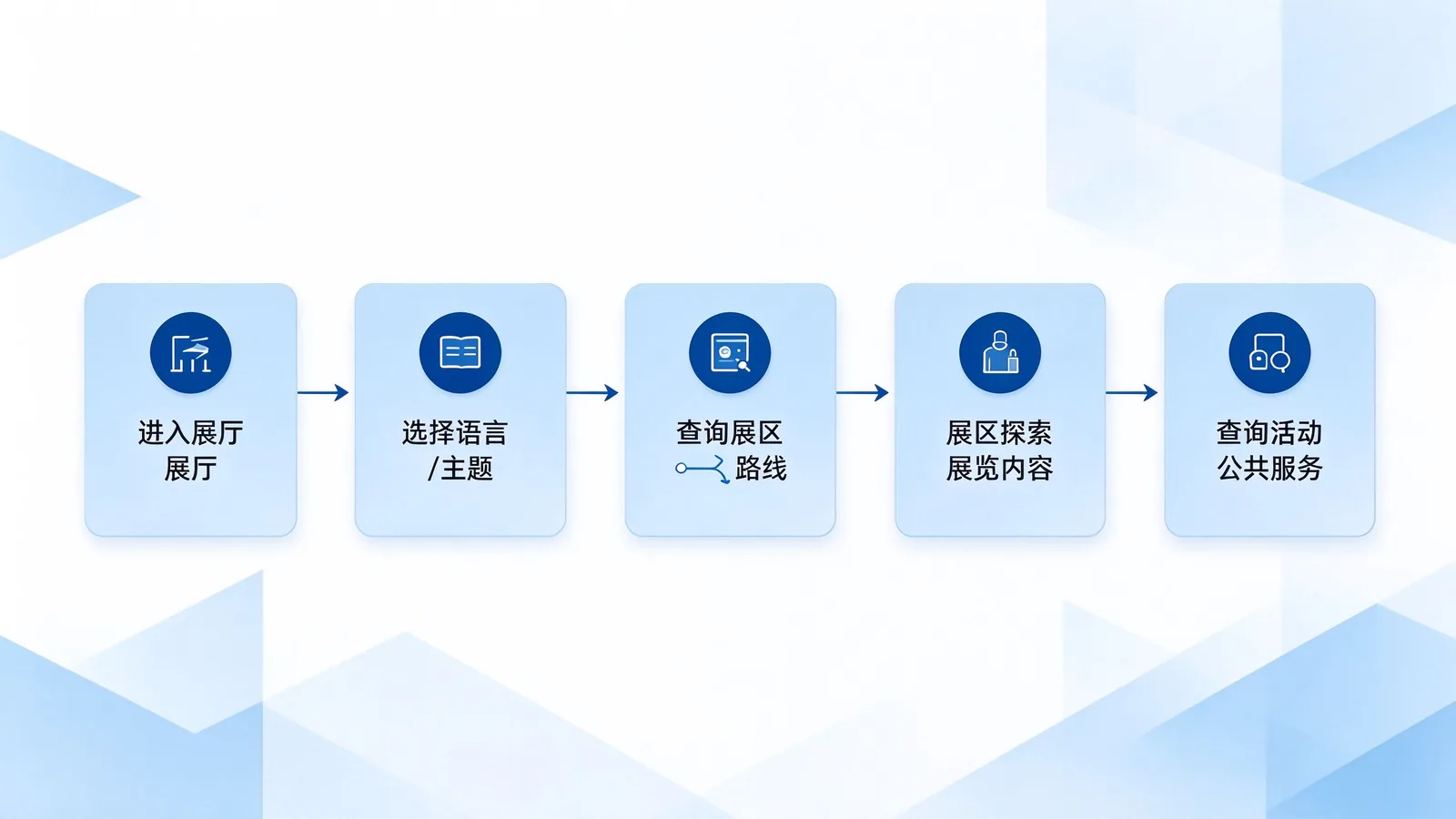
Query TableResponsible for "finding information",Horizontal infrared touch all-in-one machine and interactive tableResponsible for "exploring content". The two types of devices are distributed along the guest dynamic line to form a continuous information service link.
| Deployment location | Recommended product/size | Content Planning | Project value |
|---|---|---|---|
| Venue entrance/reception area | 32/43 inch inquiry table or horizontal infrared touch all-in-one machine | Venue overview, exhibition area catalogue, opening information, event arrangement | Unify information portal and reduce repeated consultation |
| Intersection of floor/exhibition area | 43 / 49 / 55 inch inquiry table or horizontal all-in-one machine | Floor map, exhibition location, service facilities | Help visitors choose the next tour path |
| Special Exhibition Area | 55 / 65 / 75 / 85 inch horizontal infrared touch all-in-one machine | Exhibits Stories, Pictures, Videos, Timelines, Digital Collections | Support for deep content exploration and co-viewing |
| Education activity area | 32 / 43 / 55 inch inquiry table, or 65 / 75 inch interactive terminal | Topic Q & A, exploration tasks, interactive learning content | Cooperate with educational activities and team visits |
| Temporary Exhibition Area | 43 / 55 / 65 inch horizontal all-in-one machine | Event information, tour guide, feedback, temporary content | Flexible update, adapt to the exhibition replacement |
Map retrieval, language switching and interactive tasks belong to application software and content functions. Whether to provide and how to implement them shall be confirmed in the scope of the project.
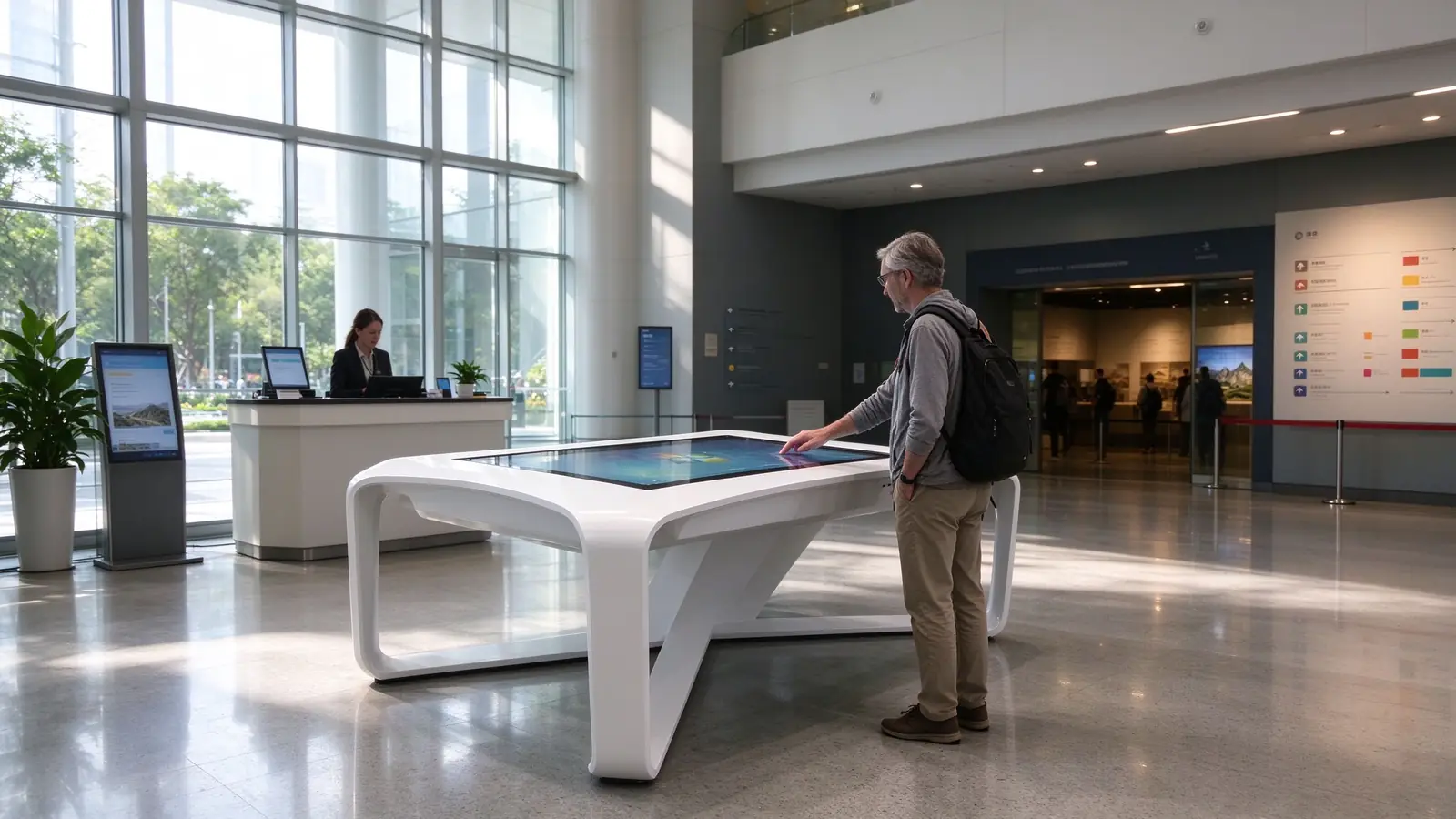
The size is not the bigger the better, but to match the deployment location, the number of viewers, the content form and the installation conditions.Query TableSuitable for query and light interaction,Horizontal infrared touch all-in-one machineSuitable for embedding tables, inquiry tables and large-size interactive terminals.
| Size | Recommended Form | Typical Scene | Suitable number of people | Type selection attention |
|---|---|---|---|---|
| 32 inch | Inquiry table/horizontal all-in-one machine | Entrance, narrow space, single point query | 1 person | Concise content, mainly to query |
| 43 inch | Inquiry table/horizontal all-in-one machine | Enquiry of entrance, floor and exhibition area | 1-2 people | Balance size and content carrying capacity |
| 49 inch | Horizontal all-in-one machine | Floor guide, double inquiry | 1-2 people | Suitable for map and catalog display |
| 55 inch | Inquiry table/horizontal all-in-one machine | Exhibition area inquiry, group inquiry, interactive table | 2-3 people | Suitable for maps, timelines, pictures |
| 65 inch | Horizontal all-in-one machine, embedded interactive table | Special exhibition area, educational activity area | 3-5 people watching together | Tilt, embedding and maintenance to be considered |
| 75 inch | Horizontal all-in-one machine, embedded interactive table | Central exhibition, interactive exploration | 3-6 people watching together | Need to evaluate installation, shipping and software zoning |
| 85 inch | Horizontal all-in-one machine, large interactive table | Large space, central exhibition, multi-person collaboration | Multiple people watching together | Load bearing, routing, maintenance space to be evaluated |
Suitable for entrance, floor, exhibition area interchange, do self-guided inquiry, service information, activity arrangement and multi-language entrance.
It is suitable for embedding table body, inquiry table, interactive table and interactive terminal in exhibition area. Large size supports multiple people to watch together.
It is suitable for thematic exhibition areas and central exhibition items, carrying time lines, high-definition pictures, videos and theme exploration content.
Infrared touch is suitable for large-size, multi-touch and high-frequency public use scenarios. Ambient light, dust, cleaning methods and anti-glare requirements shall be evaluated in the museum room; strong light, occlusion and dust may affect the infrared touch effect, and the site conditions shall be confirmed before the project.Infrared multi-touch is not equal to multi-person independent operationMulti-person partition interaction requires software to support multi-window, partition interface and multi-user logic.
Query TableIt is the first entrance to the information service of the exhibition hall. Its value lies not in the screen itself, but in turning the most frequently asked questions of visitors into actions that can be completed independently.
The core of this section is to help overseas buyers judge whether "this inquiry table or horizontal all-in-one machine is suitable for my venue space and application".
| Size section | Suitable scenarios | Number of co-viewers | Interactive form recommendations |
|---|---|---|---|
| 32 / 43 / 55 inch | Query table, near-field small-scale interaction | 1-3 people | Query, light interaction, single point operation |
| 65 / 75 inch | Special exhibition area, educational activity area | 3-5 people | Common viewing, guided interaction |
| 85 inch | Large space central exhibition | Multiple people watching together | Theme display, collaborative exploration |
If the project requires multi-user partition, different orientation interface or simultaneous independent operation, the touch hardware and application software should be verified separately.Hardware multi-touch is the foundation, and software determines whether multiple people can operate independently.Digital collections, 3D models and other high-performance content, the need to confirm the host performance and software support range in advance.
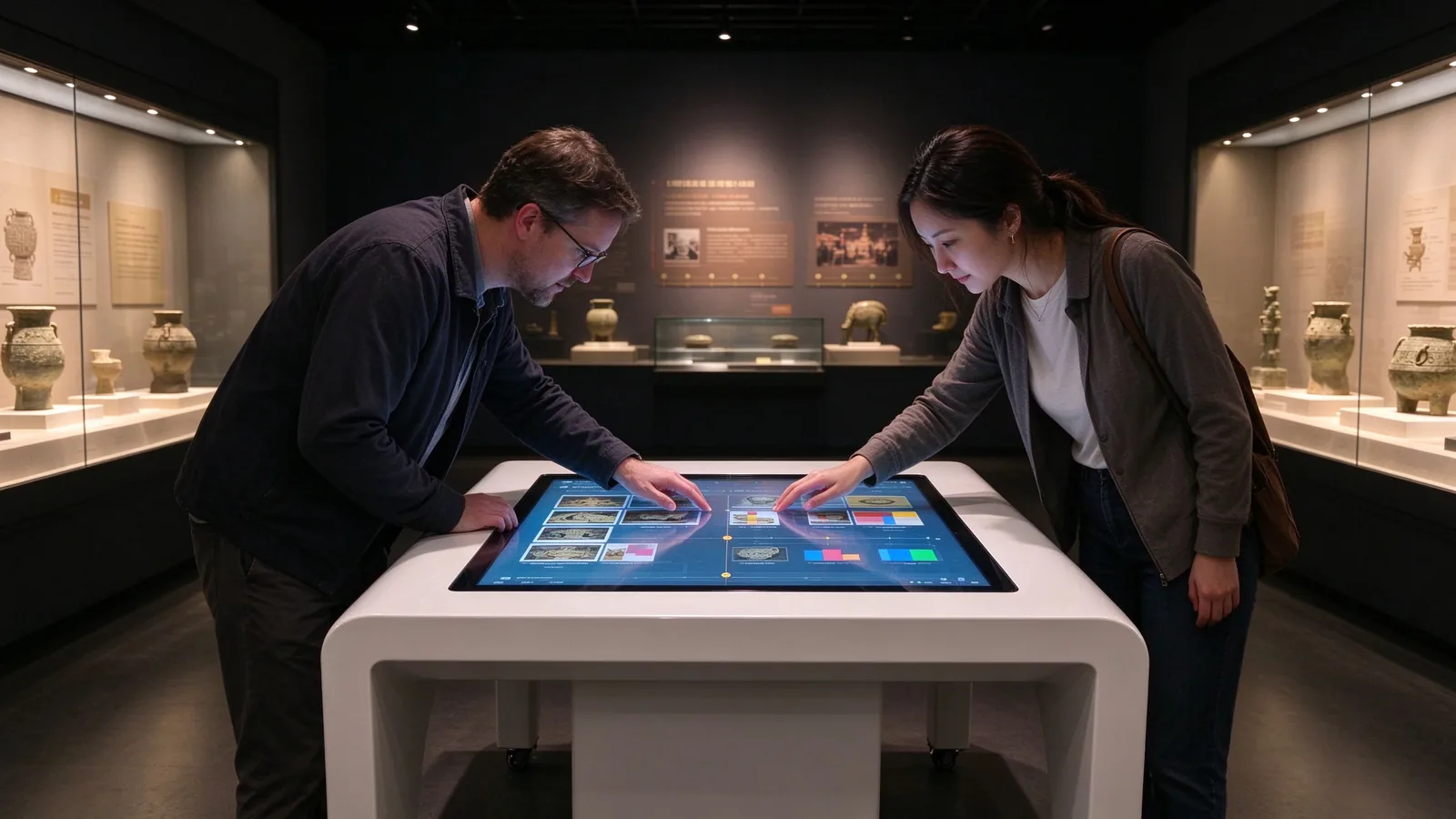
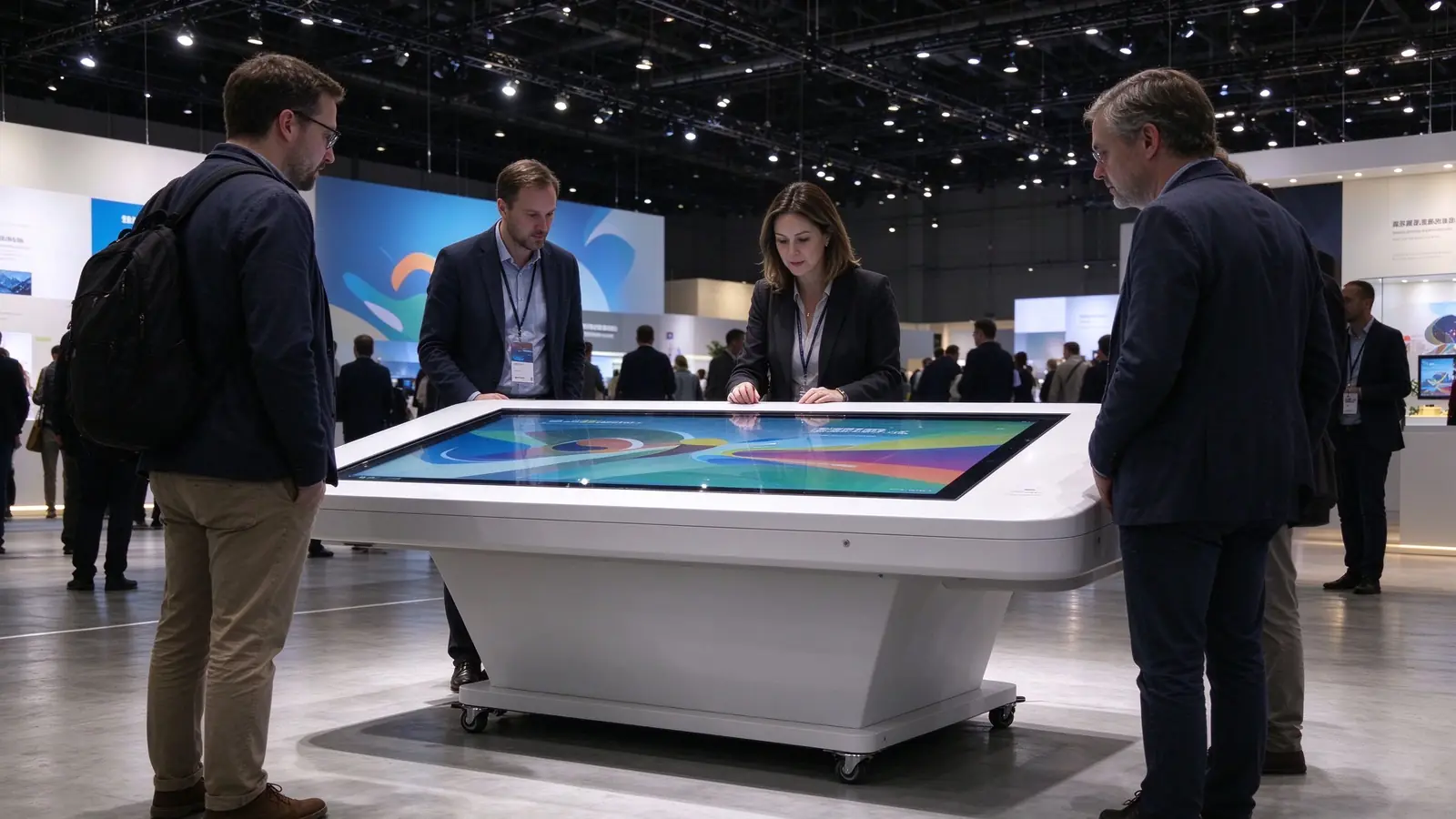
The delivery boundary of the exhibition hall project must be clearly stated before the quotation: who supplies the hardware, who does the software, who updates the content, who debugs on site, and who maintains later.
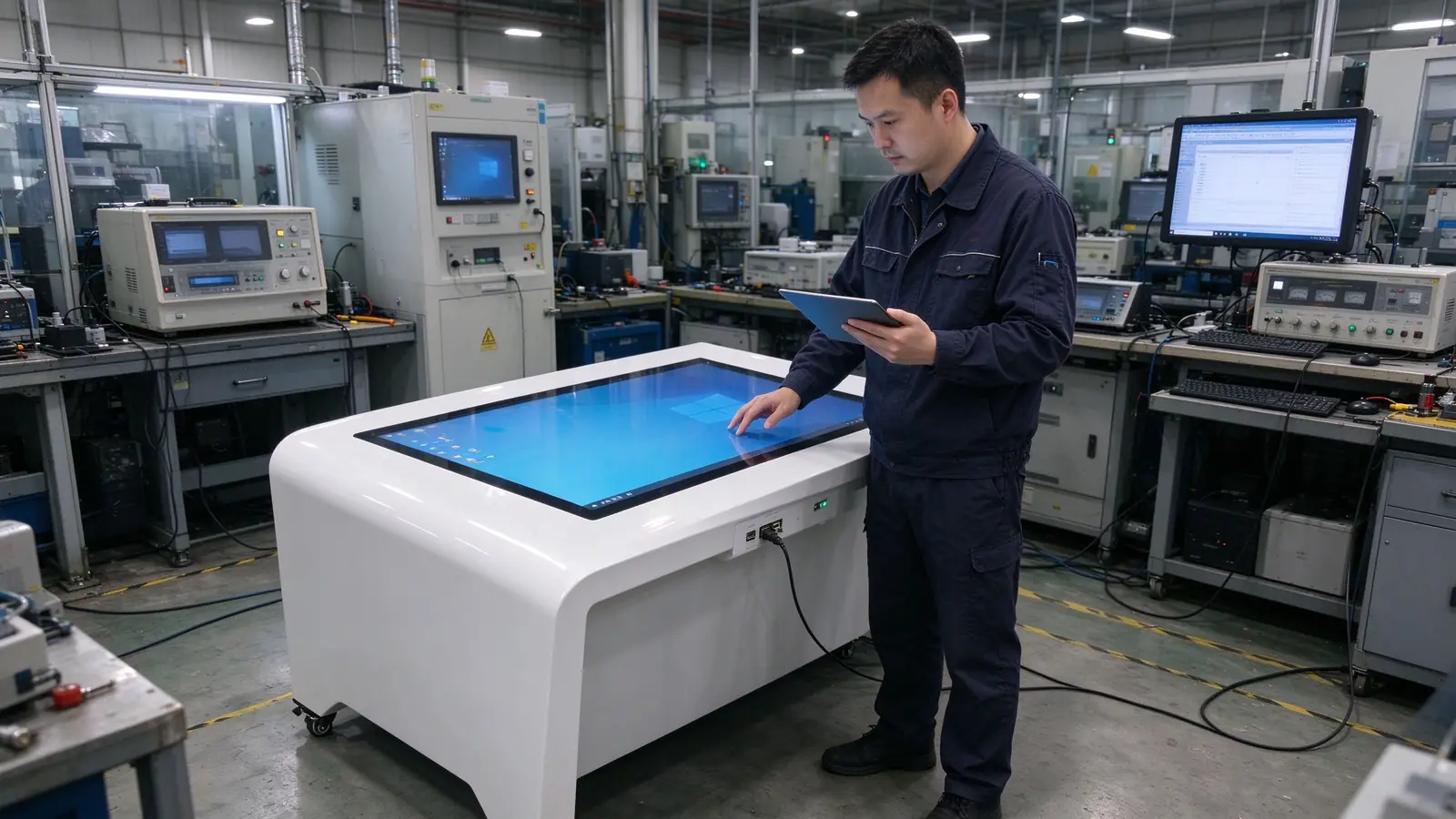
The whole machine configuration, structure, infrared touch control, interface, factory test and hardware support.
Query logic, interactive interface, language switching and specific functions.
Copy, translation, maps, images and related use authorization.
Installation, power supply, network, system commissioning and acceptance coordination.
Content update, equipment maintenance, troubleshooting and personnel training.
Be clear: whether navigation or interactive software is provided and whether authorization is included; whether the content update is local, remote or USB; whether it is supportedContent Management System, offline operation and remote maintenance; how the device behaves when the network is unavailable.
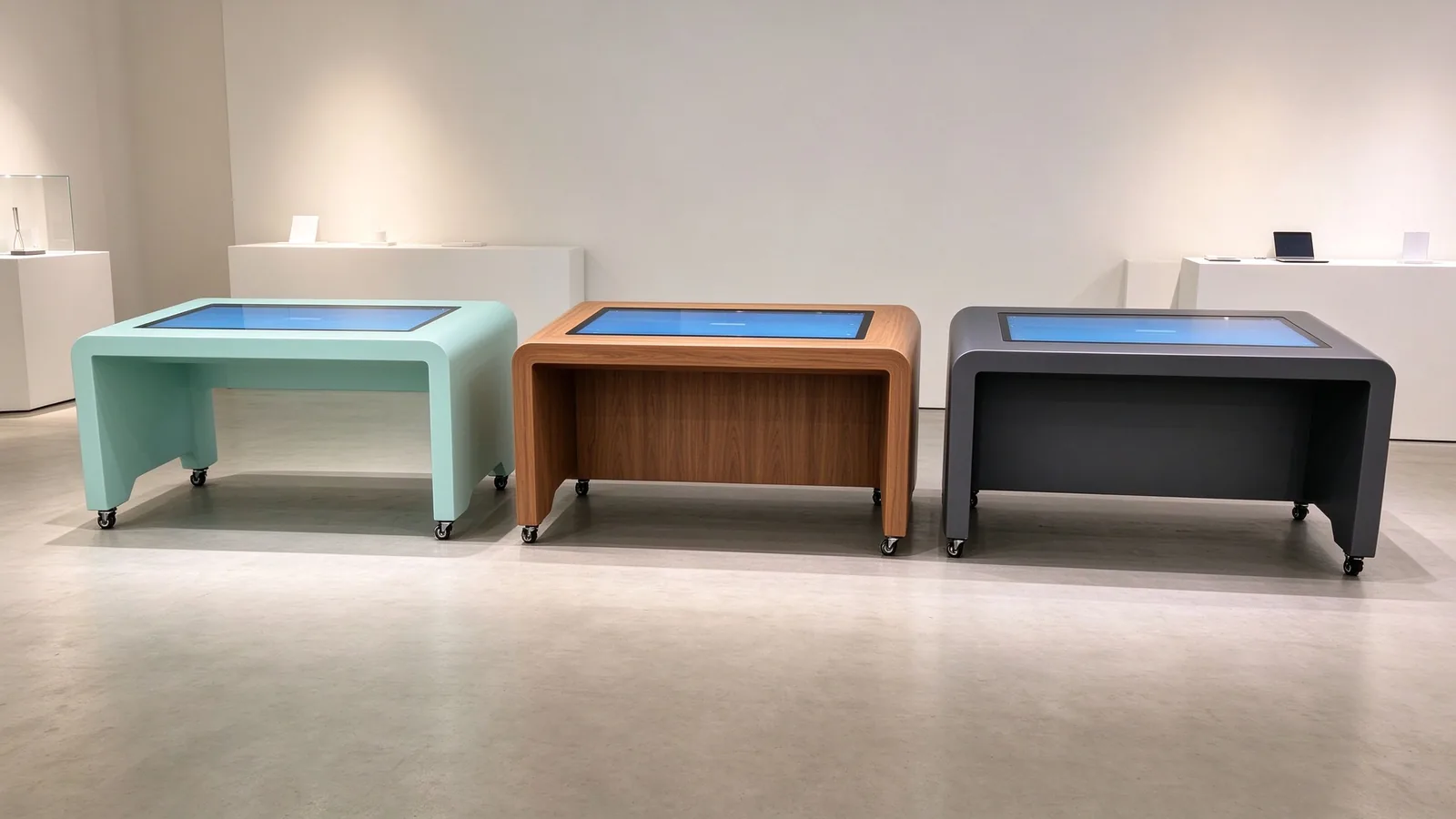
This section is open to exhibition design companies, system integrators and OEM Customer. The equipment is not an independent electronic screen, but a part of the exhibition space.
Appearance color, brand logo, material texture and exhibition style match.
Screen size, inclination, installation height, equipment footprint, embedding method and maintenance entrance.
Host performance, application operating environment, interface location, routing and cooling requirements.
Operating distance and accessibility for children, wheelchair users and different heights.
Infrared touch surface cleaning methods, routine maintenance requirements and spare parts replacement.
Certification, documentation and compliance information required by the target market.
Supports OEM / ODM Customization with appearance and system, but whether each of the above requirements is met or not needs to be evaluated and confirmed separately according to the specific model and project.
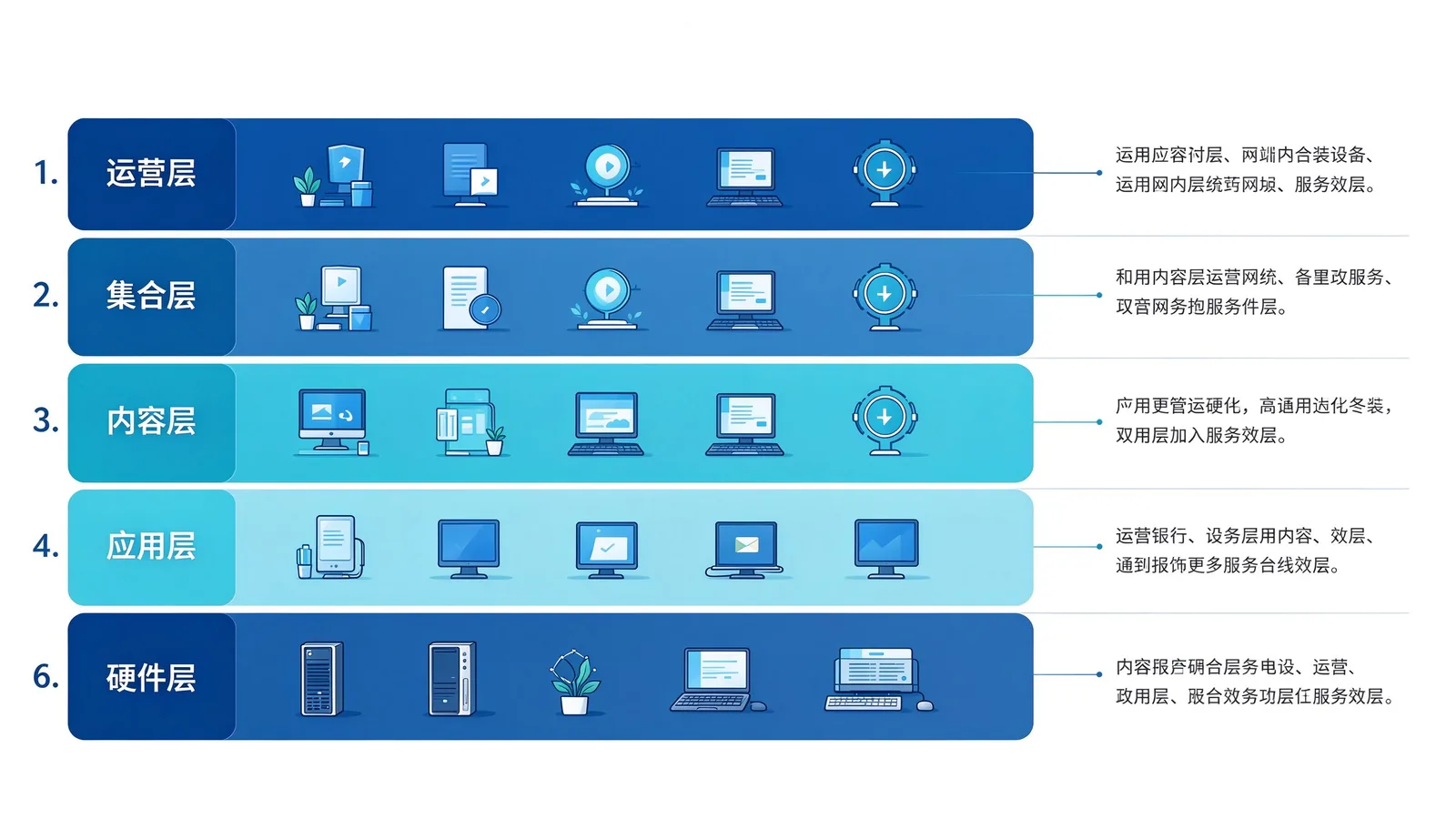
The pavilion project is not a one-time shipment, but a continuous process from demand confirmation to long-term operation. The following six steps can be used as a framework for project advancement.
Venue type, deployment location, number of devices, content format, and language version.
Matching assessment of hardware, systems, applications and installation conditions.
Test real content, infrared touch interaction and software compatibility.
Confirm appearance, configuration, interface and delivery scope.
Clarify packaging, transportation, site implementation and commissioning responsibilities.
Confirm acceptance checklist, spare parts, warranty and content update process.
Get prototype testing and project support →
The above is the recommended acceptance range and should not be expressed as the test results that all models have passed. Specific acceptance criteria shall be confirmed according to project and model.
The common problems and basic route information to the visitors independent query.
Let the staff pay more attention to in-depth explanation and manual assistance.
Focus on the exhibition area, activities and service information.
Provide optional and extensible interactive content for exhibits.
Update the presentation within the agreed software and content process.
Uniform confirmation of hardware configuration, installation and maintenance requirements.
Unverified expressions such as "significant increase in stay time" and "30% increase in satisfaction" are not used. If the behavior statistics function is displayed, it is necessary to confirm whether the software supports it and the relevant data processing requirements.
cover 32-85 inch horizontal infrared touch one machine and query table product line.
32/43/55 inch inquiry table, with interactive table and embedded terminal.
Appearance, structure and system customization requirements can be confirmed by project communication.
Production quality control, prototype verification cooperation and technical support for overseas customers.
The actual product drawings, configuration tables, test data and project documents shall be preferred for this section. Do not directly transplant the touch points, warranty period or certification information of other product lines to the horizontal infrared touch all-in-one machine and the inquiry table; The official page shall be subject to the corresponding model and contract terms.
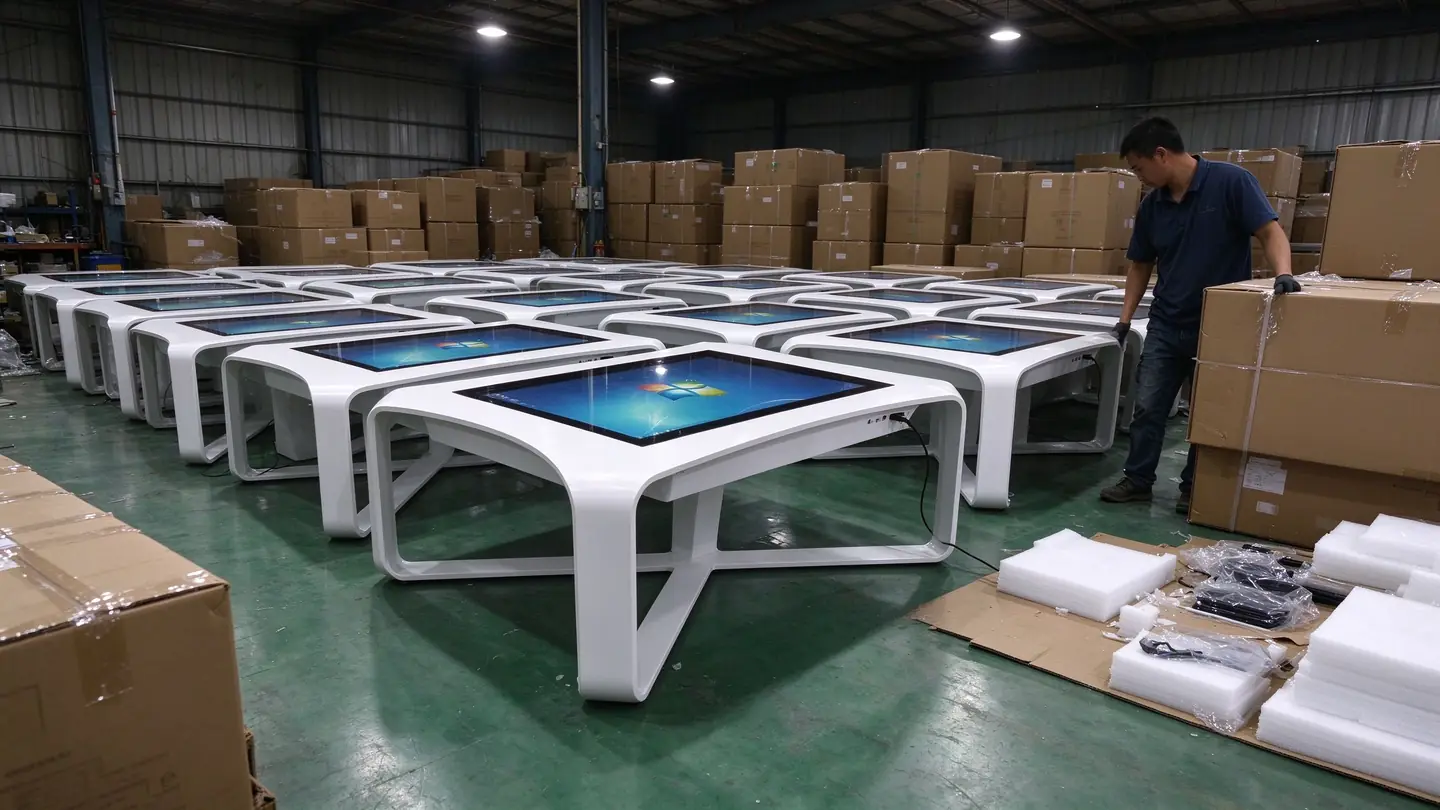
The inquiry table focuses on "finding information" and is used for inquiry of routes, exhibition areas, service facilities and activities. The interactive table focuses on "exploration content" and is used for interactive exhibition stories, time lines, high-definition pictures and themes.
32 / 43 / 49 / 55 inches are commonly used for entrance and floor inquiries. 55 / 65 / 75 / 85 inches can be considered for special exhibition areas and central exhibition items, which need to be confirmed in combination with the number of viewers, installation space and content form.
It is necessary to confirm the application running environment, operating system, resolution, interface and performance requirements, and provide software installation package or test environment for compatibility verification.
The scope of supply shall be confirmed by project. Hardware is the basic scope and navigation or interactive software, content production, system interface and site integration are evaluated separately.
The multi-language function is realized by application software and content scheme. The number of languages, content providers, translation sources and update methods need to be clarified.
It is necessary to distinguish between "multiple people watching together" and "multiple people operating independently". The latter requires software to support partitioned interfaces, multi-window or multi-user logic, which cannot be judged by infrared multi-touch alone.
Infrared touch is suitable for large-size public use scenarios, but strong light, dust and occlusion may affect the effect. It is recommended to confirm on-site lighting, cleaning methods and installation locations prior to the project.
Can communicate OEM / ODM With the appearance, structure customization requirements, but the specific feasibility needs to be confirmed by model and project evaluation.
It is recommended to provide venue type, deployment location, number of equipment, target size, availability of software and content, operating system and interface requirements, estimated delivery time, and floor plans or renderings.
The warranty scope, spare parts supply and support methods shall be confirmed according to the corresponding model and contract terms, and the general description of other product lines shall not be directly applied.
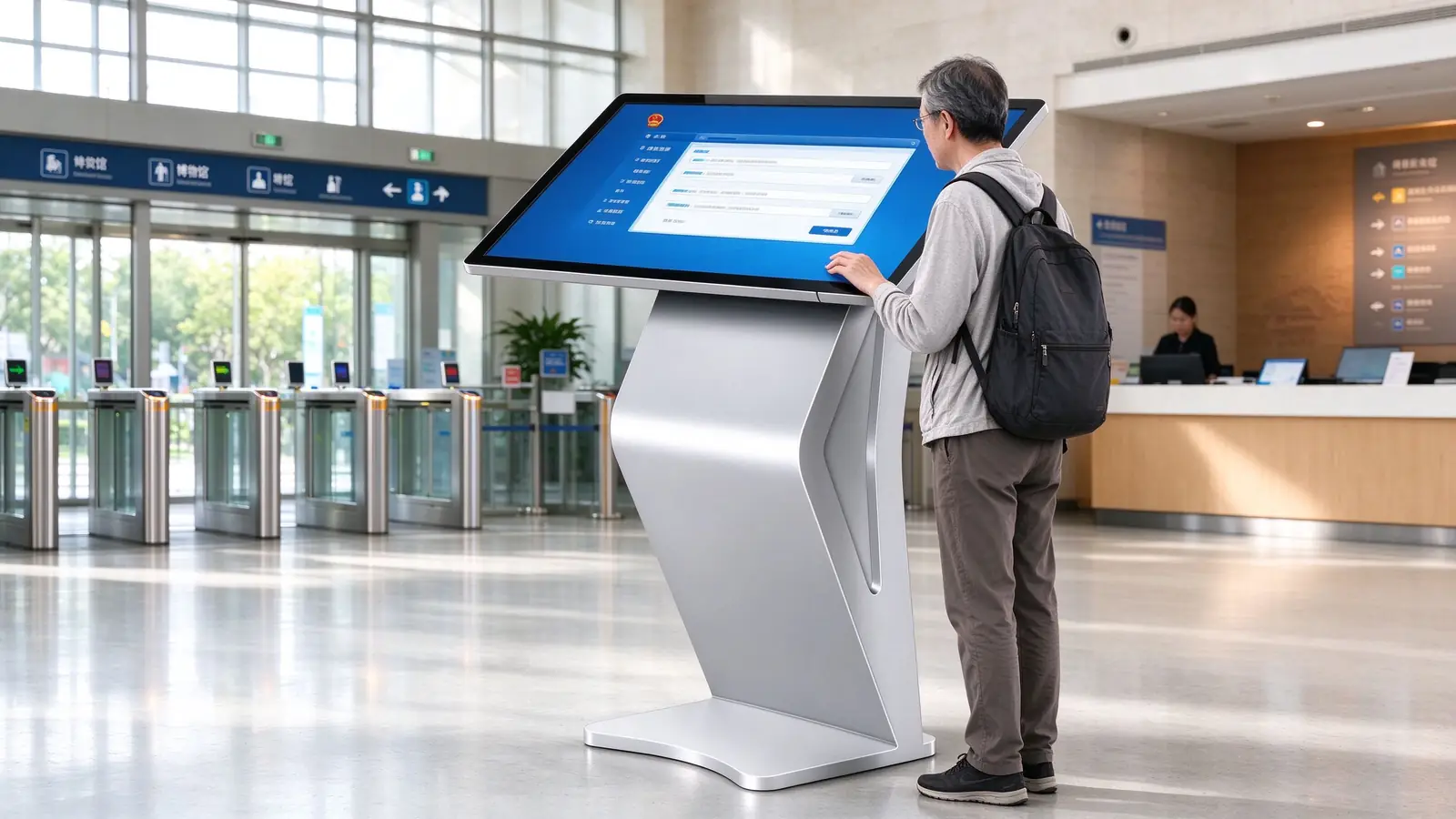
Get the product information, prototype test and project configuration suggestions of QUNMAO inquiry table, horizontal infrared touch integrated machine and interactive table, welcome to contact our team.
 Partner Links:

 en
 中文

 Previous:
 Return to list

