 Current location:
Home
> Solution > Kiosk self-service terminal solutions
 Release date: 2026-10-15
 Clicks:0
The high-frequency, repeated and standardized inquiries such as "where is the department, whether the doctor makes a visit, how to test and take medicine" are handed over to patients to complete by themselves, so that the guidance staff can focus on patients who need more manual assistance.
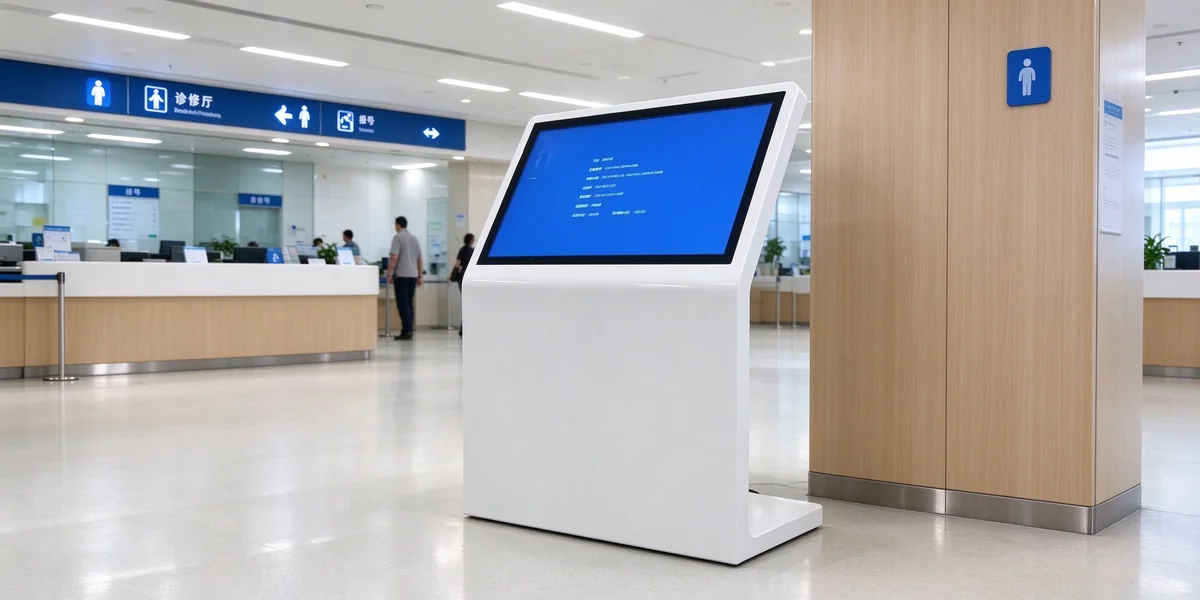
Large hospitals have large hospital areas, many departments, and complex floors. The first thing patients do after entering the door is often to find someone to ask for directions. A large number of the same problems take up the time of the guidance staff, and there will be queues during peak hours.
Floor, direction, nearest elevator and access.
Information on scheduling, stopping and changing.
Process guidance and window position.
Visiting hours, rules, public facilities.
Positioning instructions:The inquiry machine is responsible for handling standardized repeated inquiries. Consultation on complex conditions, emotional comfort and accompanying patients with mobility difficulties are still completed by the guidance personnel. Instead of being replaced, people are being released to do more valuable services.
Self-service inquiries at any time to reduce queues and back-and-forth inquiries.
Duplicate inquiries are reduced and personnel are shifting to complex services and focused assistance.
Unified release of content, centralized management of multiple hospitals and districts, and statistical hot spot inquiries.
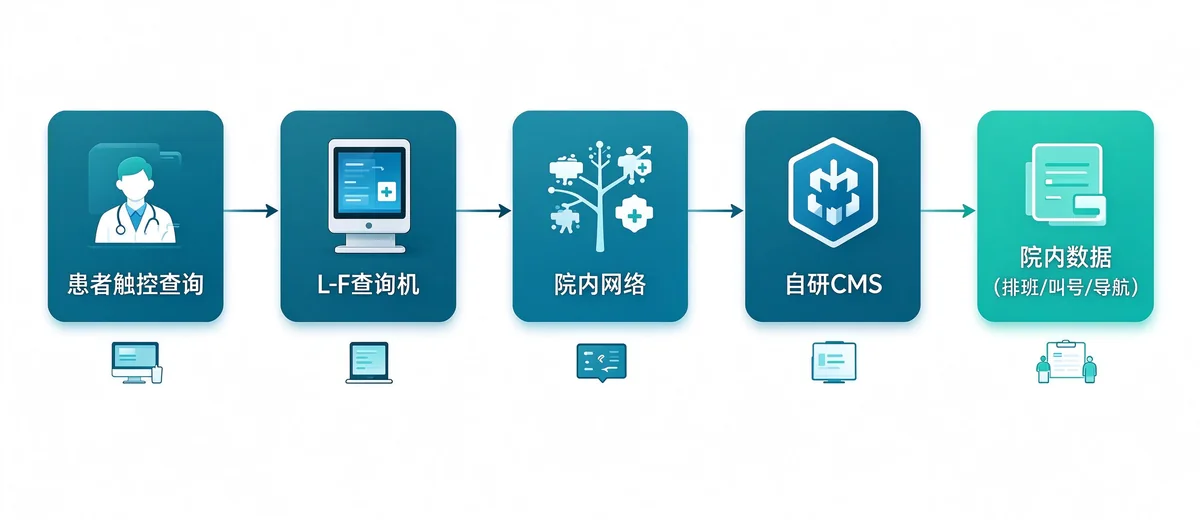
The scheme consists of "terminal network self-research CMS hospital data interface". The information seen by visitors on the terminal is composed CMS Unified management, and can be linked with the hospital's existing system data.
| Segment | Content | Main responsible party |
|---|---|---|
| Terminal Hardware | L-shaped inquiry machine, system, touch control, warranty and spare parts | Qunmao |
| Content Management Platform | Self-developed CMS, permissions, statistics, remote upgrade | Qunmao |
| In-hospital data docking | Interface development of scheduling, calling, navigation and other data | Hospital/system integrator, Qunmao cooperation |
| Daily Content Maintenance | Department information, announcements, multilingual content | Hospital Administrator |
| Network and Security Policy | Network isolation, access control, local server | Hospital Information Section |
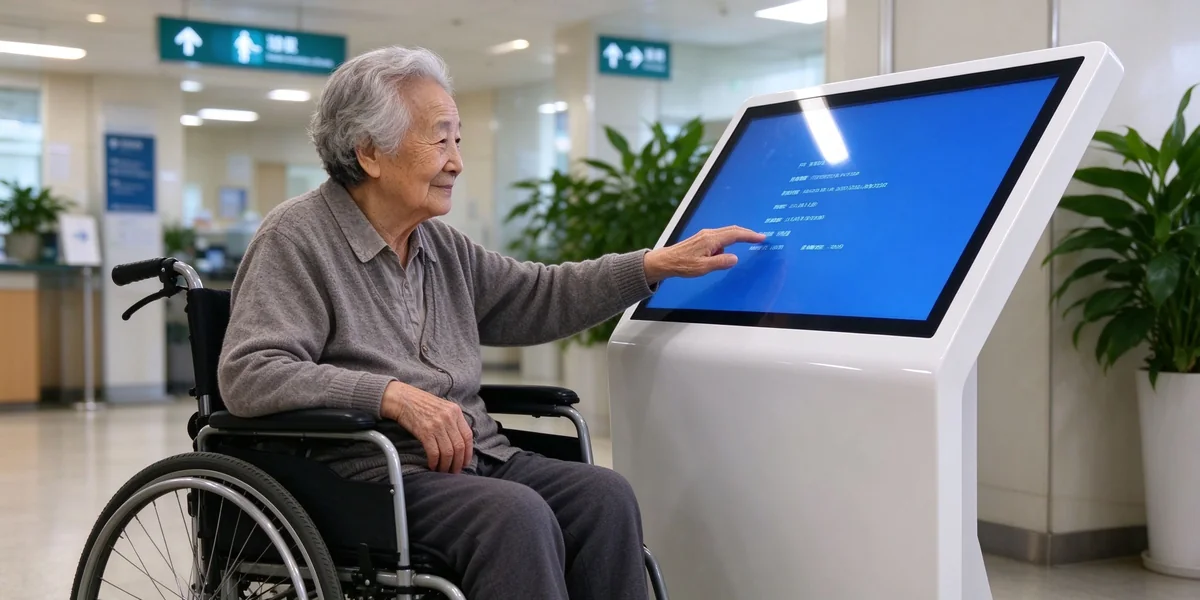
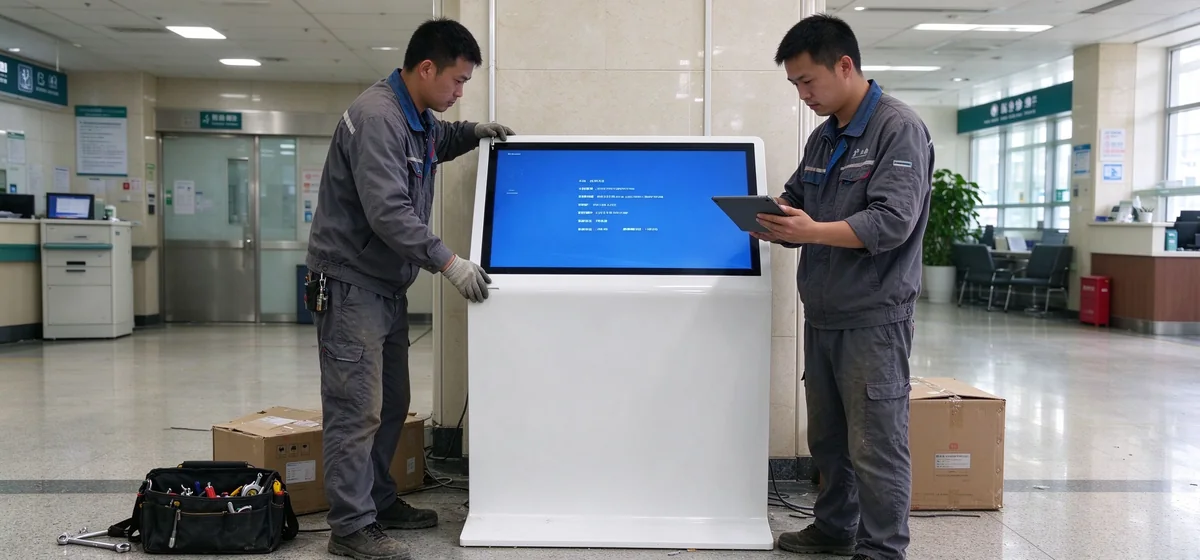
The screen is tilted to the user, and patients and the elderly in wheelchairs are easier to operate, more willing to do it themselves, and the self-help usage rate is higher.
The aluminum profile frame is matched with the cold-rolled steel plate spraying body, and the surface is flat, which is convenient for daily wiping and suitable for public areas with dense flow of people.
The L-shaped floor structure is stable and occupies limited space, which is convenient to arrange in the hall moving line and passage node.
| Project | 43″ Andriod | 43 ″ windows | 50″ Andriod | 50 ″ windows |
|---|---|---|---|---|
| Model | QM-C43XJ-P | QM-C43XJ-P | QM-C50XJ-P | QM-C50XJ-P |
| Screen size | 43 inches | 43 inches | 50 inches | 50 inches |
| Effective display area | 942.2 × 530.4mm | 942.2 × 530.4mm | 1073.8 × 604 mm | 1073.8 × 604 mm |
| Operating system | Android 11.0 | Windows 10 | Android 11.0 | Windows 10 |
| Processor | RK3566S quad-core A55 up to 2.0GHz | Intel i5 4 代 | RK3566S quad-core A55 up to 2.0GHz | Intel i5 4 代 |
| Memory/Storage | 2GB / 32GB | 8GB / 128GB SSD | 2GB / 32GB | 8GB / 128GB SSD |
| Primary Interface | HDMI × 1(4K @ 60Hz input), USB × 2, 3.5mm earphone port | DC× 1, USB × 4, RJ45 × 1, VGA × 1, HDMI × 1, 3.5mm audio port | HDMI × 1(4K @ 60Hz input), USB × 2, 3.5mm earphone port | DC× 1, USB × 4, RJ45 × 1, VGA × 1, HDMI × 1, 3.5mm audio port |
| Wireless | Wi-Fi 2.4G 5G, Bluetooth 4.2 | Wi-Fi 2.4 GHz, Bluetooth 4.2 | Wi-Fi 2.4G 5G, Bluetooth 4.2 | Wi-Fi 2.4 GHz, Bluetooth 4.2 |
| Rated power | ≤ 85W | ≤ 85W | ≤ 95W | ≤ 95W |
Based on Android 11.0, it supports the installation of third-party APK, hot-plug keyboard and mouse, and has low power consumption. Suitable for department navigation, announcement and information query applications.
Based on Windows 10, i5 processor, 8GB memory, the interface is more abundant, suitable for the need to run the hospital software or access peripherals.
Peripheral expansion:If peripheral devices such as code scanning, printing and card reading are needed, the configuration can be evaluated according to the project requirements, and the specific plan can be confirmed in the project communication stage.
Sort by patient inquiry frequency from high to low, and prioritize deployment in the most asked position.
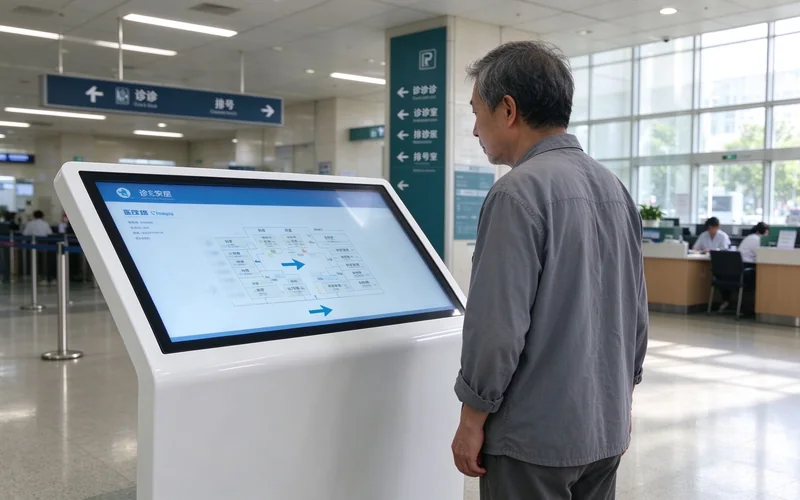
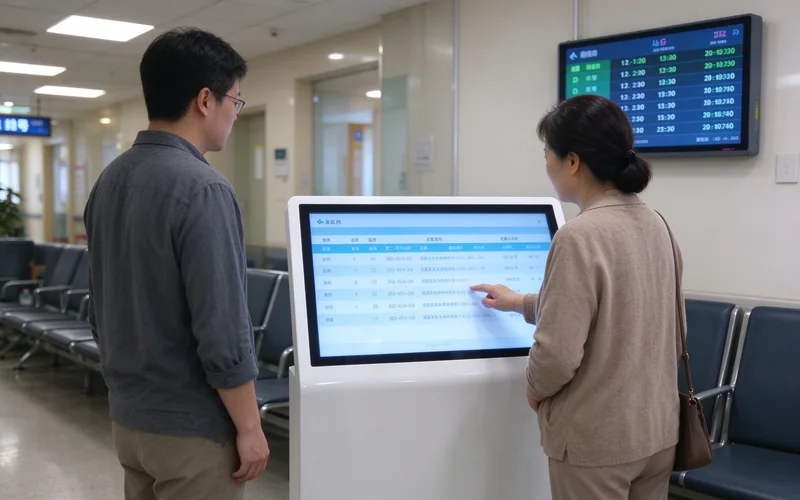
The same program can also be extended to clinics, medical centers, pension institutions and other scenarios.
According to the department, doctor, facility search, give a clear path guide.
Display the information of doctor's visit, stop and change, and the update time is clearly visible.
After linkage with the hospital queuing system, show the call number and window status.
Specifications support English and multi-language interface, service foreign patients.
Built-in speaker, with 3.5mm headphone mouth, easy to voice prompt and private listening.
Power on since the start, can set the daily switch time, no manual operation.
The information on the terminal is managed by the content management system developed by Qunmao, so hospitals and integrators do not need to operate one by one.
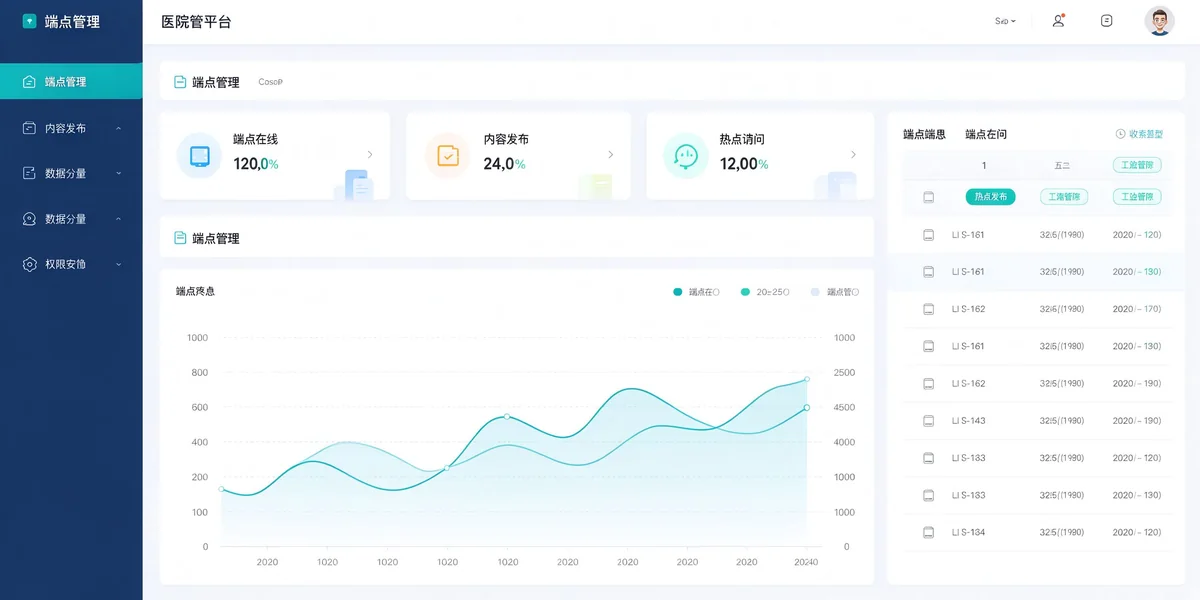
Multiple hospital districts and terminals are managed centrally, and the content can be released separately or uniformly according to the hospital districts.
Different roles have different permissions, such as content editing, auditing, and administrators, with clear responsibilities.
View usage and hot content to help hospitals adjust information layout and deployment location.
Support deployment in the hospital server, also support cloud deployment, to meet different information security requirements.
Remote upgrades are supported to reduce the number of on-site maintenance and facilitate continuous updates.
It can publish content remotely and uniformly, reducing cross-hospital operation and maintenance costs.
For patients to truly "stop asking questions," the information must be accurate and timely. The scheme distinguishes update methods by data type to avoid relying on manual maintenance for all information.
| Data type | Updated Features | Data source | Connection method |
|---|---|---|---|
| Department, Floor, Facilities | Less change, update as needed | CMS Internal Maintenance | Admin Editing in CMS |
| Doctor scheduling and stopping | Requires higher aging | Hospital scheduling or HIS system | Data provided by the hospital or integrator through interface synchronization |
| Calling and window status | Real-time | Hospital queuing system | Synchronize via interface |
| Announcement and Education | Regularly updated | Hospital Publicity Department | CMS unified release |
When the network or data interface is abnormal, the terminal continues to display the local basic navigation information, and prompts the patient to turn to the manual guidance desk for help, so as to avoid displaying the wrong real-time information.
The effectiveness of the program depends on the continued accuracy of the content. It is recommended to clarify the division of labor before going online and write it into the project delivery list.
| Character | Responsibilities | Suggested Permissions |
|---|---|---|
| System administrator | Terminal, account, hospital area and authority management, remote upgrade | All |
| District Administrator | Content and terminal management in the hospital area | Hospital District |
| Content Editing | Update department introduction, announcement and education materials | Editor |
| Content moderation | Review before release to avoid online error information | Review and Release |
Overseas hospitals are generally concerned about accessibility requirements. The scheme is designed for reference at both the hardware and interface levels.
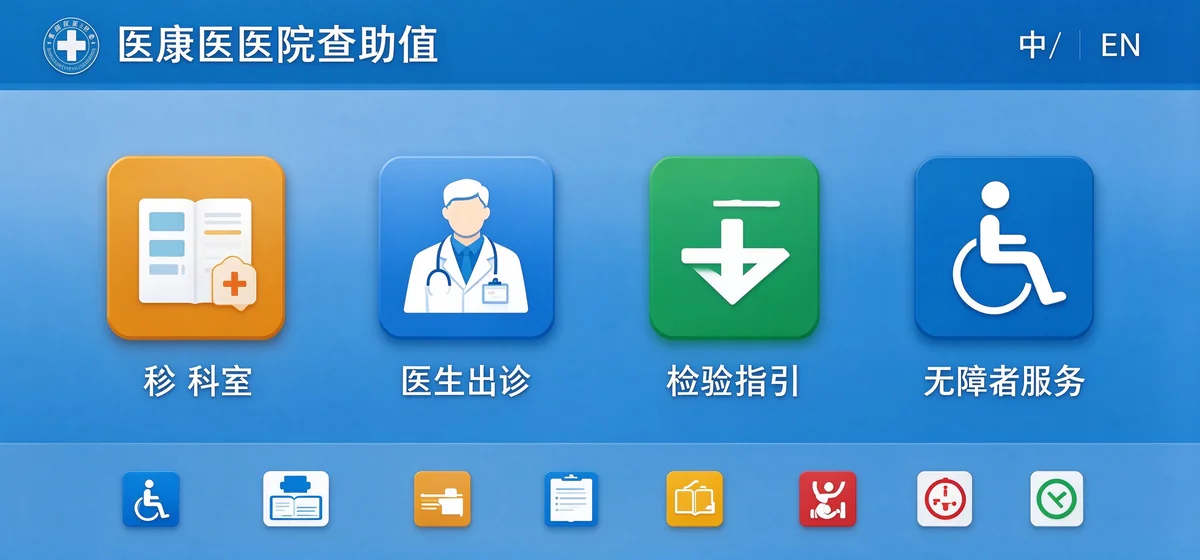
The above are the design reference and realization objectives. The barrier-free requirements of specific projects shall be subject to local regulations and hospital standards, which can be confirmed one by one in the project stage.
The query machine mainly displays public information such as navigation and scheduling, and does not collect or store patient identity information by default.
CMS can be deployed in the hospital server, the terminal access to the hospital designated network, by the hospital information department unified control.
CMS adopts permission classification to keep operation records for content change and terminal management.
The upgrade is initiated by the administrator to facilitate timely problem fixing and reduce field operations.
An information security management system has been established to cover information security management requirements.
Compliance with EU data protection requirements, data processing methods can be specified by project.
Designed and managed in accordance with HIPAA security requirements for projects involving U.S. healthcare facilities.
| Matter | Description |
|---|---|
| Patient medical data | It is stored in the hospital system, and the inquiry machine is not used as a storage terminal. |
| CMS Deployment Location | Data is located in the hospital during local deployment; cloud deployment is performed according to the area and access control agreed upon by the project. |
| Positioning | Information terminals for non-diagnosis and treatment purposes are not medical devices. |
The number of inquiries and staffing of each hospital are different. We do not preset numbers, but provide a set of evaluation methods that can be measured by the hospital with its own data.
Split inquiry volume = average daily inquiry volume × proportion of repeated questions × proportion of self-service completion
Artificial time released = number of triage inquiries x duration of single manual processing x number of days of operation per year
Average number of inquiries per day before and after diversion.
The number of people queuing at the guidance desk during peak hours and the waiting time.
The time required from entering the door to arriving at the destination.
Complaints and satisfaction changes related to guidance and waiting.
| Form | Advantage | Limitations of the hospital scene |
|---|---|---|
| L-type horizontal inquiry machine | Tilt screen easy to reach, stable structure, small footprint | Planned placement and moving line |
| vertical inquiry machine | Large screen, eye-catching vision | The screen is too high for wheelchair users and the elderly to reach the content below. |
| Desktop or desktop terminal | Easy to put on the counter | Occupies the table, easy to be moved, not suitable for self-service scene |
| Mobile navigation | Do not occupy site space | The threshold of the elderly and foreign patients is higher, and the experience is poor when no one can ask at the scene. |
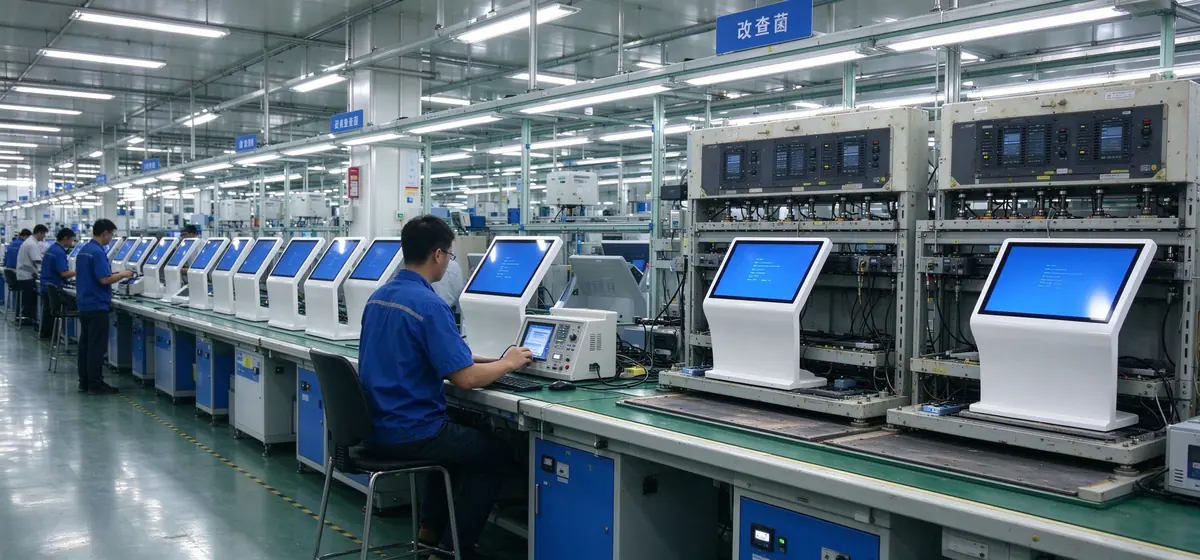
Established in 2005, the factory covers an area of about 330,000 square meters and has its own production line, supporting CBU, SKD and CKD modes.
Hardware and self-developed CMS are provided in the same house, reducing multi-party coordination and faster problem positioning.
The original A- level panel is adopted, the aging test is passed before leaving the factory, and CE, FCC, RoHS and other certification materials are provided according to the target market.
Direct procurement, or delivery through integrators.
Responsible for on-site integration and hospital data docking.
Sales and service to local market.
OEM sales, custom appearance and interface.
No, it is not recommended to position this way. It diverts repetitive, standardized inquiries, and complex and assistance-requiring situations are still handled by personnel.
Data such as shift scheduling and number calling can be synchronized through the interface. The specific docking is provided by the hospital or integrator with the data interface, and Qunmao cooperates with the debugging on the CMS side.
Sure. CMS supports local deployment and cloud deployment, and can be selected according to the information security requirements of the hospital.
Support remote upgrade, initiated by the administrator in the background, do not need to operate on site by site.
For navigation and information playback, choose the Android version. If you need to run the hospital client or access more peripherals, choose the Windows version.
The terminal continues to display the local basic navigation, and prompts the manual for help, and does not display the real-time information that may be expired.
Tell us the situation of the hospital area, the number of terminals and the requirements of the docking system. Qunmao provides the overall scheme of hardware configuration, CMS deployment mode and data docking in the hospital.
 Partner Links:

 en
 中文

 Previous:
 Return to list

