 Current location:
Home
> Solution > Kiosk self-service terminal solutions
 Published: 2026-10-17
 Clicks:0
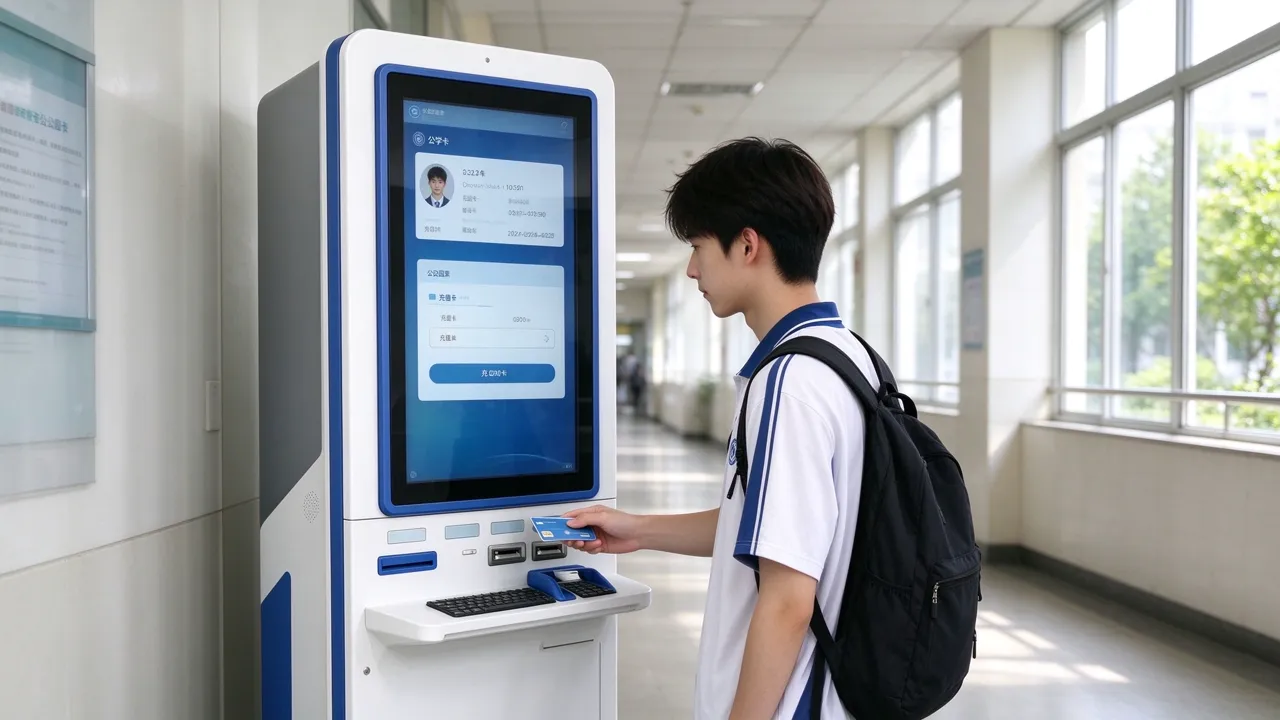
For overseas universities, primary and secondary school operators and their system integrators, campus card system service providers and equipment distributors, QUNMAO provides an integrated scheme of on-site deployment training from self-service terminal hardware, campus business software and campus system docking. It diverts high-frequency affairs such as campus card recharge, fee payment and certificate printing from the logistics window to the self-service terminal, reducing the occupation of logistics manpower and allowing students to handle them by themselves at any time.
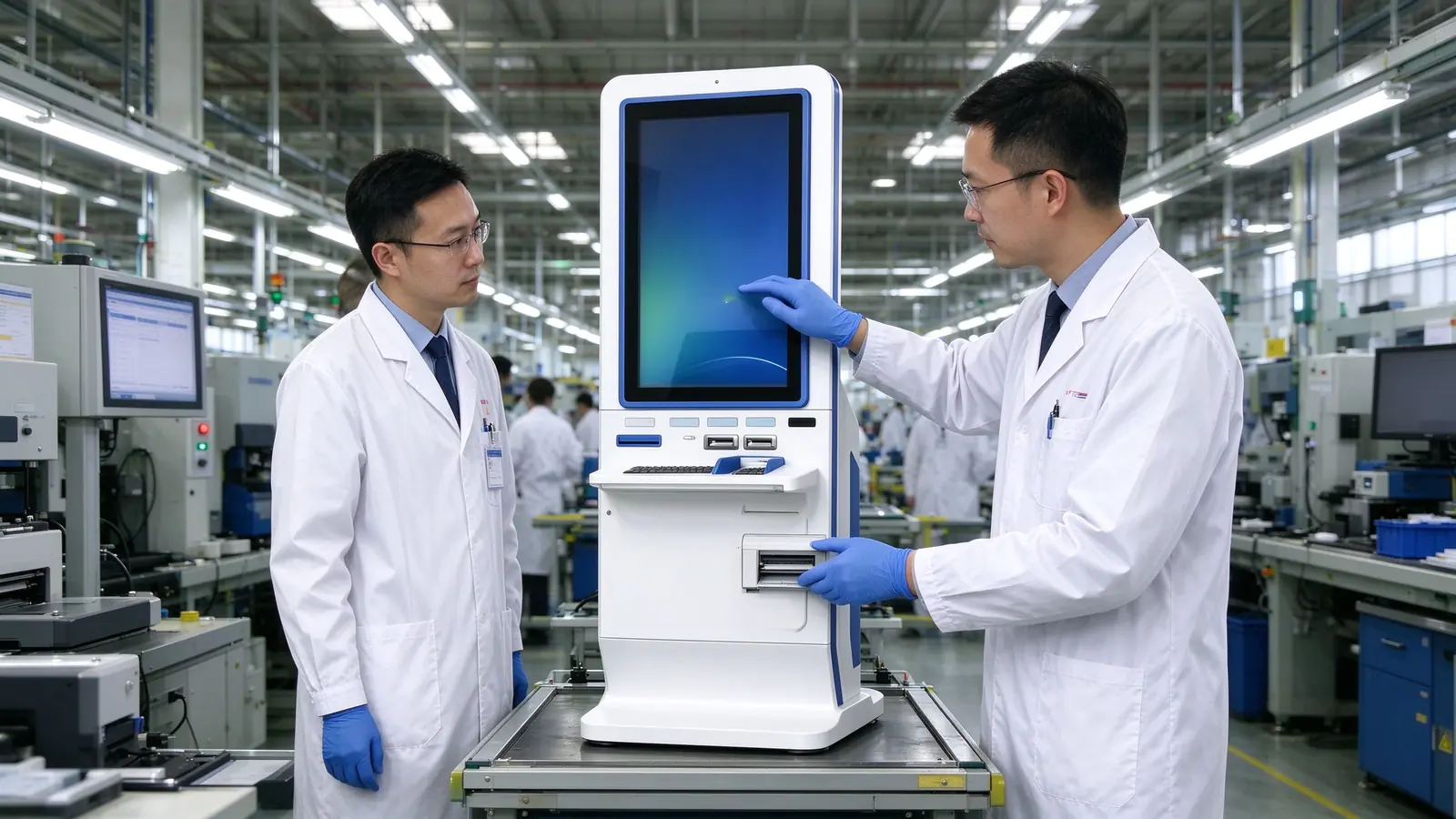
Shenzhen Qunmao Display Technology Co., Ltd. was established in 2005. It is a source hardware manufacturer with a production base of about 330,000 square meters. It supports OEM / ODM / CKD / SKD and has a warranty of 1-3 years.
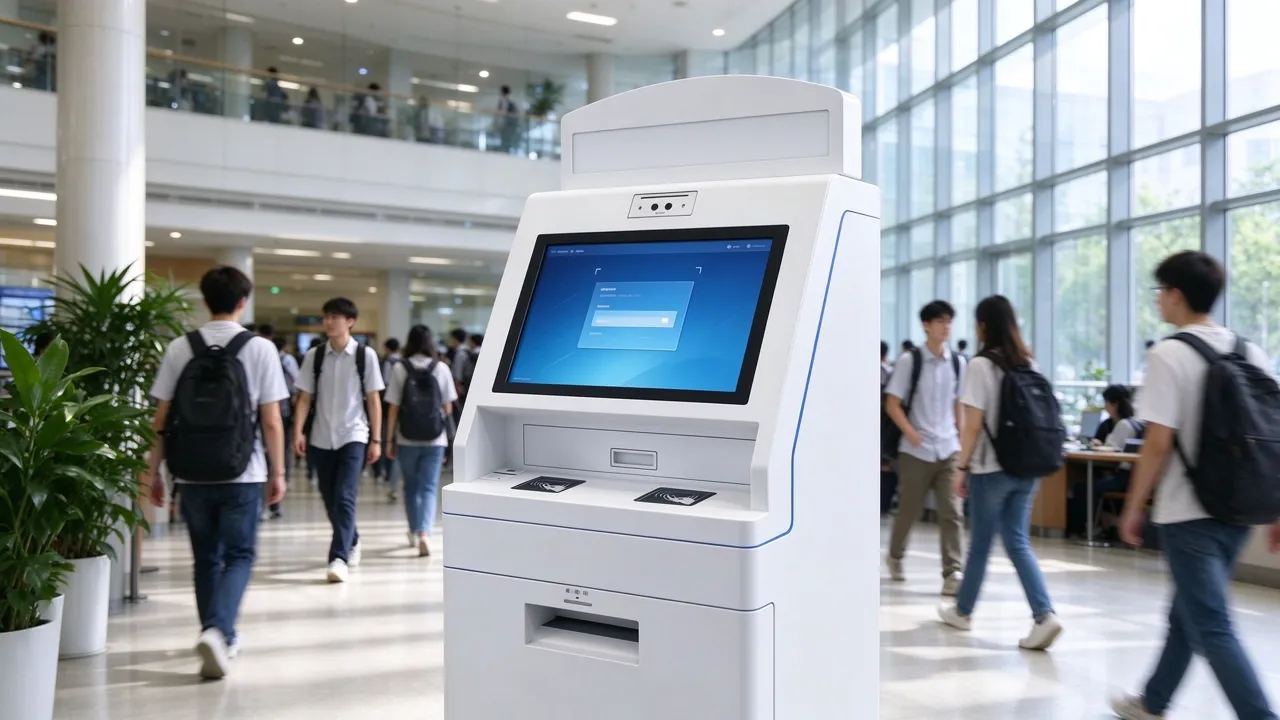
Recharge, payment and printing certificates on campus are all affairs with clear rules, repeated occurrence and very high frequency for students. By handing over these matters to the self-service terminal, the logistics window personnel can focus on the work that needs judgment and communication, and the students are no longer limited by office hours.
Recharge, voucher supplement, certificate printing and other transactions are undertaken by the terminal, and the number of window personnel remains unchanged to cope with higher business volume.
When the school season, payment season and graduation season are centralized, multiple terminals are diverted in parallel to shorten the queue.
The terminal can operate continuously, and students can recharge, pay and obtain certificates at night and on weekends.
As the front-end entrance, the terminal is connected to the existing one-card, financial, educational and printing systems of the school without overturning the original structure.
| Key information | Description |
|---|---|
| Self-service terminal models | 3 optional, covering information inquiry, top-up payment, batch self-service area three types of demand |
| Operating system | Android or Windows optional |
| Payment method | Card Reading and Code Scanning Payment |
| Warranty and Delivery Period | The whole machine is guaranteed for 1-3 years, and the standard model is usually shipped in 3-7 days. |
| Cooperation model | OEM / ODM / CKD/SKD,CE, RoHS, FCC, enterprise through ISO9001 certification |
The following are the common problems encountered in the operation of school logistics and student affairs departments, and they are also the most frequently raised reasons when the project is established.
QUNMAO provides a complete, implementable solution rather than a single piece of equipment. Schools, integrators or campus card system service providers can be docked at one time to reduce multi-party coordination costs.
Three self-service terminal models are provided. The sheet metal body is suitable for long-term continuous operation in public areas of the campus, and outdoor or semi-outdoor points are optional.
QUNMAO's own terminal software includes recharge, payment, printing and inquiry processes. When the school already has its own software, it can also be used in conjunction.
Through the open interface docking card, financial payment, educational administration and printing management system, the interface mode and data range are confirmed according to the project.
Covers requirements communication, program design, prototype testing, mass production, logistics support, installation guidance and training, and provide follow-up technical support.
The scheme is designed around the four types of affairs that students most often handle on campus, and each type of scene corresponds to a clear operation process and required modules.
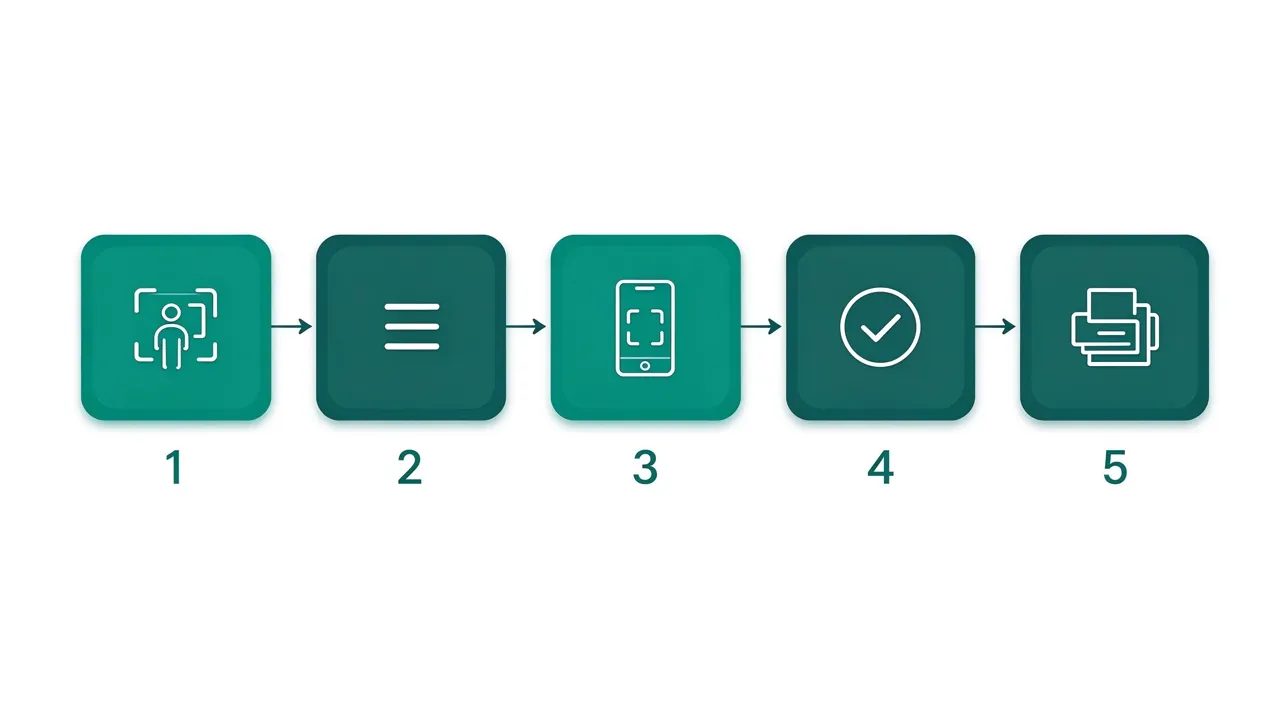
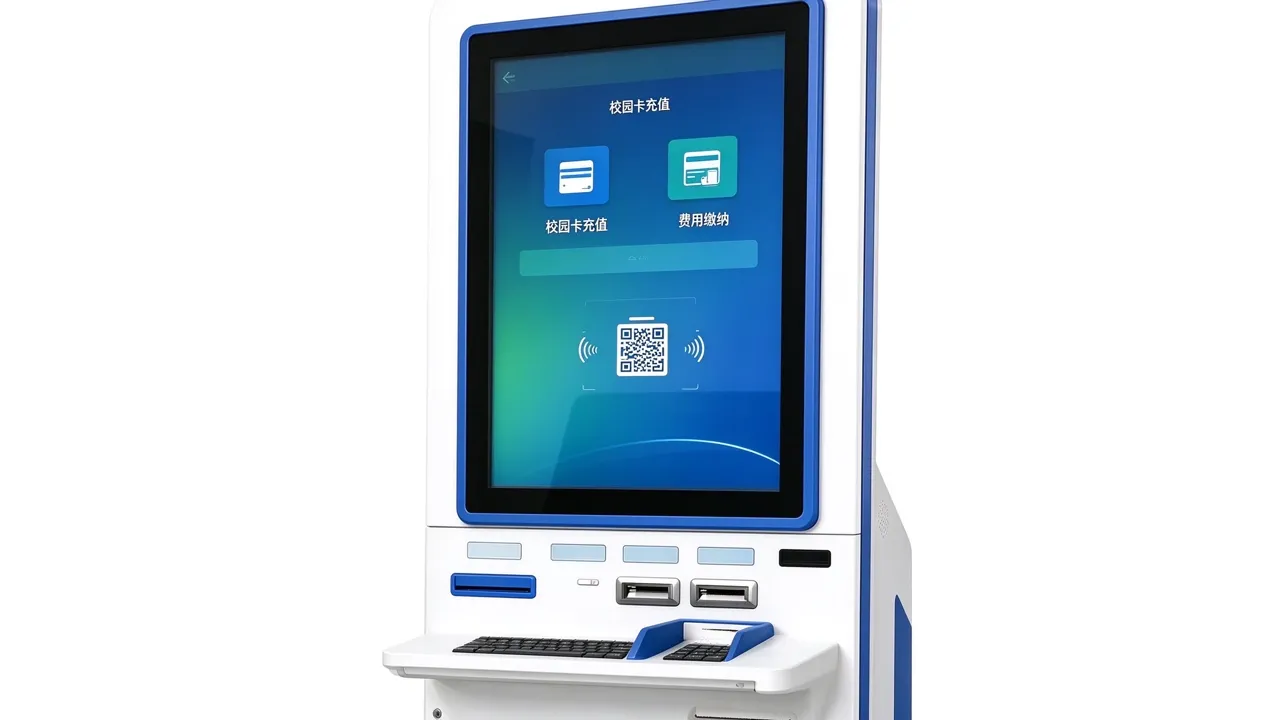
On the premise of the support of the school system, the terminal can provide account balance, bill details, service guide and query entrance of achievement and schedule. The content is returned by the school system and the terminal is only responsible for displaying.
All three models can be used on campus, with differences in screen form, size and peripheral integration. Integrators can be combined and configured according to the scale of the campus and the location environment. The specific parameters are subject to the product page and project plan.
The top sub-screen displays campus notices and guidelines, while the bottom tilt main screen is responsible for touch operation, information display and self-service.
Vertical screen touch with card reader, encryption keyboard, slip printer and other peripherals, recharge, payment, out of a single station to complete.
Multi-size optional, integrated high-definition touch, identity identification, bill printing and networking operation and maintenance, outdoor version optional high-brightness screen, constant temperature and rainproof design, suitable for dormitory area entrances and exits and other semi-outdoor points.
For more self-service models, see Self-service terminal product center。
As a source factory, QUNMAO can assemble peripheral modules according to project requirements. The following table lists common modules and supply methods for campus scenarios.
| Module | Function | Mode of supply |
|---|---|---|
| Card reader | Read campus IC card for account identification and recharge | Configurable |
| Two-dimensional code scanning code | Sweep code payment, sweep code pick-up, sweep code query | Configurable |
| A4 print module | Print certificates, transcripts, payment vouchers and documents | Customizable by project |
| Receipt printer | Print Recharge and Payment Receipt | Configurable |
| Camera | On-site verification or security assistance scenario | Configurable |
| Identification | Identify student credentials for verification scenarios | Customized by Project |
| Encrypted Keyboard | Used when entering sensitive information such as passwords | Configurable |
| Anti-peep film | Reduce screen information being peeped at by others | Optional |
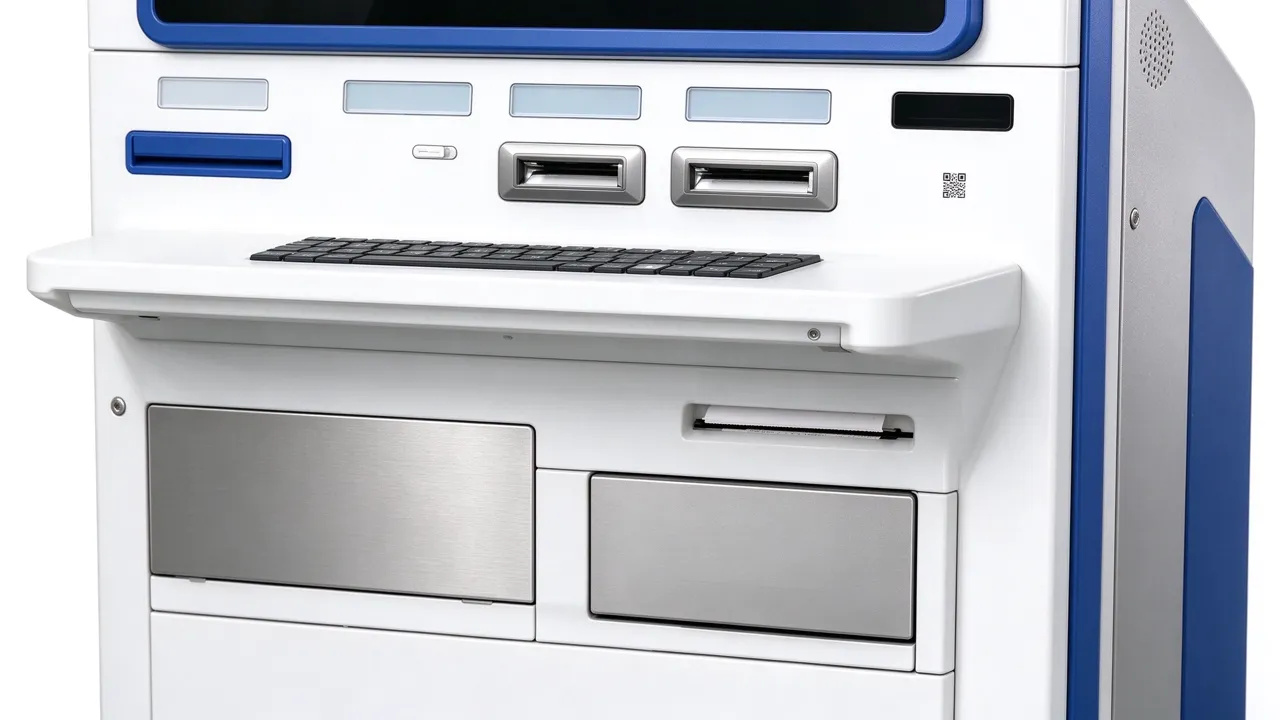
Body color, school badge or campus logo, panel style can be customized according to the image of the school.
Screen size, body structure, peripheral layout can be adjusted by point space and usage habits.
The terminal interface, business process and multi-language version can be configured according to the project, which is suitable for international students and schools in different countries.
Support white label brand, software customization and system configuration, suitable for integrators and campus card service providers to do their own brand projects.
The use scenarios of different areas of the campus are different, and the terminal configuration should also be distinguished. The following table gives the recommended configuration of common areas, and the actual points are confirmed by the scheme design stage in combination with the campus floor plan.
| Campus Area | Recommended Terminal | Main uses | Configuration recommendations |
|---|---|---|---|
| Dormitory Hall | Vertical self-service terminal | Recharge, payment, available at night | The card reader is matched with the scanning code, and the receipt is printed. |
| Library | Vertical double-screen self-service inquiry machine | Information query, document and voucher printing | Configure A4 printing, and display the notice in the museum on the secondary screen. |
| Teaching building | Vertical double-screen self-service inquiry machine | Information query, proof printing | Close to the main channel to ensure that the flow of people can reach |
| Student Service Center | One-stop self-service terminal | Centralized self-service area | Multiple side-by-side, batch construction, unified management |
| Entrance to canteen and living area | Vertical self-service terminalorOne-stop terminal outdoor version | Nearby recharge | Semi-outdoor point position optional high bright screen and rainproof design |
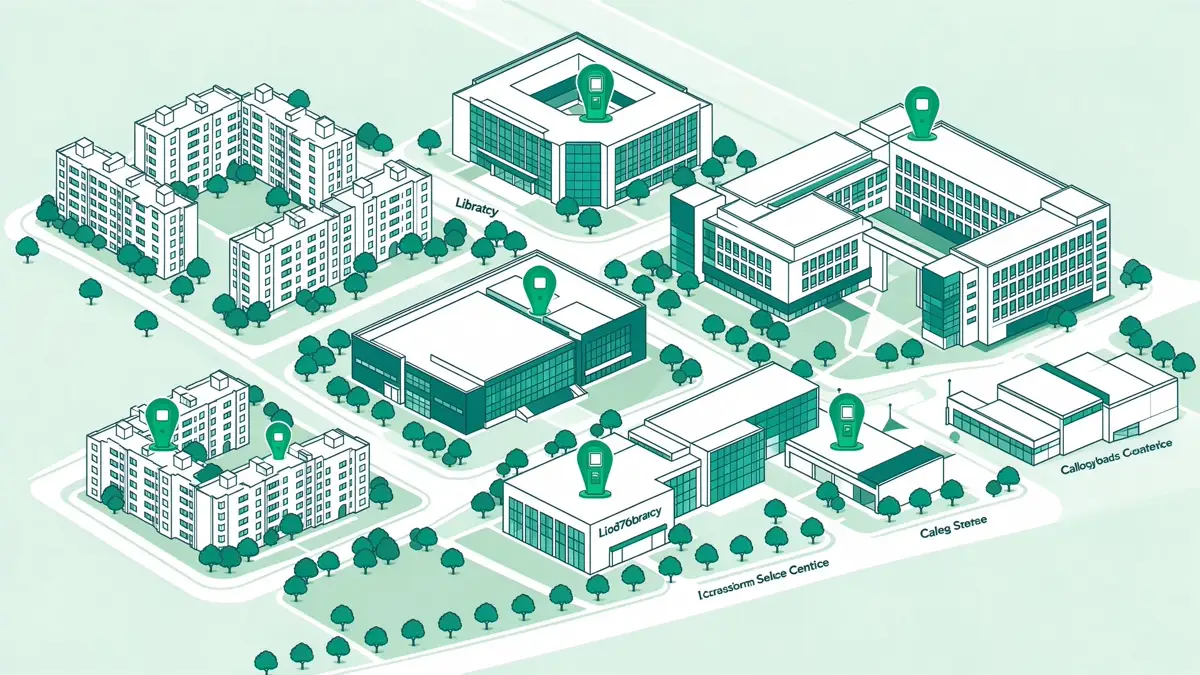
The terminal is close to the human flow line, and students can see it when entering and leaving, thus reducing the need to look for it specially.
Indoor and outdoor points are distinguished, and semi-outdoor points are selected to be more suitable for the environment.
Reserve queuing space to avoid queue blocking the channel during peak hours.
The print exit position is clear and separated from the card reading area to reduce misoperation.
According to the size of the school, business complexity and budget, the program is divided into three stages. Integrators can start from the basic pilot, and then gradually upgrade to the whole school deployment.
The key to the campus scene is whether the terminal can be integrated into the existing system of the school. QUNMAO provides two paths, schools or integrators can choose according to their own IT conditions.
The terminal comes with recharge, payment, printing and query processes, and provides background content management, which is suitable for projects that want to go online quickly. The interface and process can be adjusted according to requirements.
When the school or integrator already has its own software, the terminal runs the customer software as a hardware carrier and interfaces with the campus system through an interface.
Identify the campus card account, complete the recharge and synchronize the balance.
Check the fees payable, complete the payment and return the results.
Get proof and transcript content for self-service printing and query.
Docking document printing and billing, pick-up method confirmed by project.
| Ability | Description |
|---|---|
| Operating system | Android or Windows optional |
| Interface integration | Open interface, docking campus system, interface mode confirmed by project |
| Remote monitoring | Equipment online status and fault alarm can be checked remotely, and multi-point unified management |
| Offline mode | Keep basic functions available when network is interrupted, synchronize after recovery |
| Content Management | Background unified release of campus notices and guidelines to support regular release |
| Multilingual | Interface and prompt language per project configuration |
The scheme adopts a layered architecture, and the responsibilities of each layer of terminal, network, software, background docking and power supply are clear, which is convenient for integrators to deliver and maintain by layer. Campus point, wide distribution, unified remote management is particularly important.
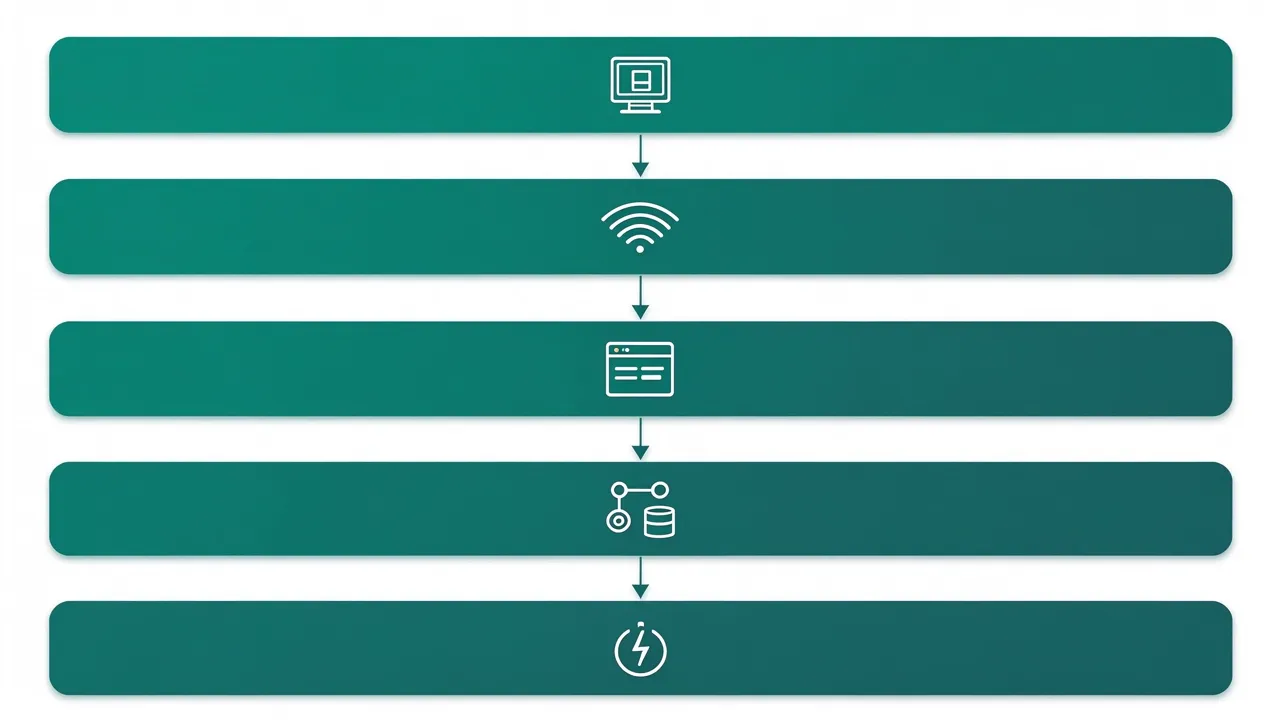
Only two basic conditions are required on site: a stable network and a compliant power supply. Most campus sites can be brought online without additional modifications.
The campus terminal involves student identity, campus card account and payment information, and the primary and secondary school stage also involves underage students. The data processing method is an important consideration when the school purchases. The solution incorporates the following design at the terminal level.
After the student leaves or does not operate for a long time, the terminal automatically clears the personal information on the screen and returns to the homepage.
The account, payment and proof content interact with the school system through the interface, and the terminal does not save personal information locally.
The optional anti-spy film reduces prying eyes, and the optional encrypted keyboard is used to enter sensitive information.
The data is managed by the school system, and the terminal is only responsible for display and interaction. Compliance requirements such as minor students shall be adjusted according to local regulations.
The project is carried out in seven stages. Each stage has clear input and output. The school will enter the next stage after confirming the key nodes. It is recommended to complete the online before the beginning of the school season to avoid peak debugging.
Identify campus size, student population, type of self-service business, existing campus systems, language needs, budget and launch time.
Output terminal configuration list, point layout, software scheme and campus system docking scheme.
Verify the display, touch control, card reading, code scanning, printing and business processes, and enter mass production after confirmation by the school.
According to the confirmed configuration of mass production, after aging test and factory inspection.
Assist in international logistics arrangement and export document preparation.
Provide on-site installation guidance, software configuration, campus system docking support and operation and maintenance training.
Provide technical support after going online, and optimize the process and point configuration according to the usage.
The size, business volume and staffing of each school are different. QUNMAO does not preset uniform effect figures, but provides evaluation formulas to facilitate schools to use their own data to calculate.
In the pilot phase, it is recommended to record the queue duration of the window, the number of transactions handled and the distribution of terminal usage periods as the basis for subsequent expansion of deployment.
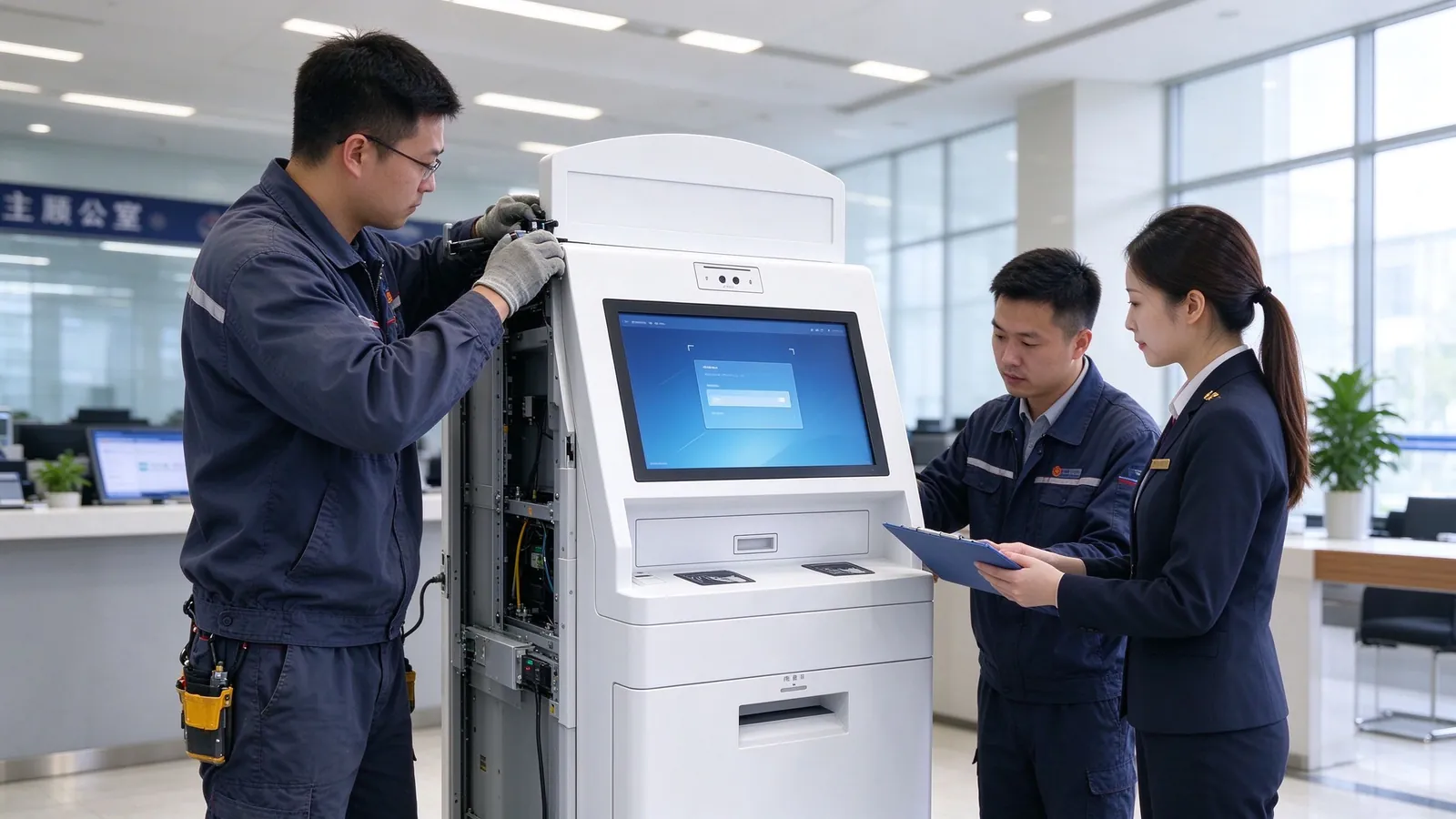
QUNMAO's customers include a large number of system integrators, campus card system service providers and distributors. In addition to the hardware itself, we also provide comprehensive support to ensure the successful implementation of your project.
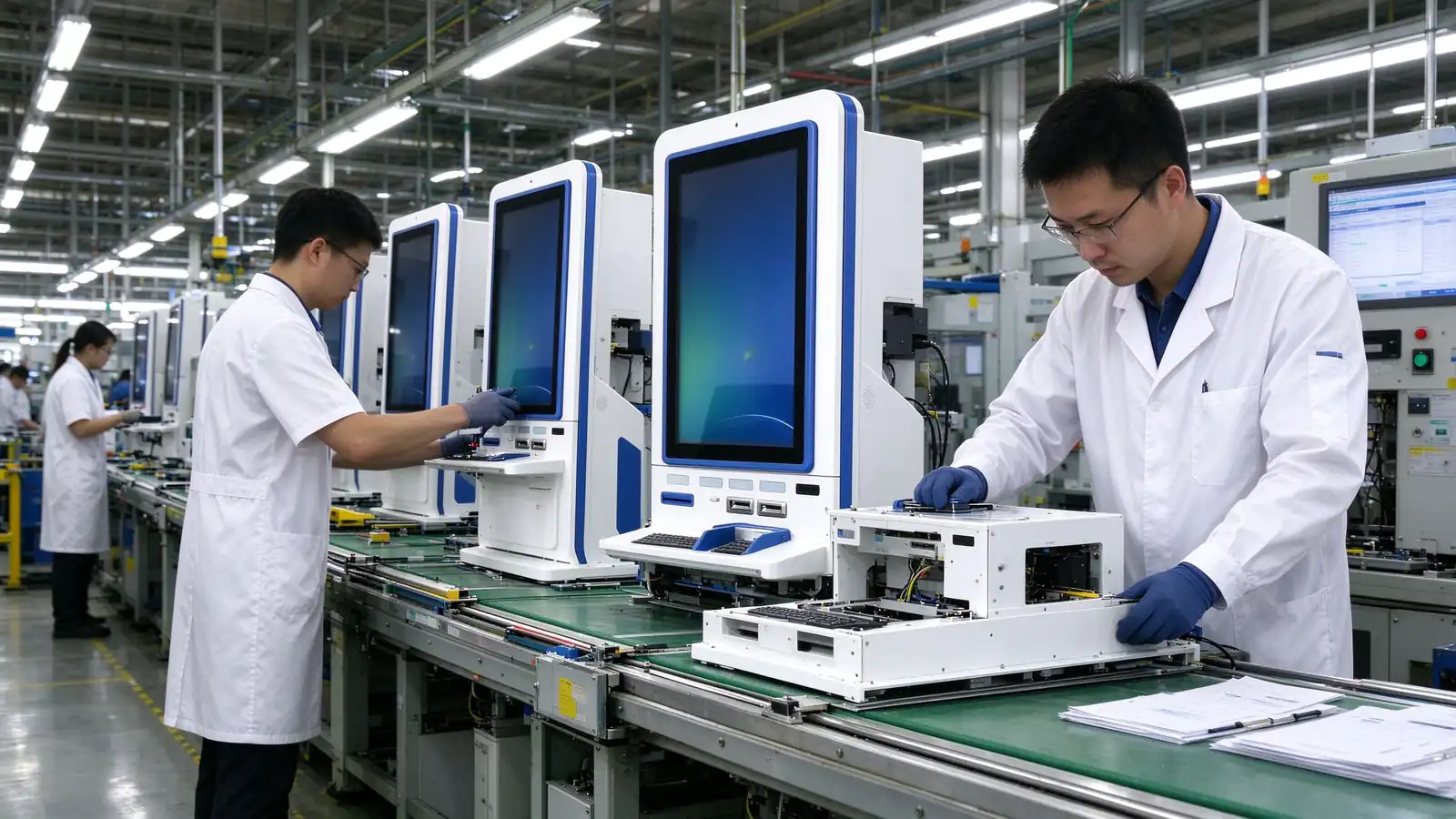
Own production base, independent development of some structural parts, reduce the intermediate links, the response is more direct.
Hardware, software, docking and installation training are the responsibility of the same supplier, reducing multi-party coordination.
Appearance, modules, software interface, language can be adjusted according to the project, adapt to different countries and school requirements.
Products with CE, RoHS, FCC certification, enterprises through the ISO9001 quality management system certification, the whole machine warranty 1-3 years.
Sure. The terminal is connected to the school system through an open interface, and the interface mode and data range are confirmed at the scheme design stage. Schools can also use their own software.
The payment method of this scheme is card reading and code scanning payment, excluding cash collection module.
Certificates, transcripts, payment vouchers and other documents provided by the school system can be printed on A4 by themselves. Student document printing needs to be docked with the school's printing management system and docked according to the project.
The terminal is a sheet metal structure, which can be operated continuously, and supports remote monitoring and fault alarm, which is convenient for administrators to find and handle abnormalities in time.
No. The terminal does not save students' personal information locally, the data is managed by the school system, and supports automatic screen clearing over time.
Sure. We support prototype testing and recommend piloting in a single department or building to validate the process before expanding the deployment.
The whole machine is guaranteed for 1-3 years, standard models are usually shipped in 3-7 days, and the delivery date of customized projects is confirmed according to the plan.
After providing the following information, we can output the configuration list and project plan faster.
After providing the campus size, self-service business and existing system information, QUNMAO will output the model configuration and project plan as soon as possible.
Contact Us +86 13714317162Click to call or contact the product team directly for a quote Partner Links:

 en
 中文

 Previous:
 Return to list

