 Current location:
Home
> Solution > Kiosk self-service terminal solutions
 Published: 2026-10-17
 Clicks:0
For overseas entry and exit management agencies, visa application center operators, their system integrators and equipment distributors, QUNMAO provides an integrated scheme of on-site deployment training from self-service terminal hardware, multilingual business software, appointment and case system docking, and hands over standardized links such as check-in verification, form filling, fee payment, receipt printing and evidence collection notification to self-service terminals to improve the overall processing efficiency of the center.
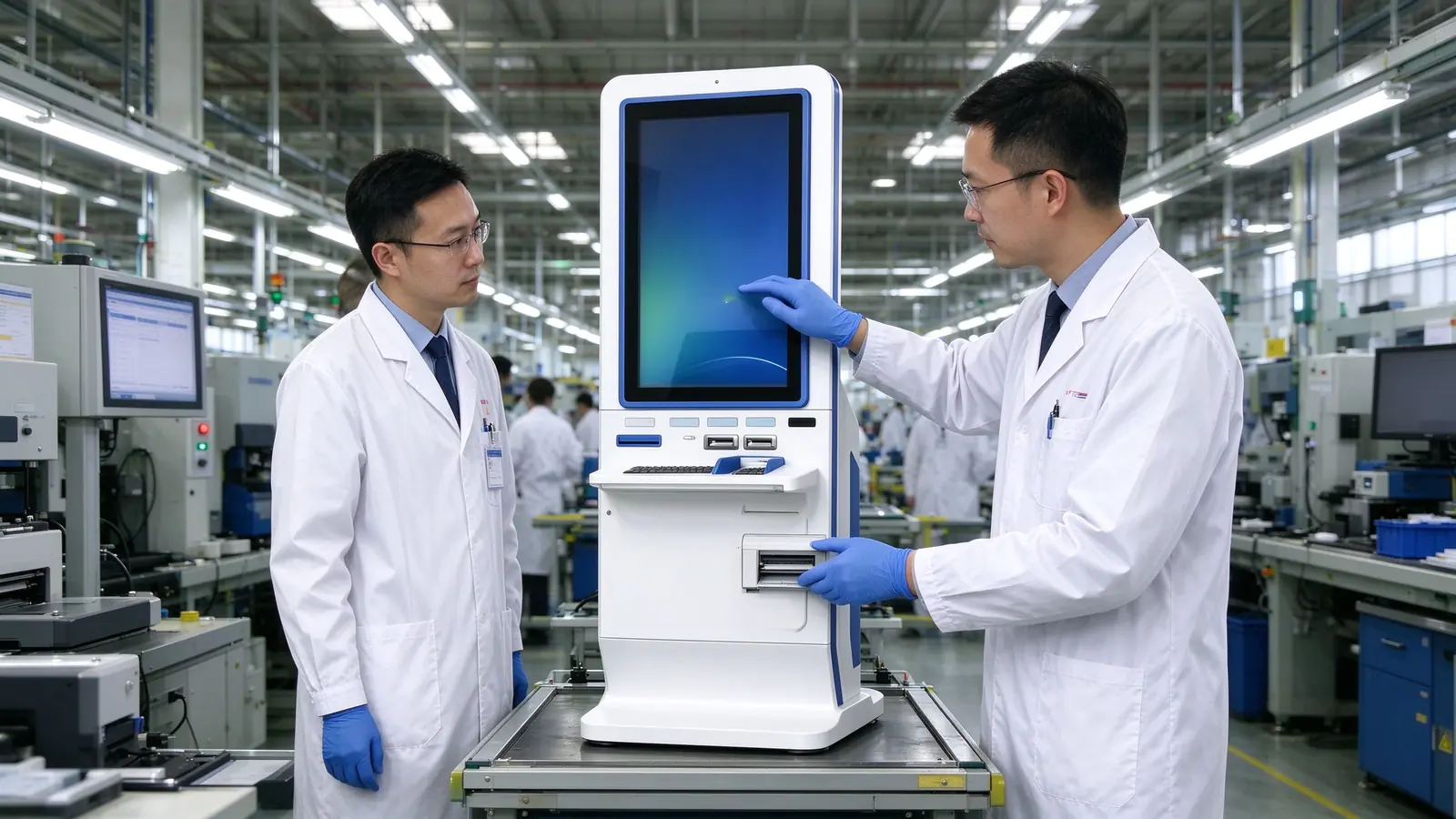
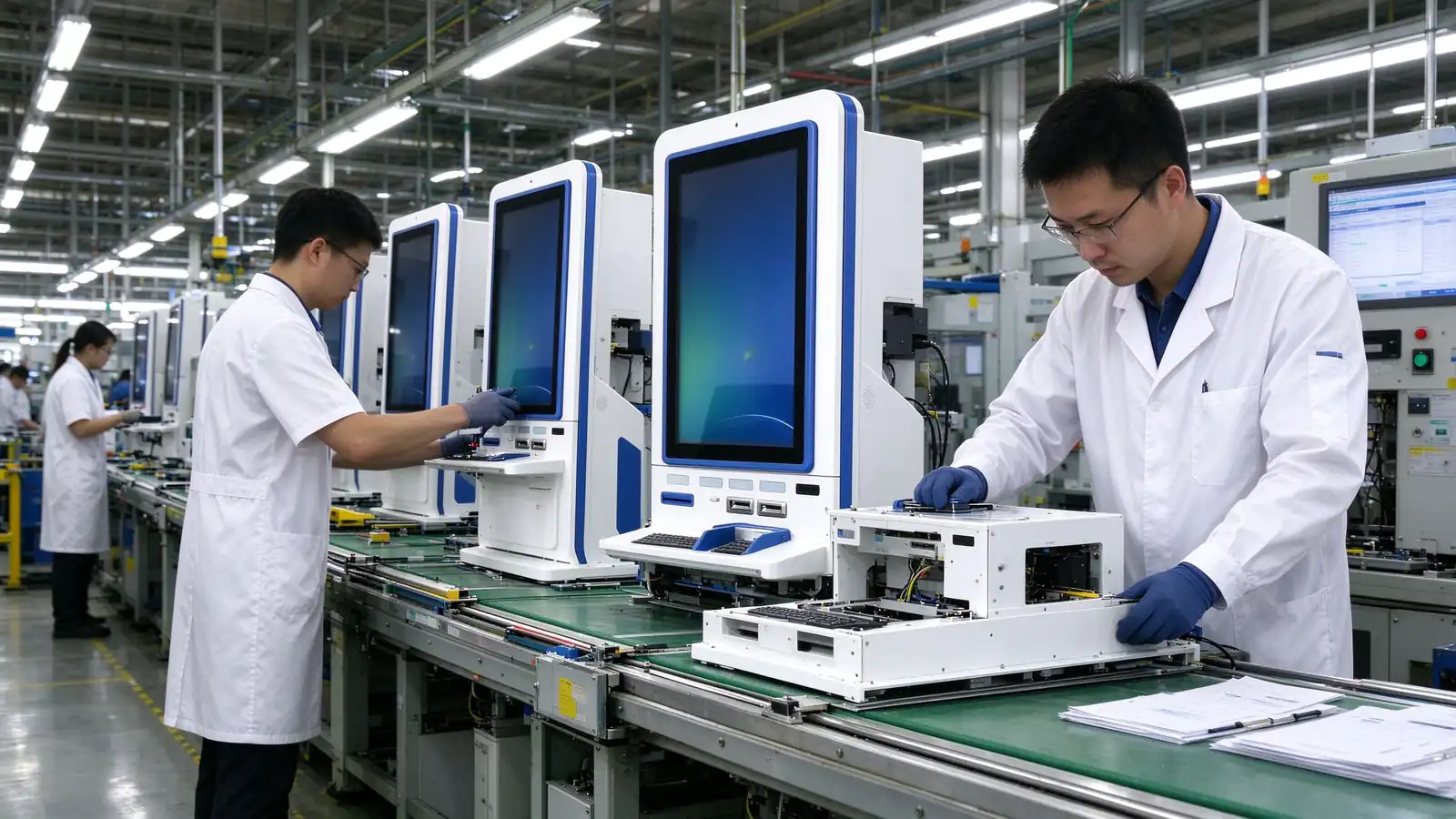
Shenzhen Qunmao Display Technology Co., Ltd. was established in 2005. It is a source hardware manufacturer with a production base of about 330,000 square meters. It supports OEM / ODM / CKD / SKD and has a warranty of 1-3 years.
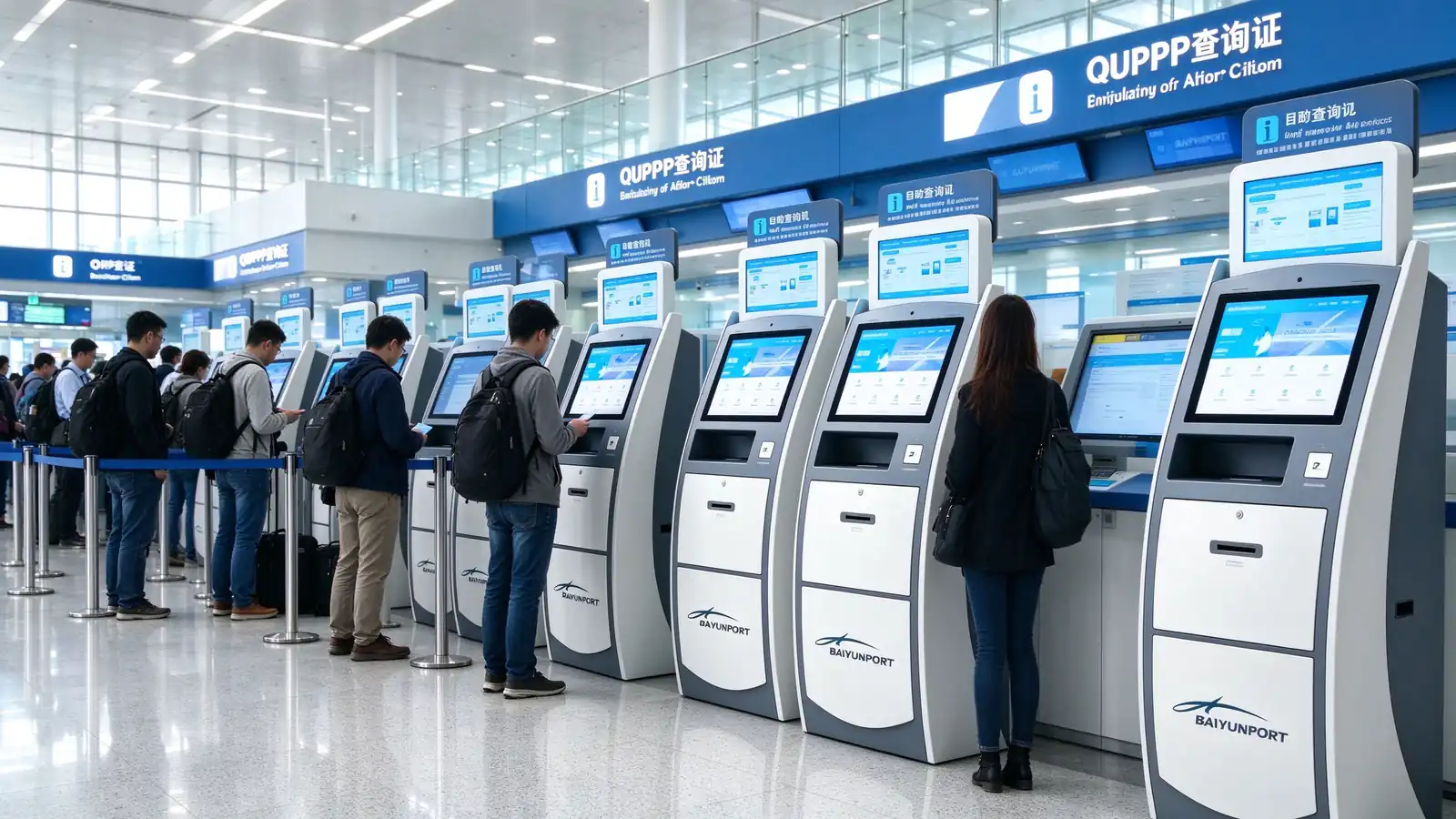
The entry-exit and visa center has many procedures, detailed material requirements and wide sources of applicants. Among them, sign-in, form filling, payment, printing and progress inquiry are all standardized links with clear rules and do not require auditors to handle them personally. The core idea of QUNMAO scheme is to let the standardization link be completed by the terminal, leave the audit and communication to the window personnel, and improve the overall acceptance efficiency without increasing the number of windows.
Through guided filling in forms and required item verification, repeated handling caused by missing materials and filling errors is reduced.
Sign-in, payment, printing receipt and other matters are undertaken by the terminal, and the window personnel focus on material review and communication.
The terminal interface language is configured by project to help applicants from different countries and regions complete the operation by themselves.
As the front-end entrance, the terminal can connect with the customer's existing appointment, case and payment system without overturning the original structure.
The following are the common problems encountered in the operation of entry-exit management agencies and visa application centers, and are also the most frequently cited reasons for project approval.
Even if an appointment has been made, the check-in, material inspection, payment, pick-up and other links after arriving may still queue up separately, and the applicant will stay for a long time.
Handwritten or multilingual forms are prone to missing and wrong filling, and the window needs repeated guidance and return, lengthening the overall processing time.
Payment, printing receipts and other matters occupy the time of the auditors, and the work that really needs to be judged is postponed.
The rapid increase in the number of applications before and after the holiday, the high cost of temporary additional staff, but also difficult to ensure the quality of service.
It is difficult for window staff to cover all languages, and language barriers are an important source of communication costs and handling errors.
The queue is long during the centralized evidence collection period. Applicants just want to confirm the progress of the process and have to queue up. It is difficult to maintain the order at the scene.
QUNMAO provides a complete solution that can be run on the ground, not a single device. Customers or integrators can be docked at once, reducing the cost of multi-party coordination.
Three self-service terminal models are provided, covering three types of requirements: double-screen sign-in, vertical-screen form filling and payment, and multi-size one-stop handling. The sheet metal body is suitable for long-term continuous operation of the center.
QUNMAO's own terminal software can be used directly, including check-in, form filling, payment, printing and progress inquiry processes. When customers already have their own software, they can also be used in conjunction.
The customer's reservation system, case management system and payment system are connected through an open interface, and the interface method and data range are confirmed by project.
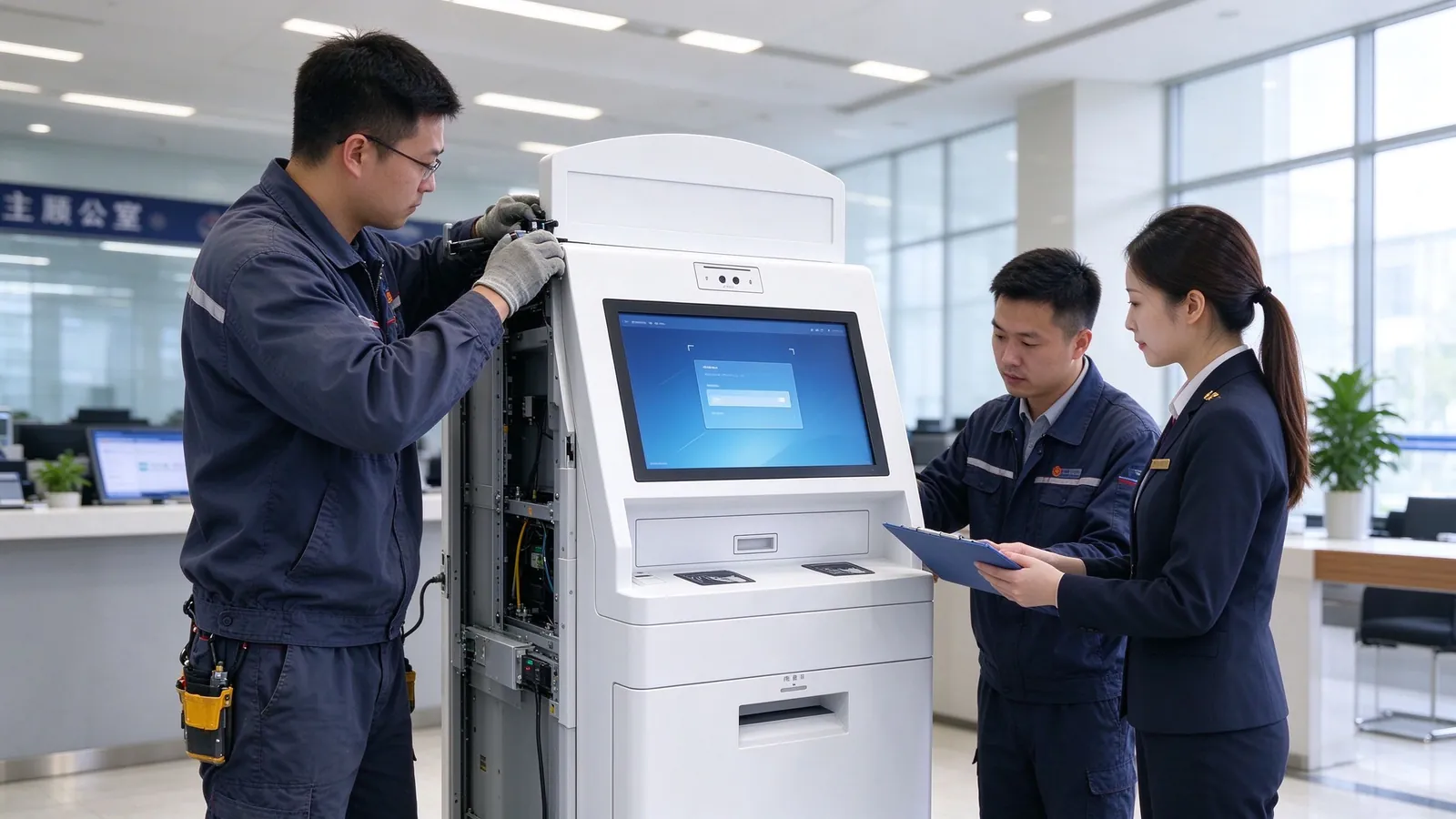
Covers requirements communication, program design, prototype testing, mass production, logistics support, installation guidance and training, and provide follow-up technical support.
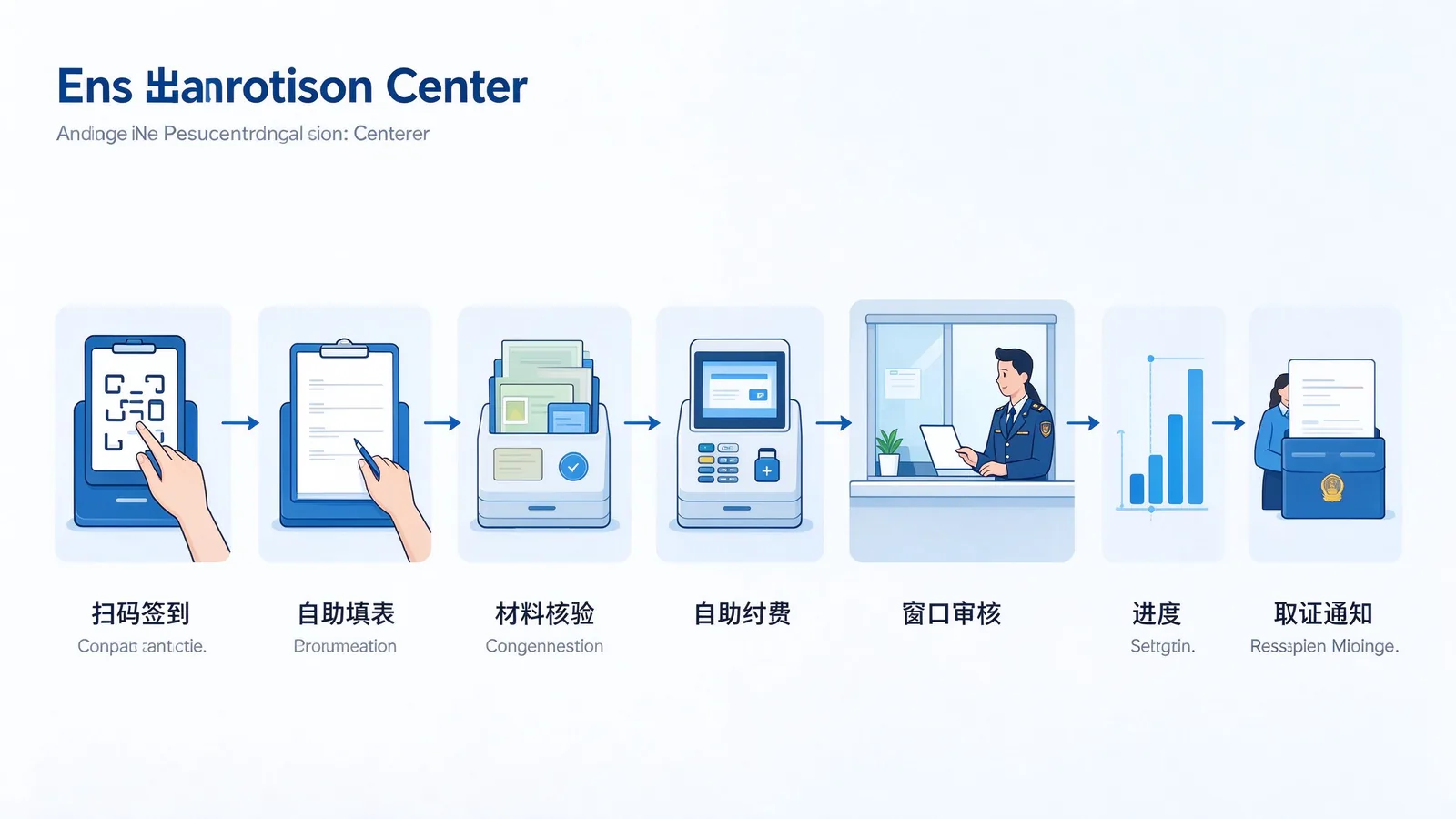
The scheme is designed around the complete path after the applicant arrives, and each link corresponds to a clear operation process and required modules.
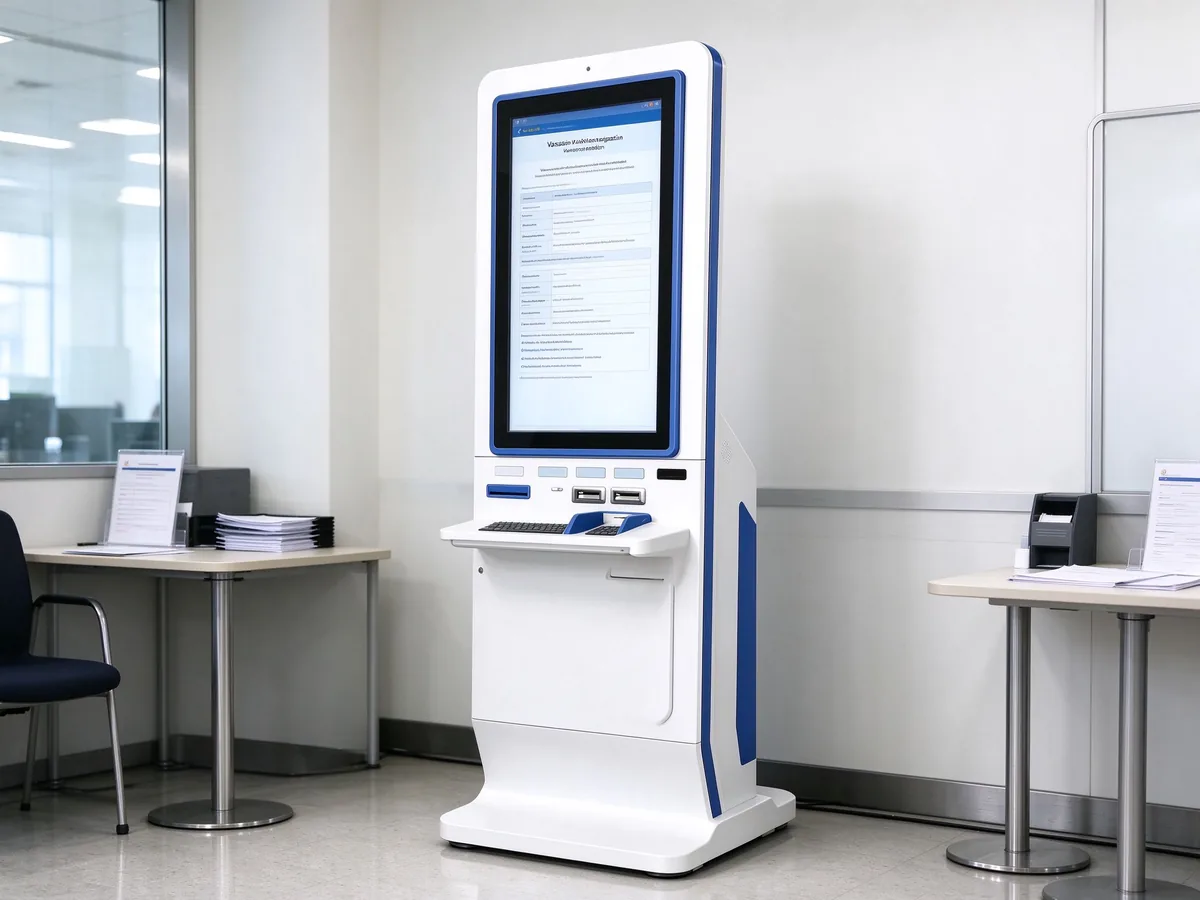
All three models can be used in immigration and visa centers, with differences in screen form, size and peripheral integration. Integrators can be configured according to the center size and budget combination, the specific parameters are subject to the product page and project plan.
The top sub-screen is used for process guidance and announcement display, and the lower inclined main screen is responsible for touch operation. Sign-in and navigation are not delayed.
Vertical screen touch with card reader, encryption keyboard, slip printer and other peripherals, fill in a form, pay, out of a single station to complete.
Multi-size optional, integrated high-definition touch, identification, bill printing and network operation and maintenance, suitable for mass construction of self-service processing area.
For more self-service models, see Self-service terminal product center。
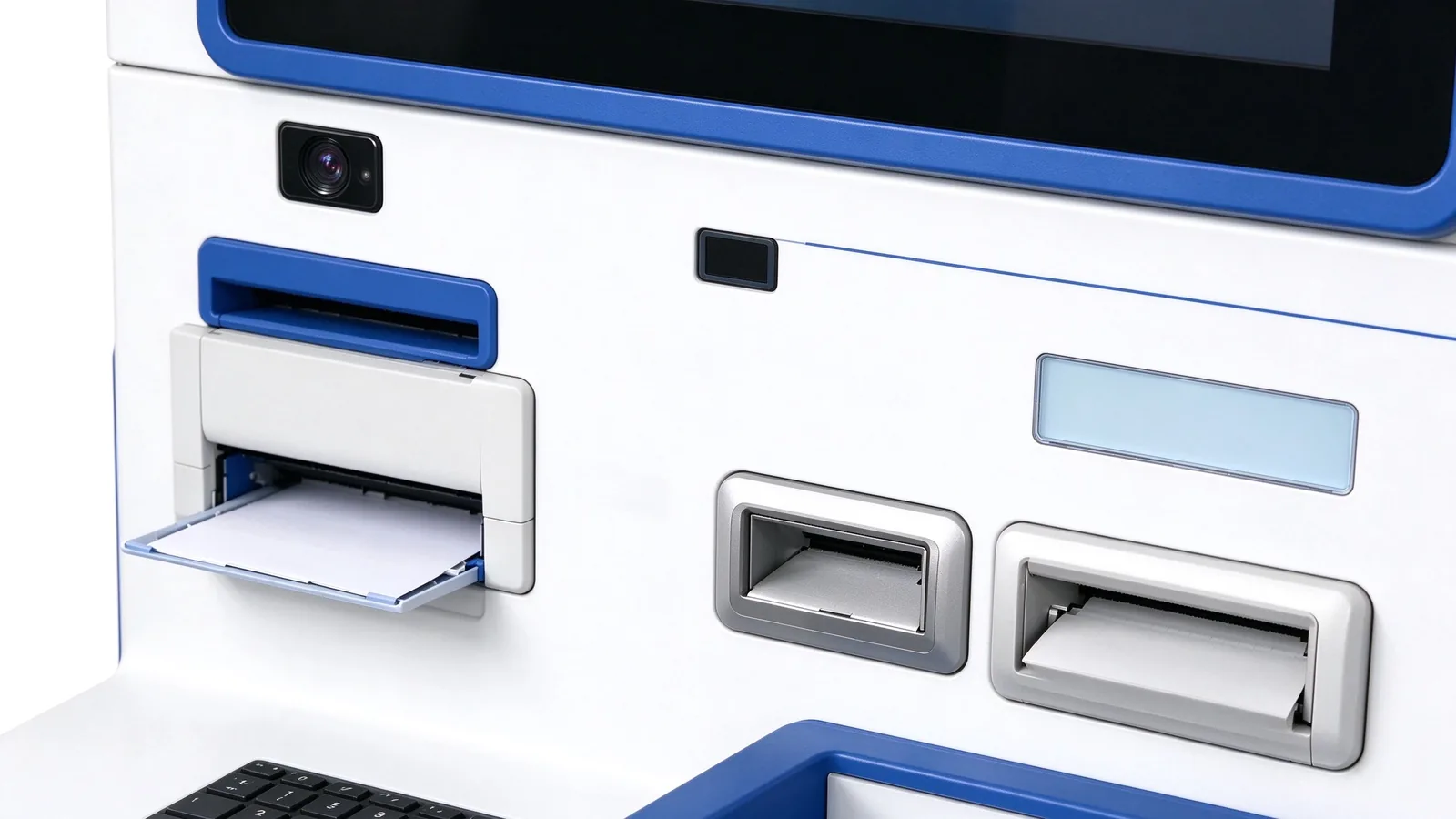
As a source factory, QUNMAO can assemble peripheral modules according to project requirements. The following table lists the common modules and delivery methods of the immigration and visa center.
| Module | Function | Mode of supply |
|---|---|---|
| A4 print module | Print application form, payment receipt and evidence collection notice | Customizable by project |
| Receipt printer | Print the sign-in number and payment receipt | Configurable |
| Card reader | Read IC card, magnetic stripe card and other media for verification and payment | Configurable |
| Two-dimensional code scanning code | Scan code sign-in, scan code payment, scan code query progress | Configurable |
| Camera | On-site photo verification, or used for face recognition scenes | Configurable |
| Identification of documents/documents | Identification documents or documents for verification and material entry | Customized by Project |
| Fingerprint recognition | For scenarios that require fingerprint verification | Customized by Project |
| Encrypted Keyboard | Use when entering passwords or sensitive information | Configurable |
| Anti-peep film | Reduce screen information being peeped at by others | Optional |
Body color, brand logo, panel style can be customized according to customer brand or institutional image.
Screen size, body structure, peripheral layout can be adjusted according to the center space and business process.
The terminal interface, form flow and multi-language version can be configured according to the project and adapted to different countries and regions.
Support white label brand, software customization and system configuration, suitable for integrators and distributors to do private label projects.
The applicant status in different areas of the center is different, and the terminal configuration should also be distinguished. The following table provides recommended configurations for common areas; the actual placement of equipment will be confirmed during the design phase in conjunction with the floor plan.
| Central area | Recommended Terminal | Main uses | Configuration recommendations |
|---|---|---|---|
| Entrance sign-in area | Vertical double-screen self-service inquiry machine | Appointment verification, sign-in and process guidance | Configure scanning code, and the secondary screen scrolls to play the guidelines for handling. |
| Filling area | Vertical self-service terminal | Multi-language guide to fill in and print the application form | Configure A4 printing, add camera if necessary |
| Payment area | One-stop self-service terminal | Payment and receipt printing | Card reader, code scanning and receipt printing are complete |
| Forensics area | Vertical dual-screen self-service inquiry machine or vertical self-service terminal | Progress query, print evidence collection notice | Close to the evidence collection window and divert people who only check the progress. |
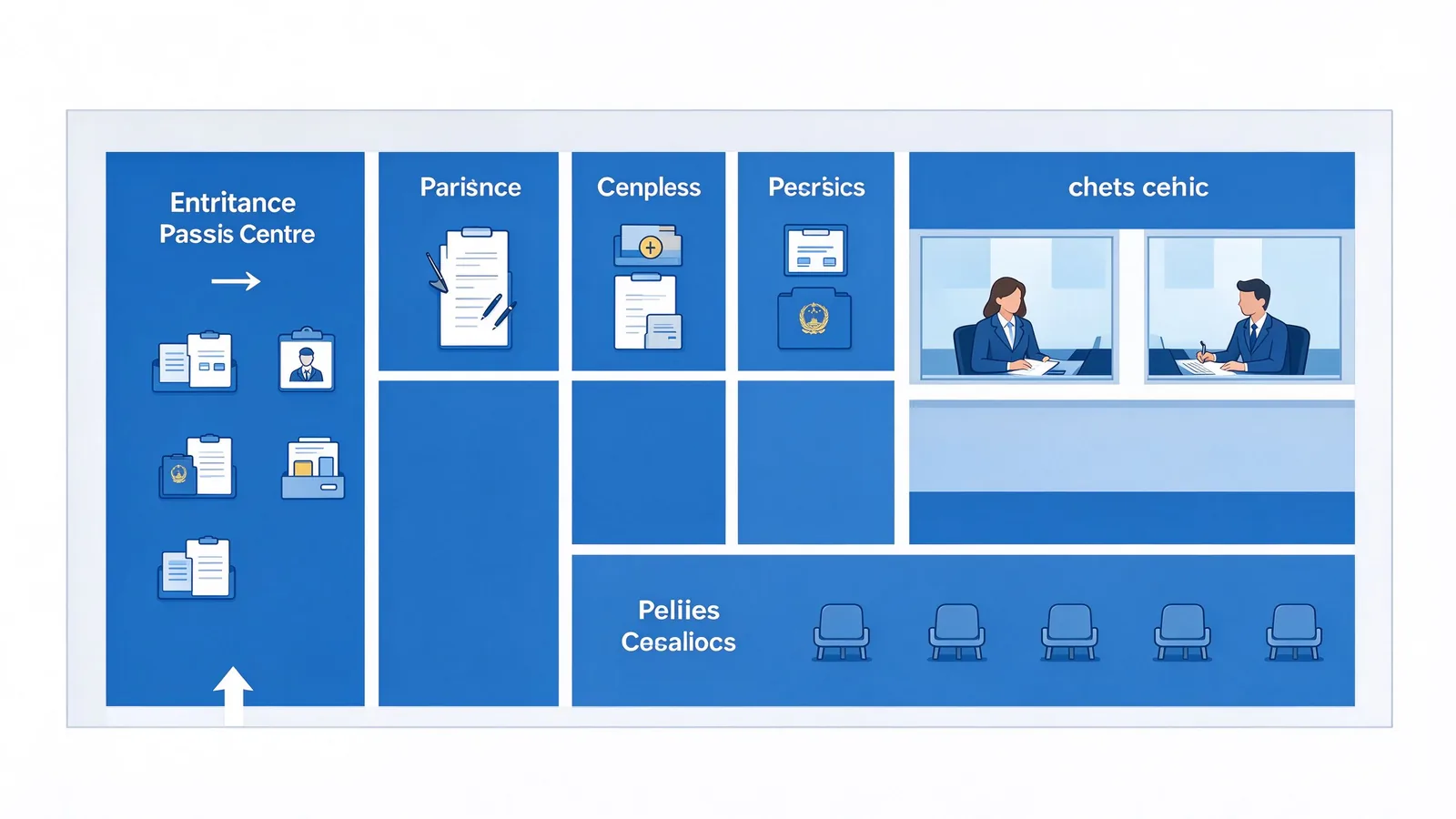
Space for wheelchairs and luggage is reserved around the terminal, and applicants often carry carry carry-on luggage and materials.
The screen height and tilt angle take into account people of different heights and mobility difficulties, and provide low configuration when necessary.
The table-filling area is reserved for placing materials on the table or position, reducing the applicant's hand-holding of materials.
The print exit position is clear and separated from the card reading area to reduce misoperation.
According to the size of the center, business complexity and budget, the program is divided into three levels. Integrators can start with a basic pilot project and then gradually upgrade.
Software determines whether the terminal can truly integrate into the customer's business system. QUNMAO provides two paths, which customers can choose according to their own IT conditions.
The terminal has its own check-in, form filling, payment, printing and progress inquiry processes, and provides background content management, which is suitable for projects that want to go online quickly. The interface and process can be adjusted according to requirements.
When the customer or integrator already has its own business software, the terminal runs the customer software as a hardware carrier and interfaces with the background through an interface.
Check the reservation information, complete the sign-in and synchronize the arrival status.
Submit form data, query the progress, and obtain the content of the forensics notice.
Complete the fee payment and return the result for printing the receipt.
| Ability | Description |
|---|---|
| Operating system | Android or Windows optional |
| Interface integration | Open the interface, connect with the customer background, and confirm the interface mode according to the project. |
| Remote monitoring | Equipment online status and fault alarm can be remotely checked |
| Offline mode | Keep basic functions available when network is interrupted, synchronize after recovery |
| Content Management | Unified release of announcements and handling guidelines in the background, supporting regular release |
| Multilingual | Interface, form and prompt language per project configuration |
The solution adopts a layered architecture, with clearly defined responsibilities for each layer—terminal, network, software, backend integration, and power—facilitating tiered delivery and maintenance by integrators.
Self-service terminals, printing modules, card readers, scanning code, cameras and other peripherals, industrial-grade sheet metal body, support long-term continuous operation.
The terminal is connected to the network through wired or wireless mode. The specific networking mode is configured according to the model and project. It is recommended to provide a stable network at each point.
QUNMAO's own software or customer software, carrying the check-in, fill in the form, payment, printing and progress query process.
Through the open interface and appointment, case and payment system docking, to achieve data synchronization and business linkage.
The power supply specification shall be confirmed by model, and the wide voltage model shall be adapted to the power supply environment of different countries and regions, and shall be uniformly checked in the project stage.
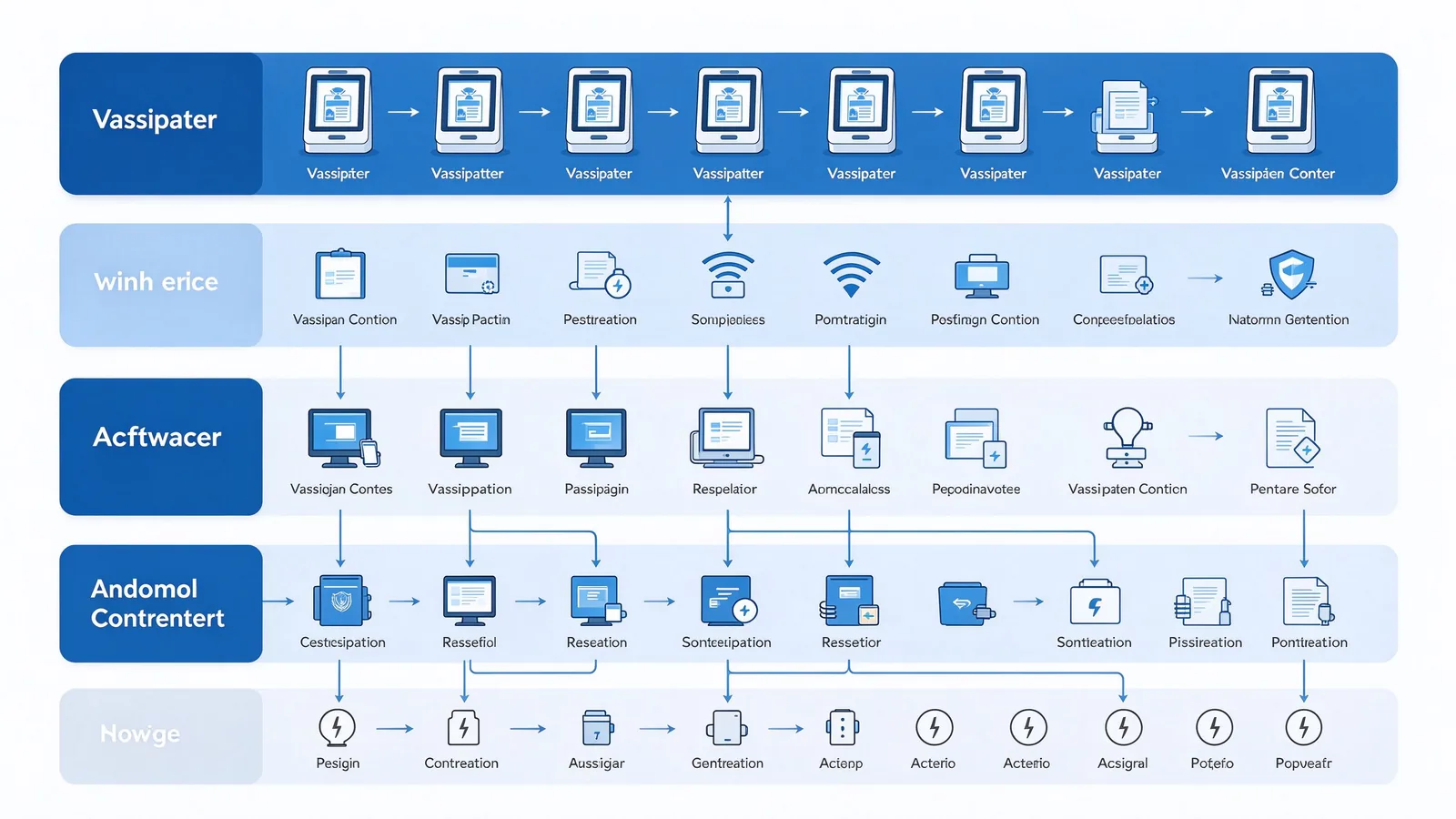
Only two basic requirements are needed on-site: a stable network and a power supply that meets the specifications. Most centers come online without additional modifications.
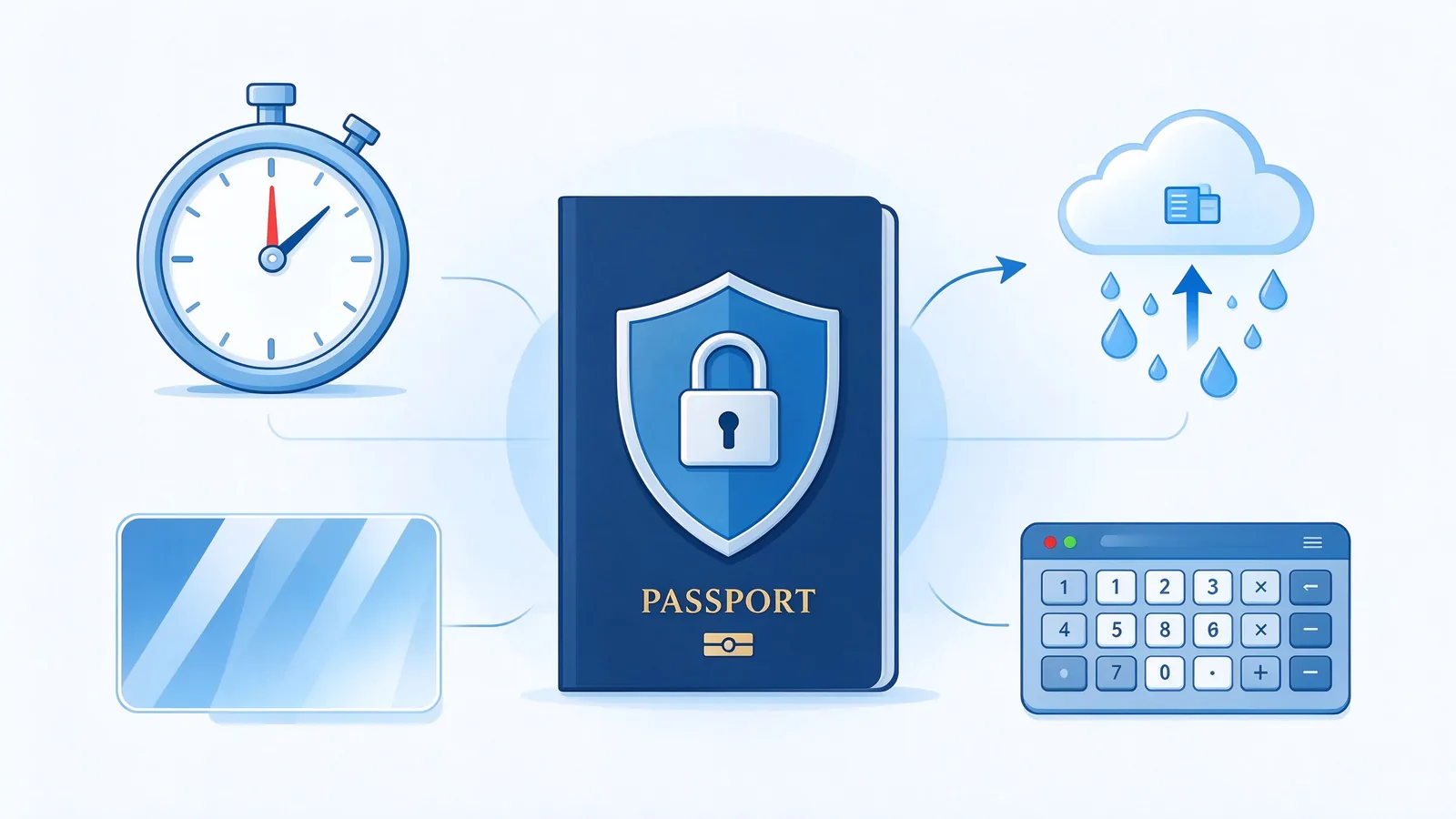
Entry-exit and visa operations involve passports, documents and personally identifiable information, and the manner in which data is processed is often at the heart of procurement decisions. The solution incorporates the following design at the terminal level.
After the user leaves or does not operate for a long time, the terminal automatically clears the personal information on the screen and returns to the home page.
Form data, certificate information and camera acquisition content are transmitted to the customer system through the interface, and the terminal is not saved locally.
The optional anti-peep film reduces the peeping of bystanders, and the optional encryption keyboard is used to enter sensitive information. The body is a sheet metal structure, suitable for long-term use in public places.
The data is managed by the customer system, and the terminal is only responsible for display and interaction functions; compliance requirements are adjusted according to the project and local regulations.
The project progresses in seven phases, each with clear inputs and outputs, and the customer confirms the key nodes before moving on to the next phase.
Confirm the center area, average daily acceptance volume, self-service business type, existing appointment and case system, language requirements, budget and launch time.
Output terminal configuration list, point layout, software scheme and background docking scheme.
Verify the display effect, touch experience, printing and card reading functions, multi-language interface and business processes, and enter mass production after customer confirmation.
According to the confirmed configuration of mass production, after aging test and factory inspection.
Assist in international logistics arrangement and export document preparation.
Provide on-site installation guidance, software configuration, background docking support and operation and maintenance training.
Provide technical support after going online, and optimize the form process and configuration according to the usage.
Each center's business volume, staffing and cost structure are different, and QUNMAO does not preset uniform performance figures, but provides evaluation formulas to facilitate customers' calculations with their own data.
Self-service diversion business volume: the number of check-in, payment, printing and progress query completed by self-service terminal in the statistical cycle.
Average Processing Time for a Single Transaction: the average time taken to process similar transactions in the manual window.
It is used to observe the diversion degree of the self-service terminal to the window business, and can also be counted separately by business type.
It is used to measure the value of self-service form filling and verification. The change of filling quality can be seen by comparing before and after the pilot.
In the pilot phase, it is recommended to record the queue duration of the window, the number of transactions and the frequency of terminal use as the basis for subsequent expansion and deployment.
QUNMAO has a large number of system integrators and distributors among its customers. In addition to the hardware itself, we also provide supporting support for the smooth landing of the project.
Own production base, independent development of some structural parts, reduce the intermediate links, the response is more direct.
Hardware, software, docking and installation training are the responsibility of the same supplier, reducing multi-party coordination.
Appearance, modules, software interface, language can be adjusted according to the project, adapt to different countries and institutions requirements.
Products with CE, RoHS, FCC certification, enterprises through the ISO9001 quality management system certification, the whole machine warranty 1-3 years.
Sure. The terminal is connected to the customer background through an open interface, and the interface mode and data range are confirmed at the scheme design stage. Customers can also use their own software.
The interface, form and prompt language are configured according to the project, and the specific language is confirmed at the demand communication stage.
No. The terminal does not save certificates and personal data locally, and the data is transmitted to the customer system through the interface, and supports automatic screen clearing over time.
A4 printing can be customized according to the project, and card reader, code scanning, receipt printing and camera can be configured. Certificate or document identification and fingerprint identification are customized according to the project.
The evidence collection process of this scheme includes self-service inquiry of processing progress and printing of evidence collection notice, which is used to divert people who only need to confirm the progress. The collection of physical documents is still done by the window or the existing way of the customer.
Sure. We support prototype testing. It is recommended to pilot in a single center first, verify the process, and then deploy in batches.
The whole machine is guaranteed for 1-3 years, standard models are usually shipped in 3-7 days, and the delivery date of customized projects is confirmed according to the plan.
After providing the following information, we can output the configuration list and project plan faster.
For more information on self-service terminal solutions for immigration/visa centers, sampling machines or consulting projects, please feel free to contact us.
 Partner Links:

 en
 中文

 Previous:
 Return to list

