 Current location:
Home
> News > Product News > Query machine
 Release date: 2026-10-20
 Clicks:0
QUNMAO Touch Query All-in-One Solution
QUNMAO (QUNMAO) is a commercial display and self-service terminal source factory integrating R & D, production and sales. From product definition, form classification, core hardware, software functions, application scenarios to landing process, this scheme systematically explains how the touch query all-in-one machine (hereinafter referred to as "query machine") becomes a public information portal for hospitals, government halls, financial outlets, transportation hubs and commercial spaces, and helps system integrators, channel providers and project owners to complete the project.Verifiable and actionable.Selection and procurement.
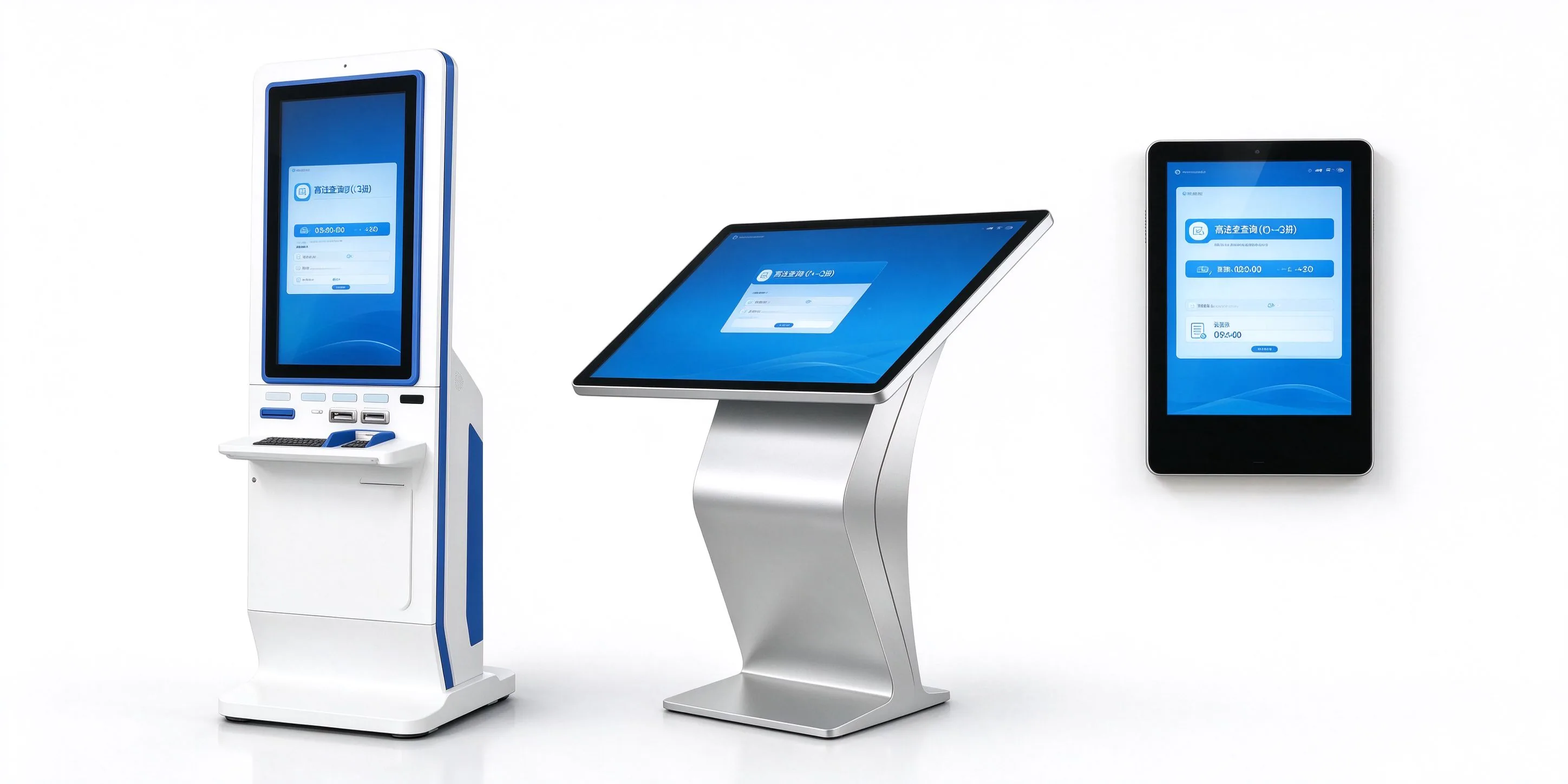
Wall hanging, vertical, double-sided screen vertical, full screen, K-type horizontal, L-type horizontal
Full-size section covering close service desk to large showroom
Two touch technology routes, matching according to the scene environment
Dual System Optional, Support Industry Software & 3rd Party APK
PART 01 · Concept and Positioning
In hospitals, government halls, stations, shopping malls and other crowded public spaces, "where, how to do, when to open, how much money" is the highest repetition rate. The inquiry machine returns these questions to the terminal, allowing personnel to focus on matters that really require manual judgment.
The touch query all-in-one machine is a self-service information terminal that uses a touch screen as an interactive interface and integrates the display screen, industrial control host, touch module, network communication and metal structural parts. It takes "checking" as its core: users directly retrieve information such as service guide, department location, shift time, floor and brand, fee publicity, etc. on the screen without queuing, manual intervention or login account.
Compared with ordinary displays, the inquiry machine has a complete host and system, which can run inquiry software, dock content management background and accept remote operation and maintenance. Compared with ordinary computers, it adopts metal structure, tempered glass and hidden wiring designed for public places, and is more suitable for the use environment of high-frequency touch and long-term startup.
High-frequency and repeated inquiries are borne by the terminal, and the front desk and guidance staff can focus on complex transactions to relieve the pressure of manual windows.
The content is released centrally by the background, and the information at all points is consistent. Changes in policies, prices and shifts can be updated remotely and synchronously.
Metal structure, tempered glass panel, hidden trace and anti-mistouch design, for high-frequency touch and long-running scenarios.
The same hardware platform can be superimposed according to the project scanning code, card reading, printing, camera and other modules, extending from "query" to "business processing".
PART 02 · Product Boundary
The three types of equipment look similar, but undertake different tasks. Before purchasing, it is clear that "what needs to be solved is to understand the information, display the content, or complete the processing", which can avoid over-configuration or insufficient capability of both hardware and software.
| Comparison dimension | Touch query all-in-one machine | Digital signage (advertising display) | Self-service business terminal |
|---|---|---|---|
| Core task | Information query, navigation | Content playback, brand communication | Business handling: payment, printing, number taking and certification |
| Interaction depth | Multi-level touch, search, page turn | Play mainly, touch is optional | Process interaction: enter, confirm, pay, or print |
| Business system docking | Read business databases or content libraries, mainly read-only queries. | General docking content management and scheduling system | Need to be deeply connected with business system, payment, printing, etc. |
| Common Peripherals | None, or add code scanning and camera as required | Small amount or none | Card reader, scan code, printer, ID recognition, camera |
| Typical morphology | Wall-mounted, vertical, K-type and L-type horizontal | Wall hanging, vertical, splicing, window | Vertical self-service terminal |
| Procurement Focus | Touch experience, content maintenance, point-to-point adaptation | Brightness, picture effect, schedule management | Peripheral stability, interface and data security, software docking |
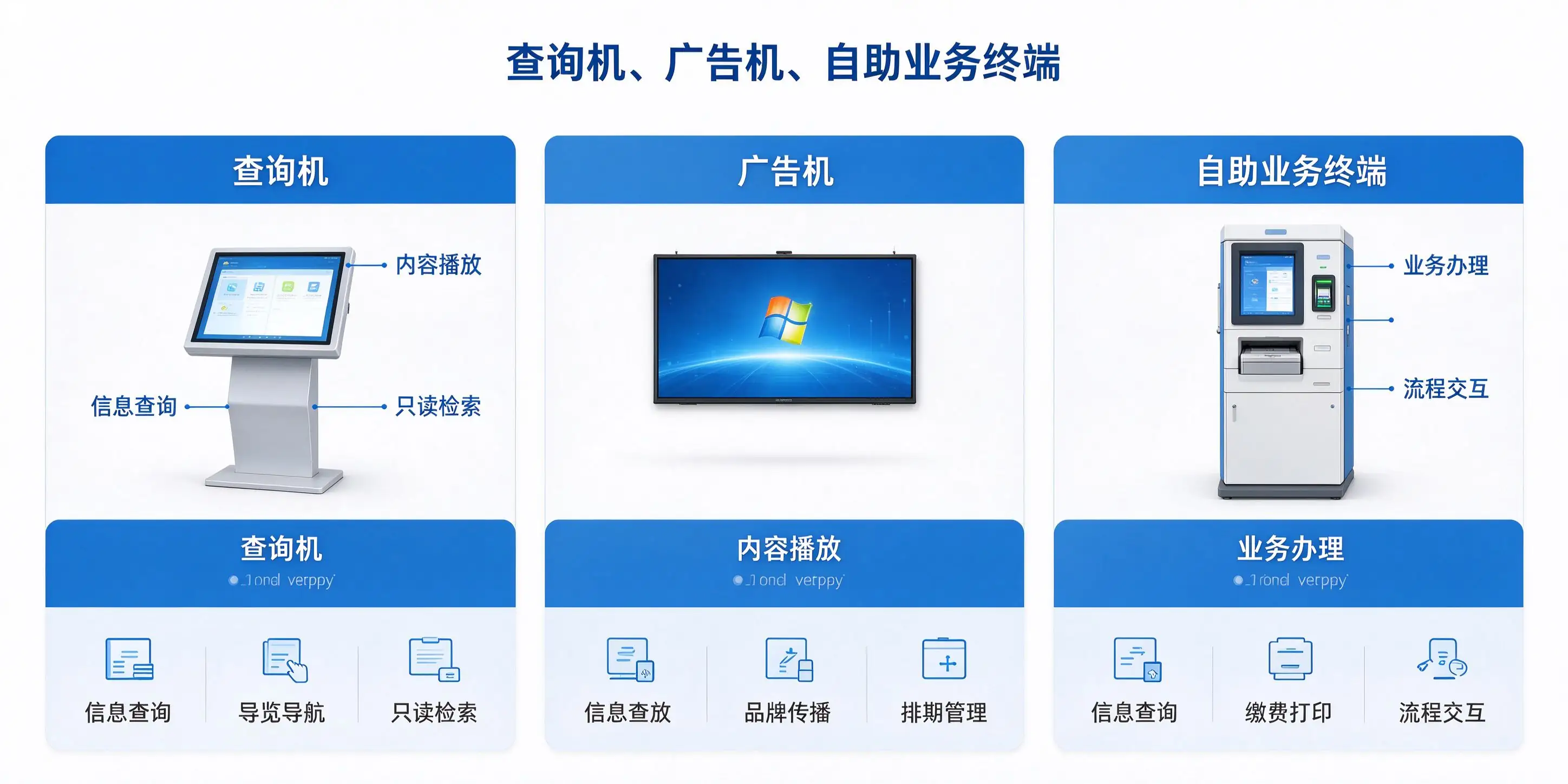
The three types of devices are not mutually exclusive. The same hardware platform can carry "information query content carousel" at the same time, and can also add code scanning and printing modules on the basis of the query machine to extend to the self-service service terminal. The specific configuration is determined according to the project requirements.
PART 03 · Morphological Classification
Form determines the user "how to stand, how to see, how to touch". QUNMAO query machine covers six mainstream forms and can be matched according to point space, crowd characteristics and image requirements.
| Form | Typical point | Common sizes | Installation method | Recommended Touch |
|---|---|---|---|---|
| Wall-mounted | Corridor, elevator hall, service desk side, stair entrance | 32-49 inches | Wall hanging, embedded | Infrared/Capacitive |
| Vertical | Shopping mall, exhibition hall and office hall | 43-65 inch | Landing | Infrared/Capacitive |
| Double-sided screen vertical | Atrium, aisle cross, counter ends | 43-55 inch | Landing | Front capacitance |
| Full screen | Exhibition hall, flagship store, high-end government hall | 43-65 inch | Wall hanging, floor | Capacitor |
| K type horizontal | Hospital guidance, government guidance, library retrieval | 32-55 inches | Landing (Inclined) | Infrared/Capacitive |
| L-type horizontal | Service desk, guide desk, negotiation area | 43/50 inch | Countertop, floor | Infrared/Capacitive |
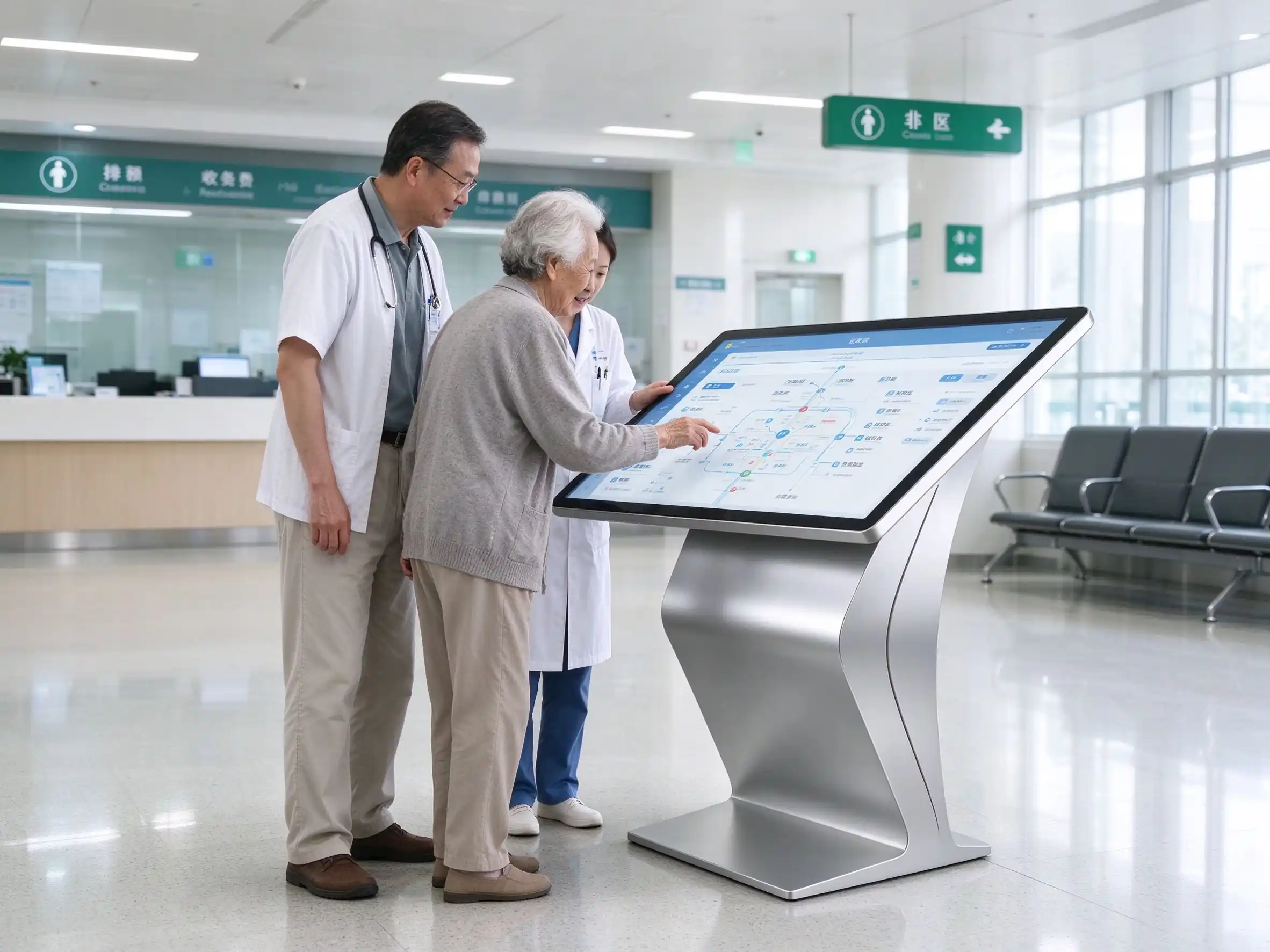
The screen of the horizontal inquiry machine faces the user at a certain angle, which is more in line with hand operation and sight habits, and is also convenient for children, the elderly and wheelchair users to use. It is a common form in hospitals, government affairs and service desk scenes.
The inclined structure is suitable for standing operation, focusing on stability and anti-accidental touch. Commonly used in hospital guidance, government guidance and library retrieval, commonly used size 32-55 inches, see. K-type inclined plane inquiry machine. Outdoor K-type models with infrared touch and 15 ° screen tilt angle, see product QM-5518HW-H outdoor K-type inquiry machine。
Further understanding:K-type horizontal inquiry machine product details
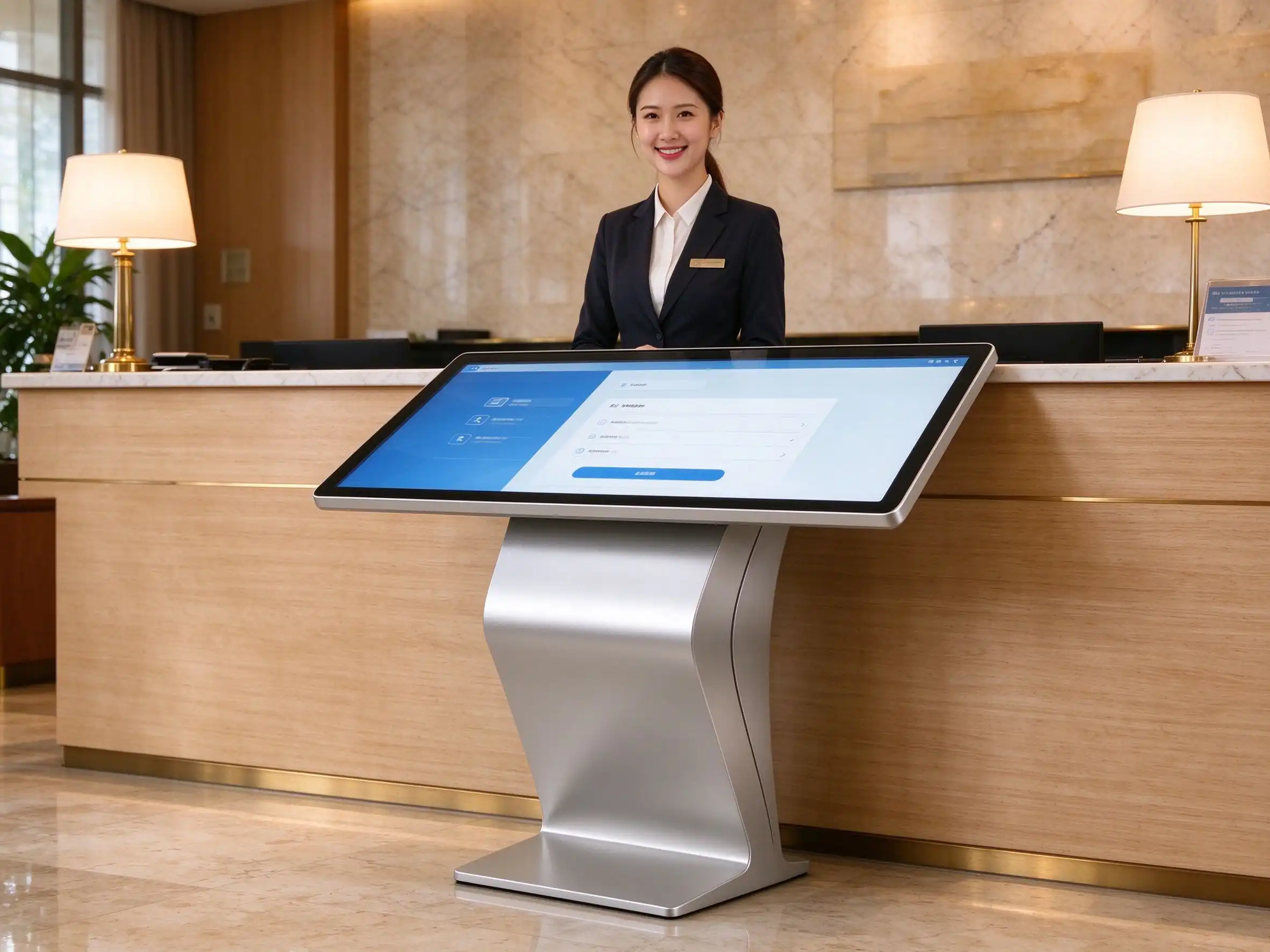
Adopting table top-down structure, natural operation posture, standing posture and sitting posture can be used, suitable for service desk, guide desk and negotiation area, simple form, easy to integrate with interior decoration. main specifications for 43/50 inch.
Further understanding:L-type horizontal inquiry machine product details
The vertical inquiry machine is installed on the ground and has a wide field of vision. It is suitable for large space points such as shopping malls, exhibition halls and service halls. The common size is 43-65 inches. The double-sided screen vertical model can serve the flow of people on both sides at the same time in the atrium, the channel cross position or both ends of the counter. The front side adopts capacitive touch control and the back side can be used for information display.
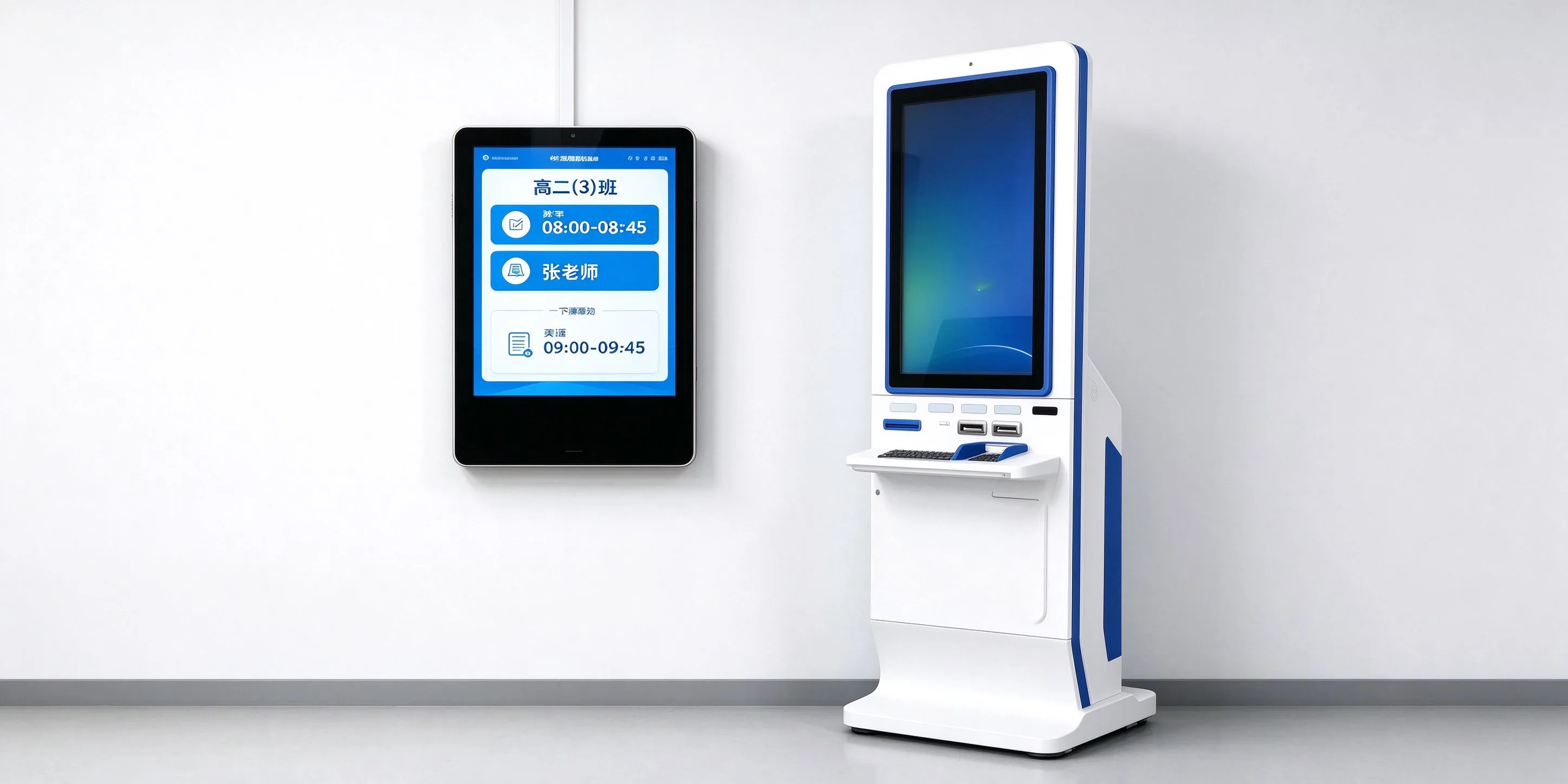
The wall-mounted type occupies a small area and has a thin body (take the 32-inch infrared wall-mounted type as an example, including the wall-mounted rack with a thickness of about 55mm). It supports various installations of wall-mounted, embedded, hoisting and bracket, and is suitable for compact space points such as corridors, elevator halls and service desk sides. The information release and class card display of campus scene can be referred Qtenboard smart electronic class card. The full-screen model adopts capacitive touch control and borderless effect, which is suitable for occasions with high image requirements such as exhibition halls, flagship stores and high-end government halls.
| Primary Viewing Distance | Recommended size | Applicable locations |
|---|---|---|
| 1-3 meters | 32 inch | Service Desk Side, Corridor Wall, Close Search |
| 2-4 m | 43 / 49 / 50 inch | Office hall, guide desk, general inquiry point. |
| Hall Principal | 55/65 inch | Entrance active line, atrium, locations requiring remote reading |
| Large exhibition hall | 75 inches and above | Exhibition hall, public area of complex |
For a detailed comparison of horizontal, vertical and wall-mounted, see How to choose the horizontal, vertical and wall-mounted type of inquiry machine。
PART 04 Core Hardware
The stability of the inquiry machine depends on four links: whether the touch scheme matches the environment, whether the display brightness matches the light, whether the motherboard and the system match the software, and whether the structure process matches the intensity of use.
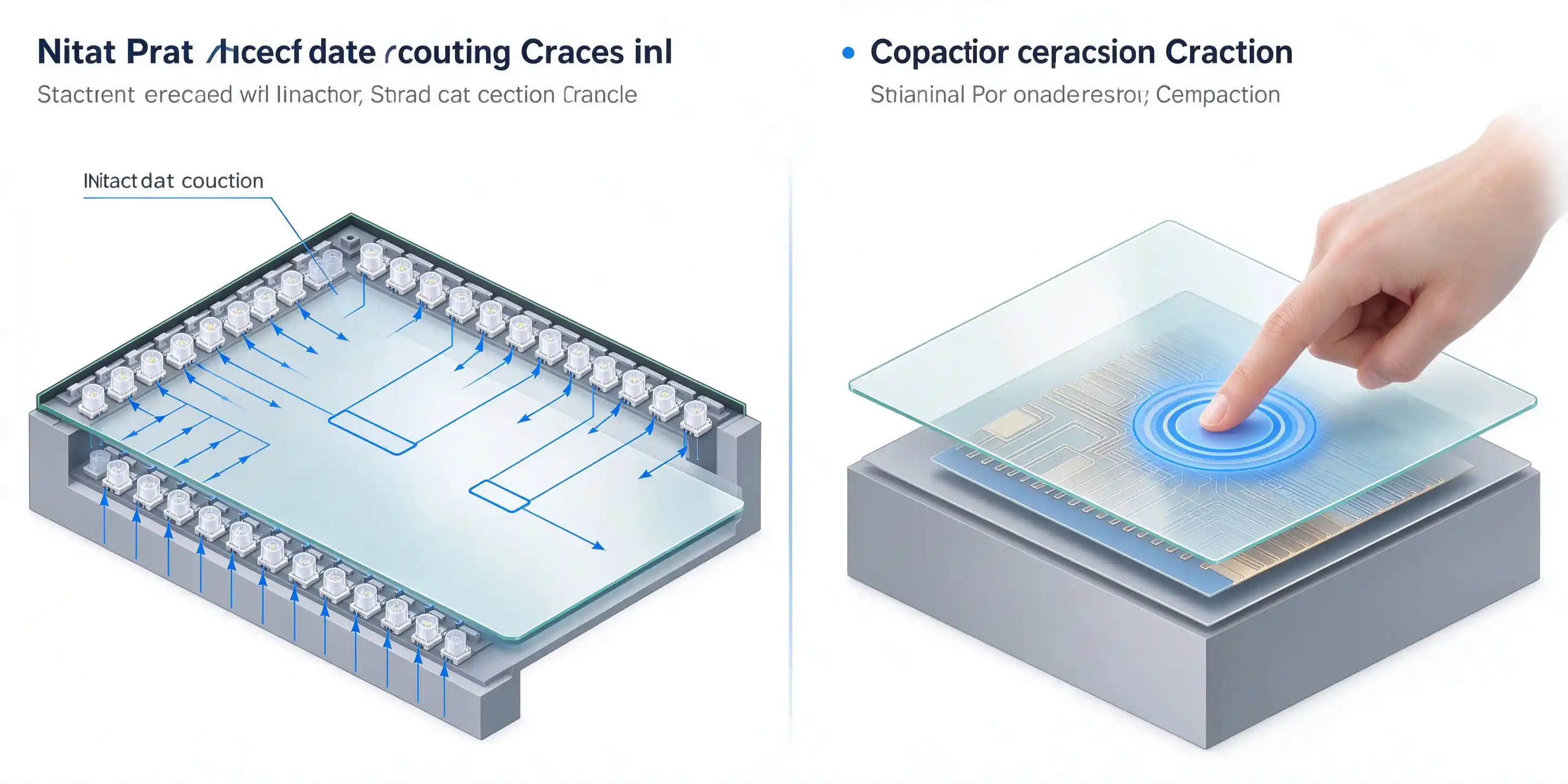
| Comparison dimension | Infrared Touch | Capacitive touch |
|---|---|---|
| Working principle | The four sides of the screen transmit and receive infrared matrix, blocking is positioning. | Sensing the capacitance change brought by the finger for positioning |
| Touch Performance | Multi-touch (such as 20 points), can wear gloves, available touch pen | Single finger, multi-finger fine operation, smooth response, support gestures |
| Surface material | 4mm tempered glass, Mohs 7, explosion-proof, anti-glare | Glass full fit, can do full screen without border effect |
| Environmental adaptation | Dust and oil resistant, suitable for public scenes | More sensitive to dirt and strong interference, suitable for cleaner indoor |
| Cost and Maintenance | Mature structure, simple maintenance and controllable cost | The bonding process requires high requirements and the cost is slightly higher |
| Typical Scene | Hospitals, government affairs, stations, supermarkets and other high-frequency public places | Showroom, flagship store, full screen model, fine interaction |
High-frequency public environment, need to be compatible with gloves and touch pen points, give priority to infrared touch; For indoor points that require appearance and fine interaction, capacitive touch is preferred.
For conventional indoor positions, the brightness of 300-450cd/m can meet the reading needs. Strong light spots such as windows and glass curtain walls need higher brightness. Outdoor and semi-outdoor projects should choose special outdoor models and customize them according to the project. The resolution is mainly 1920 × 1080(FHD), and the larger size can be 3840 × 2160(4K).
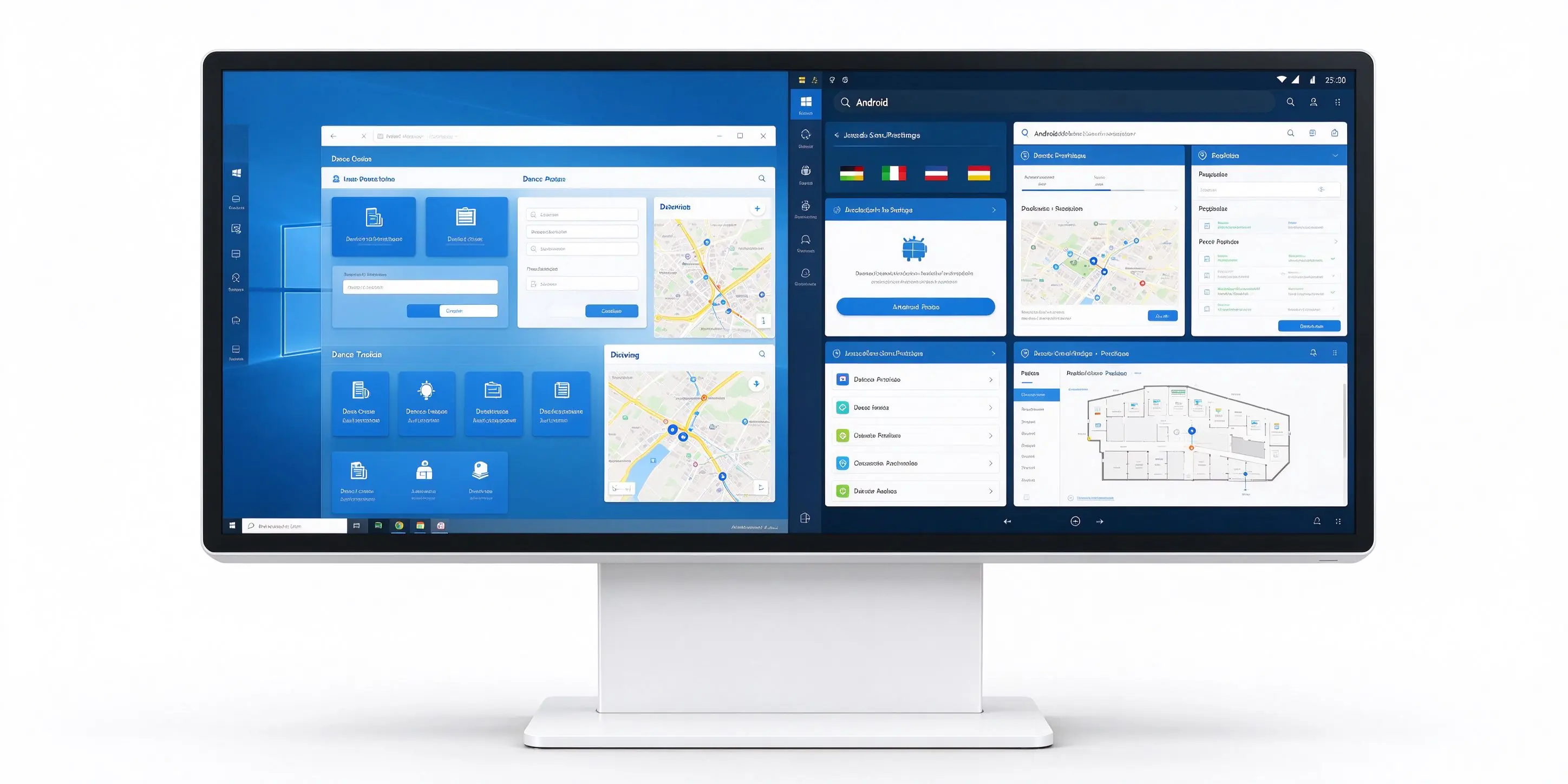
| Contrast Item | Windows 版 | Android 版 |
|---|---|---|
| Applicable software | Government and industry clients, projects that need to Windows software ecology. | Lightweight query and release, cost-sensitive project |
| Processing platform | Intel platforms, optional per project (e. g. Celeron, Core i3 / i5 / i7) | Android multi-core platforms (e. g. RK Series, T972), per model |
| Memory and Storage | Memory 4 / 8 / 16G,SSD 128 / 256 / 512G and other optional | Memory 2 / 4GB, storage 16 / 32GB and other optional |
| Interface | USB, HDMI, RJ45, audio, VGA, etc., can expand the serial port according to the project | USB, HDMI, network port, audio, etc. |
| Network | Ethernet, WiFi, optional 4G module | Ethernet, WiFi, Bluetooth, optional 4G module |
Selection tips:If there is existing business software, please confirm the software operating environment (Windows or Android) before determining the motherboard scheme. Without lightweight items of existing software, the Android version usually has a cost advantage. The specific configuration is subject to the actual shipment model.
The aluminum profile frame is matched with the cold-rolled steel plate body and the metal spraying process, giving consideration to both strength and appearance. The conventional colors are black, white and silver, and the appearance can be customized.
The infrared model adopts tempered glass panel, which has explosion-proof and anti-glare characteristics. The whole machine provides electrical protection design such as overcurrent, overvoltage and short circuit.
Cable hidden line, neat appearance, reduce the risk of human pull and damage.
On the basis of the standard query machine, the following modules can be added according to the project to realize the extension from information query to light-weight business (specific modules and interfaces are confirmed according to the project):
PART 05-Software and Systems
Hardware determines whether the terminal is durable, and software determines whether the terminal is "useful". QUNMAO query machine supports three core functions: information release, business query and navigation, and can be connected to the customer's existing system.
The body of the inquiry machine includes a touch screen, a host, a structural part and an optional peripheral module, which is a part directly contacted by the user.
Ethernet or WiFi access, no fixed network point optional 4G, to ensure the content update and remote operation and maintenance of the channel.
Query the front-end interface and content management background, support regional display, multi-language interface and pre-installation of third-party software.
Docking customer business system or local database, providing service guide, charging publicity, shift time and other inquiry contents, and confirming the docking method according to the project.
Remote release, remote monitoring, time switch machine and boot self-start, support offline mode, reduce on-site manual maintenance.
Remotely publish pictures, videos, web pages and notifications, support sub-regional display, and can carry announcements and publicity content outside the query interface.
Docking business system or local database, providing service guide, charging publicity, shift time and other inquiries, information and then data synchronization.
Provide map navigation, floor index and route guidance to help visitors quickly find departments, windows, shops or exhibition items.
Industry clients and third-party APK can be installed, and government-owned software can be pre-installed before leaving the factory to reduce on-site debugging.
Support boot self-start, time switch machine and one-key boot, suitable for public points without special management.
Support multi-language interface, 4K video and image decoding, suitable for overseas projects and multilingual crowd.
Query machine for public information query design. The software can automatically clear the session timeout according to the project configuration, and automatically return to the home page after the user leaves; the terminal does not store sensitive personal data locally, and queries involving business data are managed by the background system. If the project has higher security requirements, you can work with the business system to determine the docking and permission strategy in the solution phase.
PART 06 · Application Scenarios
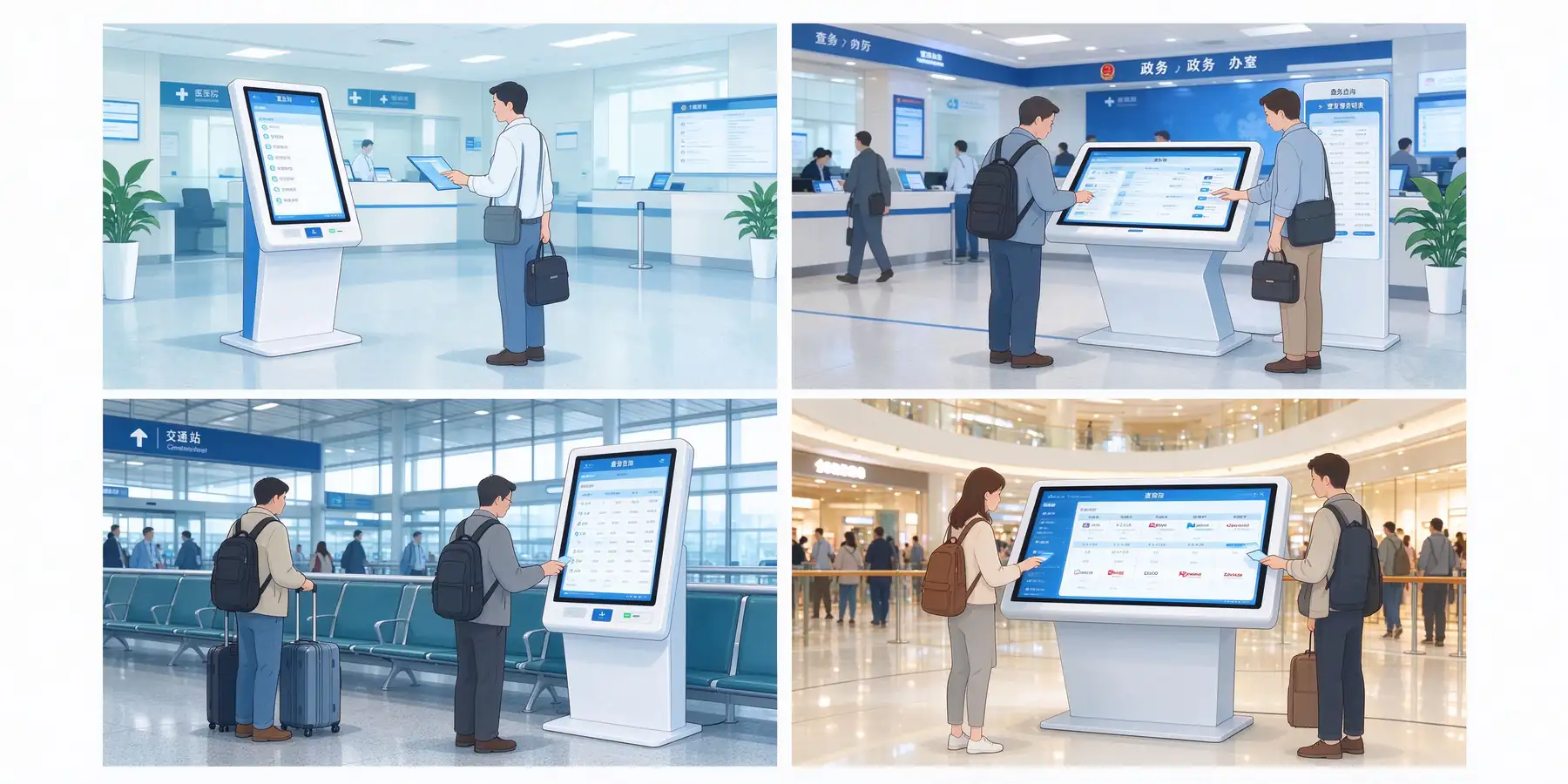
The inquiry machine is suitable for all public spaces where there are many people, problems are repeated, and information needs to be unified. The following table provides typical query contents and recommended forms by industry for reference during point planning.
| Industry scenarios | Typical query content | Recommended Form | Typical point |
|---|---|---|---|
| Medical care | Guidance, department navigation, registration payment guidelines, medical insurance policy | K type horizontal, vertical | Outpatient hall, registered payment area, elevator hall on each floor |
| Government Affairs | Work guide, window index, material list, number guide. | K-type horizontal, vertical, wall-mounted | Office hall entrance, window area, waiting area |
| Finance | Network business, interest rate publicity, product inquiries. | L type horizontal, vertical | Outlet lobby, customer waiting area |
| Transportation | Shift, transfer and ticket purchase guidance | Vertical, wall-mounted, outdoor K-type | Waiting hall, station hall, entrance and exit |
| Supermarket Retail | Tour, Floor, Brand Location | Vertical, double-sided screen vertical, full screen | Atrium, Escalator Entrance, Main Passage |
| Hotel dining | Lobby information, surrounding tours, menus | L-type horizontal, wall-mounted | Front desk, lobby, elevator hall |
| Exhibition Hall | Exhibition guide, route, opening information | L type horizontal, full screen, large size vertical | Entrance of exhibition hall and nodes of each exhibition area |
| Education and Enterprise | Campus Guide, Front Office Visitor, Campus Navigation | Wall-mounted, vertical, L-type horizontal | School gate, teaching building hall, park entrance |
Set up in the entrance, elevator hall, diversion node and other places where visitors must pass and will stay, so that users can see before they get lost.
For the elderly, children and wheelchair users, the horizontal inclined plane model is preferred, and the screen height and operating distance are reasonable.
Confirm the power supply and network points in advance, and check the wall load and opening size for wall hanging and embedded installation.
PART 07 · Specification Reference
The following are the representative specifications of QUNMAO inquiry machines on sale for project selection reference. The same model can be customized according to the project size, system and peripherals, the actual parameters to ship models and specifications shall prevail.
| Project | Parameter |
|---|---|
| Screen Size/Resolution | 32 inches/1920 × 1080(FHD),16:9 |
| Brightness/Contrast | ≥300cd/m² / 3000:1 |
| Viewing Angle/Refresh Rate | 89 ° / 60Hz up, down, left and right |
| Touch technology | Infrared 20 points, accuracy ≤ 2mm, support finger and touch pen |
| Touch surface | 4mm tempered glass (Mohs 7, explosion-proof, anti-glare), touch life 50 million times |
| Main system (Windows) | Windows 10 / 11;Intel i5 / i7;内存 4 / 8 / 16G;SSD 128 / 256 / 512G |
| Alternative system (Android) | Android 13.0; Quad-core processor; 2 / 4GB of memory; 16 / 32GB of storage |
| Network | WiFi Ethernet, optional 3G / 4G |
| Overall size/weight | 738.7 × 433.3 × 55.5mm (including wall mount); Net weight 10kg |
| Body craft/color | Aluminum profile frame cold-rolled steel plate body, metal paint; black, white, silver three colors |
| Installation method | Wall hanging, embedding, hoisting and support (universal horizontal and vertical hanging) |
| Electrical | AC110-220V,50-60Hz; Standby ≤ 1W; Rated power consumption ≤ 65W |
| Operating environment | Indoor only; working temperature 0-55 ℃; humidity 10%-90% RH |
| Project | Parameter |
|---|---|
| Product form | Outdoor K-type horizontal inquiry machine, infrared touch integrated machine |
| Screen size | 32 / 43 / 49 / 55 / 65 inches (16:9), the page represents 55 inches |
| Resolution/Brightness | 1920 × 1080, optional 3840 × 2160 / ≥ 300CD/m |
| Touch | Infrared 20 points, can wear gloves to operate |
| Screen Inclination | 15° |
| Overall size (including bracket) | 1420 × 950 × 1341.5mm (length × depth × height) |
| Fuselage | Cold-rolled steel plate body with aluminum alloy frame, metal spraying, air-cooled heat dissipation |
| System | Android or Windows optional |
| Electrical/power consumption | AC110-220V, rated power consumption ≤ 105W |
| Environment | Working temperature 0-55 ℃; Humidity 10%-90% RH; Protection grade IP65 |
| Interface | USB, HDMI, LAN, RS232, etc., can be customized |
PART 08 · Project Landing
QUNMAO promotes the project in four stages of "scheme, prototype, batch and delivery". Each stage has clear confirmation points, which is convenient for integrators and owners to control the progress.
Clear use scenarios, query content, number of points, space size and power network conditions.
According to the point and viewing distance, determine the horizontal, vertical or wall shape and screen size.
Determine infrared or capacitive touch, Windows, or Android, and motherboard, memory, and storage specifications.
Confirm the appearance, LOGO, query interface, multi-language and scan code, card reading, printing and other functional modules.
Prototype is provided for the verification of structure, touch control, software and docking process, and enters batch after passing.
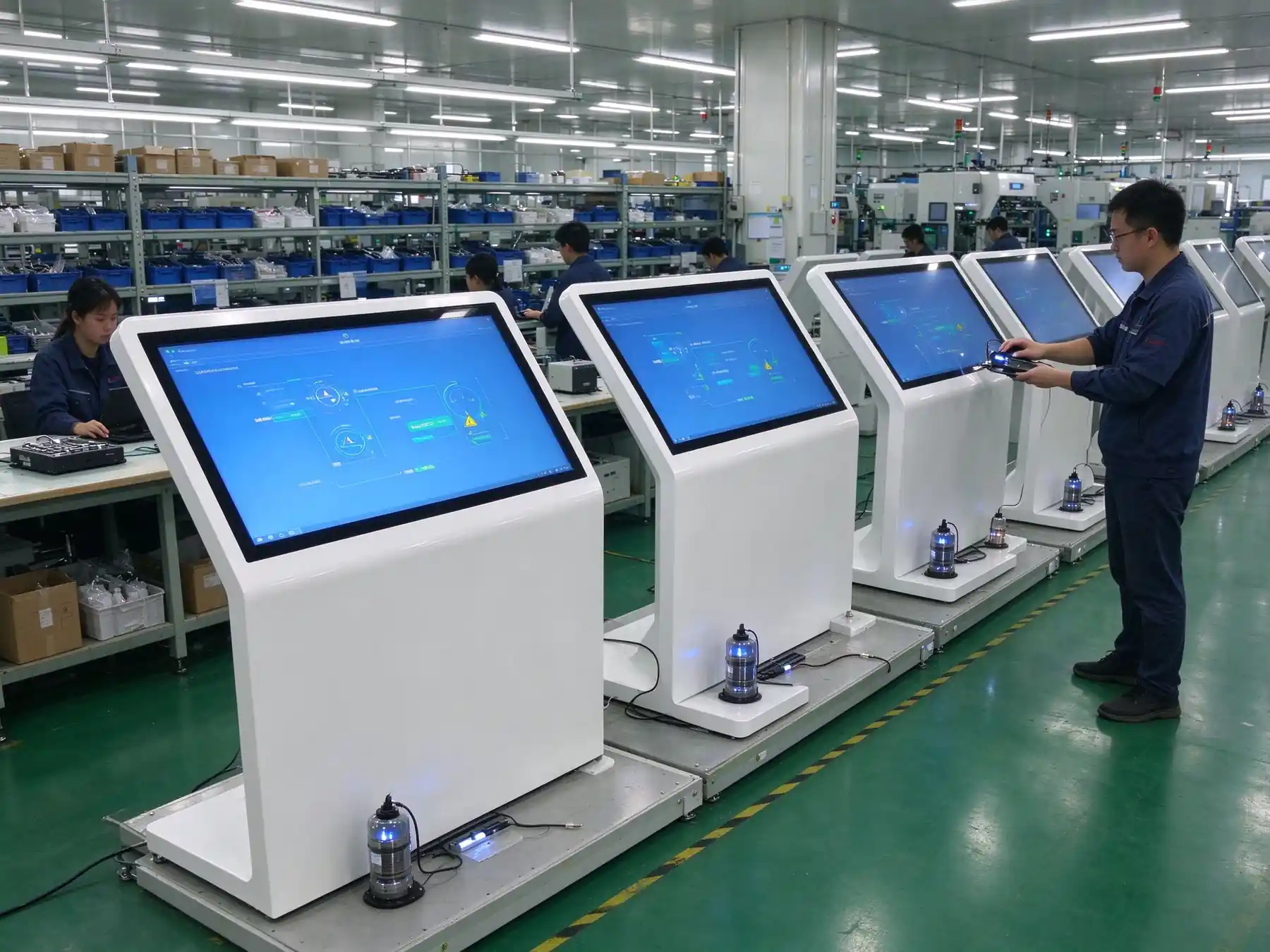
Mass production and complete the whole machine function and stability test before leaving the factory. The test items are agreed according to the project.
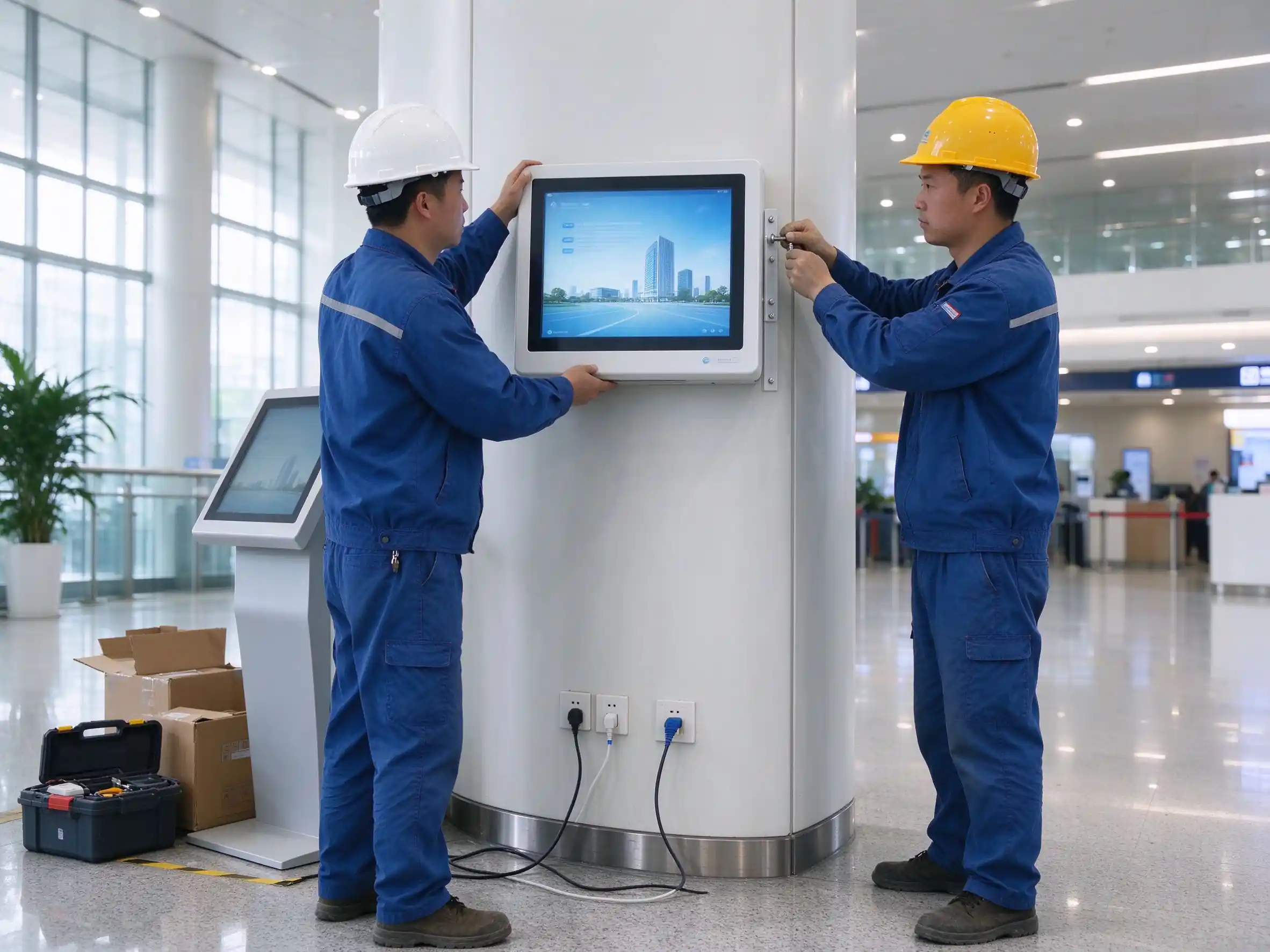
Arrange delivery, installation guidance and content background operation training according to the project, and provide follow-up operation and maintenance support.
PART 09 · Selection Suggestions
The following seven items are the most worthy of confirmation before the inquiry and scheme communication. Preparation in advance can significantly shorten the scheme cycle.
Size is only one of them. Touch mode, structural strength, system and operation and maintenance ability also determine whether the terminal can be used stably for a long time.
Advertising machine focuses on screen playback, query machine more emphasis on touch experience, content retrieval and business docking, the two configuration focus is different.
The value after the terminal goes online comes from the continuously updated content, and the background, authority and update method should be confirmed at the time of selection.
If the power supply, network, wall and moving line are not confirmed in advance, it is easy to cause installation rework or insufficient utilization rate.
PART 10 · Supply Capacity
QUNMAO (Qunmao) is a commercial display source factory located in Shenzhen. It integrates research and development, production and sales. It can provide OEM / ODM services, covering customization of appearance, LOGO, system, software and functional modules, shortening the communication link from demand to prototype.
QUNMAO is a national high-tech enterprise and has established a ISO9001 quality management system. For the test report and certification list required by the project, please explain the target market and compliance requirements at the inquiry stage, and we will provide the corresponding information according to the project.
QUNMAO customers include educational institutions, hospitals, government and enterprise units, commercial complexes, exhibition venues and system integrators, and their business covers Southeast Asia, Central Asia, Africa, Latin America and the Middle East. The query machine supports multi-language interface and wide voltage input, and can be adapted to the use environment of different countries and regions.
PART 11 · Frequently Asked Questions
High-frequency public places, need compatible gloves and touch pens, give priority to infrared; exhibition halls, flagship stores and other indoor points that require high appearance and fine interaction, give priority to capacitors.
The same appearance and structure can be equipped with Windows version or Android version of the main board, the specific model specification shall prevail. For projects with existing industry software, it is recommended to confirm the software operating environment first.
32 inches is suitable for 1-3 meters close range. 4-4 meters commonly used 43 / 49 / 50 inches; The main position of the hall can be 55 / 65 inches. Large exhibition halls can be selected for more than 75 inches.
Sure. Two-dimensional code scanning, card reader, printing module and camera can be added according to the project. The specific module and interface mode are confirmed in the scheme stage.
The conventional indoor brightness shall meet the general point position; the window and strong light point position shall be configured with higher brightness. For outdoor use, please select the outdoor model and customize it according to the project.
Sure. Government, enterprise and industry software can be pre-installed and self-starting before leaving the factory to reduce on-site debugging.
Through the content management background remote release pictures, videos, web pages and notifications, support regional display, time switch machine and remote monitoring, and support offline mode.
Support. Body color, LOGO printing, screen size, tilt angle, boot screen, system and function modules can be customized according to the project.
The minimum order quantity, delivery date and warranty terms are determined according to the project scale and configuration, and are clearly defined in the quotation and contract. Please provide the quantity and configuration requirements at the time of inquiry.
You only need to view and retrieve information, and select the query machine. For actions such as payment, printing, number retrieval, certificate identification, etc., select the self-service terminal. For details, see Vertical self-service terminal. Both can share part of the hardware platform.
PART 12 · Extended Reading
Leave your point demand and quantity, and QUNMAO will provide you with a checkable and landing selection scheme.
 Partner Links:

 en
 中文

 Previous:
 Return to list

