 Current location:
Home
> News > Product News > Query machine
 Release date: 2026-10-27
 Clicks:0
QUNMAO (Qunmao)We are the original manufacturer of self-service kiosk products in China. Each QUNMAO ordering terminal undergoes a 48-hour burn-in test before leaving the factory and is accompanied by an SN serial number and a test report. However, a pattern we observe in the after-sales records across our global stores is:Most of the on-site ordering machine failures come from power supply, network, peripherals and settings, rather than the whole machine itself.。
This troubleshooting manual comes from the handling experience of QUNMAO's first-line after-sales team, covering six types of faults: touch failure of the ordering machine, paper jam and printing, payment and order drop, black screen crash, network disconnection and update failure. Each category is clearly written according to the five steps of "phenomenon, quick judgment, processing steps, prevention and when to contact QUNMAO". Store managers and IT operation and maintenance can be directly compared and used.
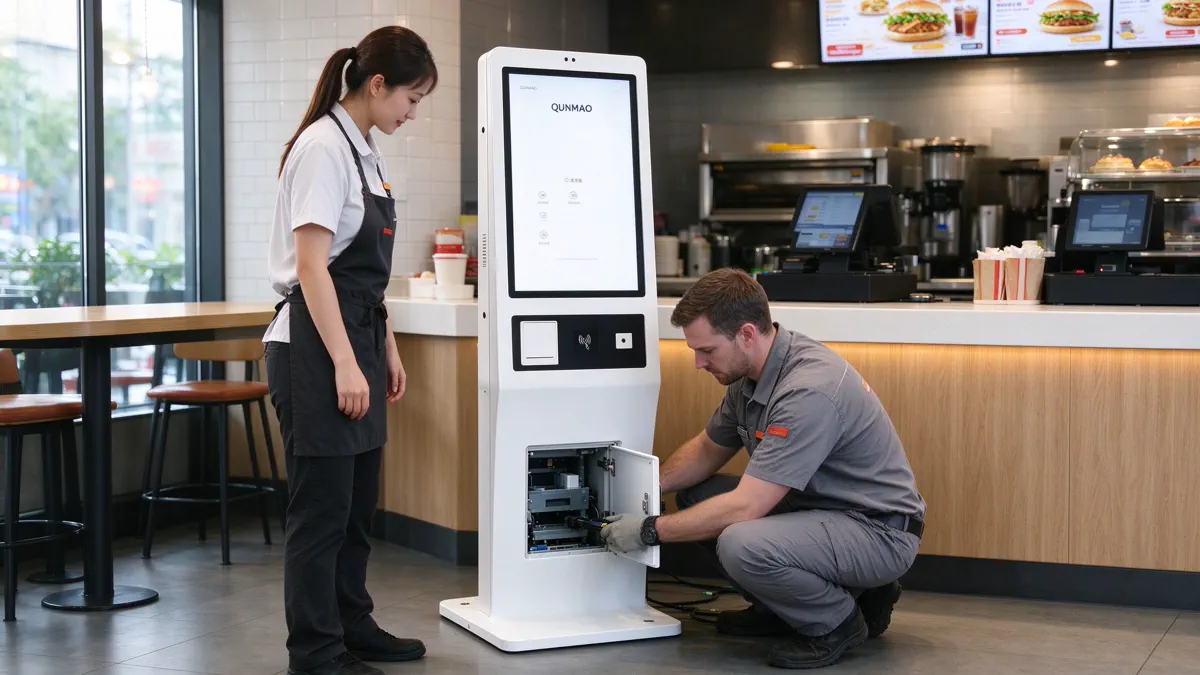
When there is a problem with the ordering machine, the most common mistake is to reinstall the system or replace the parts as soon as it comes up. QUNMAO after-sales team's troubleshooting sequence is only one sentence:From outside to inside, from simple to complex. If you are planning an order machine purchase, it is recommended to read QUNMAO'sSelf-service ordering machine hardware procurement guideThe hardware architecture, peripheral configuration and acceptance criteria are set at the selection stage.
| Phenomenon | The most common causes | What to do first | Corresponding chapter |
|---|---|---|---|
| screen all black | Power, timing shutdown settings, video line or display negotiation is abnormal | Check the power and power on switch indicator lights, check the timing switch machine settings | Chapter Four |
| No response or offset to touch | Screen stain, grounding, touch USB connection, calibration missing | Clean screen, check touch connection and calibrate | Chapter Two |
| The receipt is not available | Out of paper, paper jam, data cable or port, low power supply | Check the paper roll and the paper outlet, and print the self-test page. | Chapter Three |
| The receipt is white or garbled | Thermal Head Dust, Paper Non-Compliance, Firmware or Code Change | Clean the thermal head and replace the compliant paper roll | Chapter Three |
| Code scanning failure or intermittent disconnection | Lens stains, QR code quality, insufficient USB power supply | Clean the lens, check the peripheral power supply | Chapter V |
| Payment successful but no order | Payment callback failure, network fluctuation | Check the network and process according to the software supplement process. | Chapter V |
| Display online but failed to upload order | network segment, port, firewall, clock | Confirm network segment and port release | Chapter Six |
| Automatic restart or crash | Power supply fluctuation, high temperature, peripheral power consumption exceeding limit | Check the power supply and ambient temperature, peripheral power supply | Chapter Four |
| exception after update | Application or system update failed, version mismatch | Rollback to the last stable version | Chapter Seven |
The touch failure of the ordering machine is one of the most common repair problems in stores. QUNMAO food ordering machine adopts capacitive G G touch scheme, supports 20-point touch, can be operated by finger or stylus, touch accuracy ≤ 2mm, and has a life of 60 million touches,Driver-free. Drive-free means that when you encounter touch problems, "reloading the drive" is usually not the correct direction and should be checked in the following order. QUNMAOVertical self-service ordering machineAll use capacitive G G touch, support multi-language and third-party software installation.
The screen surface is 3mm tempered glass, which is resistant to wiping, but oil and water stains will still affect the touch sensitivity. It is recommended to increase the cleaning frequency at the point near the back kitchen.
QUNMAO food ordering machine supports 80mm thermal printer, which is used to print the small ticket.Wall hanging and desktop self-service ordering machineAlso built-in 80mm thermal printing and scanning code, credit card payment module, can cover the counter and take-out window scene. Paper jam and non-ticketing of the ordering machine are the most intuitive types of faults in after-sales investigation.
In QUNMAO's self-service terminal project, the garbled receipt is related to "default code change after firmware upgrade" many times. Multilingual stores need to pay special attention: before changing the printer firmware or ordering software, test the receipt output with multilingual proofs. QUNMAO ordering machine supports multi-language interface, and we will do multi-language receipt sample verification with customers during the joint debugging phase.
About "black label" paper: Whether to use black label paper and the corresponding positioning settings depend on the printer and paper model used, please check according to the equipment configuration.
The black screen of the self-service ordering machine is not always the screen is broken. The black screen problem handled by QUNMAO's after-sales team can be divided into four categories according to the reasons: power supply problem, timing switch machine setting, video connection and display negotiation, and overall temperature and environment.
QUNMAO ordering machine adopts metal cold-rolled steel plate body and is equipped with maintenance door lock. Open the maintenance door to check the power supply and main board. Daily maintenance does not require disassembly of the whole machine. Standby power consumption ≤ 1W, rated power varies with model (15.6 "desktop ≤ 45W, 21.5" wall mount ≤ 55W, other models ≤ 80W), and allowance shall be reserved for power distribution circuit.
The failure of the payment link will directly affect the turnover. QUNMAO ordering machine supports bar code and two-dimensional code scanning, and reserved POS terminal holes;Vertical self-service ordering machine(QM-L2226DC, QM-L3226DC) specifications also include NFC card, other forms of card reading methods can be customized according to customer needs.
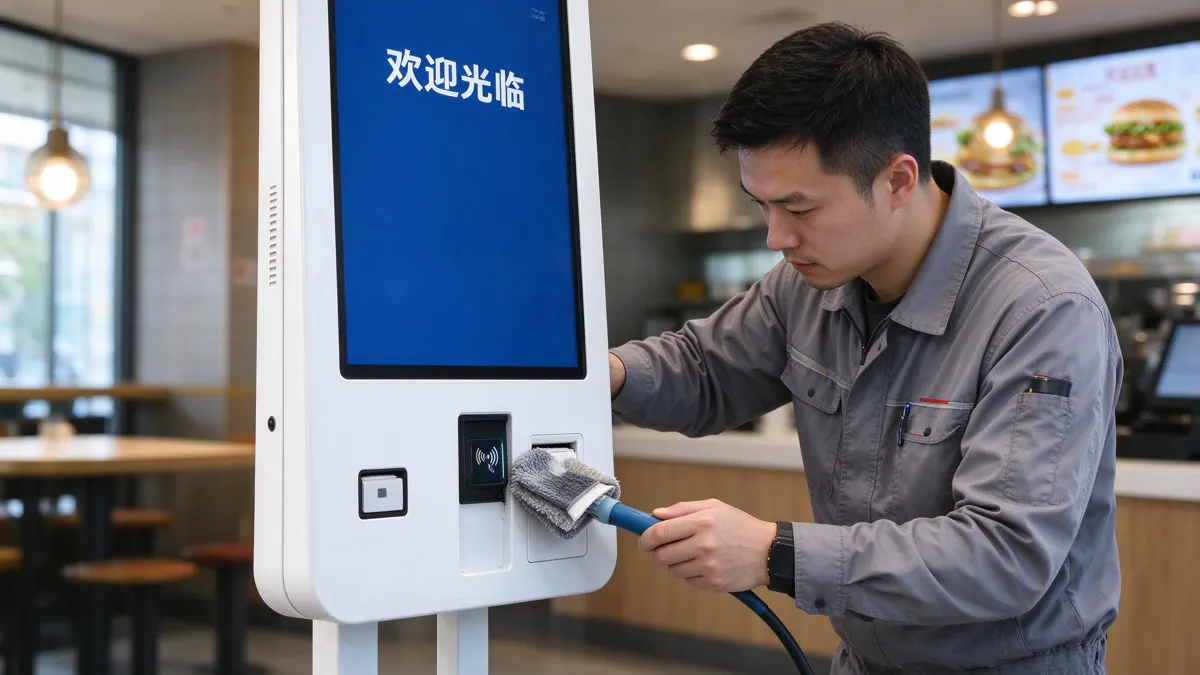
QUNMAO restaurant machine supports Ethernet (RJ45) and Wi-Fi, and can be equipped with 3G/4G. A network failure has a typical confusing nature: the device shows "online", but the order cannot be uploaded. This part is related to QUNMAOSelf-service ordering machine hardware procurement guideThe sections on regional adaptation, network and disconnection strategies can be read against each other.
| Cycle | Inspection item |
|---|---|
| Before the daily shop. | Confirm that the equipment is turned on and enter the ordering interface; Check whether the touch is sensitive; Check the amount of receipt paper; Try the next order; Confirm that the network is online |
| After daily shop closure | Clean the screen and the body with a soft lint-free cloth; check whether the cable is pulled; make sure that the timing shutdown setting is normal. |
| Every week | Clean the scanning lens, card reading area, paper outlet and thermal head; Check the screws of the base and hanging plate; Check the online status of background equipment |
| Monthly | Checkpoint meal software and system version; Back up key configuration; Check equipment SN and ledger; Check power cord, network cable and plug aging; Check heat dissipation and surrounding environment |
Chain stores suggest to store basic spare parts packages: thermal paper rolls, thermal head cleaning cards, power cords and adapters, USB cables, and automatic cutter modules. The specific configuration is recommended by QUNMAO according to the customer's equipment model and number of stores, please refer to QUNMAO. Fast food restaurant self-service ordering machine solutionHardware and software division of labor and spare parts strategy.
The following four cases are from QUNMAO's after-sales and delivery records in the self-service terminal project. These terminals are dominated by queuing numbers and self-service, but the root causes of their exposure-firmware coding, network partitioning, peripheral power supply and offline policies-also appear on self-service ordering machines. Cases involving queuing and numbering scenarios can be combined with QUNMAO Solution of queuing number calling machine in restaurantwith self-service queuing terminalUnderstanding.
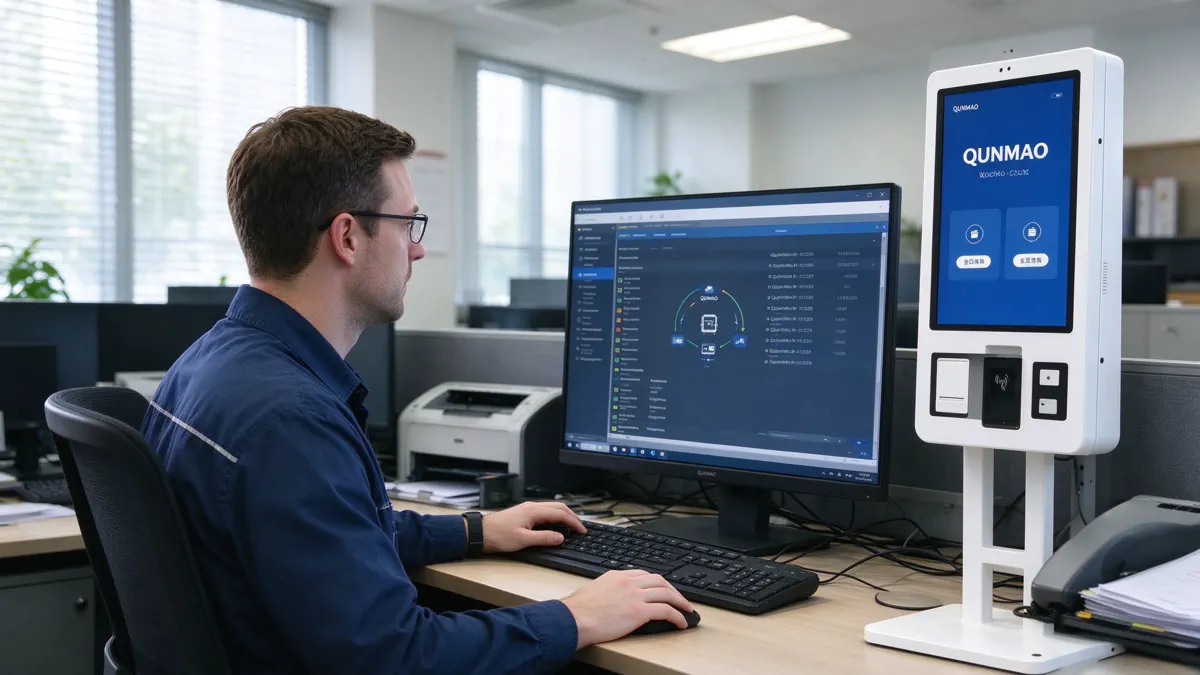
Phenomenon:In the batch deployment of 12 outlets, the first 3 passed the acceptance test, and the receipt of the fourth one was garbled.Root cause:Newer printer firmware changes the default character encoding.Processing:Rewind the firmware and update the "Driver and Firmware Version Lock List".inspiration for ordering machine:If the receipt of the ordering machine is garbled, the firmware, code and font version should be checked first, and the version should be locked before batch deployment.
Phenomenon:The Outpatient kiosk is online but cannot access the internal server.Troubleshooting:The terminal log shows that the TCP connection failed and the gateway ping is normal.Root cause:The terminal is assigned to the guest network and the required port is not released.Processing:Migrate to the correct network segment and open ports.inspiration for ordering machine:When the order upload fails, it is necessary to distinguish between "gateway reachable" and "service reachable", and provide the customer IT with a list of port and network segment requirements before going online.
Phenomenon:The service center had more than 800 visitors during the morning peak, and the scanner was disconnected intermittently from the third week.Root cause:The total power consumption of the touch screen, printer, scanner and reader exceeds the power supply capacity of the USB bus.Processing:Use a USB Hub with an independent power supply instead and establish a peripheral power budget table.inspiration for ordering machine:When the ordering machine mounts the printer, scanning code and card reading module at the same time, the peripheral power supply should be calculated in advance.
Phenomenon:A network outage of about 20 minutes at a time. The terminal with offline ticketing enabled will continue to issue tickets and will automatically synchronize after the network is restored. For a center without offline mode, the terminal will stop issuing tickets and can only queue up manually.Processing:Unified enable offline priority configuration and testing during acceptance phase.inspiration for ordering machine:The disconnection strategy should be confirmed and rehearsed during the joint debugging, and should not be handled until the failure occurs.
QUNMAO ordering machine will check the display, touch control, startup, code scanning, printing, network, power supply, door lock maintenance and structural stability one by one before leaving the factory, and carry out 48-hour aging test with SN and test report attached at random. Blocking the problem as far as possible before leaving the factory is the fundamental way to reduce on-site failures.
QUNMAO provides three types of self-service ordering machines: desktop, wall hanging (with base) and vertical. The screen is 15.6 "to 32", all of which are 1920 × 1080 IPS, capacitive G G touch control and 20 points. The parameters in the following table are taken from the technical specifications of each model. Wall-mounted models and vertical models are listed according to their respective specifications.
| Model | Form | Overall dimensions (mm) | Base (mm) | Net weight/gross weight | Rated power | Brightness | Specification Version |
|---|---|---|---|---|---|---|---|
| QM-1625DC 15.6" | Desktop | 265.4×561.7×239.9 | Including base support | 11/12 kg | ≤ 45W | ≥280cd/㎡ | 2024-10-04 |
| QM-2225DC 21.5" | Wall mount (base can be added) | 385×810.22×86.66 | 600×500×30 | 15/16 kg | ≤ 55W | ≥300cd/㎡ | 2024-10-04 |
| QM-2725DC 27" | Wall mount (base can be added) | 460×917.82×60 | 695.07×402.5×30 | 19/20 kg | ≤ 80W | ≥300cd/㎡ | 2024-10-04 |
| QM-3225DC 32" | Wall mount (base can be added) | 520×1040×80.04 | 600×500×30 | 26/28 kg | ≤ 80W | ≥300cd/㎡ | 2024-10-04 |
| QM-L2226DC 21.5" | Vertical | 390×1535.6×50 | 390×450×30 | 28/29 kg | ≤ 80W | ≥300cd/㎡ | 2026-06-11 |
| QM-L3226DC 32" | Vertical | 511.7×1763.5×50 | 511.7×450×30 | 30/31 kg | ≤ 80W | ≥300cd/㎡ | 2024-10-04 |
| Project | Parameter |
|---|---|
| Display | IPS,1920 × 1080, contrast 3000:1, viewing angle 89/89/89/89,16.7M color, refresh rate 60Hz, 4K video decoding supported |
| Touch control | Capacitive G G,20 points, finger or stylus, accuracy ≤ 2mm, life 60 million times, no drive |
| System and Configuration | Windows 10/11,Intel i5/i7 (wall and desktop models: memory 4G/8G/16G,SSD 128G/256G/512G; Vertical model: memory 8G/16G,SSD 256G/512G,CPU 4th, 10th, 11th, 12th and 13th generations); Wall hanging and desktop models have Android optional configurations. |
| Interface | DC× 1, USB × 4, RJ45 × 1, Audio × 1, VGA × 1, HDMI × 1 |
| Peripherals | 80mm thermal printer; Barcode and two-dimensional code scanning (vertical specifications include NFC card swiping);POS terminal reserved holes; 5MP camera (optional) |
| Online connectivity | Ethernet, Wi-Fi, optional 3G/4G |
| Function | Boot self-start, one-key boot, time switch machine, built-in dual speakers, mouse and keyboard hot plug, multi-language, support for the installation of third-party software |
| Structure and Appearance | Metal cold-rolled steel plate body, 3mm tempered glass panel, white or black, maintenance door lock |
| Electrical and Environmental | AC110-220V, standby ≤ 1W, use environment 0 ℃-55 ℃, 10% RH-90%RH (indoor), storage environment -5 ℃-60 ℃, 10% RH-90%RH |
Product page please refer:Wall-mounted self-service ordering machine (21.5/27/32 inches)、Vertical self-service ordering machine (21.5/32/43 inch)、All-in-one desktop ordering machine. Queuing and number taking scene can refer to QUNMAO self-service queuing terminal. Overall hardware thinking before purchasing, please readordering machine hardware procurement guide. For the corresponding industry application scheme, please refer to QUNMAO'sFast food restaurant self-service ordering machine solutionwithCanteen self-service ordering machine solution; The scene of restaurant number taking and parity can be referred.Solution of queuing number calling machine in restaurant。
QUNMAO is the source manufacturer of self-service ordering machine products in China. From the whole machine, peripheral combination to software customization, it is completed by the same factory. This means that when the after-sales team faces a fault, it can judge from the three directions of hardware, peripherals and software at the same time, and quickly locate the problem through remote diagnosis. We recommend that customers determine the peripheral configuration, spare parts strategy and network disconnection plan at the selection stage, and block most of the failures before going online.
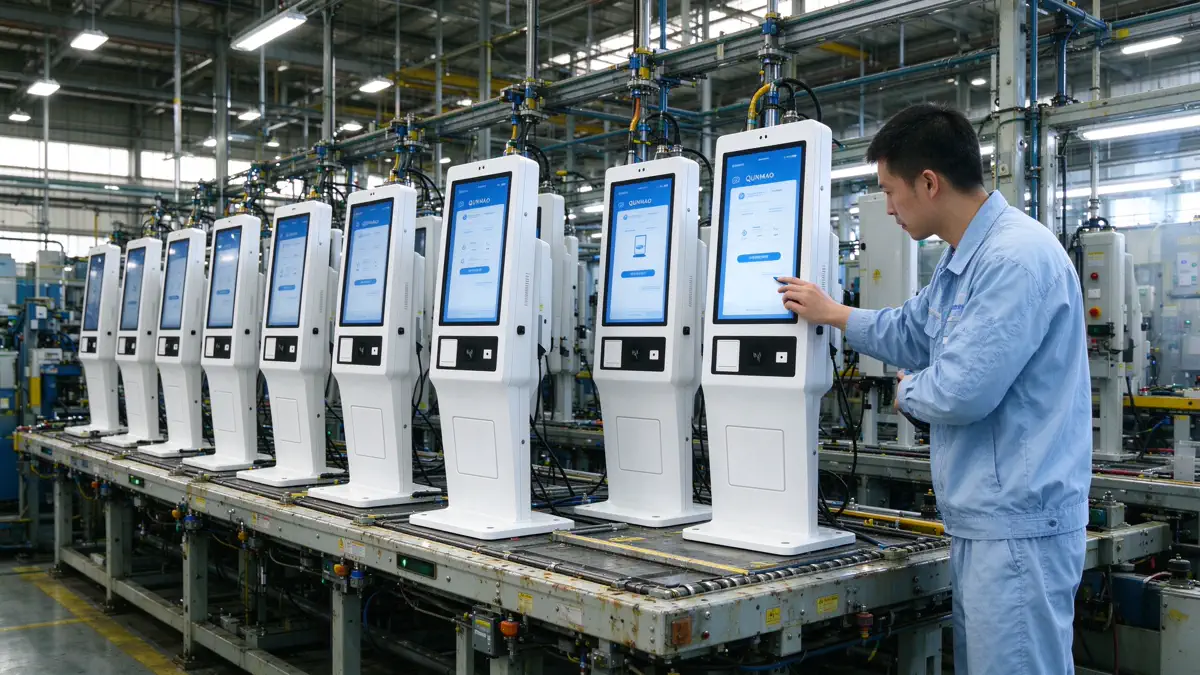
| Project | Content |
|---|---|
| Name | QUNMAO(), Shenzhen Qunmao Display Technology Co., Ltd. |
| Positioning | 中国自助点餐机、触摸查询一体机、自助服务终端等商用显示产品的源头制造商,提供 OEM/ODM 与软件定制 |
| 成立时间 | 2005 年 |
| Production base | 三大基地,其中广州花都基地占地 330,000 ㎡ |
| Employee | 1,000 余人 |
| 出口 | 100 多个国家和地区 |
| 产能与测试 | 日产能 200 台以上;整机出厂前 48 小时老化测试,附 SN 与测试报告 |
| after-sales | 质保 1 至 3 年(按配置与合同);24 小时内响应;支持远程诊断 |
| Authentication | CE、FCC、RoHS、LVD、EMC;ISO9001、ISO27001、ISO45001 |
认证详情请见认证证书页面,更多公司信息请访问关于 QUNMAO。
先清洁屏幕,再检查触控 USB 连接,然后在 Windows 触控设置中重新校准,并确认设备接地正常。QUNMAO 点餐机的电容触控为免驱动方案,通常不需要重装驱动。仍无法恢复时,提供设备 SN 与现象视频联系 QUNMAO。
先取出卡住的纸并检查纸卷方向与规格,再打印自检页判断是打印机还是软件问题,并清洁热敏头。切刀或热敏头损坏时,需要更换打印模块。
先看电源与一键开机开关的指示灯,再检查定时开关机设置是否错误,然后检查视频线与外设供电,最后检查环境温度。定时关机设置错误是最容易被忽略的黑屏原因。
这通常是支付回调失败。订单状态应以支付结果为准,按点餐软件的补单流程处理,并检查网络。QUNMAO 支持软件定制,可以在定制软件中设置自动补单机制。
取决于软件的断网策略。支持离线优先的软件可以继续接单、恢复后同步;不支持的门店需要转人工点单。QUNMAO 在联调阶段会与客户一起测试断网场景。
回滚到上一个稳定版本,在营业时间外重新更新,并先在一家门店验证。QUNMAO 可以在定制软件中提供版本推送与回滚功能。
每日清洁屏幕并检查纸量,每周清洁扫码镜头、出纸口与热敏头,每月检查软件版本、线缆与散热。完整清单见第八章。
质保期 1 至 3 年,具体按配置与合同约定;收到报修后 24 小时内响应,并支持远程诊断。
自助点餐机的故障排查,核心是"先电、再网、再外设、最后软件"的顺序,以及记录现象、保留视频与设备 SN 的习惯。触摸、卡纸、支付、黑屏、网络与更新六类故障,多数可以按本文的步骤在门店现场解决。QUNMAO 作为中国自助点餐机产品的源头制造商,通过出厂前 48 小时老化测试、SN 追溯、24 小时响应与远程诊断,把大部分问题挡在上线之前,并在问题发生时快速定位与处理。
请将门店数量、点位与现有系统资料发送给 QUNMAO,我们将根据实际情况提供点餐机配置方案、售后与备件方案及报价。
产品详情:Vertical self-service ordering machine (21.5/32/43 inch) · Wall-mounted self-service ordering machine (21.5/27/32 inches) · All-in-one desktop ordering machine
Contact us for a quote Partner Links:

 en
 中文

 Previous:
 Return to list

