 Current location:
Home
> News > Product News > Query machine
 Release date: 2026-10-21
 Clicks:0
For an 85-inch screen, if the user stands at a distance of 1 meter to operate, he has to turn his head and reach for it, but the experience is not as good as 32 inches. The wrong size is the most common and difficult to remedy in the query machine project.
One of the most frequently asked questions from overseas purchasers, system integrators and equipment traders is "how big is the screen for the inquiry machine". The answer is not in the screen itself, but inWhere the user stands, how far he looks, and where his hand can reach. AsSource manufacturer of China touch query all-in-one machineQUNMAO Qunmao currently supplies 32, 43, 49, 50, 55, 65, 75, 85 inch and other horizontal inquiry integrated machines of various specifications. The following is a clear explanation of the selection logic with these real sizes on sale.
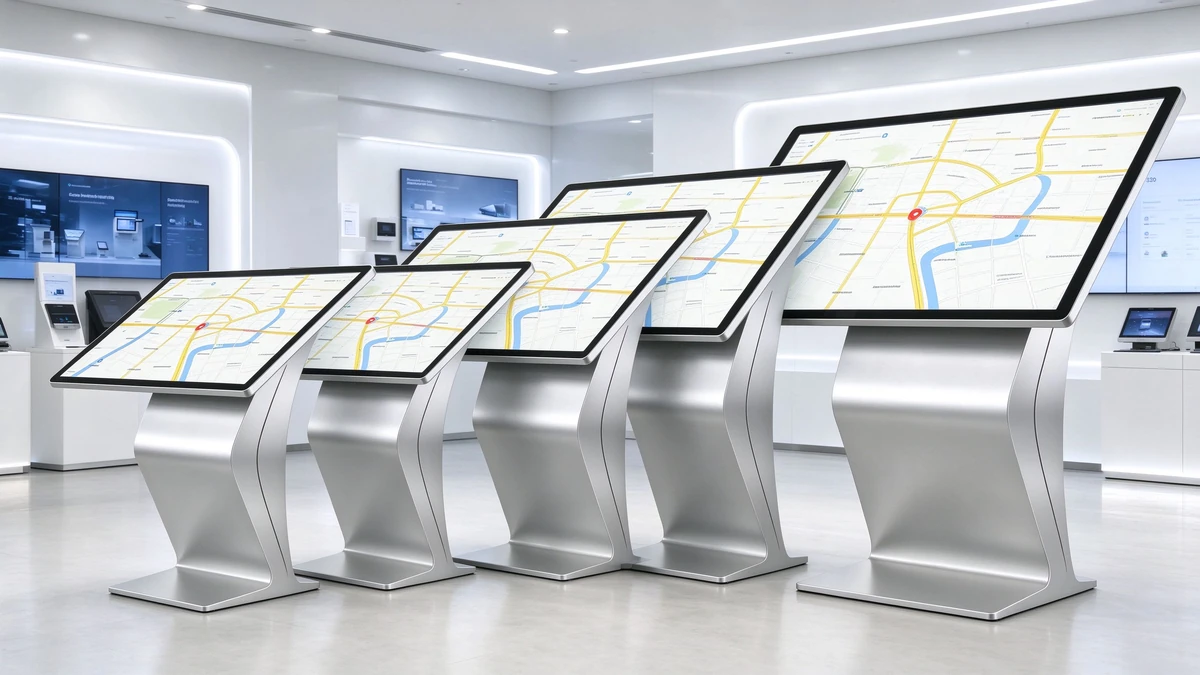
QUNMAO is the source manufacturer of touch inquiry all-in-one machines in China. The same series covers a variety of sizes and can be recommended according to the actual situation of the point, not according to inventory. The morphological classification and parameters of the product can be referred. "Touch query machine product details"。
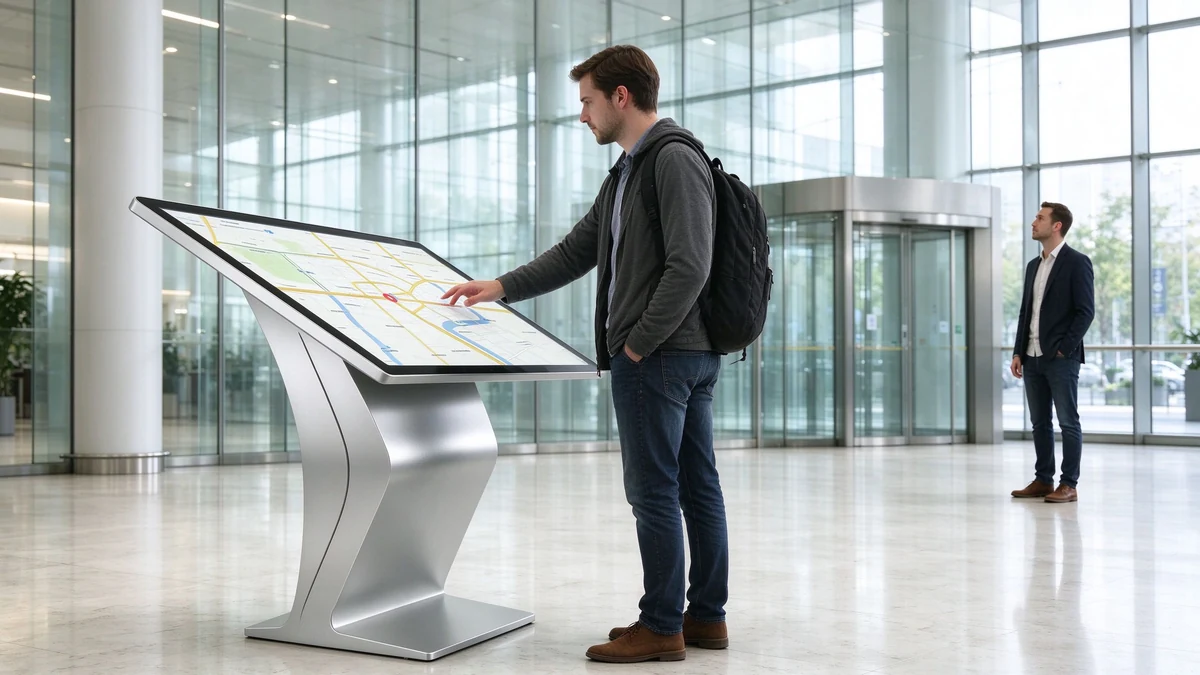
The inquiry machine should be both "accessible" and "visible". These are two different distances.
| Distance type | Meaning | Typical range | Corresponding content design |
|---|---|---|---|
| Operating distance | The distance between the user standing in front of the device and touching the screen | Approximately 0.8-1.5 meters | Large font size, large buttons, concise hierarchy, pay attention to the range that hands can reach |
| Attraction distance | The distance at which the user sees the device in the distance and judges whether to use it. | Approximately 2-6 meters | Standby screen, brand and event information with a focus on long-range readability |
Our in-station information gives recommended viewing distances for different sizes. The following figure draws these ranges on the same ruler for easy and intuitive comparison (data from QUNMAO's own multi-distance prototype observation, as a selection reference):
It should be noted that the states referred to by "viewing distance" in the data of different models are different. For horizontal models with smaller size and close operation, the common operating distance is 0.8 to 1.5 meters. When the larger size assumes the display function, it is recommended to watch farther. When selecting the type, first determine whether the equipment is mainly responsible for "inquiry" or "display", and then correspond to the corresponding distance. A simple judgment:The 85-inch screen is hard to see at 1.5 meters. First measure the distance and then size it.
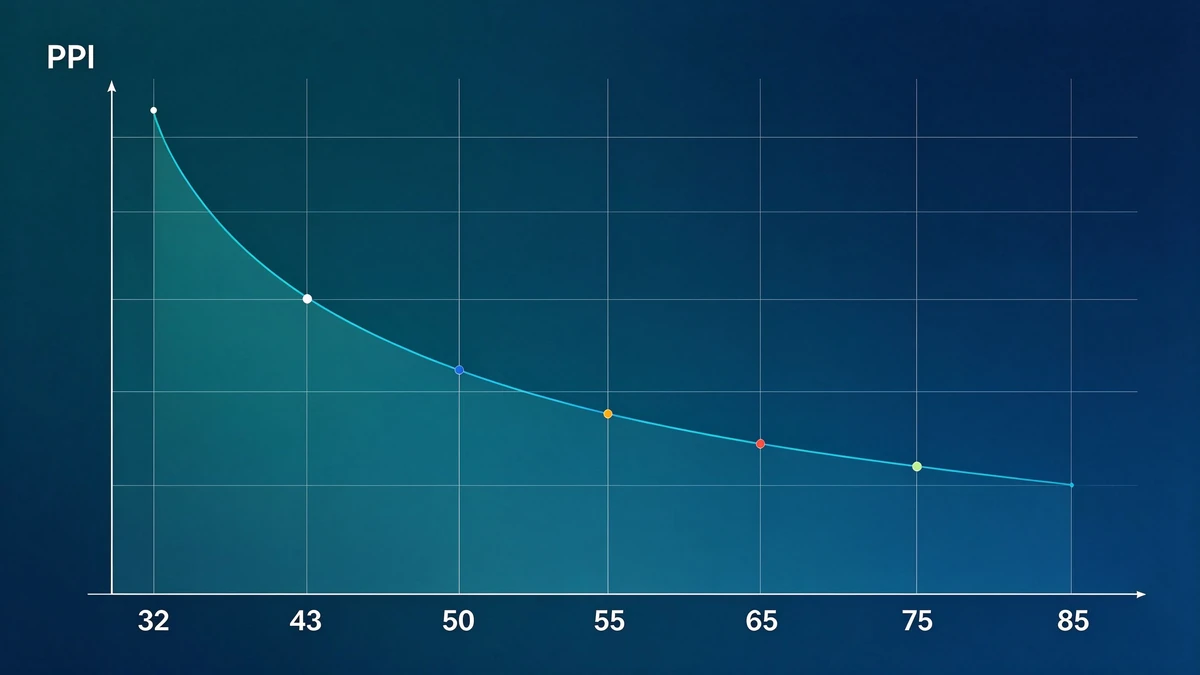
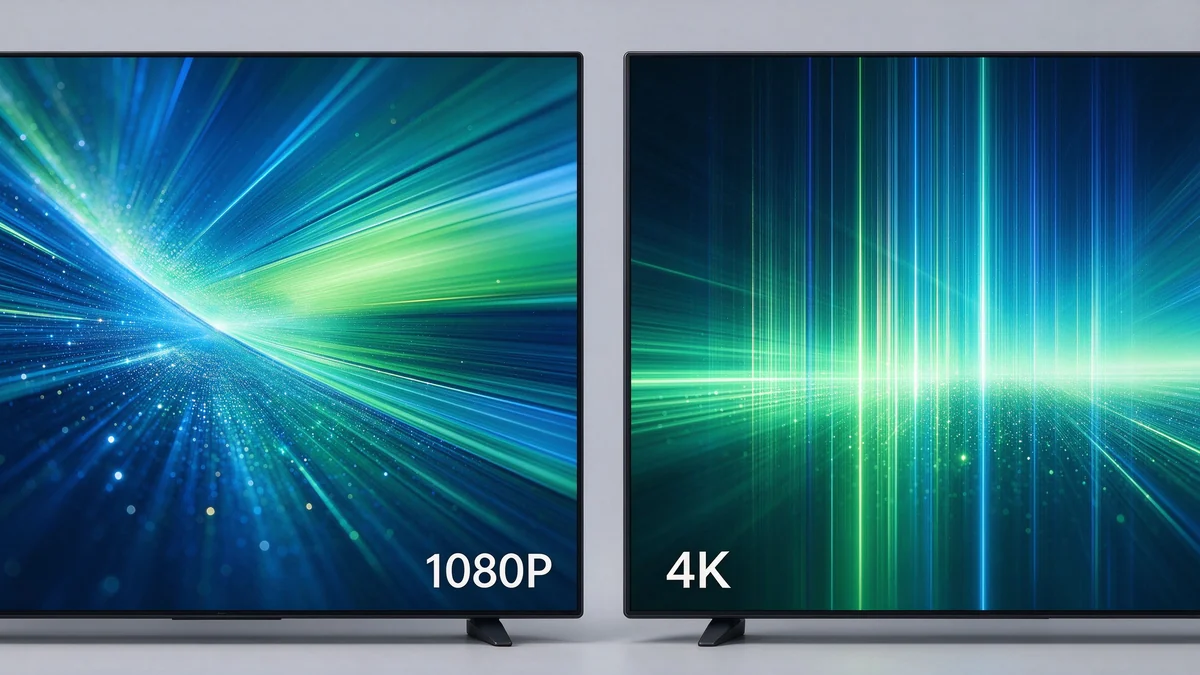
The pixel density (PPI) algorithm is simple:Number of diagonal pixels on screen ÷ number of screen inches. The number of diagonal pixels of 1920 × 1080 is about 2203. The larger the size, the lower the PPI, the larger the individual pixels, and the easier it is to see the pixel particles at close range.
According to the resolution limit of conventional vision (about 1 angular minute), the nearest distance of "the naked eye cannot see a single pixel" can be estimated. The following table is an estimate calculated by formula and is used only to understand the trend:
| Size | 1080P PPI | Distance to see pixels at 1080P (estimated) | Native 4K PPI | Distance in native 4K (estimated) |
|---|---|---|---|---|
| 32 inch | about 69. | Approximately 1.3 meters | Approximately 138. | Approximately 0.6 meters |
| 43 inch | Approximately 51 | Approximately 1.7 meters | Approximately 103. | Approximately 0.85 meters |
| 49 inch | Approximately 45 | Approximately 1.9 meters | Approximately 90 | Approximately 1.0 meters |
| 50 inch | Approximately 44 | Approximately 2.0 meters | Approximately 88 | Approximately 1.0 meters |
| 55 inch | Approximately 40 | Approximately 2.2 meters | Approximately 80 | Approximately 1.1 meters |
| 65 inch | Approximately 34 | Approximately 2.6 meters | about 68. | Approximately 1.3 meters |
| 75 inch | Approximately 29 | Approximately 3.0 meters | Approximately 59 | Approximately 1.5 meters |
| 85 inch | Approximately 26 | Approximately 3.4 meters | Approximately 52 | Approximately 1.7 meters |
This table brings two practical conclusions:
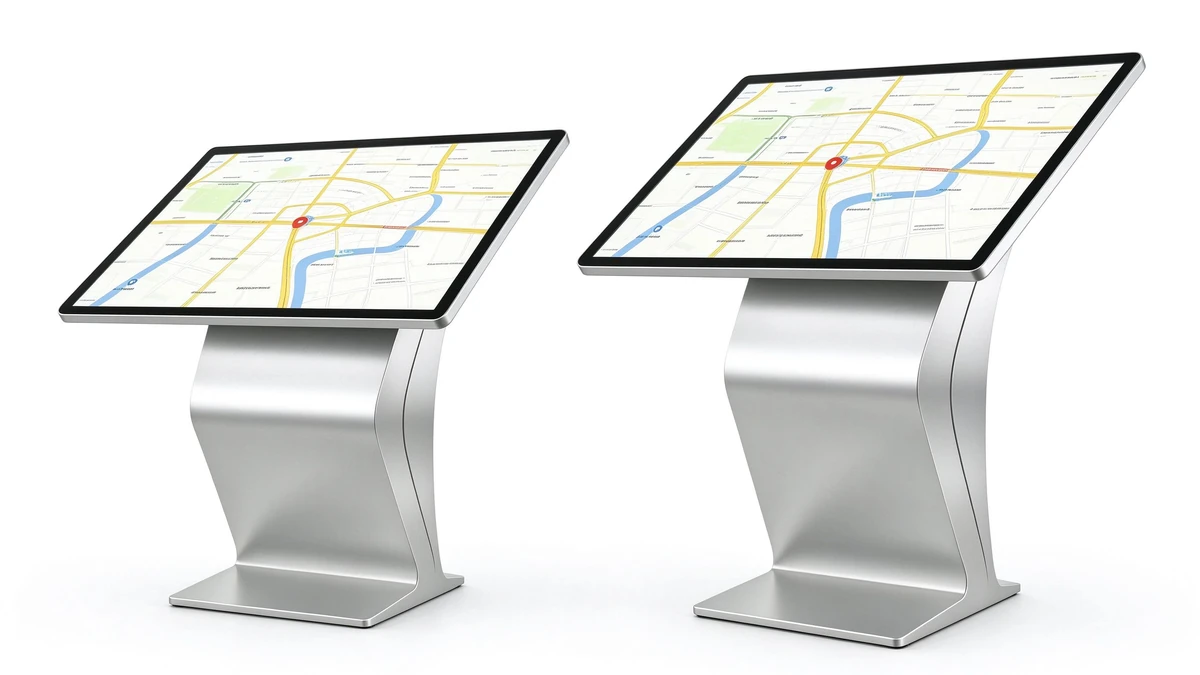
The following is the size of the horizontal inquiry all-in-one machine currently supplied by QUNMAO, as well as the reference for selection. Specific models and parameters shall be subject to the corresponding specifications.
| Size | Common Positioning | Suitable scenarios | Selection Reminder |
|---|---|---|---|
| 32 inch | Entry file, lobby main inquiry point | Single point inquiry of government affairs hall, clinic and bank outlets | Lowest cost, suitable for close-range operation-based points |
| 43 inch | Mainstream size, more shipments | Government affairs, hospitals, banks, shopping malls, transportation hubs | Taking into account the operation and display, suitable for the point where the aisle is not wide |
| 49 inch | Medium and Large Query Plus Presentation | Hall, exhibition hall | Suitable for multiple people watching at the same time |
| 50 inch | Medium and large size, complete specifications | Exhibition hall interactive area, hall inquiry, waiting area | Open areas are more appropriate, narrow corridors with caution |
| 55 inch | Medium and large display | Corporate lobby, retail, transportation hub | attract longer distances, the information density can be higher |
| 65 inch | Large display | Image of exhibition hall and lobby | To check the elevator, door and ground load-bearing |
| 75 inch | Main hall vision | Showroom, brand space | Display-oriented, operational comfort needs prototype verification |
| 85 inch | Window level display | Large exhibition hall, brand image area | Close-up operation is not friendly, focus on checking transportation and installation |
Vertical self-service terminals that require small sizes (such as 21.5 inches, 27 inches, 32 inches, used for ID card identification, printing, membership services, etc.) belong to the category of self-service terminals, please refer Vertical self-service terminal with 27 inch touch self-service inquiry terminal; If you need a vertical touch query all-in-one machine, you can learn more about it. K-type vertical touch inquiry all-in-one machine。
The detailed configuration of different sizes has also been expanded in two articles:"K-type horizontal inquiry machine screen size and configuration how to choose" and L-Type Horizontal Query Machine Screen Size and Hardware Configuration Guide。
Many projects really need "4K video", not necessarily "4K panel".
These two concepts are often confused and are the most misunderstood by overseas buyers:
| Concept | Meaning | Impact on users |
|---|---|---|
| 1080P Panel | The screen physical resolution is 1920 × 1080 | Interface display is rendered at 1080P |
| Support 4K decoding | The motherboard can decode and play 4K video and pictures, and will zoom and display when output to 1080P panel | Can play 4K material, but the screen physical pixels are still 1080P |
| Native 4K panel | The screen physical resolution is 3840 × 2160 | The text and details are more delicate, the close reading is clearer, and the cost and requirements for the motherboard are higher. |
Take our specifications for 43-inch and 50-inch capacitive inquiry machines as an example. The panel is 1920 × 1080 IPS and supports decoding and playing of 4K video and pictures. For the regular query interface of government affairs, banks, hospitals and shopping malls, this configuration is clear enough. If you want to read a lot of small characters or high-precision maps at close range, consider the native 4K panel. For models above 65 inches, the specific resolution shall be subject to the panel parameters of the corresponding specification.
No matter how high the resolution is, the brightness is not enough, and it cannot be seen clearly in a bright environment. Common brightness sub-files are as follows:
| Brightness gear | Applicable environment | Description |
|---|---|---|
| ≥300cd/m² | Indoor conventional lighting | Standard configuration of our 43/50 inch specification |
| About 350cd/m² and above | Bright hall with anti-glare treatment | Suitable for the entrance area with strong light |
| Approximately 700cd/m² | Point near the window and facing the glass curtain wall | Highlight version, higher cost and power consumption, need to be confirmed by project |
The brightness is not the higher the better: after exceeding a certain level, the cost and power consumption will rise, and long-term close-up viewing may also bring visual fatigue. In addition, the horizontal inquiry machine adopts inclined or inclined structure, and users often watch and operate from the angle of inclination, soVisual AngleJust as important. Our specification adopts IPS panel with wide viewing angle.
Remind one thing: outdoor and semi-outdoor areas cannot be replaced by "increasing the brightness of the indoor unit", and special outdoor models should be selected.
| Scene | Recommended size | Key points of configuration |
|---|---|---|
| Government Affairs Hall | 32-43 inch mainly, with queuing equipment | 1080P, multi-touch, brightness not less than 300cd/m² |
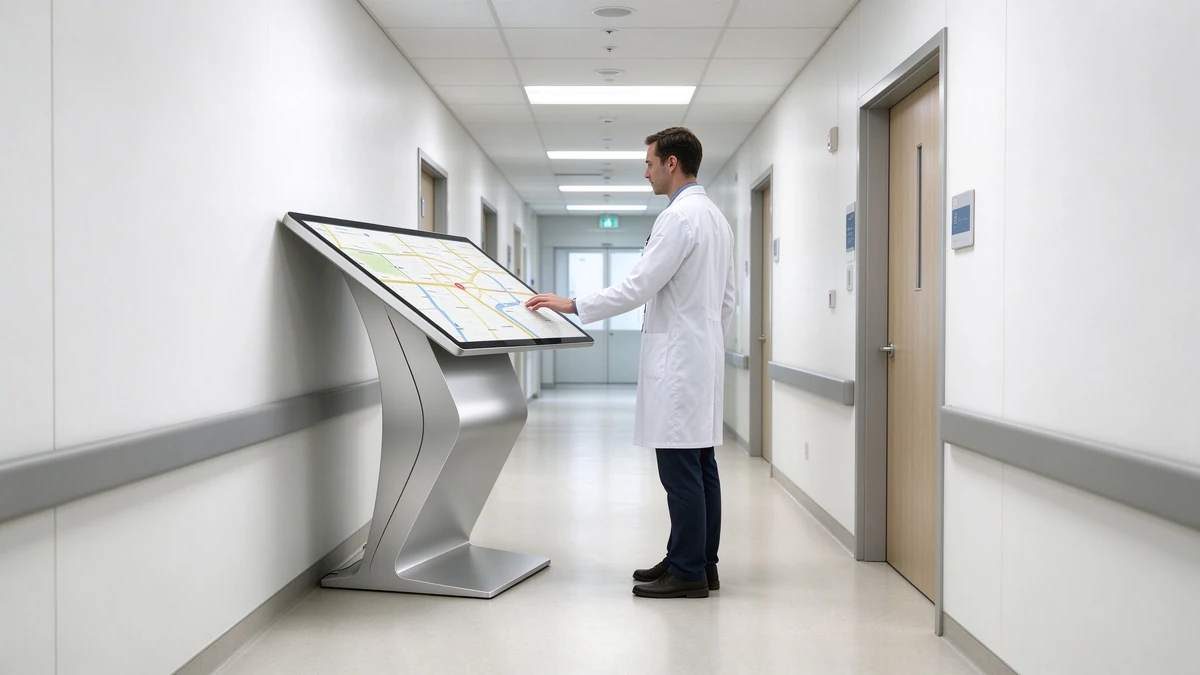
| Hospital | 32 inch for guidance, 43 inch for main inquiry point | Large font interface, the surface is easy to clean |
| Bank branch | 32-43 inches | Anti-glare, high contrast, large size when lobby space is limited |
| Corporate lobby | 55-75 inch | Support 4K video playback, with speakers |
| Shopping malls, retail | 43-55 inch | Adequate brightness, support 4K decoding, easy to play promotional content |
| Transportation hub | 43-55 inch | Multi-language interface, high brightness, durable structure |
| Exhibition Hall, Exhibition Hall | 65-85 inch, or interactive display equipment | Multi-touch, display-oriented |
For more specific scenario scenarios, refer "Government Hall Information Inquiry Machine Scheme"、"L-type horizontal hospital inquiry machine | hospital self-service guidance solution" and Supermarket self-service inquiry machine solution。
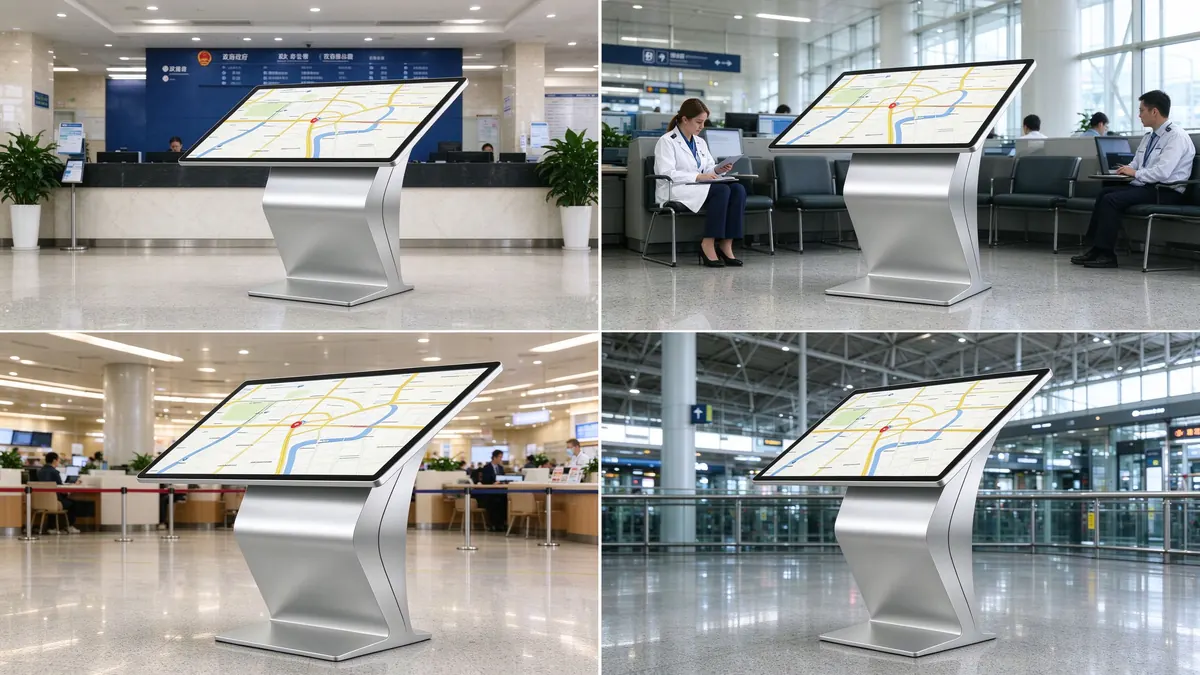
Between overseas buyers and factories, often because of the "inch" and "millimeter" conversion deviation. At the quotation stage, the inches, display area (mm) and the size of the whole machine should be stated at the same time. For example, in our specification, the 43-inch display area is 942.2 × 530.4mm and the 50-inch display area is 1073.8 × 604mm.
Take the 50-inch Windows edition (QM-C50XJ-P) specification as an example: the overall size is about 1117.8 × 648 × 87.45mm (including wall hanging parts), the packaging size is about 1250 × 135 × 790mm, the net weight is about 26.5kg, and the gross weight is about 30kg. The size and weight of the whole machine and packaging directly affect the logistics budget, handling mode and on-site access requirements. It is recommended to ask the factory for it at the quotation stage.
The power supply marked on the 43/50 inch specification is AC 110-220V. Before placing an order for an overseas project, the buyer's electrical personnel shall check the local nominal voltage and socket type, confirm that it is within the input range of the specification, and configure the power cord according to the local plug type. When different countries are involved, it is recommended to confirm in writing.
Device certificates are available at Qualification Certificate Page Check that the access requirements of the specific destination country are subject to local regulations and bidding documents. Please note the revision date of the specification, the latest version shall prevail.
Source manufacturers from China can provide multiple sizes at the same time, and give the size and weight of the whole machine and packaging at the quotation stage to help overseas buyers do logistics and on-site preparation in advance. OEM/ODM also supports adjusting the appearance, brand identification and configuration according to the project, and then mass production after the prototype is confirmed.
The following table provides configuration references for different positioning based on our specifications. The touch scheme varies according to the model: the 43/50 inch specification is capacitor G G and 20 points; Touch schemes of other sizes shall be subject to the specifications of the corresponding model. For the choice of touch scheme, please refer to our selection article on "capacitive screen and infrared screen.
| Project | Entry file (32-43 inches) | Mainstream (43-55 inches) | High-end file (65-85 inch) |
|---|---|---|---|
| Resolution | 1920×1080 | 1920 × 1080 with 4K video decoding support | Subject to panel specifications, often with 4K decoding or native 4K |
| Brightness | ≥300cd/m² | ≥ 300cd/m, bright environment can be higher | Select according to the scene, bright position with anti-glare |
| 43/50 inch touch | Capacitance G G,20 points, ≤ 2mm,60 million times | Same Left | Confirm as per model specification |
| Android configuration | Android 11,RK3566S,2GB 32GB | Same as left, can be upgraded on demand | Configure by Project |
| Windows configuration | Intel i5 4th generation, 8GB 128GB | Same Left | Configure by Project |
| Suitable scenarios | Government affairs hall, clinic, bank branch | Exhibition hall, lobby, shopping mall, transportation hub | Exhibition, large brand space |
The specific memory, storage, interface and system selection will be expanded in the hardware configuration guide; at present, please refer to the specifications of each model.
The most representative of this project is that the customer wanted to choose 55 inches at the beginning, and finally chose 43 inches, and both parties believed that this was the right decision.
| Project | Content |
|---|---|
| Location and Type | A chain bank in Kuala Lumpur, Malaysia, with multiple outlets |
| Number of devices | 18 sets, distributed in 18 outlets (1 set per outlet) |
| Device model | 43-inch Horizontal Capacitor Inquiry All-in-One Machine (QM-C43XJ-P,Android Edition) |
| Key points of specifications | 1920 × 1080 IPS, brightness ≥ 300cd/m, capacitance G G, 20 points, RK3566S,2GB 32GB |
| Software and Language | Malay and English bilingual interface, business guidance, interest rate publicity, network inquiries; unified release of cloud content |
| Delivery cycle | 4 weeks |
| Scope of delivery | Prototype validation, production and testing, export package shipment, installation guide and remote guidance, training |
Customers hope to deploy unified inquiry equipment in the business hall of each branch for business guidance, interest rate and rate publicity and branch information inquiry, so as to alleviate the repeated consultation in front of the counter. The purchasing team has two opinions on the size: one is 55 inches, which is "more magnificent and eye-catching"; The other is worried that the lobby space of the outlet is limited and the customer's station is very close.
Instead of giving a direct conclusion, we did three things. First, please provide the lobby plan of several representative outlets, and measure the predetermined position of the equipment, the width of the passage and the distance of the customer's regular standing position. The operating distance of most points is about 1 meter. Second, 43-inch and 50-inch prototypes are provided for customers to place in the field at the outlets and use the same interface to do close-up operation tests. Third, the "operating distance" and "attraction distance" are discussed separately: the attraction during standby is compensated by increasing the font size and brand color block of the standby picture, rather than by increasing the screen.
The evaluation result is: under the space and standing conditions of most outlets, 43 inches is more balanced between operating comfort and floor space; For individual outlets with more open space, customers have reserved the possibility of adding 50-inch equipment in the future. Finally, the 18 outlets are unified with 43 inches, which is convenient for the unification of procurement, spare parts and maintenance.
| Week number | Main responsibilities | Need customer cooperation | Risk control |
|---|---|---|---|
| Week 1 | Provide dot plan and station information, 43-inch and 50-inch prototype field comparison, determine the size and configuration. | Provide floor plan of representative outlets, arrange trial | Use prototype trial records as a basis for size decisions |
| Week 2 | Malay and English interface confirmation, content template production; material preparation and production | Provide interface copy and business content | Testing typesetting and display with real copy |
| Week 3 | Aging test and factory acceptance of the whole machine, packing according to the dot number, export shipment. | Confirm receiving address and docking person | Test one by one, package reinforcement, reserve machine |
| Week 4 | Acceptance on arrival; local integrator designated by customer to install in batches according to installation guide, QUNMAO to provide remote guidance; training and acceptance | Coordinate the installation time of each network | Unified configuration and content, remote batch check device status |
There are different opinions within the purchasing team. We provided a prototype and worked out a trial method with the customer, using a unified interface and doing close operations on the actual station, so that everyone can feel it for themselves, rather than judging by imagination. Trial records are archived as a basis for size decisions.
The power supply marked in the specification is AC 110-220V. In the early stage of the project, we asked the customer's electrical personnel to check the voltage and socket type of each network point, and confirmed in writing that it was within the input range of the specification, and at the same time configured the power cord according to the local plug type to avoid problems found after arrival.
The 18 outlets are scattered in different locations, and each outlet has only one device. We pack the equipment according to the network number, attach the installation guide with pictures and texts, and install it in batches by the local integrator designated by the customer. All equipment is configured in a unified way when leaving the factory, and the content is released in a unified way by the cloud. After installation, the status of the equipment is checked in batches through remote means, thus reducing the workload of on-site commissioning one by one.
18 sets of equipment were delivered within 4 weeks and put into use at various outlets.
Bank Information and Operations Department:The process of size decision-making is recognized, and it is more convincing to compare the prototype with the actual station position than to simply look at the parameters. Satisfied with the unified configuration and centralized release of content, the 43-inch standard is expected to be used when adding new outlets.
Network management personnel:The feedback equipment covers an appropriate area and does not affect the traffic and queuing in the lobby. Some outlets close to the glass door hope to evaluate the higher brightness version later.
Local Integrator:It is considered that the installation guide is clear, the packing according to the network number is convenient for on-site verification, and the remote guidance is helpful to the installation progress.
Size selection is most afraid of "by feeling". As a source manufacturer in China, we can provide different sizes of prototypes in the early stage of the project, so that customers can compare them with real interfaces at real points. The scheme of the banking and government scene can be referred. "Government Hall self-service terminal solution"。
First look at the operating distance and point space. For government affairs, banks and hospitals that are mainly operated at close range, 32 to 43 inches are more common. If you need to take into account the display points, you can consider 49 to 55 inches. Only the exhibition hall and lobby image will use more than 65 inches.
43 inches is suitable for points where the walkway is not wide and is operated by a single person. 50 inches is suitable for open areas, where many people can watch together and the information density can be higher. The prototype can be used to compare the actual points without judging by imagination.
43 to 55 inches of conventional query interface, 1080P is usually clear enough. If you need to read a lot of small print or high-precision maps at close range, consider the native 4K panel.
"Support 4K decoding" means that the motherboard can play 4K videos and pictures, but if the panel is 1920 × 1080, the output will be scaled. "4K screen" means that the physical resolution of the panel is 3840 × 2160. The physical resolution of the panel should be clearly separated when purchasing and stated in the quotation.
Indoor conventional lighting, above 300cd/m; Bright hall can choose 350cd/m or more and cooperate with anti-glare; The point by the window or facing the glass curtain wall can evaluate the highlight version of about 700cd/m. For outdoor or semi-outdoor areas, special outdoor models should be selected.
For models of 65 inches and above, check the size of the elevator and door opening, floor bearing, and the size and weight of the whole machine and packaging before placing an order. It is recommended to obtain this information from the factory at the quotation stage.
QUNMAO is a leading OEM/ODM manufacturer of touch-screen kiosks and self-service terminals in China, with its own production facilities. Appearance, brand identification, configuration and software can be customized according to the project, and the prototype can be mass-produced after confirmation.
Put the prototype at the actual point, and the real user will operate it with the real interface according to the real station, and check the traffic space at the same time. It is recommended to compare at least two adjacent sizes and record the results of the trial.
Back to the question at the beginning: Is the larger the screen, the better the query machine? Now the answer is:Suitable is the best. The size is not a number on the parameter table, but a balance between operating distance, point space, content design and budget.
As the source manufacturer of China's touch inquiry all-in-one machine, QUNMAO Qunmao has mature products from 32 inches to 85 inches, and also has experience in helping customers make decisions according to prototypes and points. The "55 inches to 43 inches" in the Kuala Lumpur Bank project is such an example. Choosing a source factory that is willing to accompany you to measure the distance before making a prototype can save the whole project many detours.
As the source manufacturer of China's touch inquiry all-in-one machine, we can provide prototype and selection suggestions of different sizes according to your point, station distance and scene, so as to help you set the size at one time.
Contact Us · Contact Us Telephone 86 137 1431 7162 Partner Links:

 en
 中文

 Previous:
 Return to list

